


Ragdoll Car Crash
Jogue no PC com BlueStacks - A Plataforma de Jogos Android, confiada por mais de 500 milhões de jogadores.

Página modificada em: Mar 5, 2024
Play Ragdoll Car Crash on PC or Mac
Step into the World of Ragdoll Car Crash, a thrilling Action game from the house of BoomBit Games. Play this Android game on BlueStacks App Player and experience immersive gaming on PC or Mac.
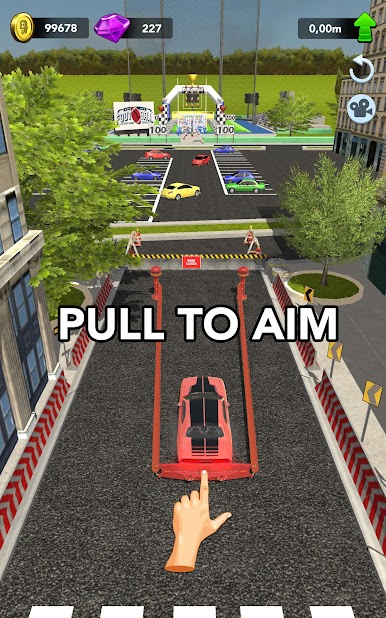
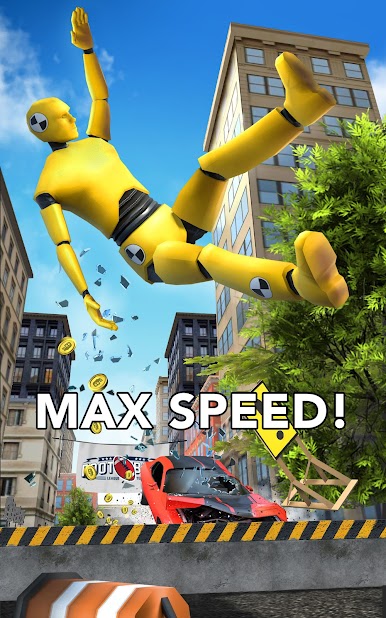
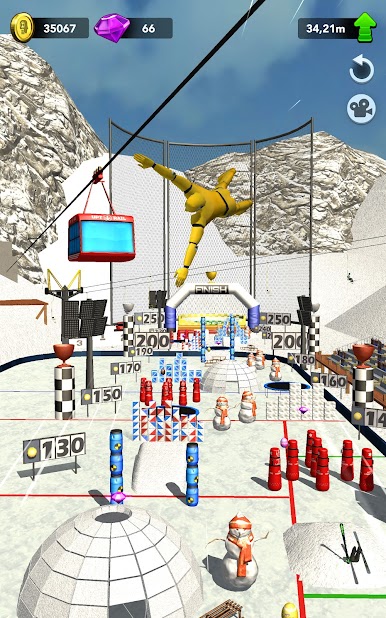
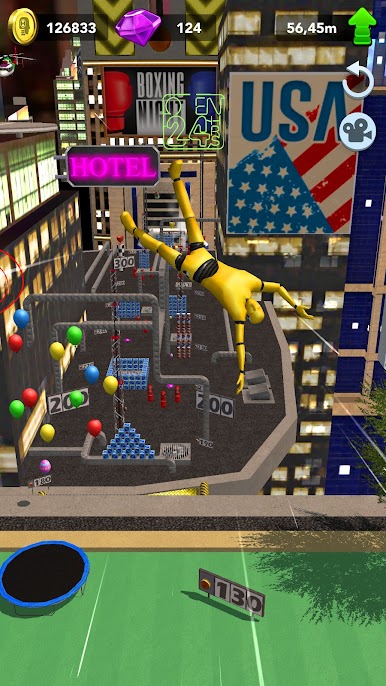
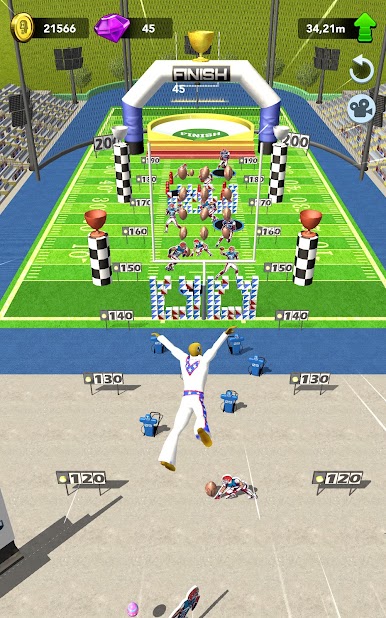
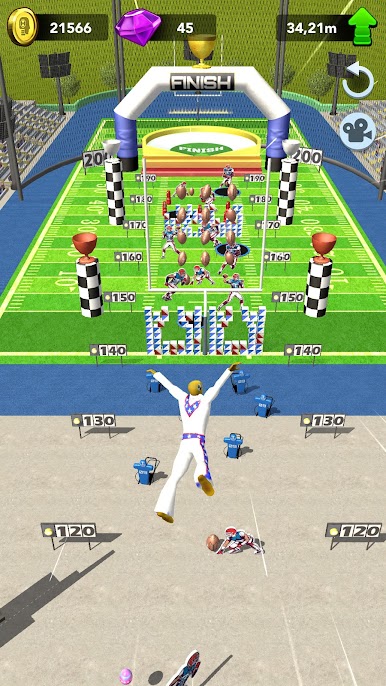
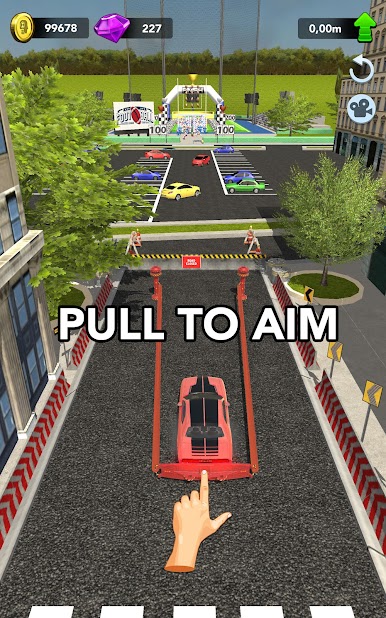
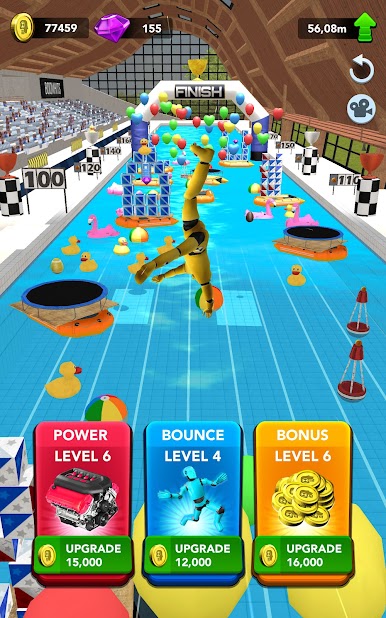
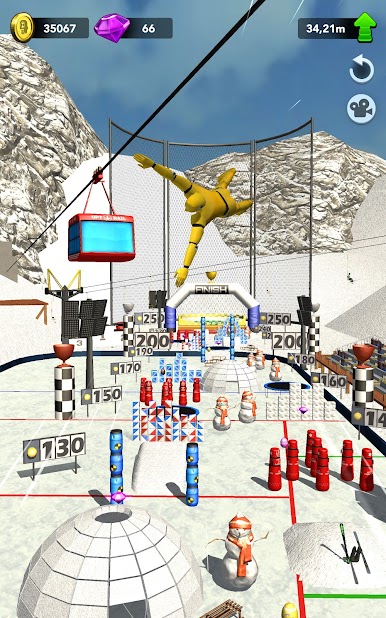
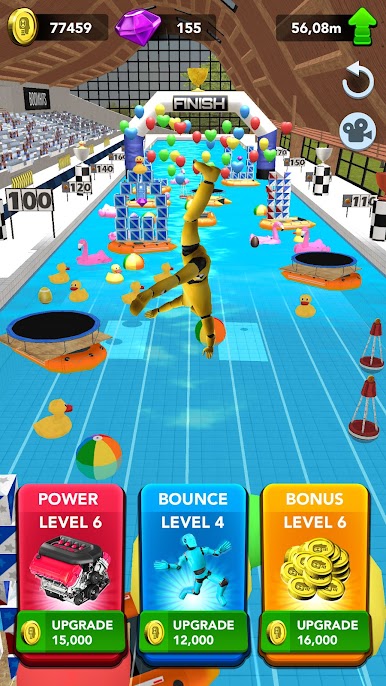
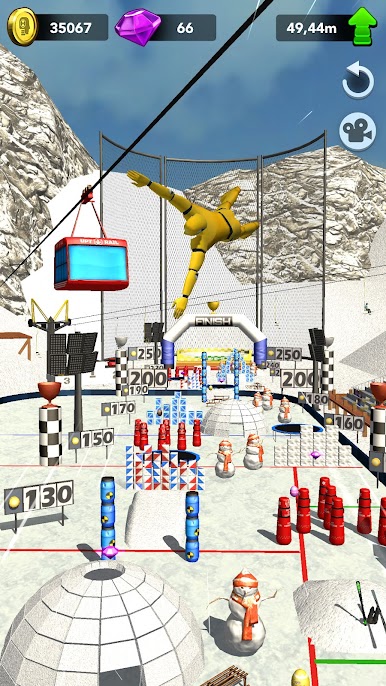
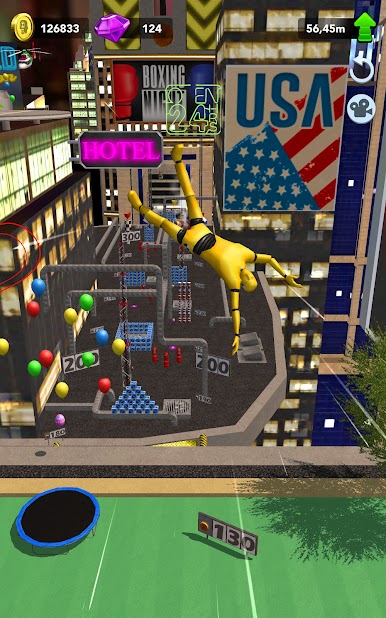
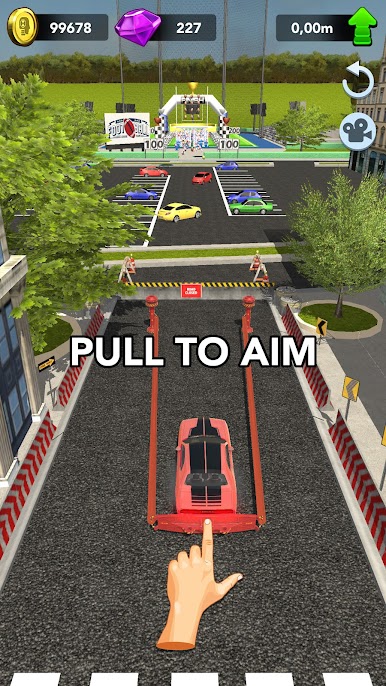
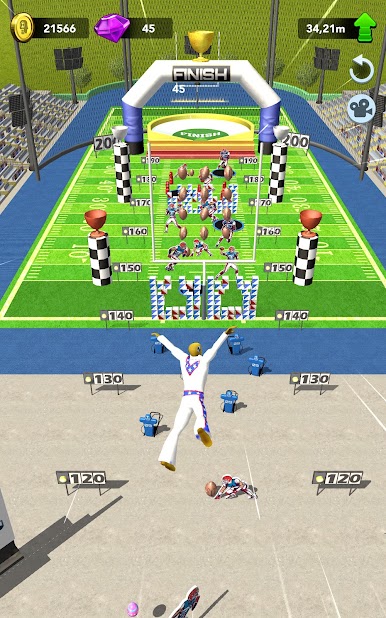
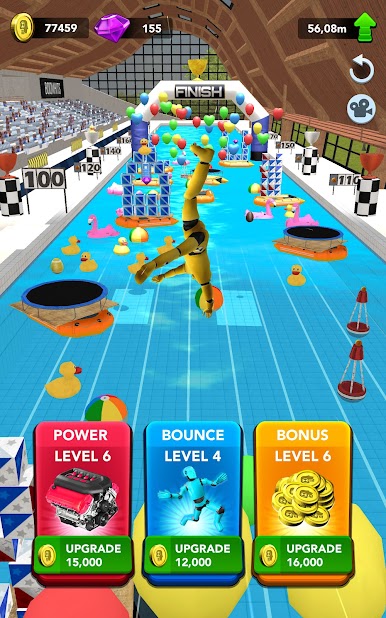
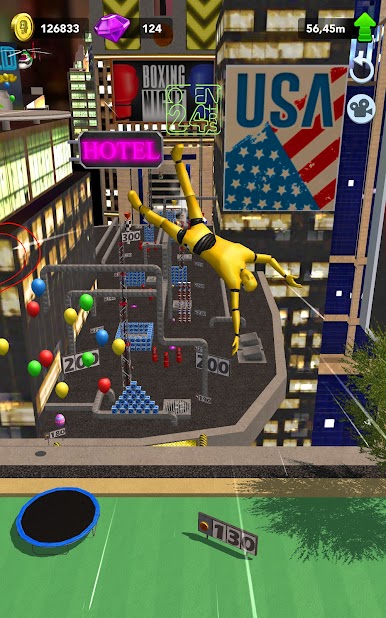
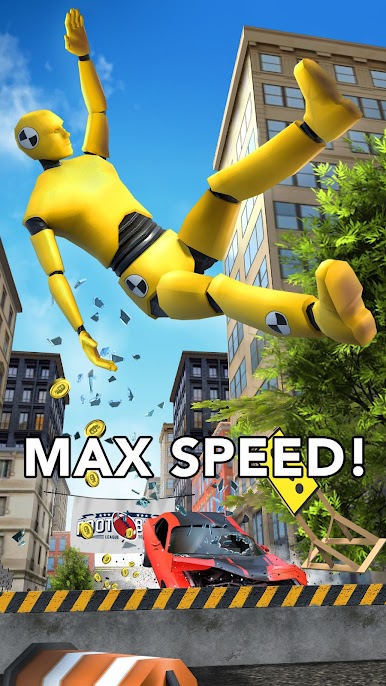
Ragdoll Car Crash is one of those games where the whole point is to send a car (and sometimes the poor guy inside) flying into wild crashes just to see what happens next. There’s no complicated setup—just pick a car, hit the ramp, and watch as everything goes flying, parts and pieces tumbling all over. The main fun comes from the way the crash physics work; the characters flop around in totally ridiculous ways, and the game definitely doesn’t take itself seriously. It’s really about the spectacle and chaos—seeing how much destruction can be stacked up in one good launch.
It’s surprisingly addictive if you like that whole “what happens if I press this button?” kind of gameplay. On PC with BlueStacks, it’s even better since you get a bigger view of all the mayhem unfolding on the screen. There’s a challenge in seeing just how far you can launch the ragdoll, but it’s really more about laughing at the cartoon mess you make with every crash. For anyone who enjoys wacky physics or just needs a game that’s all about big crashes and instant action, this one definitely delivers.
Slay your opponents with your epic moves. Play it your way on BlueStacks and dominate the battlefield.

Jogue Ragdoll Car Crash no PC. É fácil começar.
-
Baixe e instale o BlueStacks no seu PC
-
Conclua o login do Google para acessar a Play Store ou faça isso mais tarde
-
Procure por Ragdoll Car Crash na barra de pesquisa no canto superior direito
-
Clique para instalar Ragdoll Car Crash a partir dos resultados da pesquisa
-
Conclua o login do Google (caso você pulou a etapa 2) para instalar o Ragdoll Car Crash
-
Clique no ícone do Ragdoll Car Crash na tela inicial para começar a jogar

