


Cat Physics
العب على الكمبيوتر الشخصي مع BlueStacks - نظام أندرويد للألعاب ، موثوق به من قبل أكثر من 500 مليون لاعب.

Play Cat Physics on PC or Mac
Step into the World of Cat Physics, a thrilling Casual game from the house of Donut Games. Play this Android game on BlueStacks App Player and experience immersive gaming on PC or Mac.
About the Game
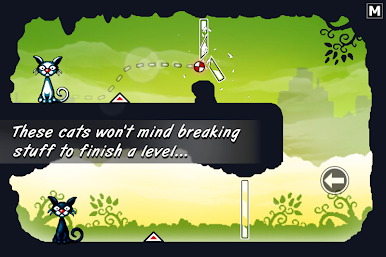
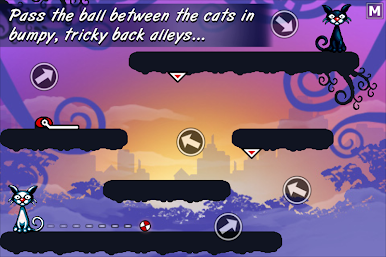
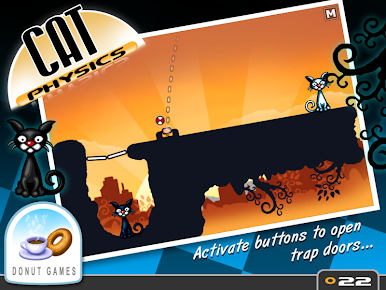
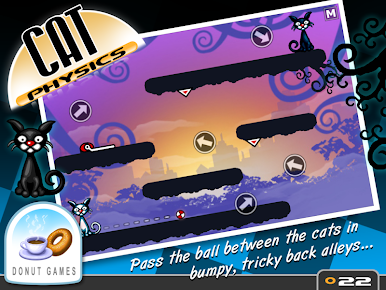
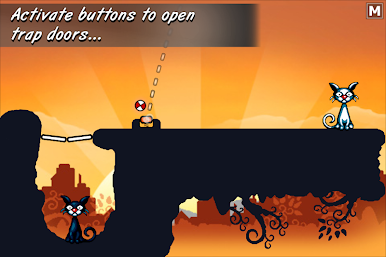
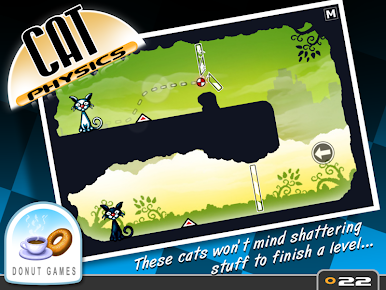
Ever wondered what cats get up to during those quiet hours when everyone’s asleep? In Cat Physics from Donut Games, you’ll find out soon enough—it’s all about late-night shenanigans and passing a ball between sneaky felines. This Casual game serves up a laid-back, brain-tickling experience where every level offers a new twist. If you’re in the mood to relax but don’t mind using a little brainpower, Cat Physics is ready to steal your attention.
Game Features
-
Loads of Puzzles
With 250 inventive puzzles, you’ll always have another brainteaser waiting. Each one is a fresh challenge, but not so tough you’ll get stuck forever. -
Chill Midnight Atmosphere
The game’s cozy nighttime settings make it easy to get lost in. Consider it cat-approved. -
Fun, Jazzy Soundtrack
A cool background score keeps everything light, fun, and just a bit quirky while you play. -
New Ways to Solve
There’s never just one solution. Try different tricks with every puzzle—you might surprise yourself with what works. -
Famous 3-Star System
Every puzzle can be completed in a few ways, but can you nail that perfect score? Cat Physics uses Donut Games’ classic ranking for a little extra replay pressure. -
Unlockables & Achievements
Trophies, collector icons, achievements—you’ll want to come back for one more try just to grab everything. -
No Ads, Play Free
Skip the interruptions. Cat Physics starts you off with 10 playable levels and the original game mode for free, no ads in your way. -
Try Premium, If You Want
There’s more to explore if you’re up for it. One optional purchase unlocks every puzzle and game mode, but how far can you go without it?
And yes, you can enjoy this mellow puzzler on your PC with BlueStacks for a more laid-back session—just don’t let your real cat take over the keyboard.
Ready to top the leaderboard? We bet you do. Let precise controls and sharp visuals optimized on BlueStacks lead you to victory.
العب Cat Physics على جهاز الكمبيوتر. من السهل البدء.
-
قم بتنزيل BlueStacks وتثبيته على جهاز الكمبيوتر الخاص بك
-
أكمل تسجيل الدخول إلى Google للوصول إلى متجر Play ، أو قم بذلك لاحقًا
-
ابحث عن Cat Physics في شريط البحث أعلى الزاوية اليمنى
-
انقر لتثبيت Cat Physics من نتائج البحث
-
أكمل تسجيل الدخول إلى Google (إذا تخطيت الخطوة 2) لتثبيت Cat Physics
-
انقر على أيقونة Cat Physics على الشاشة الرئيسية لبدء اللعب

