


Drammer whisky app
Jogue no PC com BlueStacks - A Plataforma de Jogos Android, confiada por mais de 500 milhões de jogadores.

Página modificada em: Dec 10, 2025
Play Drammer whisky app on PC
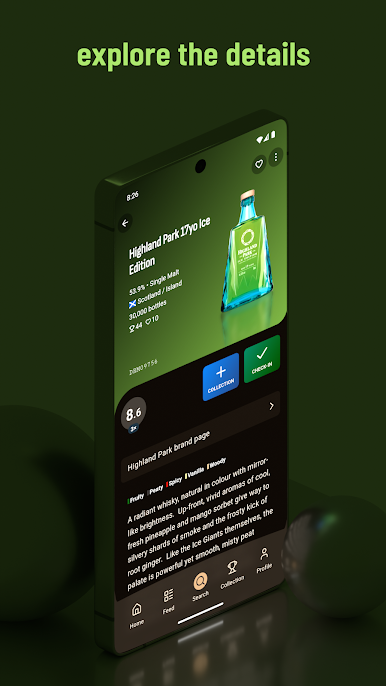
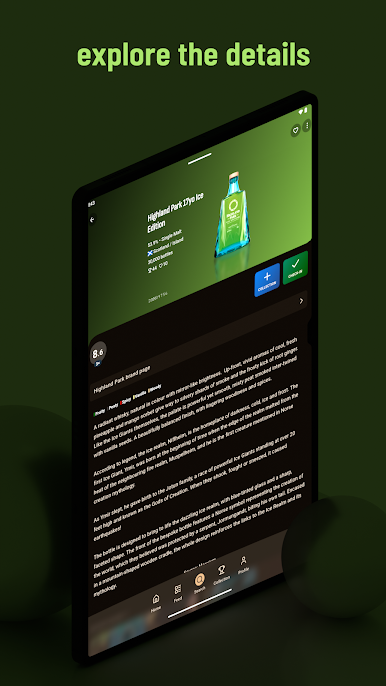
Discover a world of whisky with these powerful features:
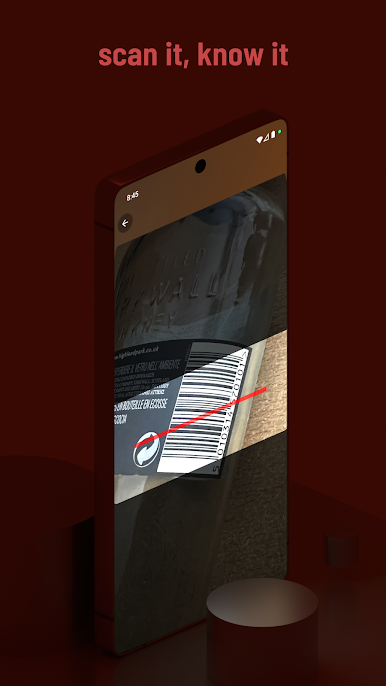
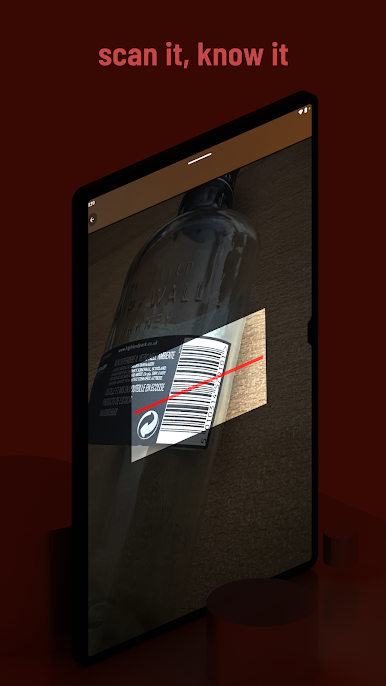
✓ Barcode Scanner: Quickly add whiskies to your collection.
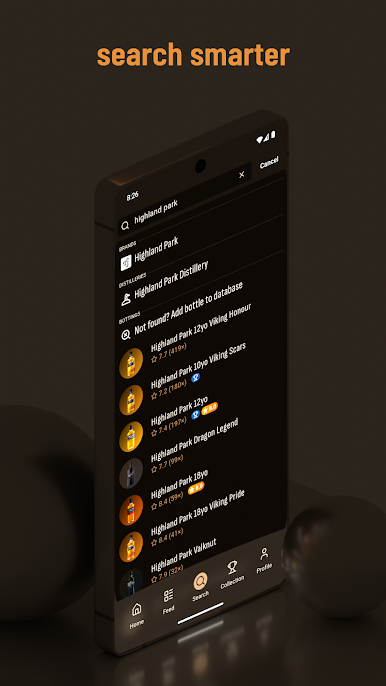
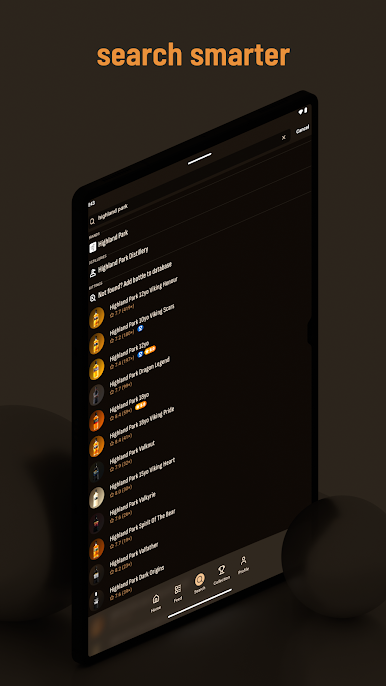
✓ Taste Search: Find whiskies that match your palate.
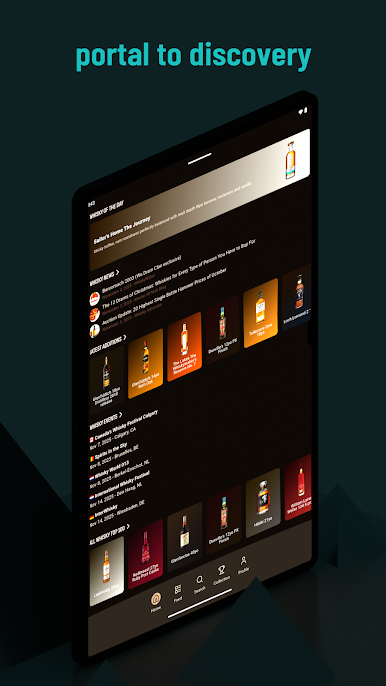
✓ Top 100 List: Explore the best-rated whiskies in one convenient list.
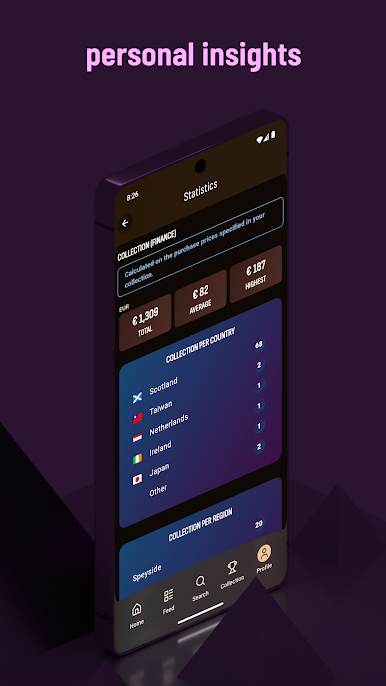
✓ Data Export: Easily export your data to CSV or Excel.
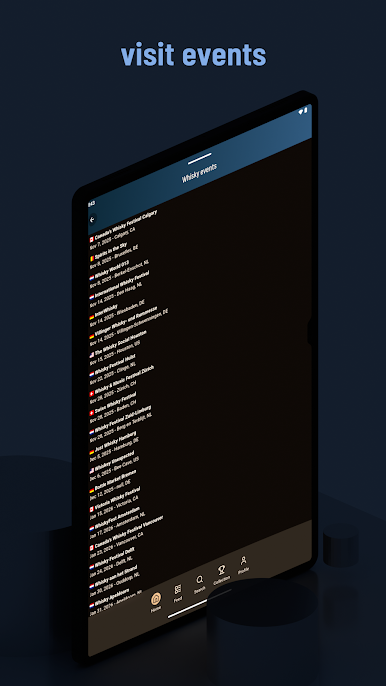
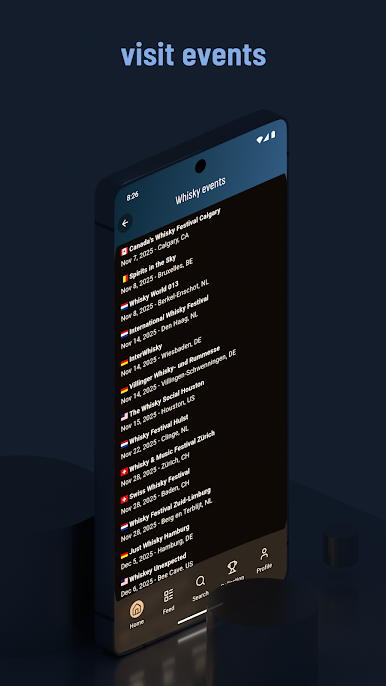
✓ Festival Calendar: Stay updated with upcoming whisky festivals.
✓ Latest News: Get the freshest whisky news.
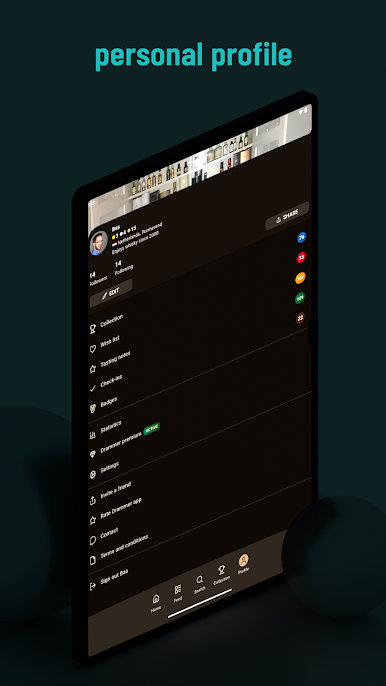
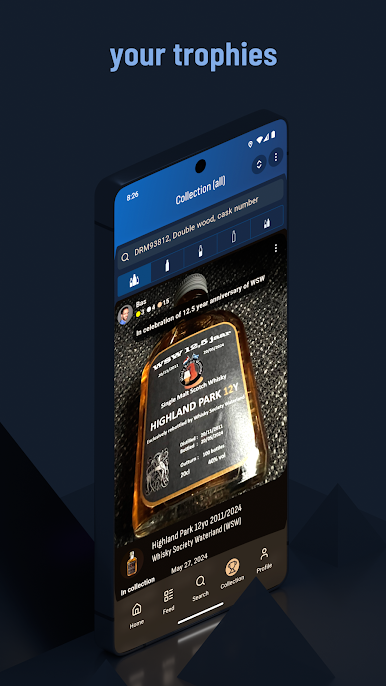
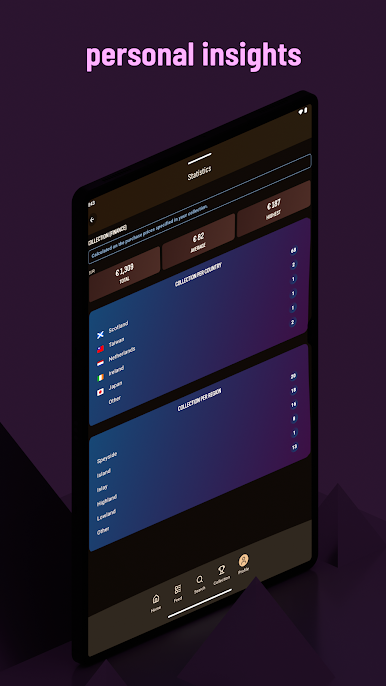
✓ Collection Management: Organize and share your collection, wish list, and reviews.
✓ Community Timeline: See your friends' whisky experiences.
✓ Badge Rewards: Earn over 50 badges for your whisky activities.
✓ Currency Support: View prices in AUD, BGN, PLN, CAD, CHF, DKK, EUR, GBP, HKD, INR, ILS, SEK, JPY, NZD, SGD, USD, and ZAR.
✓ Multilingual Interface: Available in Dutch, English, and German.
For features where we need to store data like: keeping track of your whisky collection, reviews, wish list and whisky moments you need to create a Drammer account.
** Why we need certain permissions **
✓ Camera - To take pictures of your whiskies and scan barcodes
✓ Storage - To store the taken pictures or to allow you to pick pictures from your gallery
✓ Control Torch - To turn on the torch during barcode scanning



Jogue Drammer whisky app no PC. É fácil começar.
-
Baixe e instale o BlueStacks no seu PC
-
Conclua o login do Google para acessar a Play Store ou faça isso mais tarde
-
Procure por Drammer whisky app na barra de pesquisa no canto superior direito
-
Clique para instalar Drammer whisky app a partir dos resultados da pesquisa
-
Conclua o login do Google (caso você pulou a etapa 2) para instalar o Drammer whisky app
-
Clique no ícone do Drammer whisky app na tela inicial para começar a jogar

