


معرض - صور وفيديو
العب على الكمبيوتر الشخصي مع BlueStacks - نظام أندرويد للألعاب ، موثوق به من قبل أكثر من 500 مليون لاعب.

Play Gallery - Photo& Video on PC
OWN DESIGN
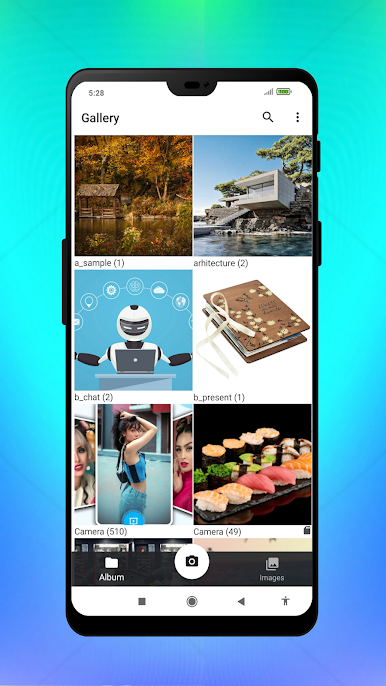
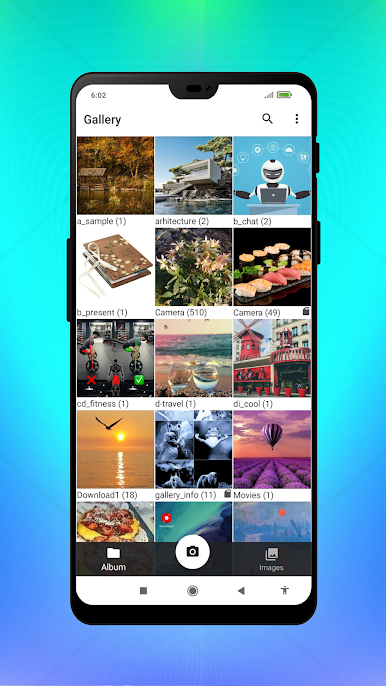
✔ Zoom in or out of folder images and photos with a two-finger touch
✔ White and dark themes (in the PRO version - multi-colored themes)
✔ (in the PRO version - changing the appearance of folders and photos)
✔ Changing the cover of the folder in the additional menu with a long press
🎦 ADVANCED VIDEO PLAYER
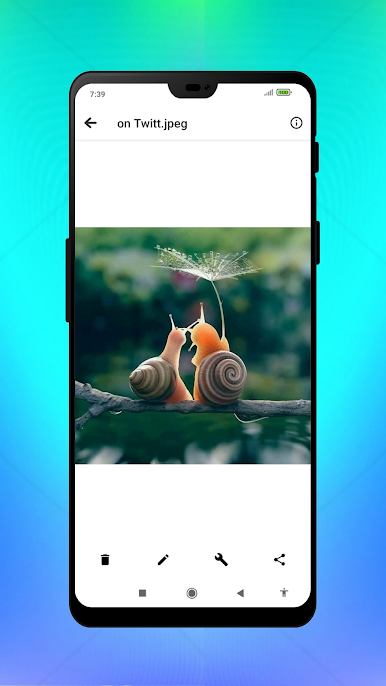
✔ Two-finger touch to zoom in while viewing
✔ Switch full-screen mode with a button or one tap on the screen
✔ Switch "play-pause" by double-clicking on the screen
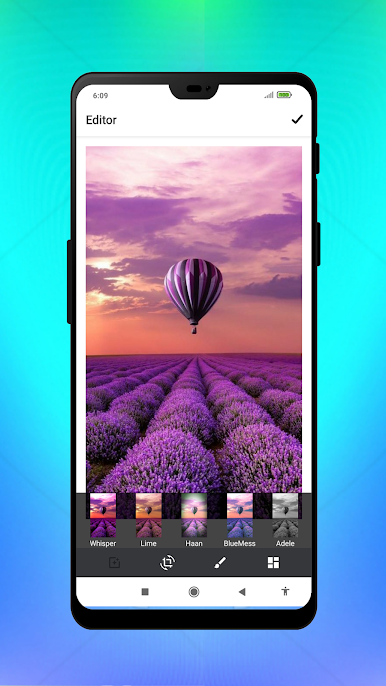
PHOTO EDITOR
✔ Various filters
✔ Resize photos
✔ Drawing, text
PARAMETERS
✔ (in the PRO version - grouping of files by days or months)
✔ (in the PRO version - filtering the display of files by type: photo, video, other formats)
🤍 (in the PRO version - favorite images in a separate folder)
🔍 Quick search
✔ Trash for temporarily deleted files
✔ Additional menu by long pressing on a folder or photo
✔ Does not contain ads and unnecessary permissions
العب معرض - صور وفيديو على جهاز الكمبيوتر. من السهل البدء.
-
قم بتنزيل BlueStacks وتثبيته على جهاز الكمبيوتر الخاص بك
-
أكمل تسجيل الدخول إلى Google للوصول إلى متجر Play ، أو قم بذلك لاحقًا
-
ابحث عن معرض - صور وفيديو في شريط البحث أعلى الزاوية اليمنى
-
انقر لتثبيت معرض - صور وفيديو من نتائج البحث
-
أكمل تسجيل الدخول إلى Google (إذا تخطيت الخطوة 2) لتثبيت معرض - صور وفيديو
-
انقر على أيقونة معرض - صور وفيديو على الشاشة الرئيسية لبدء اللعب

