


آلة حاسبة N+ لحل الرياضيات
العب على الكمبيوتر الشخصي مع BlueStacks - نظام أندرويد للألعاب ، موثوق به من قبل أكثر من 500 مليون لاعب.

Run Calculator N+ - Math Solver on PC or Mac
Get freedom from your phone’s obvious limitations. Use Calculator N+ – Math Solver, made by mauhieudev, a Education app on your PC or Mac with BlueStacks, and level up your experience.
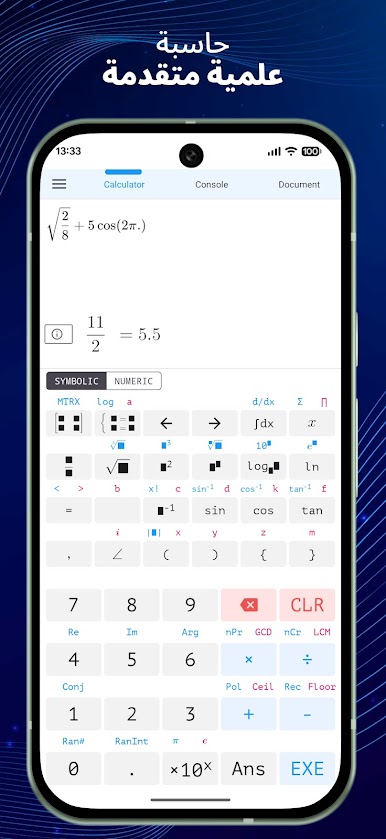
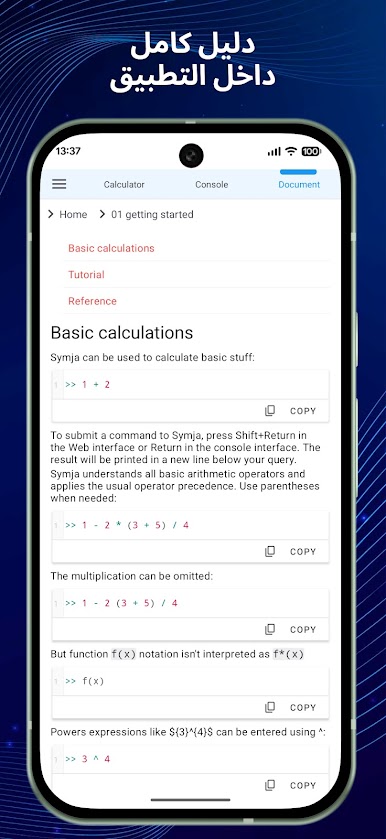
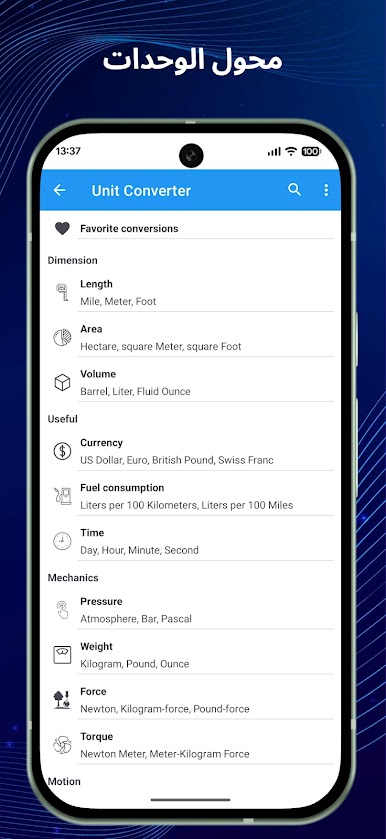
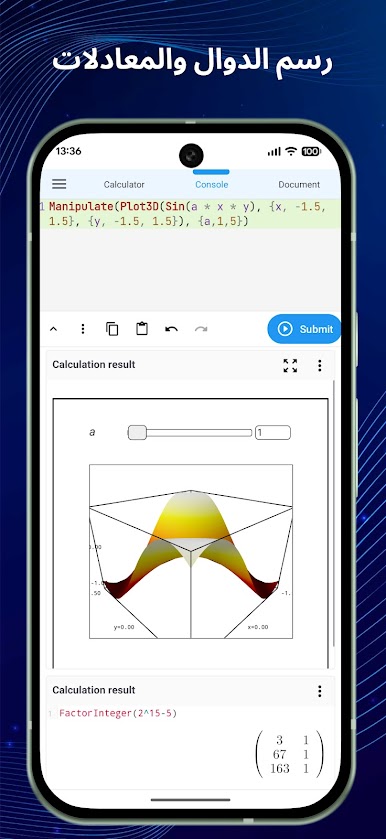
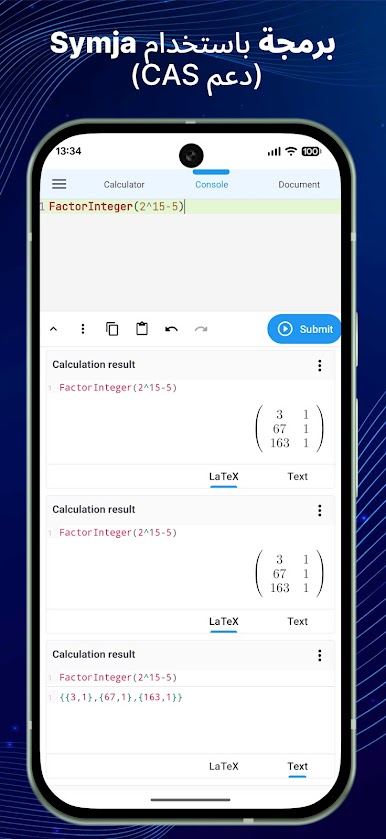
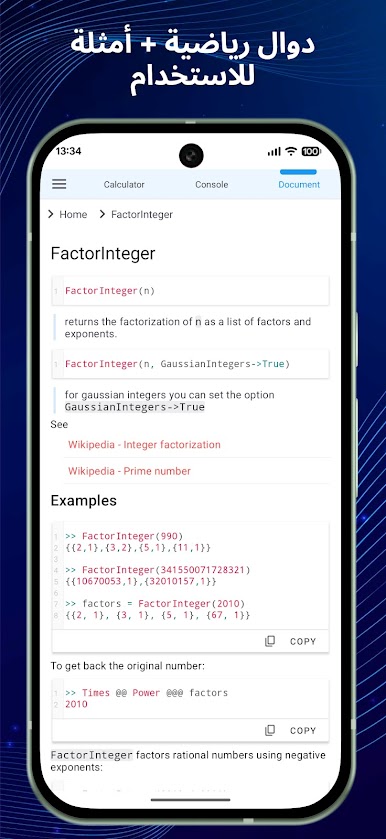
Calculator N+ feels like a no-fuss math toolbox that runs fast and does not try to teach, it just gives answers. It covers a lot for algebra fans and students: solving single equations and systems, simplifying expressions, factoring polynomials, Newton style binomial expansion, and some Cartesian geometry bits that seem aligned with Vietnamese school material. There is graphing for functions, plus a matrix section that actually walks through steps, which is rare. Most other parts only show the final result, so someone wanting step by step for derivatives or equation solving will not get that. Trig tools are neat too. They expand and reduce identities like turning 2sin(x)cos(x) into sin(2x) or the other way around, and can write hyperbolic stuff with exponent form. Degree input works straight away, so typing sin(30°) makes sense and does what it should.
For calculus there is the usual list: derivative, antiderivative, definite integrals, limits of sequences and functions. Stats and number theory are tucked in as extras, with combinations, permutations, prime factorization, modulo, plus Catalan and Fibonacci numbers for the curious. Two output styles keep things tidy. Decimal mode for quick numeric answers, and a fraction mode when someone wants exact values or very big power results, even silly ones like 9^99999. On a PC with BlueStacks, typing long expressions with a keyboard feels smoother, graphs have more room, and switching between solver bits is easier with a mouse. It comes off like a solid checker and number cruncher for homework or work sheets, just not a full tutor since the steps are mostly not shown outside matrices.
BlueStacks gives you the much-needed freedom to experience your favorite apps on a bigger screen. Get it now.
العب آلة حاسبة N+ لحل الرياضيات على جهاز الكمبيوتر. من السهل البدء.
-
قم بتنزيل BlueStacks وتثبيته على جهاز الكمبيوتر الخاص بك
-
أكمل تسجيل الدخول إلى Google للوصول إلى متجر Play ، أو قم بذلك لاحقًا
-
ابحث عن آلة حاسبة N+ لحل الرياضيات في شريط البحث أعلى الزاوية اليمنى
-
انقر لتثبيت آلة حاسبة N+ لحل الرياضيات من نتائج البحث
-
أكمل تسجيل الدخول إلى Google (إذا تخطيت الخطوة 2) لتثبيت آلة حاسبة N+ لحل الرياضيات
-
انقر على أيقونة آلة حاسبة N+ لحل الرياضيات على الشاشة الرئيسية لبدء اللعب

