

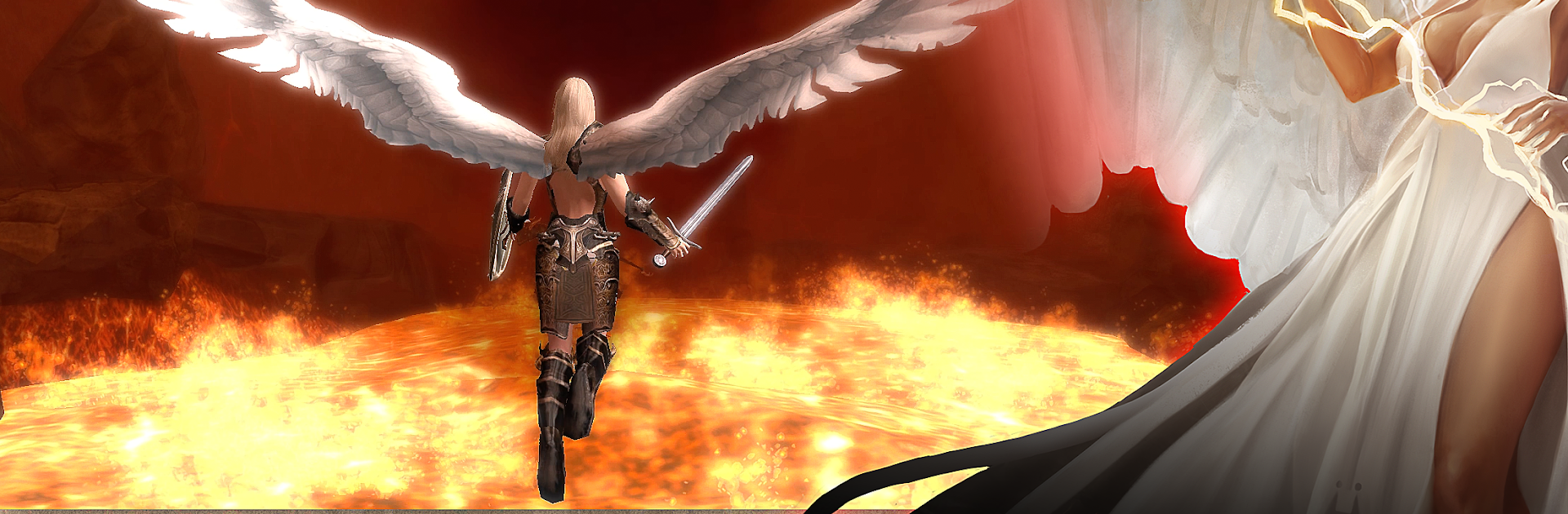
Angel Sword: 3D RPG
العب على الكمبيوتر الشخصي مع BlueStacks - نظام أندرويد للألعاب ، موثوق به من قبل أكثر من 500 مليون لاعب.

Play Angel Sword: 3D RPG on PC or Mac
Step into the World of Angel Sword: 3D RPG, a thrilling Role Playing game from the house of DVide Arts Incorporated. Play this Android game on BlueStacks App Player and experience immersive gaming on PC or Mac.
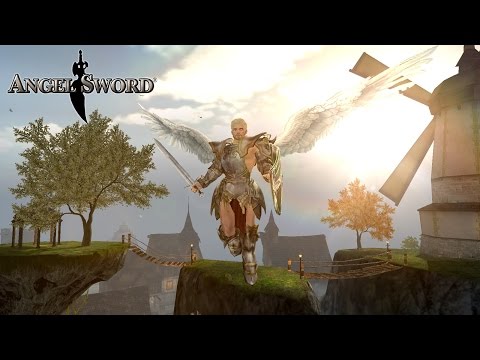
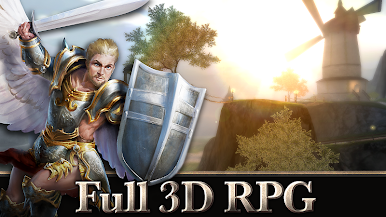
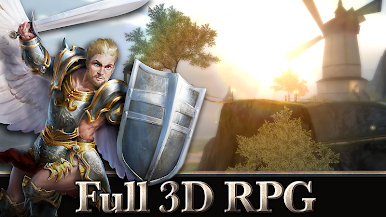
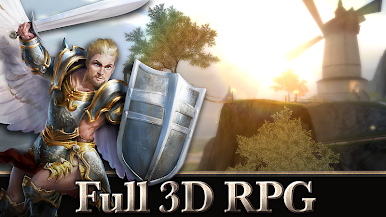
Angel Sword: 3D RPG feels a bit like those classic open world games but on your phone—or, with BlueStacks, on a PC where it all gets more comfortable. There’s a proper fantasy vibe, with characters you can totally make your own, from looks to gear and even picking a side in this whole war of immortals going on. The whole world is wide open. There’s no path you have to follow—just walk, swim, or even fly wherever. The freedom is almost surprising for a mobile game, and switching over to PC lets you see way more of the detail and roam around with tight controls.
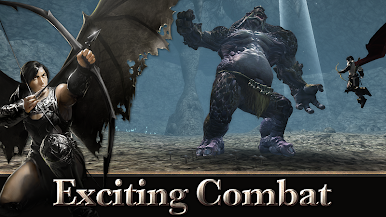
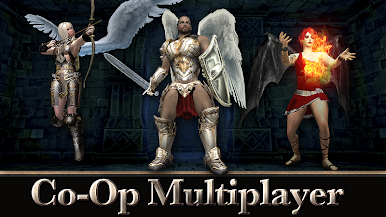
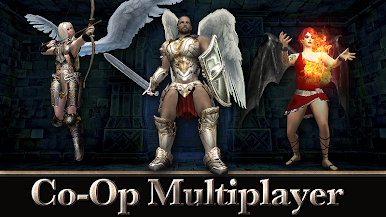
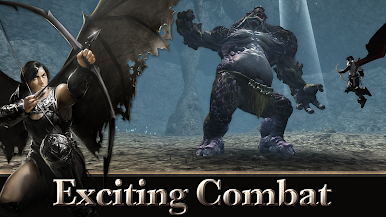
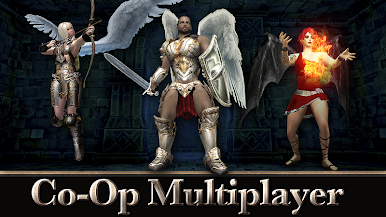
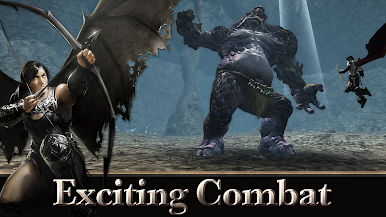
You can play alone without needing an internet connection, or jump into multiplayer for actual co-op, so it works for both solo folks and anyone who wants to team up for boss fights, side quests, or even duels. Combat’s pretty lively, too: not just tap-and-wait, but combos, ranged fights, even spells. Pets fight with you, helping out in battles. Shops, loot, and weather cycles—down to the rain and thunder—keep things feeling like a real place, not just another stage. Even the day changes in real time, which is a nice touch. It’s not just all action, either; there’s exploring, trading, taking on side quests, and getting stronger with new weapons and spells. And everything’s in multiple languages, so players aren’t left out by language barriers. It’s got plenty to mess around with, especially for anyone who likes bigger RPGs but wants to play on mobile or just chill on a PC screen with BlueStacks.
Start your journey now. Download the game on BlueStacks, invite your friends, and march on a new adventure.
العب Angel Sword: 3D RPG على جهاز الكمبيوتر. من السهل البدء.
-
قم بتنزيل BlueStacks وتثبيته على جهاز الكمبيوتر الخاص بك
-
أكمل تسجيل الدخول إلى Google للوصول إلى متجر Play ، أو قم بذلك لاحقًا
-
ابحث عن Angel Sword: 3D RPG في شريط البحث أعلى الزاوية اليمنى
-
انقر لتثبيت Angel Sword: 3D RPG من نتائج البحث
-
أكمل تسجيل الدخول إلى Google (إذا تخطيت الخطوة 2) لتثبيت Angel Sword: 3D RPG
-
انقر على أيقونة Angel Sword: 3D RPG على الشاشة الرئيسية لبدء اللعب

