

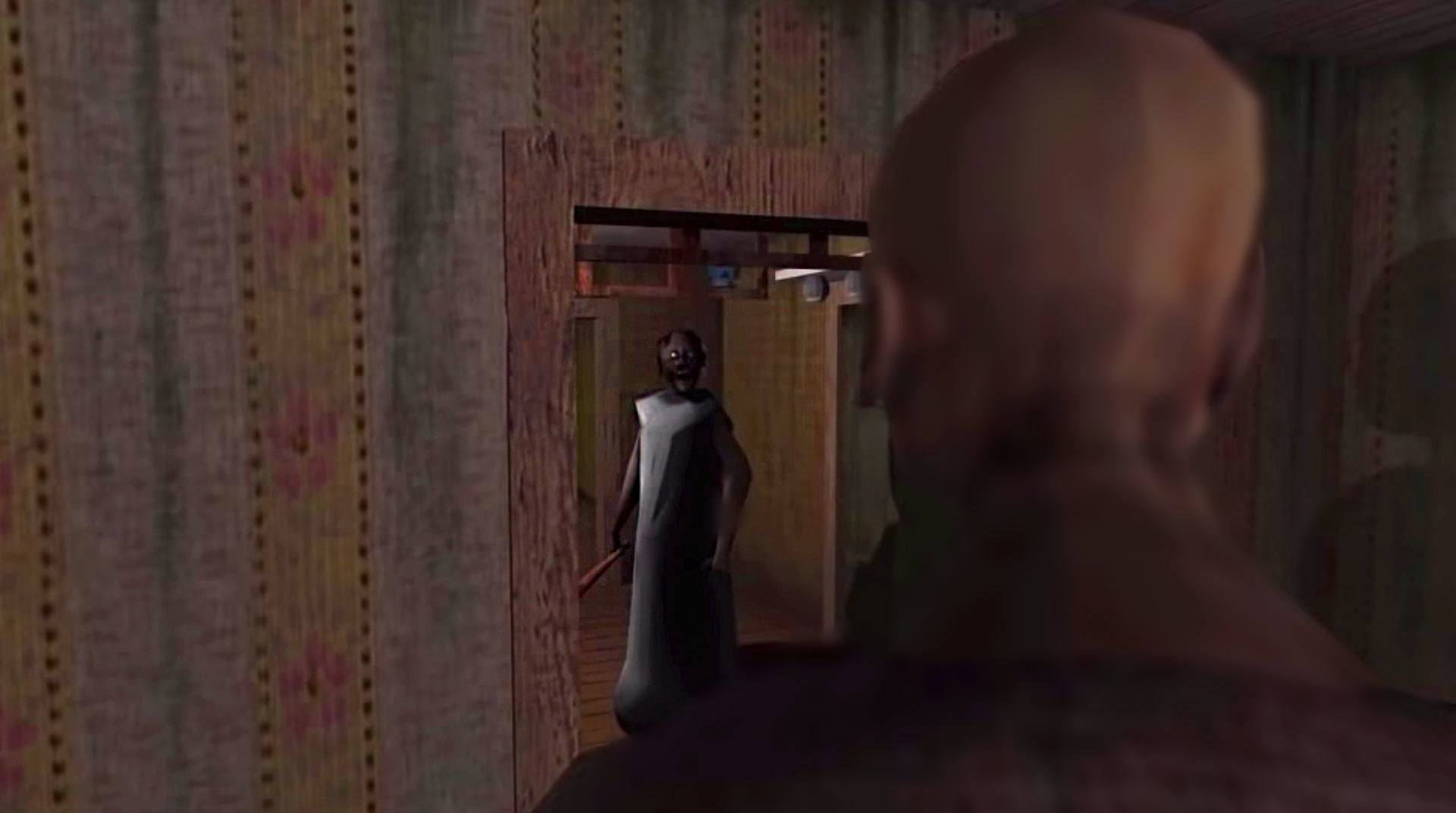
Granny: Chapter Two
Jogue no PC com BlueStacks - A Plataforma de Jogos Android, confiada por mais de 500 milhões de jogadores.

Página modificada em: Jun 23, 2026
Jogue Granny: Chapter Two no PC ou Mac
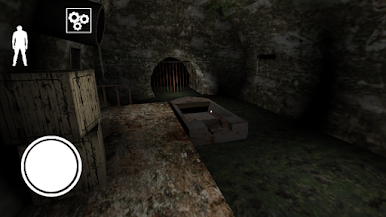
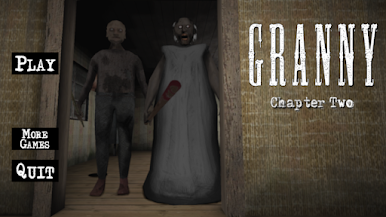
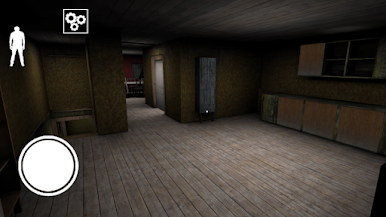
Você está preso em uma casa com sua Vó e seu Vô assustadores e eles querem garantir que você não vai fugir. Mas você já cansou do comportamento bizarro deles! Você terá que fazer o seu melhor para sair da casa o mais rápido possível e precisará sobreviver a esse pesadelo horrível antes que o medo comece a tomar conta de você. Descubra músicas de menu assombrosas e salas escuras enquanto você se move pela casa assustadora. Tenha muito cuidado e fique quieto, pois a Vovó pode ouvir tudo! Faça um barulho e a velha bruxa virá atrás de você e talvez você não tenha tempo para se esconder! O Vovô é ainda pior. Ele está andando com um pé de cabra na mão e não vai parar até encontrar você. Ele não ouve muito bem, mas é muito bom de briga. Você acha que pode correr e escapar deles?
Você também pode Jogar Granny: Chapter Two no seu navegador no PC ou no celular sem fazer download. Clique para jogar agora!
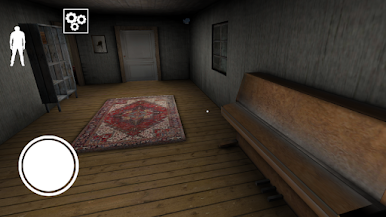
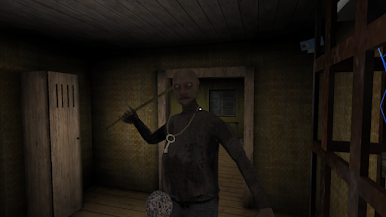
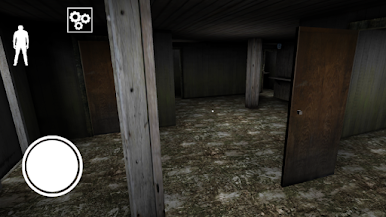
Jogue Granny: Chapter Two no PC. É fácil começar.
-
Baixe e instale o BlueStacks no seu PC
-
Conclua o login do Google para acessar a Play Store ou faça isso mais tarde
-
Procure por Granny: Chapter Two na barra de pesquisa no canto superior direito
-
Clique para instalar Granny: Chapter Two a partir dos resultados da pesquisa
-
Conclua o login do Google (caso você pulou a etapa 2) para instalar o Granny: Chapter Two
-
Clique no ícone do Granny: Chapter Two na tela inicial para começar a jogar

