

Impressora Móvel PrintHand
Jogue no PC com BlueStacks - A Plataforma de Jogos Android, confiada por mais de 500 milhões de jogadores.

Página modificada em: Dec 2, 2025
Run PrintHand Mobile Print on PC or Mac
Let BlueStacks turn your PC, Mac, or laptop into the perfect home for PrintHand Mobile Print, a fun Productivity app from PrintHand.
About the App
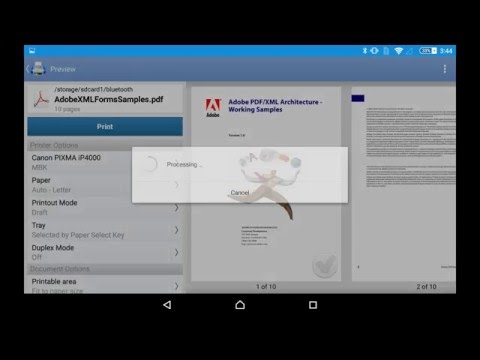
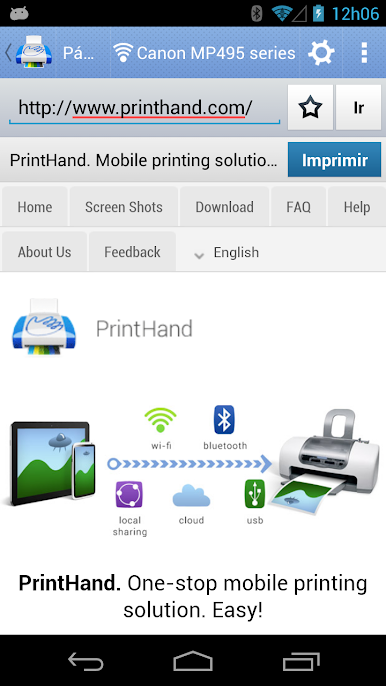
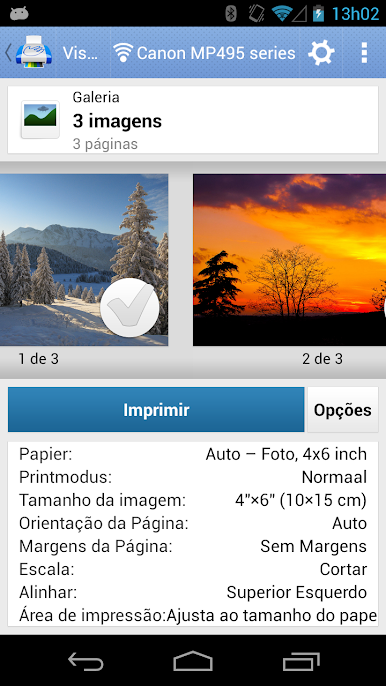
Ever wish you could print straight from your phone or tablet without all the hassle? PrintHand Mobile Print makes it easy to send just about anything from your device to a nearby printer over WiFi, Bluetooth, or even USB—no computer in the way. Whether you’re sorting out paperwork at home, needing a last-minute document at work, or just want hard copies of photos, this app keeps the process simple. Print your stuff on your own terms, and if you’re curious about printing from your desktop, it even works smoothly on BlueStacks.
App Features
-
Flexible Printing Connections
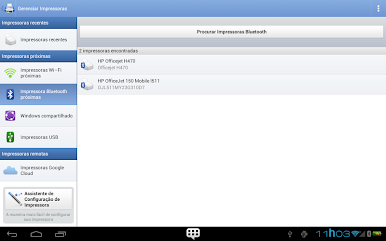
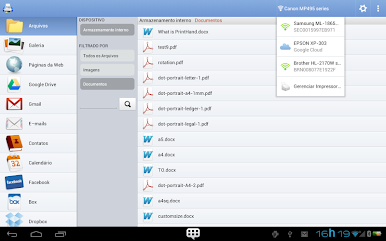
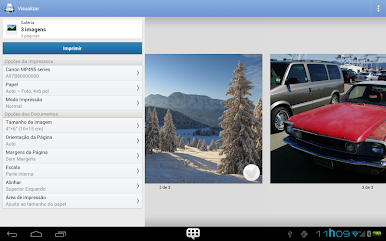
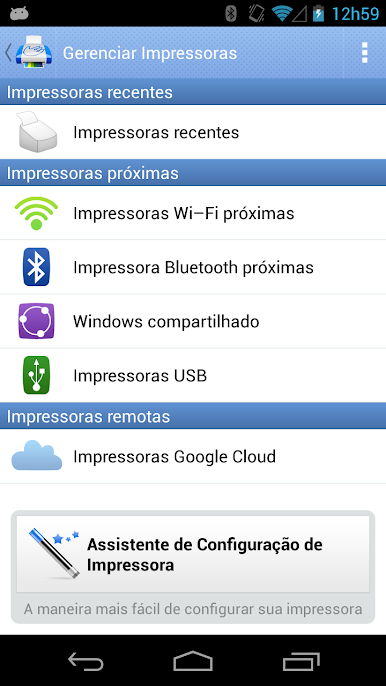
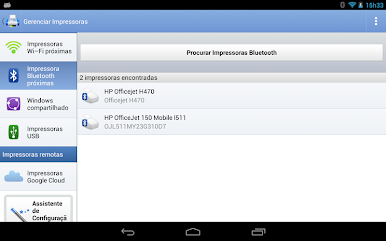
Gone are the days of tangled wires and clunky setups. PrintHand Mobile Print supports printing over WiFi, Bluetooth, or with a direct USB connection (for folks with Android 4.0 and above). If you’re running the app on BlueStacks, you can just as easily connect and print out pages from your laptop or PC. -
Wide Range of Files Supported
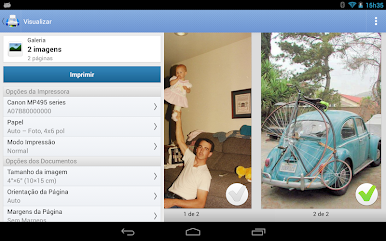
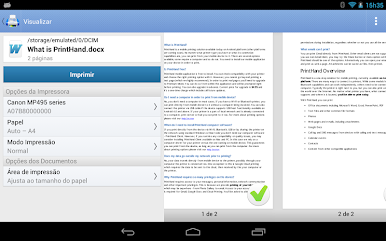
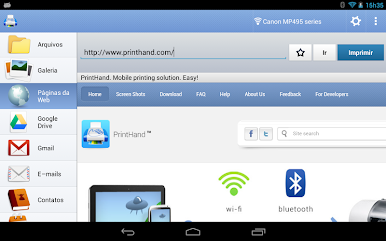
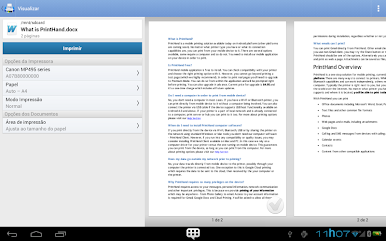
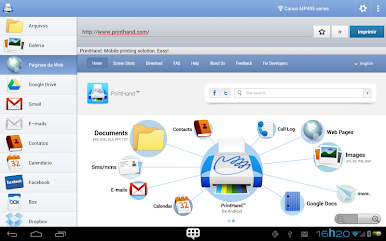
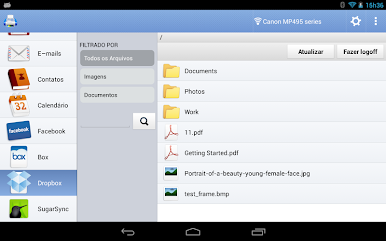
From office docs like Word, Excel, and PowerPoint, to PDFs, photos, web pages, emails, and more—this app lets you print just about everything you might keep on your device or in the cloud. -
Cloud and App Integration
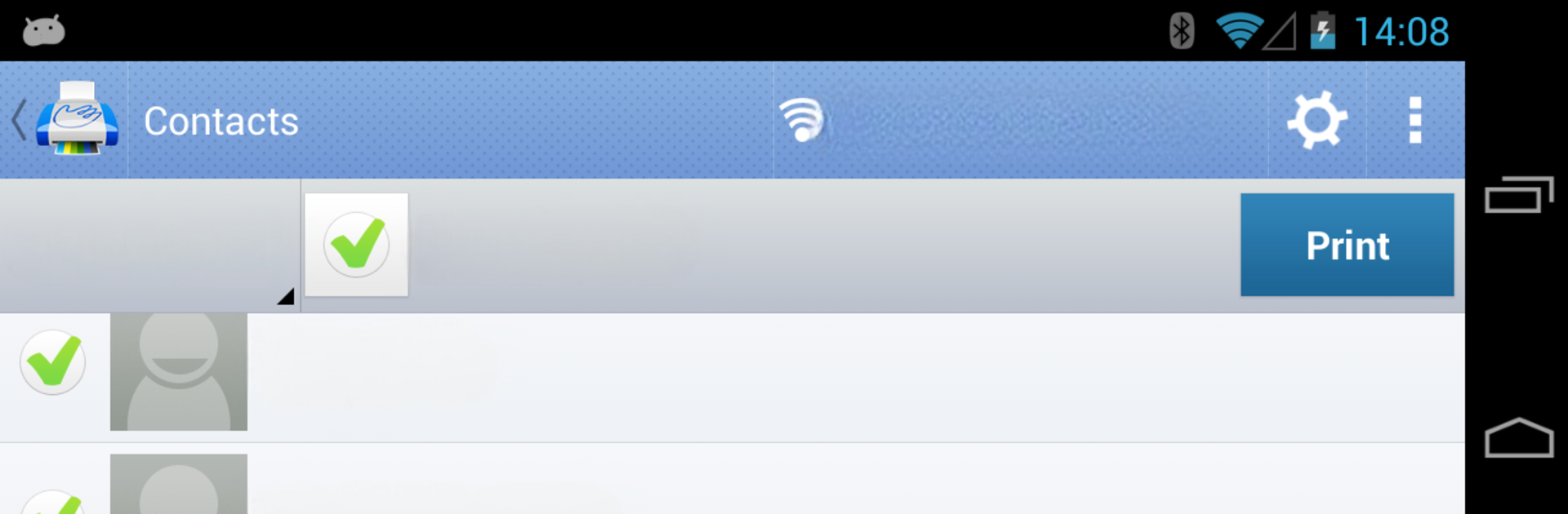
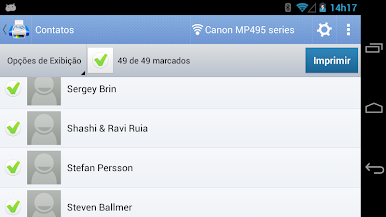
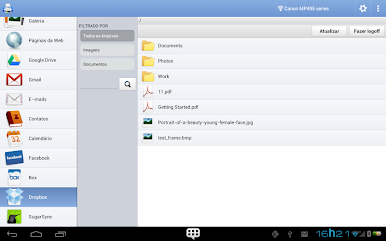
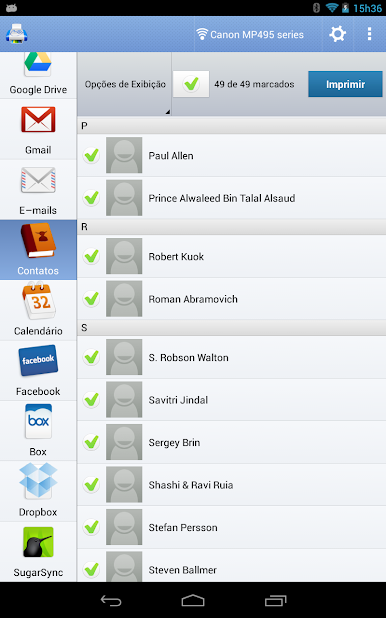
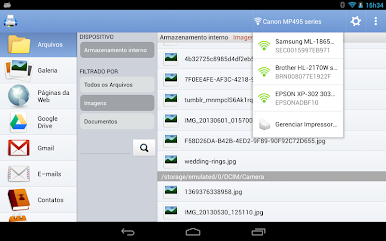
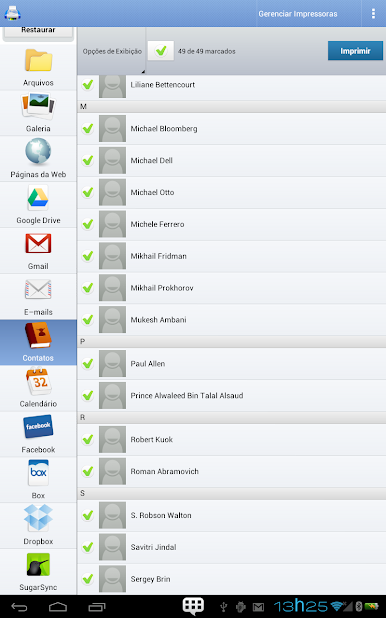
Got your files on Google Drive, Dropbox, OneDrive, or Box? No problem. PrintHand Mobile Print pulls files directly from these services and lets you print attachments or notes from email, Facebook albums, calendar events, contacts, and even content shared from other apps. -
Print to Almost Any Printer
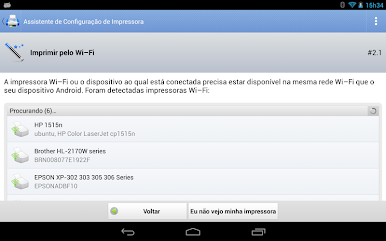
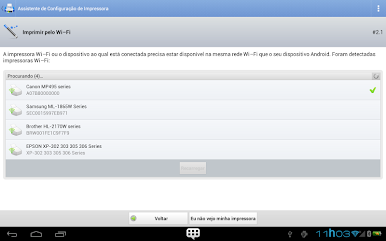
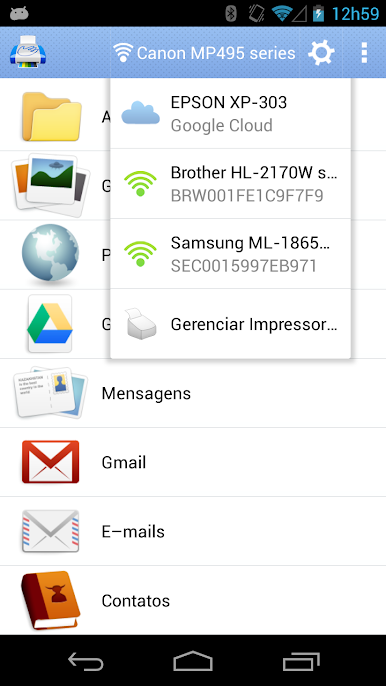
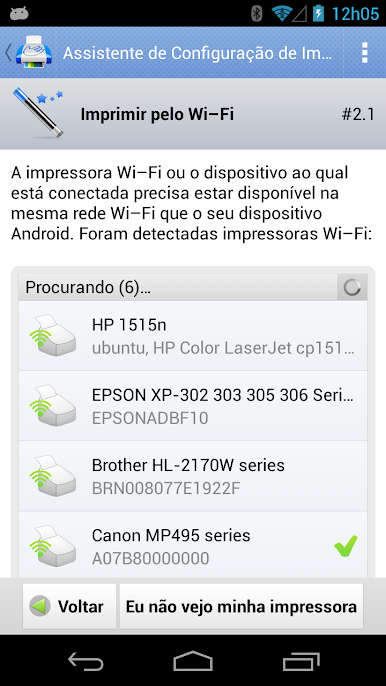
Whether you’re using a classic Mac or Windows shared printer, a workgroup setup, or something fancier with Active Directory, this app has you covered. There’s even a handy Printer Setup Wizard that finds your printer and helps you get things rolling with minimal fuss. -
Direct Mobile Scanning (Selected Printers)
If you’ve got a supported multifunction printer, you can scan papers straight into your mobile device. Slick for keeping it all digital or sending signed docs on the go. -
Test Before You Buy
Not sure if everything will work? Fire off a free test page before unlocking full features—no strings attached. -
Regular Updates and Support
While some features like SMS and Call Log printing are currently on pause (thanks to Google Play’s policies), the PrintHand team keeps working on updates, so keep an eye out for new stuff.
Big screen. Bigger performance. Use BlueStacks on your PC or Mac to run your favorite apps.

Jogue Impressora Móvel PrintHand no PC. É fácil começar.
-
Baixe e instale o BlueStacks no seu PC
-
Conclua o login do Google para acessar a Play Store ou faça isso mais tarde
-
Procure por Impressora Móvel PrintHand na barra de pesquisa no canto superior direito
-
Clique para instalar Impressora Móvel PrintHand a partir dos resultados da pesquisa
-
Conclua o login do Google (caso você pulou a etapa 2) para instalar o Impressora Móvel PrintHand
-
Clique no ícone do Impressora Móvel PrintHand na tela inicial para começar a jogar

