


Private Browser - Web Browser
5억명 이상의 게이머가 신뢰하는 안드로이드 게임 플랫폼 BlueStacks으로 PC에서 플레이하세요.

Run Private Browser - Smart & Fast Privacy Web Browser on PC or Mac
Upgrade your experience. Try Private Browser – Smart & Fast Privacy Web Browser, the fantastic Communication app from Smart Browser, Photo Gallery, QR Scanner, Coloring, from the comfort of your laptop, PC, or Mac, only on BlueStacks.
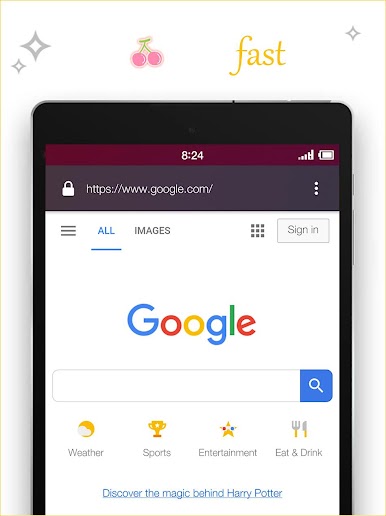
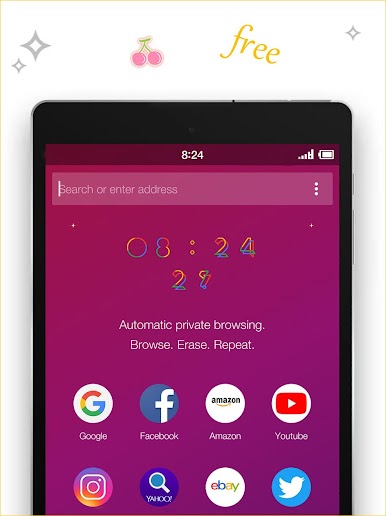
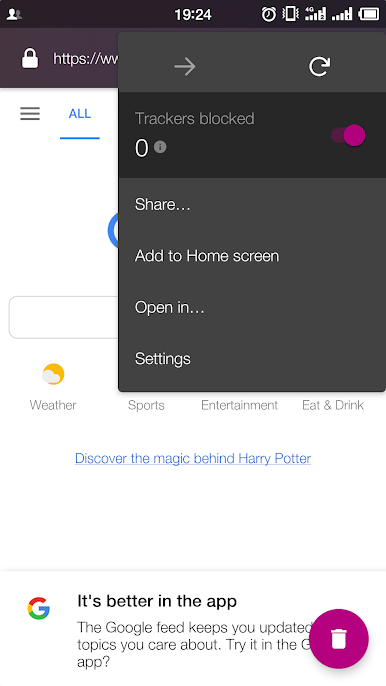
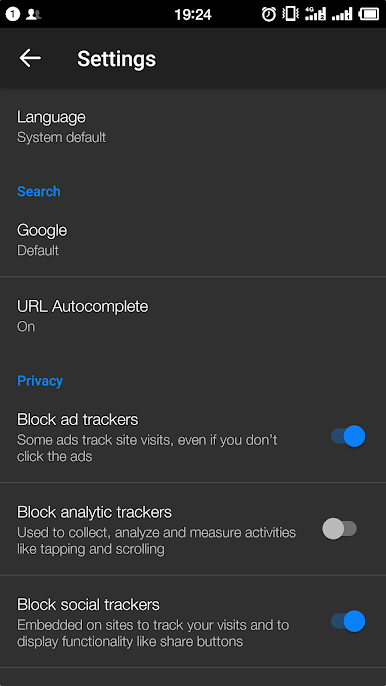
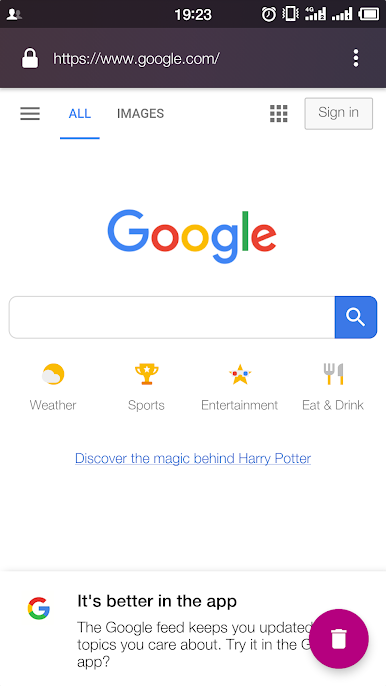
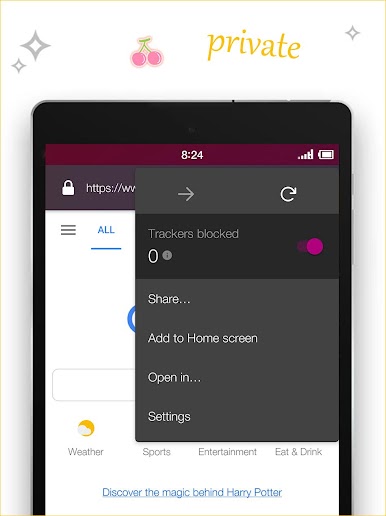
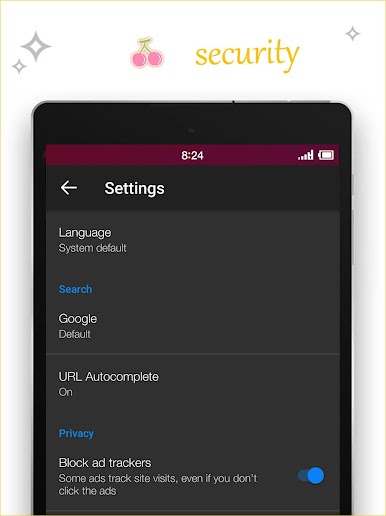
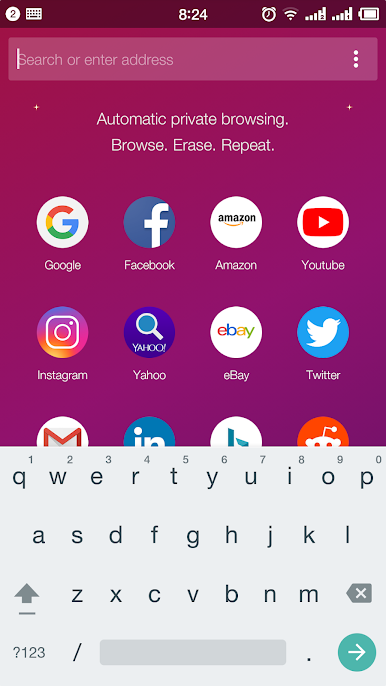
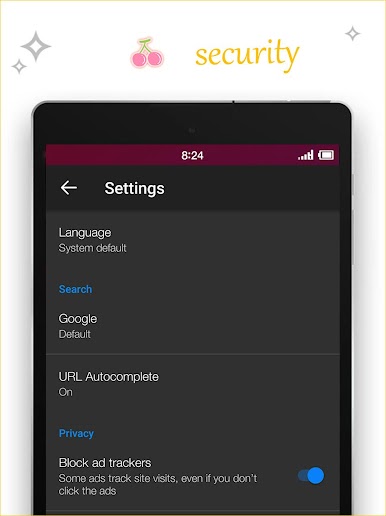
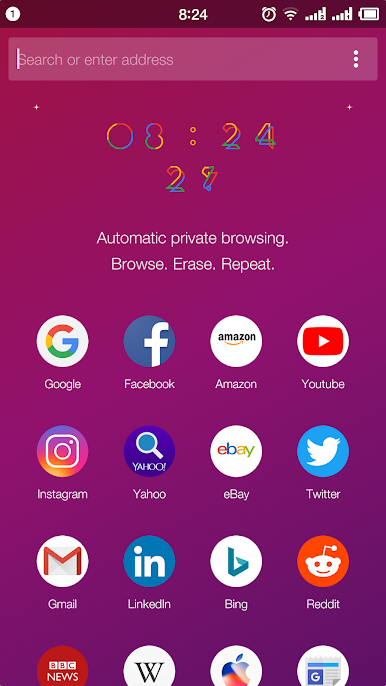
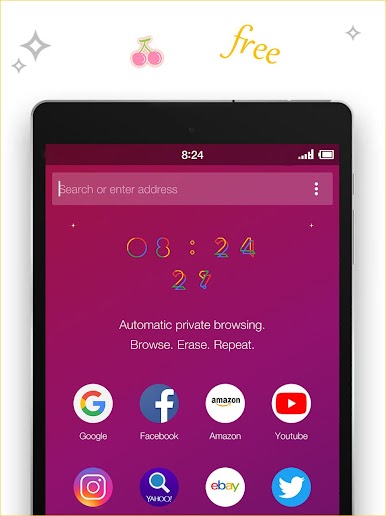
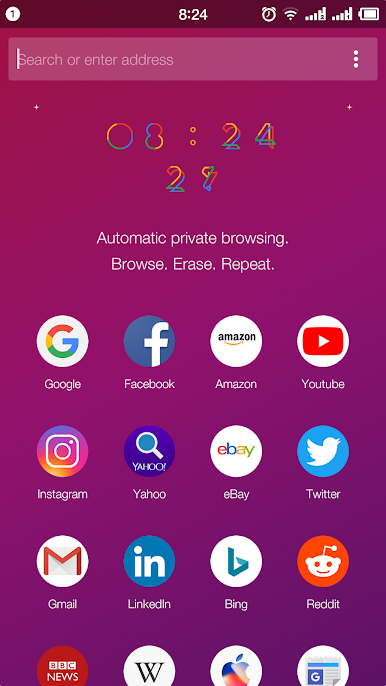
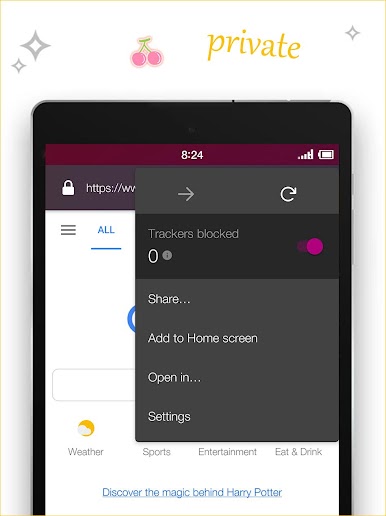
Private Browser is one of those apps that feels surprisingly smooth to use, even when running it on a PC with BlueStacks. It kicks off with a super lightweight setup—there’s practically no waiting around or dealing with a cluttered interface. Everything loads quickly, and the focus is on privacy right from the start. Unlike a lot of browsers that claim to be private, this one actually shuts out trackers and ads without making the user dig through complicated settings menus. That means less hassle and, honestly, it just feels safer browsing with it.
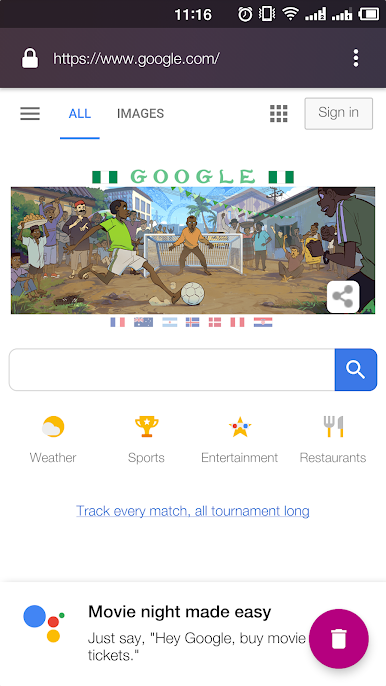
What stands out is how it manages to pack in a bunch of useful tools without getting bloated. It’s pretty small compared to other browsers, but still covers things like fast downloads, saving on data, and blocking ads. There’s a section for keeping up with cricket scores or even catching a live stream, which is a nice add-on—same with train status and tickets, all straight from the browser. Clearing history, passwords, and cookies happens in just a tap, so there’s less worry about anyone snooping or being followed around by ads. For anyone who likes things private and efficient, but doesn’t want to trade off speed or ease of use, this browser feels like a solid choice for everyday browsing, whether on mobile or just running it on PC through BlueStacks.
BlueStacks gives you the much-needed freedom to experience your favorite apps on a bigger screen. Get it now.
PC에서 Private Browser - Web Browser 플레이해보세요.
-
BlueStacks 다운로드하고 설치
-
Google Play 스토어에 로그인 하기(나중에 진행가능)
-
오른쪽 상단 코너에 Private Browser - Web Browser 검색
-
검색 결과 중 Private Browser - Web Browser 선택하여 설치
-
구글 로그인 진행(만약 2단계를 지나갔을 경우) 후 Private Browser - Web Browser 설치
-
메인 홈화면에서 Private Browser - Web Browser 선택하여 실행

