


Scanner de Documentos, PixScan
Jogue no PC com BlueStacks - A Plataforma de Jogos Android, confiada por mais de 500 milhões de jogadores.

Página modificada em: Dec 3, 2025
Run Scanner App: Scanner to scan PDF & Free Scan PDF on PC or Mac
Multitask effortlessly on your PC or Mac as you try out Scanner App: Scanner to scan PDF & Free Scan PDF, a Productivity app by ECO MOBILE VN on BlueStacks.
About the App
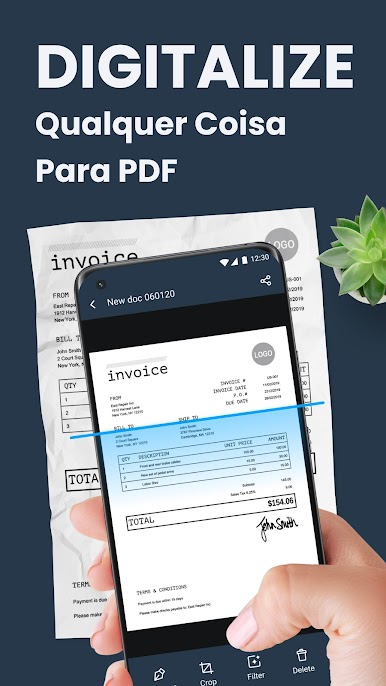
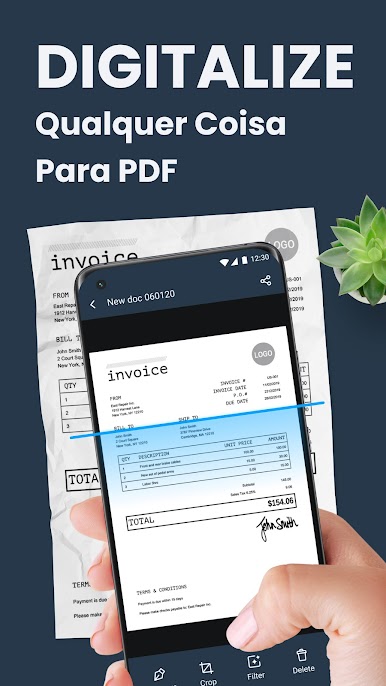
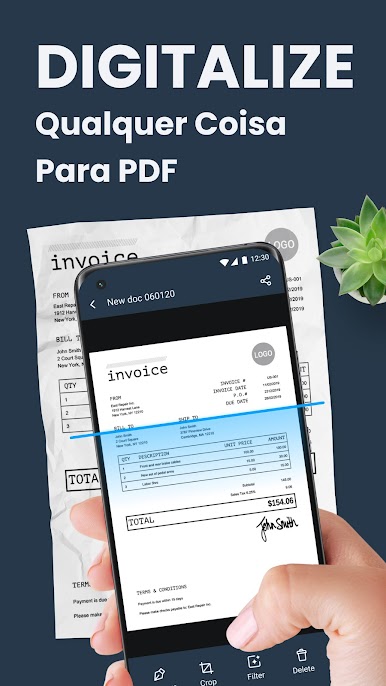
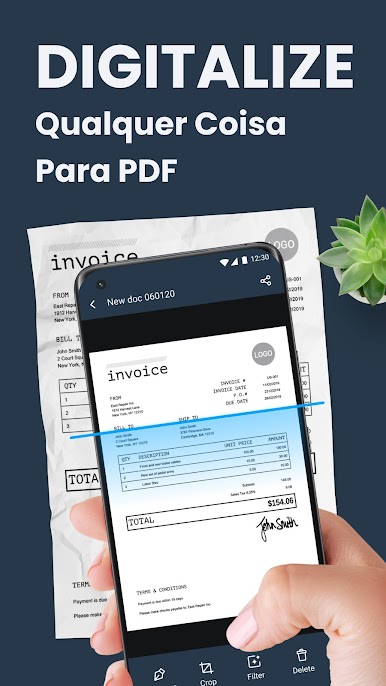
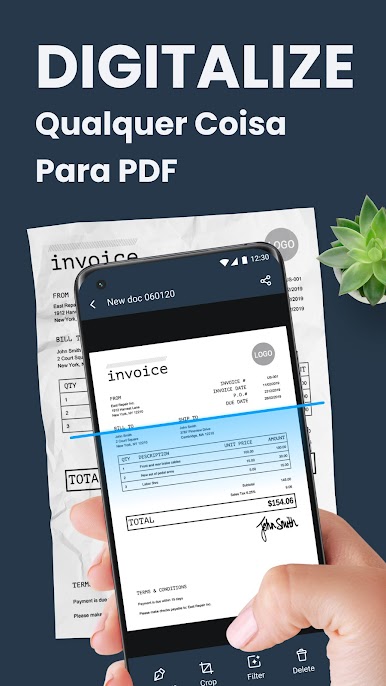
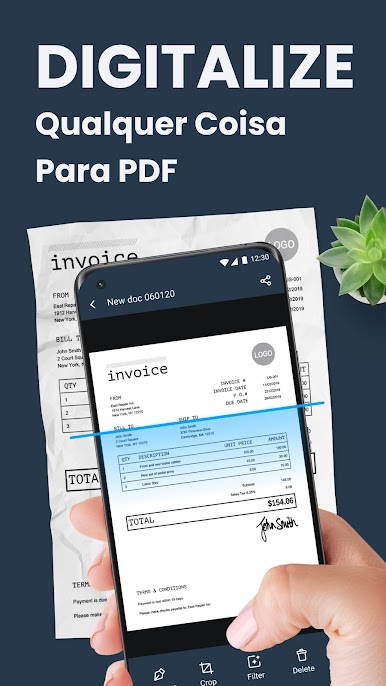
Ever find yourself needing to scan a document right away but there’s no scanner in sight? Scanner App: Scanner to scan PDF & Free Scan PDF by ECO MOBILE VN has you covered. It puts a handy scanning tool right in your pocket, so turning physical documents, receipts, or even a stack of photos into crisp PDFs is super straightforward. Whether you’re at home, in class, or working at the office, it’s designed to make digitizing paperwork quick and painless.
App Features
-
Flexible Scanning Options
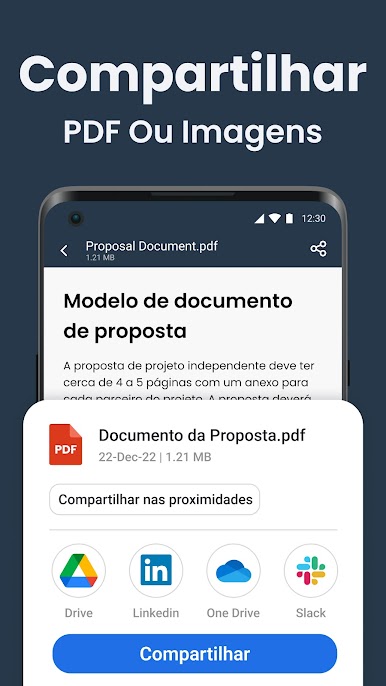
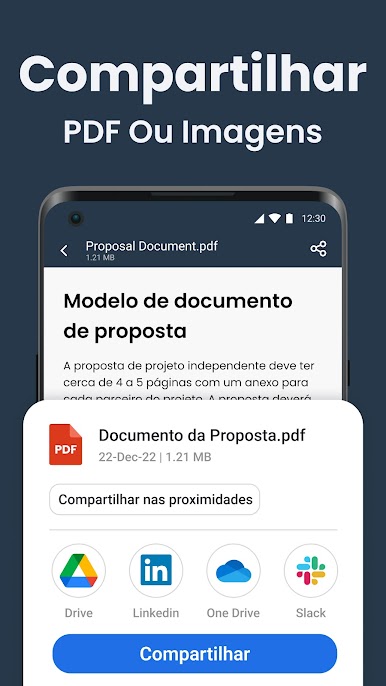
Jump between snapping a quick single document or scanning multiple pages at once—batch mode is a lifesaver if you’ve got a stack. You can also upload images straight from your gallery for conversion. -
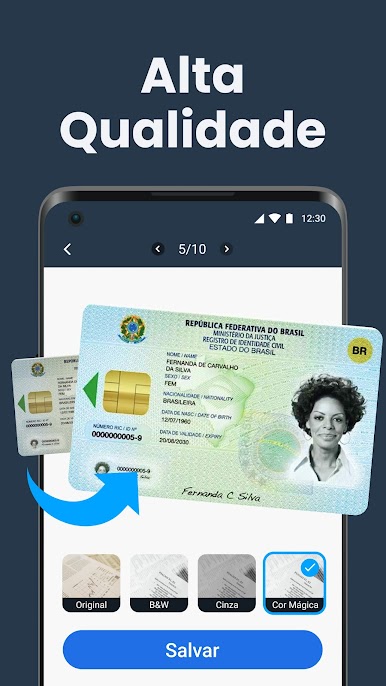
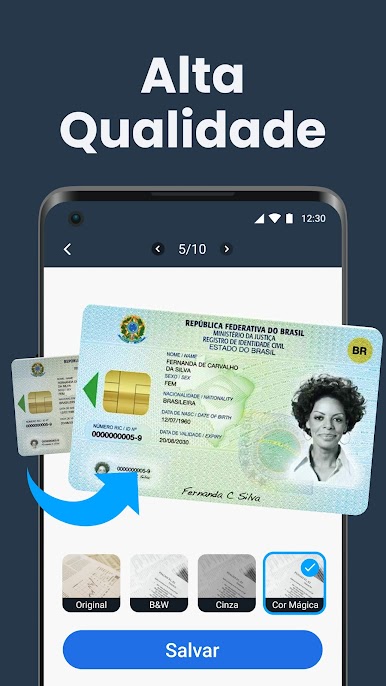
Rich Filter Choices
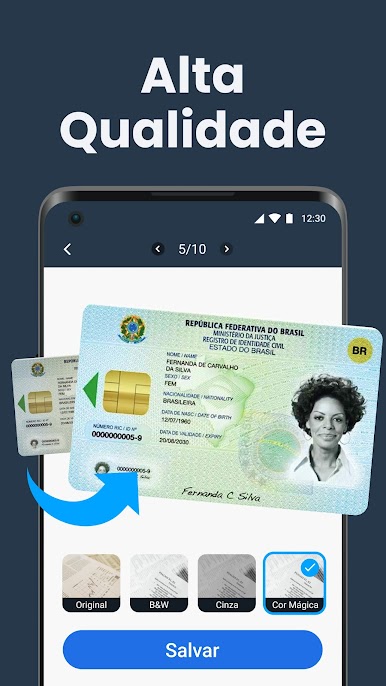
Tweak your scans with built-in filters like Original, Black & White, Gray, or Magic Color, depending on what suits your document best. -
Customizable PDF Sizes
Whether you’re organizing business cards, printing on A4, or storing odd-sized notes, pick from several page formats including A4, A5, A3, and more. -
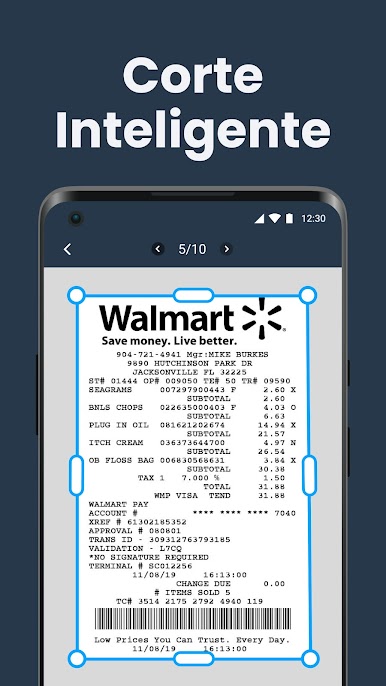
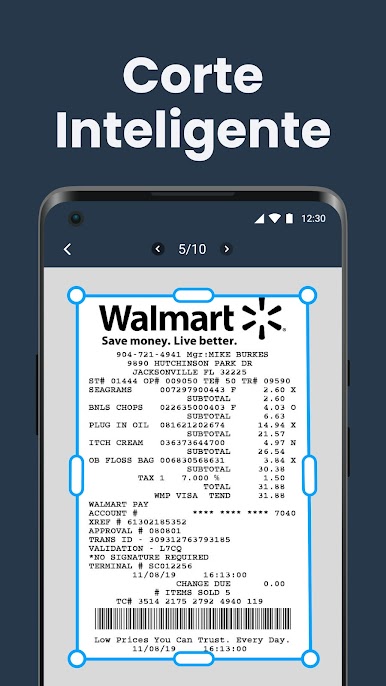
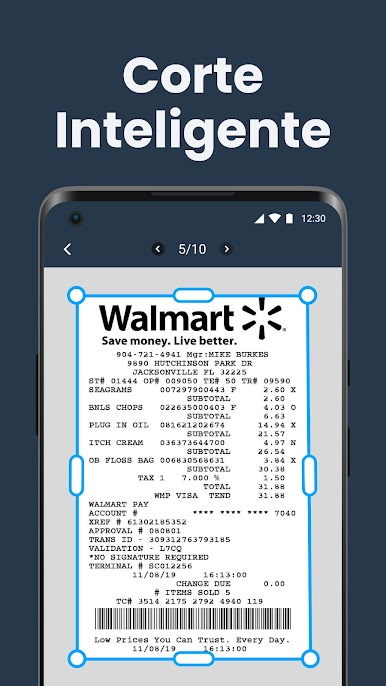
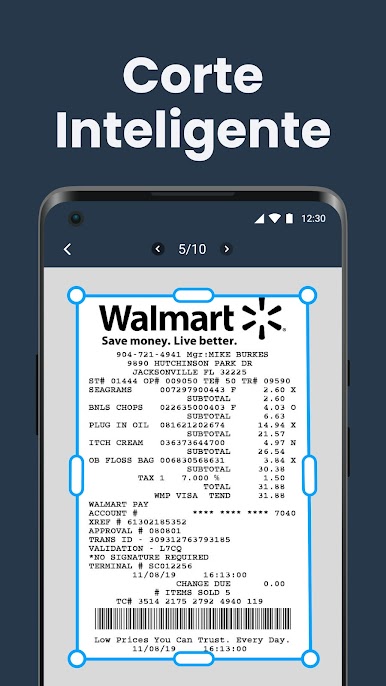
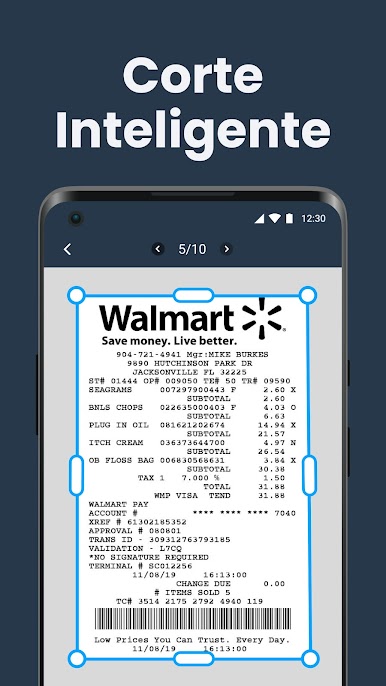
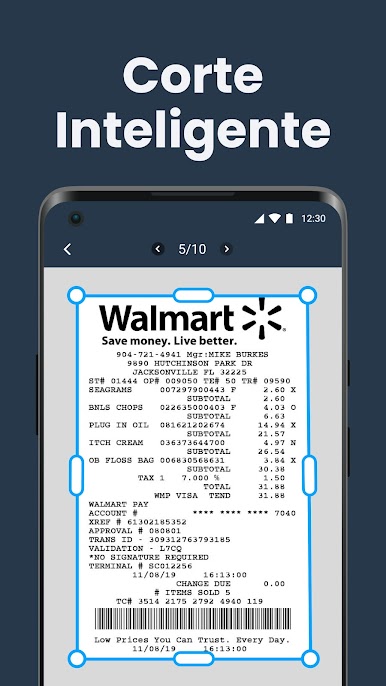
Automatic Edge Detection
Forget about fiddling with crop tools—this app finds the edges of your document for a cleaner scan every time. -
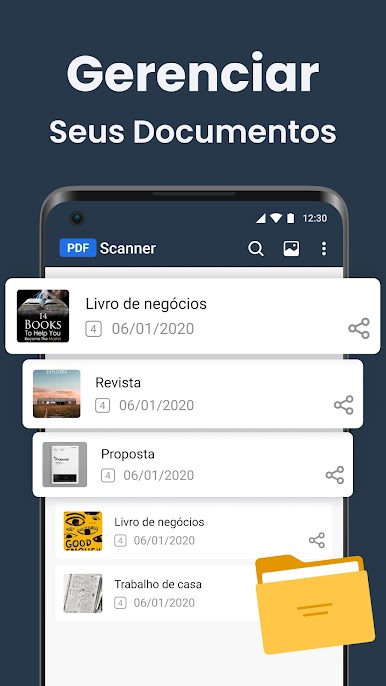
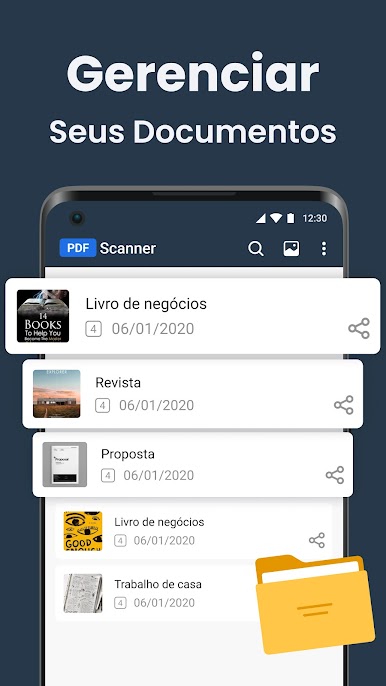
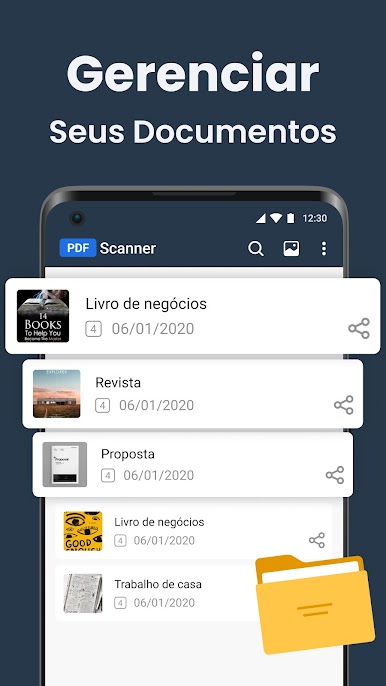
Simple Organization
Rename your files, move them to different folders, or search by name or date to keep everything tidy. List view layouts help you spot what you need in a flash. -
Works Anywhere
Suitable for everything from schoolwork to office receipts, you can scan and manage documents no matter where you are. -
Easy Search & Retrieval
Need that contract or homework assignment from last month? Use the quick search by title or sort your scans in seconds.
If you want to use Scanner App: Scanner to scan PDF & Free Scan PDF on your computer, BlueStacks makes it easy to handle scans and PDFs with a bigger screen and keyboard.
Switch to BlueStacks and make the most of your apps on your PC or Mac.
Jogue Scanner de Documentos, PixScan no PC. É fácil começar.
-
Baixe e instale o BlueStacks no seu PC
-
Conclua o login do Google para acessar a Play Store ou faça isso mais tarde
-
Procure por Scanner de Documentos, PixScan na barra de pesquisa no canto superior direito
-
Clique para instalar Scanner de Documentos, PixScan a partir dos resultados da pesquisa
-
Conclua o login do Google (caso você pulou a etapa 2) para instalar o Scanner de Documentos, PixScan
-
Clique no ícone do Scanner de Documentos, PixScan na tela inicial para começar a jogar

