


Linqi: English Social Chat App
Jogue no PC com BlueStacks - A Plataforma de Jogos Android, confiada por mais de 500 milhões de jogadores.

Página modificada em: Nov 24, 2025
Play LinqiApp: Speak English Freely on PC or Mac
Join millions to experience LinqiApp: Speak English Freely, an exciting Educational game from Edukeyt. With BlueStacks App Player, you are always a step ahead of your opponent, ready to outplay them with faster gameplay and better control with the mouse and keyboard on your PC or Mac.
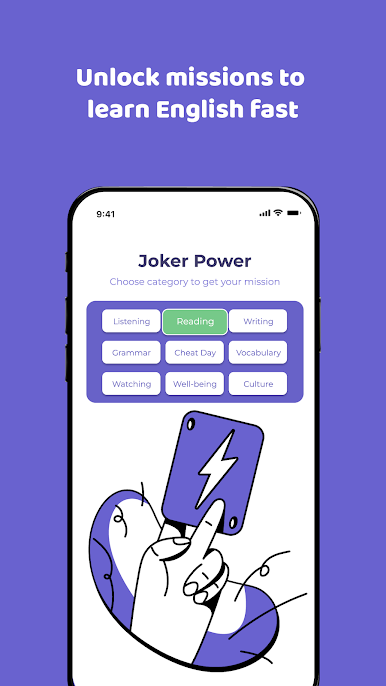
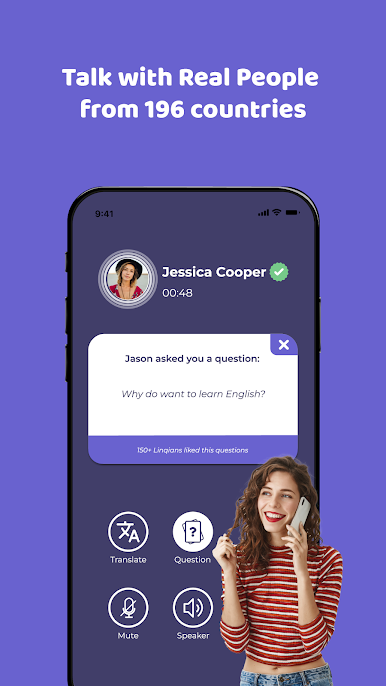
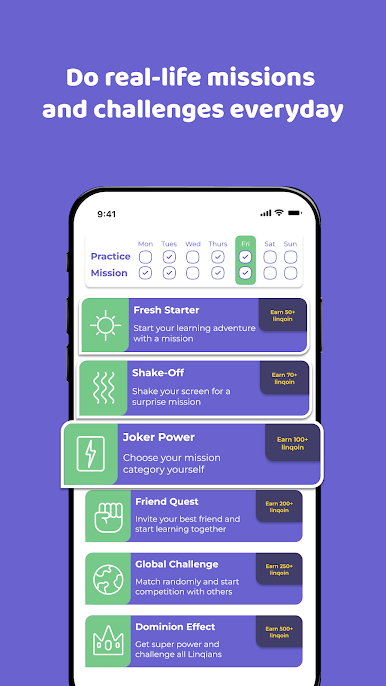
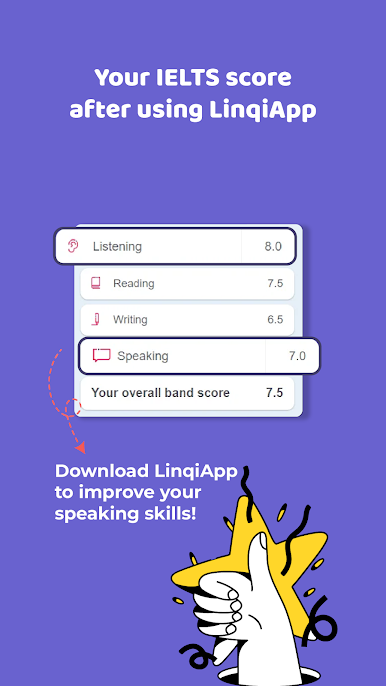
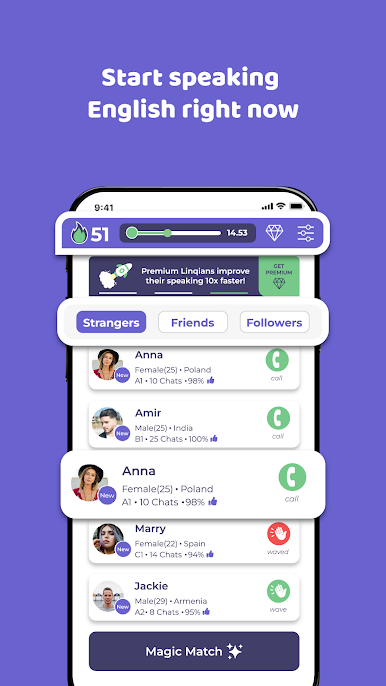
So, LinqiApp is basically all about actually practicing English with real people, not just memorizing words or filling out grammar exercises. It pairs you with others who are also trying to get better at speaking, and there’s a bunch of quick missions and talking challenges that make sessions feel like casual games instead of classroom drills. You get daily challenges that keep things moving, but it never feels stressful or stiff — it’s more like logging in to have a chat and maybe pick up something new from someone in another country. Doesn’t matter if someone’s a complete beginner or more advanced, because people can choose what kind of practice they want.
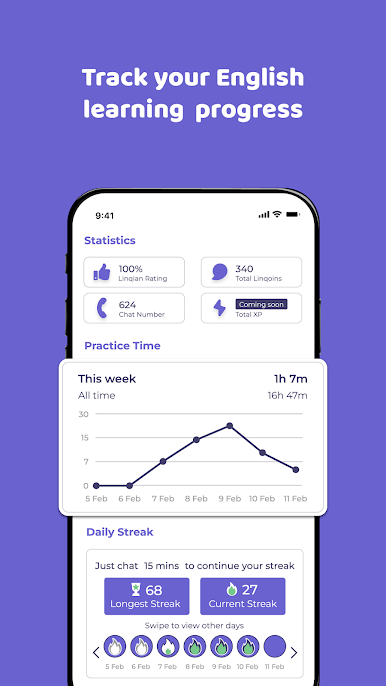
One thing that stands out is how much of it feels like a mix between a social app and a language tool. There’s a really active community, and the feedback comes from others using the app, so everyone’s a learner helping each other out, not just following a script. There are small rewards like coins and streaks that keep the motivation up, but the real draw is the conversations. Playing on a PC with BlueStacks makes it pretty easy to multitask or keep it running alongside other stuff too. Overall, LinqiApp is a solid pick for anyone wanting regular, relaxed English practice that actually gets you talking — not just studying alone.
Make your gaming sessions memorable with precise controls that give you an edge in close combats and visuals that pop up, bringing every character to life.


Jogue Linqi: English Social Chat App no PC. É fácil começar.
-
Baixe e instale o BlueStacks no seu PC
-
Conclua o login do Google para acessar a Play Store ou faça isso mais tarde
-
Procure por Linqi: English Social Chat App na barra de pesquisa no canto superior direito
-
Clique para instalar Linqi: English Social Chat App a partir dos resultados da pesquisa
-
Conclua o login do Google (caso você pulou a etapa 2) para instalar o Linqi: English Social Chat App
-
Clique no ícone do Linqi: English Social Chat App na tela inicial para começar a jogar

