


Fast Note Lite: Bloco de notas
Jogue no PC com BlueStacks - A Plataforma de Jogos Android, confiada por mais de 500 milhões de jogadores.

Página modificada em: Aug 15, 2025
Run Fast Note - Notepad, Notes on PC or Mac
What’s better than using Fast Note – Notepad, Notes by Superior Mobile Apps? Well, try it on a big screen, on your PC or Mac, with BlueStacks to see the difference.
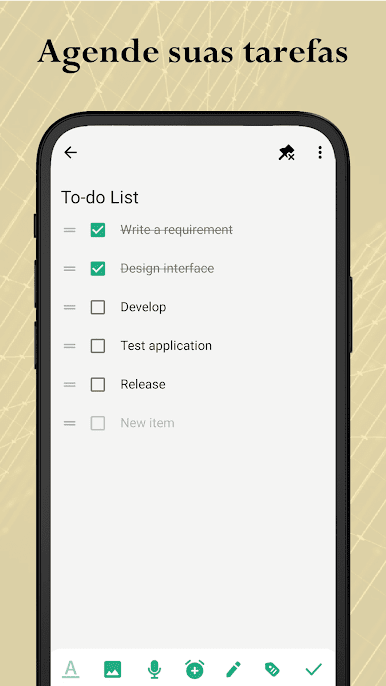
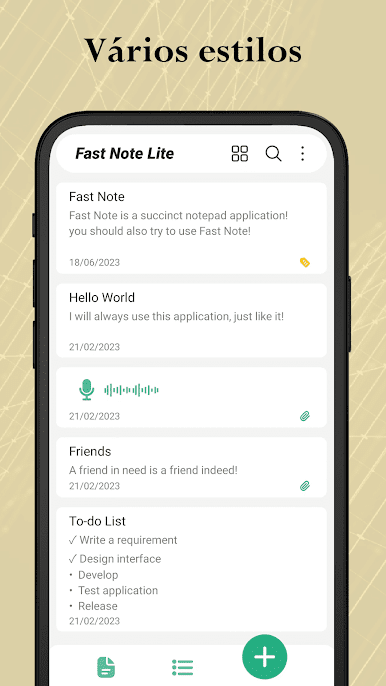
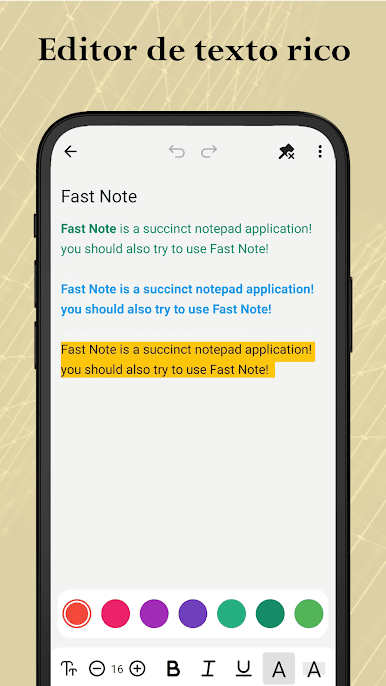
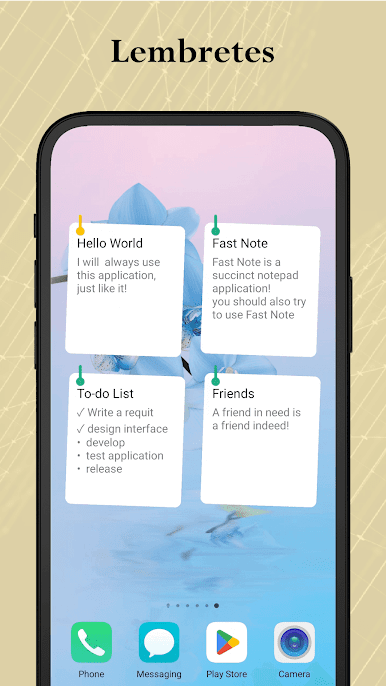
Fast Note is one of those notepad apps that keeps things straightforward, which is really refreshing. It’s all about jotting stuff down as fast as you think of it—anything from ideas to actual to-do lists. The editing is simple and quick, so there’s not a lot of fuss when you just want to write something up and organize it later. What stands out is how notes can be more than just text. You can toss in photos or files if you want them all in one place, and even record audio notes for those off-the-cuff thoughts when typing feels slow.
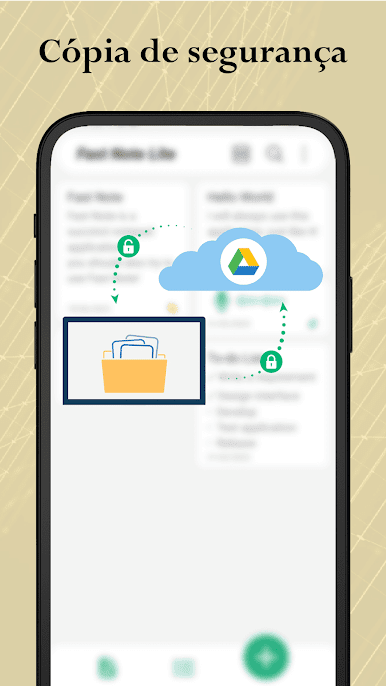
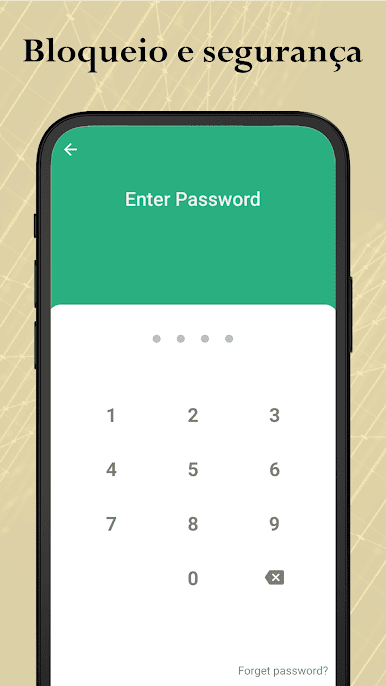
On top of that, it’s got all these little extras that make handling notes less of a chore. Setting reminders in your notes helps keep track of deadlines, and password protection keeps things private if you need. The backup options are handy—either locally or backed up to Google Drive, if you want peace of mind. There’s a dark mode that matches your device, plus a bunch of widgets for the home screen so your notes are always right there. The PDF and print features make it pretty practical, especially for sharing or saving stuff somewhere else. There’s just lots of flexibility with how you use it, and a few customization tweaks so it doesn’t always look the same. Running it on PC with BlueStacks actually makes the whole thing feel even more organized, especially if you like typing with a full keyboard or just want all your notes open in a bigger window. The whole thing is free, too—no paywalls hiding the good stuff.
BlueStacks brings your apps to life on a bigger screen—seamless and straightforward.


Jogue Fast Note Lite: Bloco de notas no PC. É fácil começar.
-
Baixe e instale o BlueStacks no seu PC
-
Conclua o login do Google para acessar a Play Store ou faça isso mais tarde
-
Procure por Fast Note Lite: Bloco de notas na barra de pesquisa no canto superior direito
-
Clique para instalar Fast Note Lite: Bloco de notas a partir dos resultados da pesquisa
-
Conclua o login do Google (caso você pulou a etapa 2) para instalar o Fast Note Lite: Bloco de notas
-
Clique no ícone do Fast Note Lite: Bloco de notas na tela inicial para começar a jogar

