


QuranStart
العب على الكمبيوتر الشخصي مع BlueStacks - نظام أندرويد للألعاب ، موثوق به من قبل أكثر من 500 مليون لاعب.

Run QuranStart on PC or Mac
Let BlueStacks turn your PC, Mac, or laptop into the perfect home for QuranStart, a fun Education app from Noor Path.
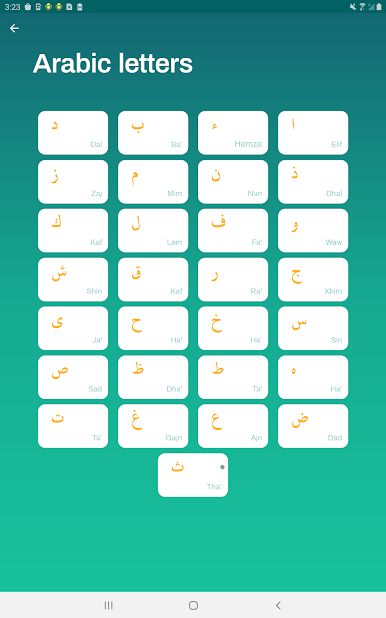
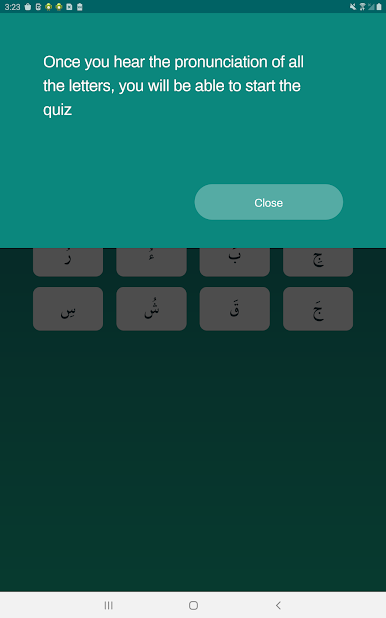
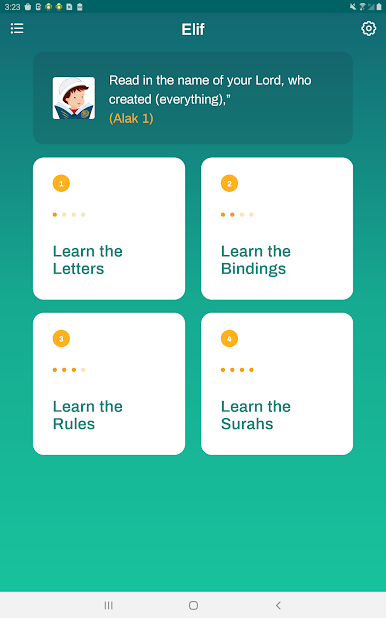
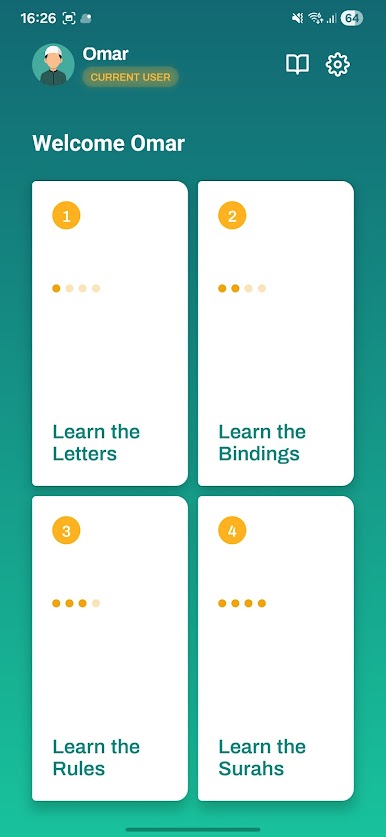
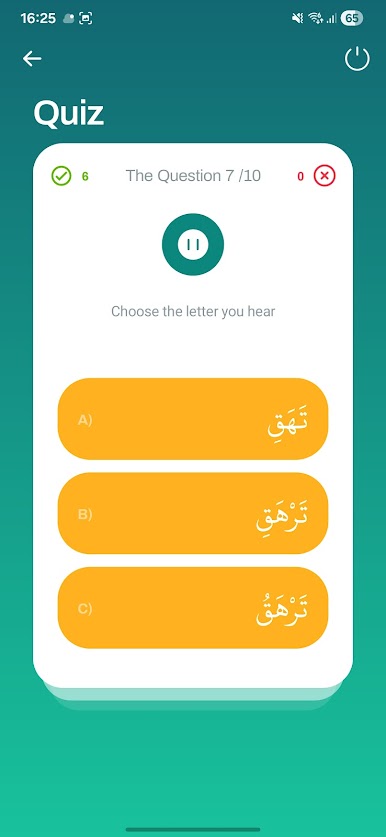
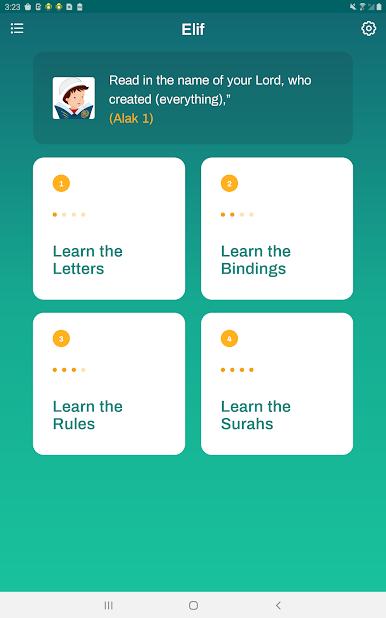
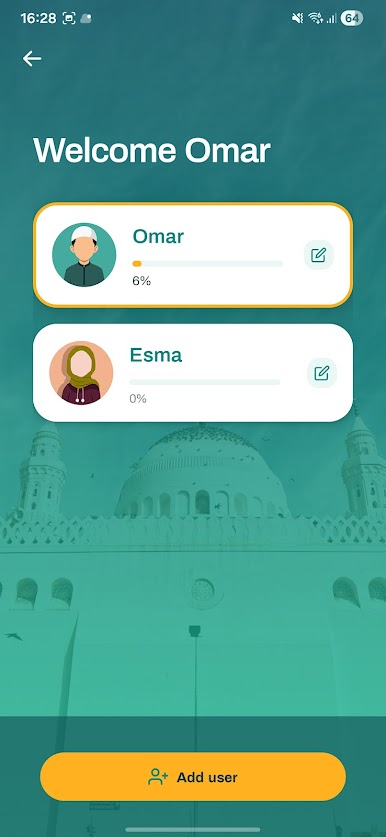
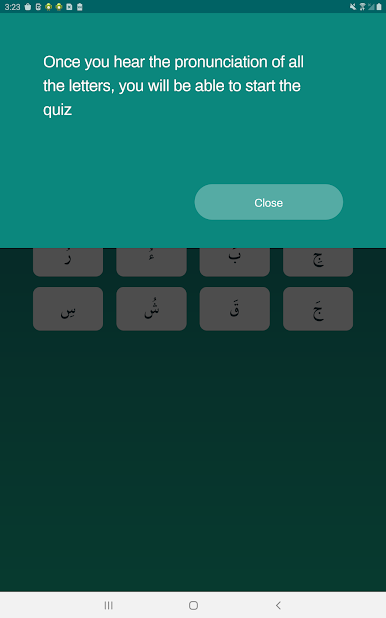
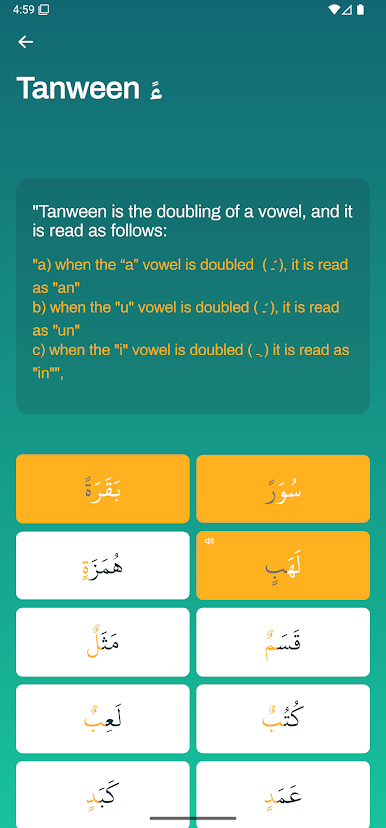
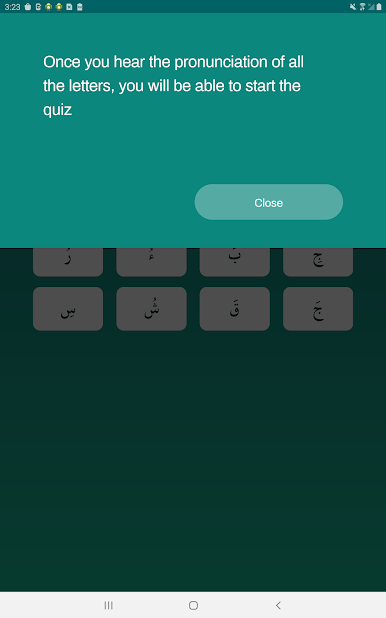
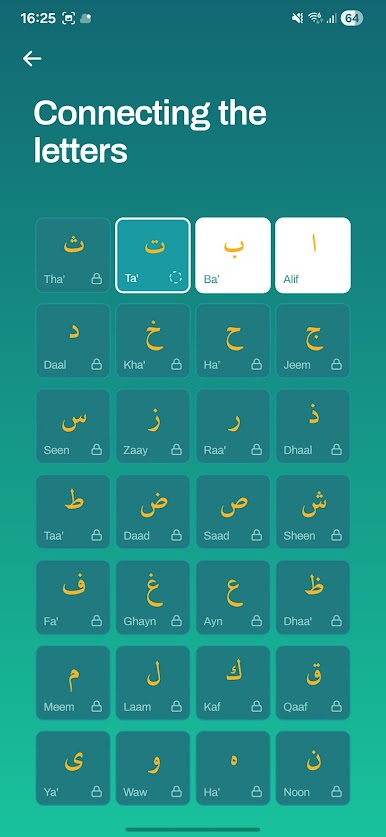
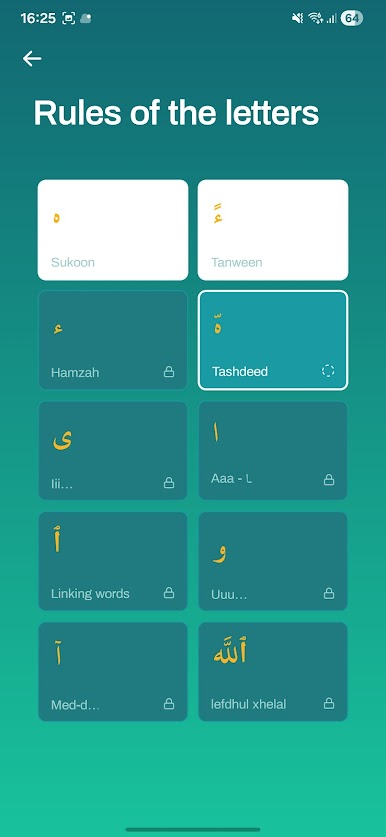
The app feels simple and calm, like a small classroom that fits in a pocket but also looks fine on a laptop when run through BlueStacks. It walks through the Arabic alphabet, the little connections between letters, basic reading rules, and a handful of short surahs, all with clear audio so listening and repeating is the main thing. There are short quizzes after each module that open a few more challenges when cleared, so it keeps things moving without being pushy. The layout is clean, large buttons and friendly text, which makes it easy for both children and adults to tap around and not get lost.
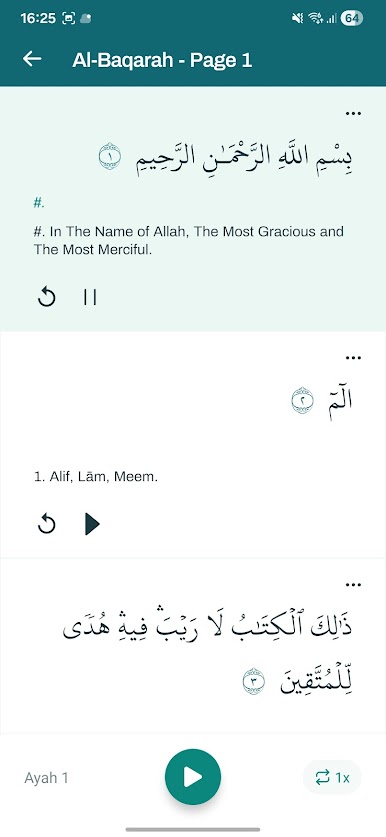
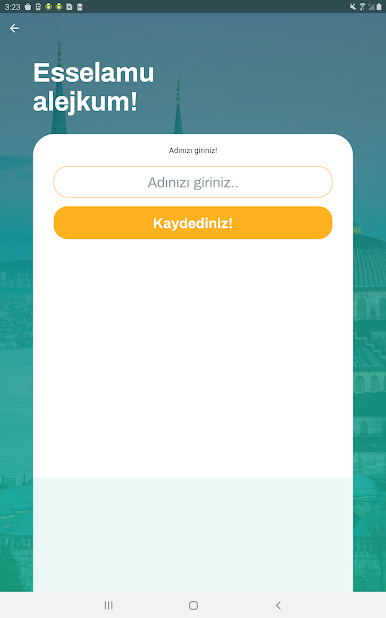
It works offline, which is useful when internet is spotty, and it supports several languages so explanations do not feel foreign. Each letter gets a small explanation and examples, and settings can be adjusted to suit different learners. There are no ads in this version, so lessons flow without interruptions. On PC the recordings sound fuller and the bigger text helps with focus, so it is a good option for anyone who prefers a larger screen while learning.
BlueStacks gives you the much-needed freedom to experience your favorite apps on a bigger screen. Get it now.
العب QuranStart على جهاز الكمبيوتر. من السهل البدء.
-
قم بتنزيل BlueStacks وتثبيته على جهاز الكمبيوتر الخاص بك
-
أكمل تسجيل الدخول إلى Google للوصول إلى متجر Play ، أو قم بذلك لاحقًا
-
ابحث عن QuranStart في شريط البحث أعلى الزاوية اليمنى
-
انقر لتثبيت QuranStart من نتائج البحث
-
أكمل تسجيل الدخول إلى Google (إذا تخطيت الخطوة 2) لتثبيت QuranStart
-
انقر على أيقونة QuranStart على الشاشة الرئيسية لبدء اللعب

