


ePlatform Digital Libraries
도서 및 참고 자료 | Wheelers ePlatform Ltd
5억명 이상의 게이머가 신뢰하는 안드로이드 게임 플랫폼 BlueStacks으로 PC에서 플레이하세요.

Play ePlatform Digital Libraries on PC
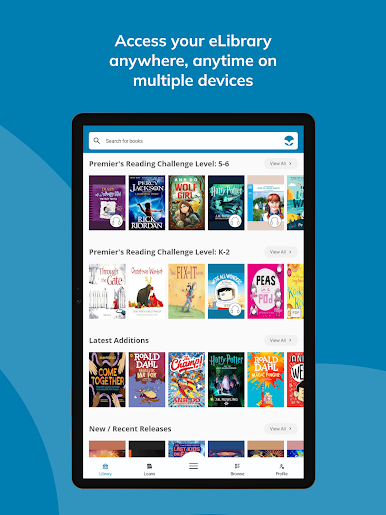
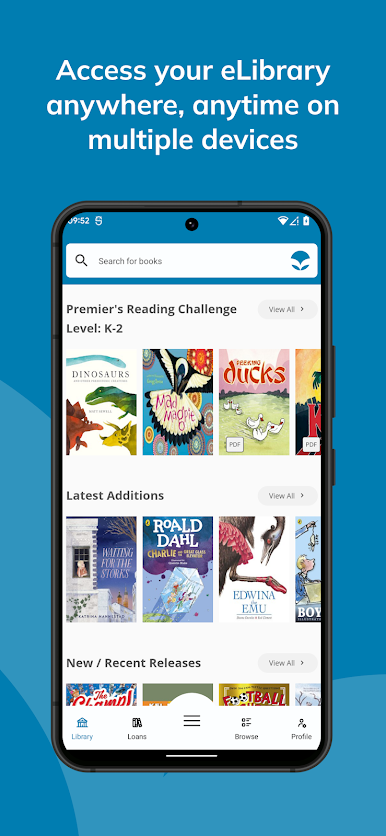
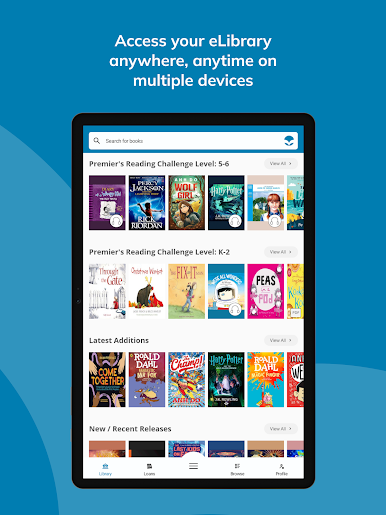
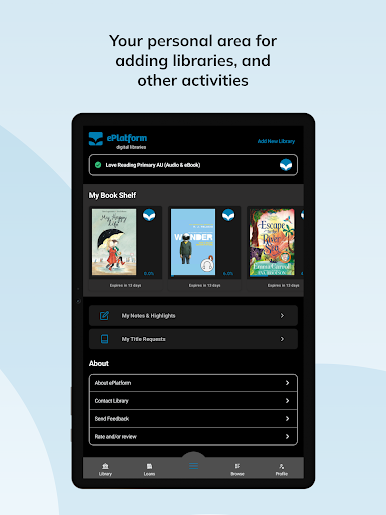
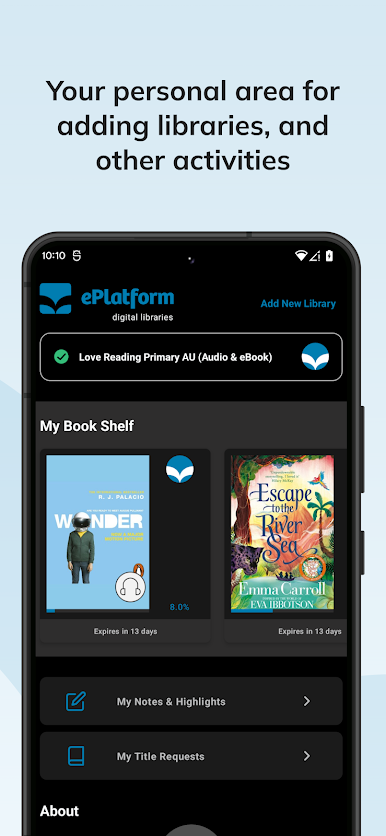
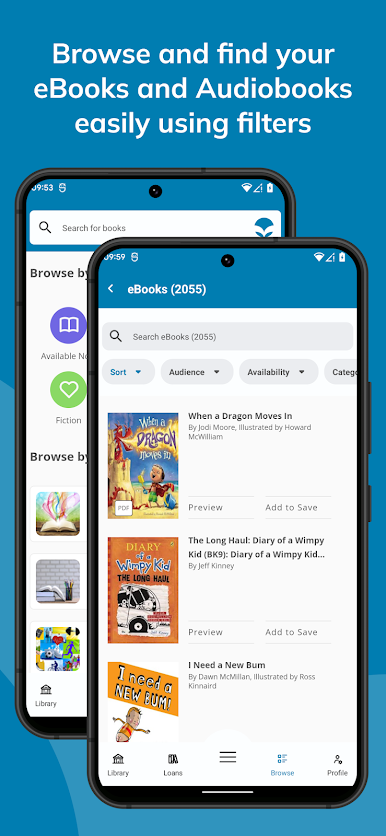
The ePlatform app gives students and patrons access to eBook and Audiobook collections at the tap of a button. Start reading and listening anytime, anywhere. ePlatform is optimised for smartphones and tablets so you can take your library with you wherever you go.
It is quick, simple and free to download. Within minutes you’ll be able to read library eBooks and listen to Audiobooks across a multiple array of devices. You can even read and listen offline.
Just log in once, begin reading and then when you exit, your place is automatically bookmarked and saved so you can pick up right where you left off the next time you log in.
READY TO SEE WHAT’S POSSIBLE?
1. Using the app, find your School or Public Library.
2. Login to authenticate yourself as a student of the school or library member (using your library card ID).
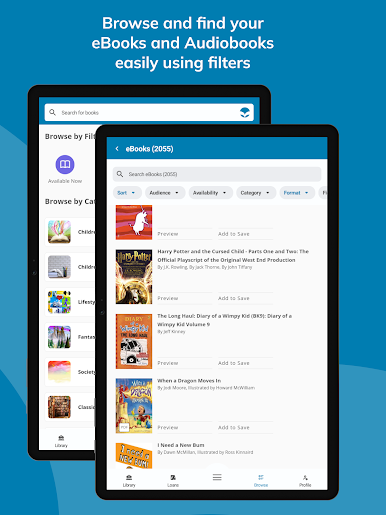
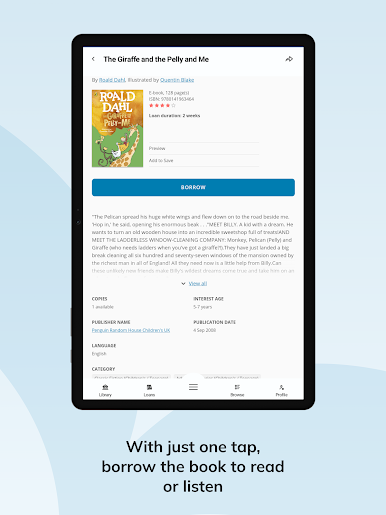
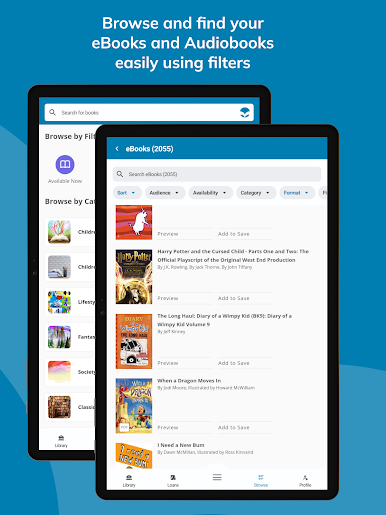
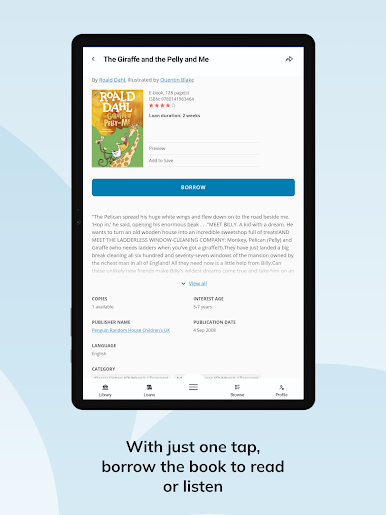
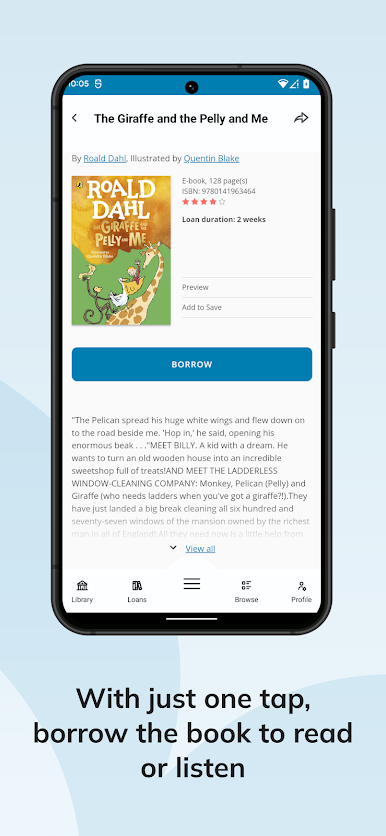
3. Search, browse, look inside/ sample audio, borrow and reserve.
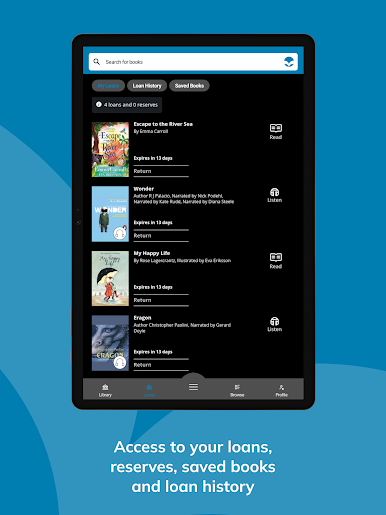
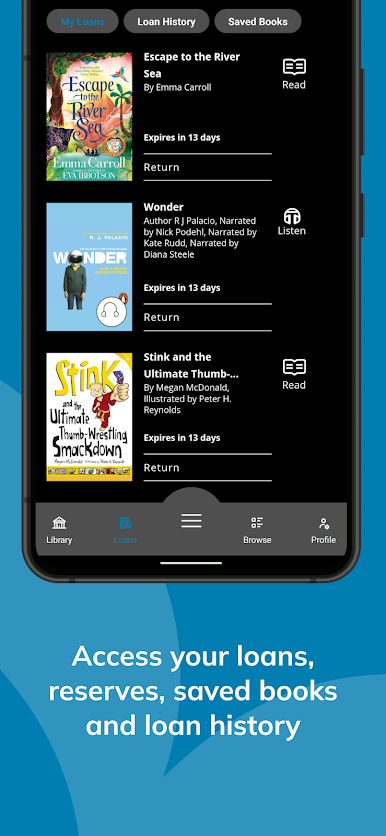
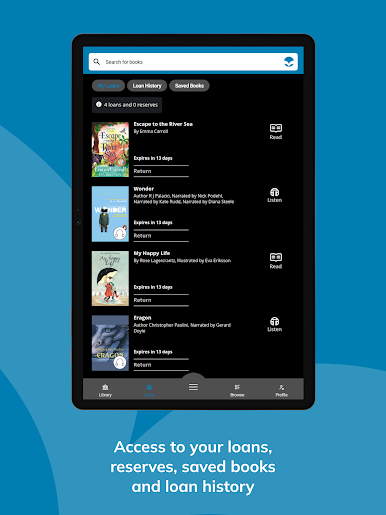
Titles return automatically after the loan period so there is no need to worry about late fees, otherwise you can choose to return them early too. The App also synchronises reading location, highlights, notes and settings between devices.
WHY YOU WILL LOVE EPLATFORM
ePlatform was designed to further enhance the joy of reading. It includes a raft of helpful features that students and patrons will appreciate like:
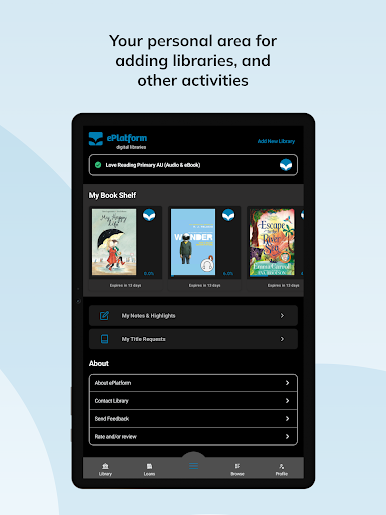
- Access to both School and Public Libraries you belong to.
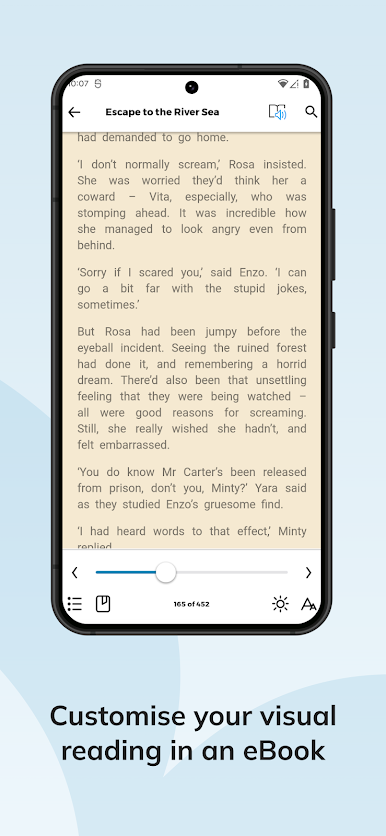
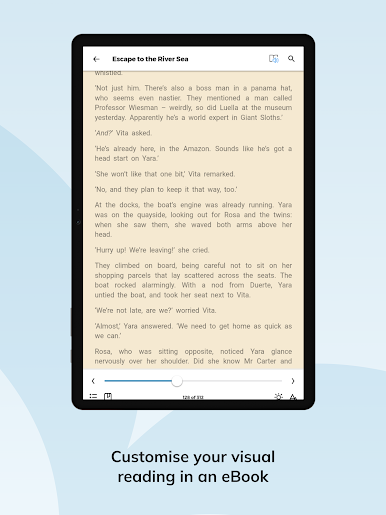
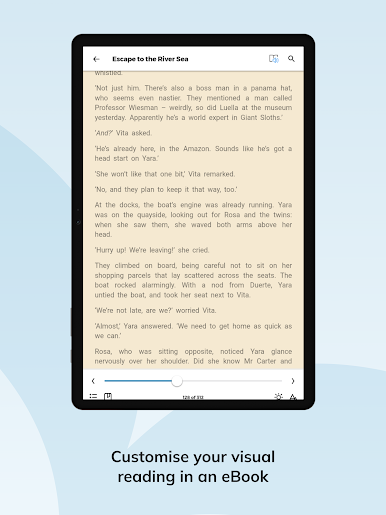
- Smart Settings Wizard with ability to customise - font type, font size, spacing between letters, words and lines, background colour, lock screen in portrait or landscape. enable night mode, adjust brightness.
- Smart features that support visual reading challenges such as personalisation options and Dyslexia friendly settings.
- Define or search words when reading.
- Synchronise reading location, highlights, notes and settings between devices.
- Export highlighted text and notes from borrowed books in PDF format.
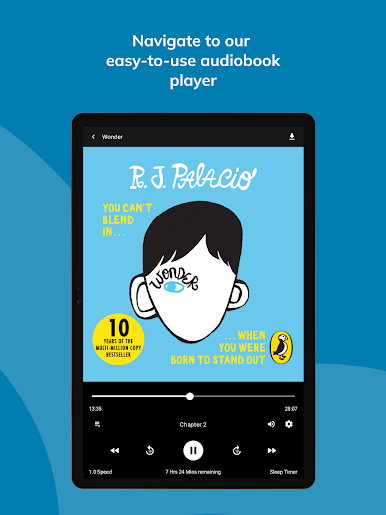
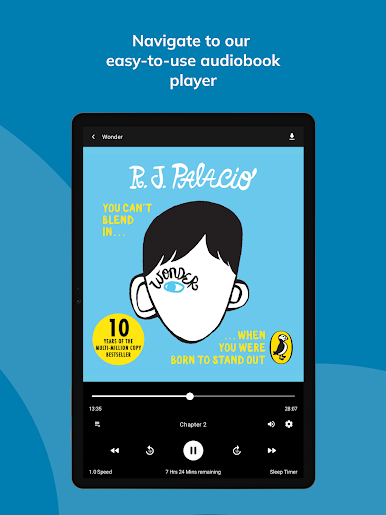
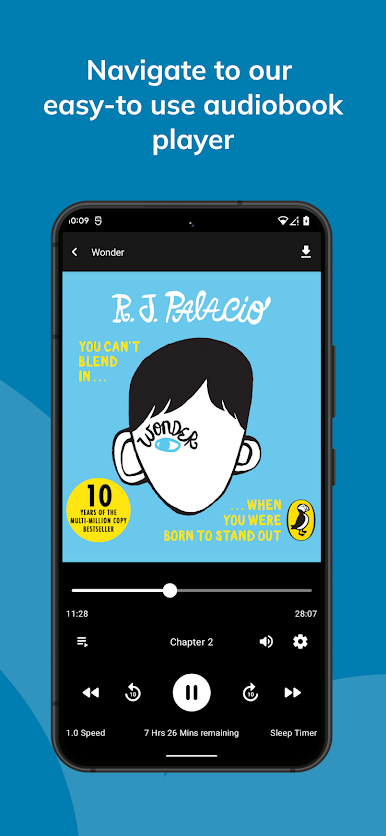
- Reading speed control and sleep timer are available when listening to an audiobook.
- Sample any eBook or Audiobook, with no loan required.
It is quick, simple and free to download. Within minutes you’ll be able to read library eBooks and listen to Audiobooks across a multiple array of devices. You can even read and listen offline.
Just log in once, begin reading and then when you exit, your place is automatically bookmarked and saved so you can pick up right where you left off the next time you log in.
READY TO SEE WHAT’S POSSIBLE?
1. Using the app, find your School or Public Library.
2. Login to authenticate yourself as a student of the school or library member (using your library card ID).
3. Search, browse, look inside/ sample audio, borrow and reserve.
Titles return automatically after the loan period so there is no need to worry about late fees, otherwise you can choose to return them early too. The App also synchronises reading location, highlights, notes and settings between devices.
WHY YOU WILL LOVE EPLATFORM
ePlatform was designed to further enhance the joy of reading. It includes a raft of helpful features that students and patrons will appreciate like:
- Access to both School and Public Libraries you belong to.
- Smart Settings Wizard with ability to customise - font type, font size, spacing between letters, words and lines, background colour, lock screen in portrait or landscape. enable night mode, adjust brightness.
- Smart features that support visual reading challenges such as personalisation options and Dyslexia friendly settings.
- Define or search words when reading.
- Synchronise reading location, highlights, notes and settings between devices.
- Export highlighted text and notes from borrowed books in PDF format.
- Reading speed control and sleep timer are available when listening to an audiobook.
- Sample any eBook or Audiobook, with no loan required.
PC에서 ePlatform Digital Libraries 플레이해보세요.
-
BlueStacks 다운로드하고 설치
-
Google Play 스토어에 로그인 하기(나중에 진행가능)
-
오른쪽 상단 코너에 ePlatform Digital Libraries 검색
-
검색 결과 중 ePlatform Digital Libraries 선택하여 설치
-
구글 로그인 진행(만약 2단계를 지나갔을 경우) 후 ePlatform Digital Libraries 설치
-
메인 홈화면에서 ePlatform Digital Libraries 선택하여 실행

