


Epson Print Enabler
5억명 이상의 게이머가 신뢰하는 안드로이드 게임 플랫폼 BlueStacks으로 PC에서 플레이하세요.

Run Epson Print Enabler on PC or Mac
Why limit yourself to your small screen on the phone? Run Epson Print Enabler, an app by Seiko Epson Corporation, best experienced on your PC or Mac with BlueStacks, the world’s #1 Android emulator.
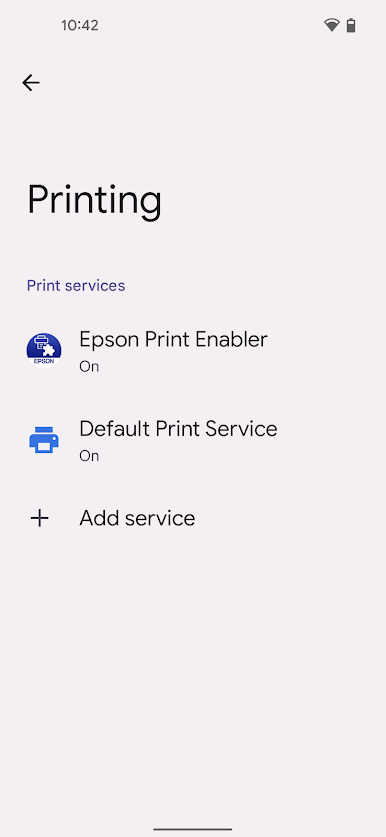
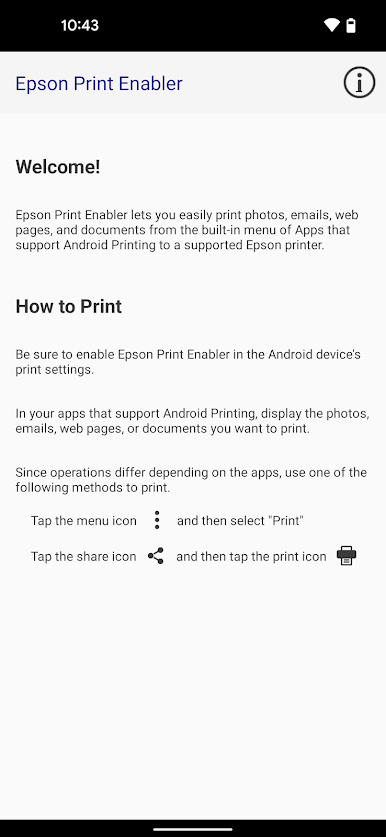
Epson Print Enabler is super straightforward – it just makes printing from Android devices much easier. Instead of having to mess with emailing files to yourself or connecting your phone to a computer with a cable just to print something, this app connects Android tablets or phones straight to most Epson printers over Wi-Fi. It plugs right into the regular print menu on Android, so whenever someone’s looking at a photo, a web page, an email, or a document in an app that supports printing, there’ll be an option to send it directly to the printer.
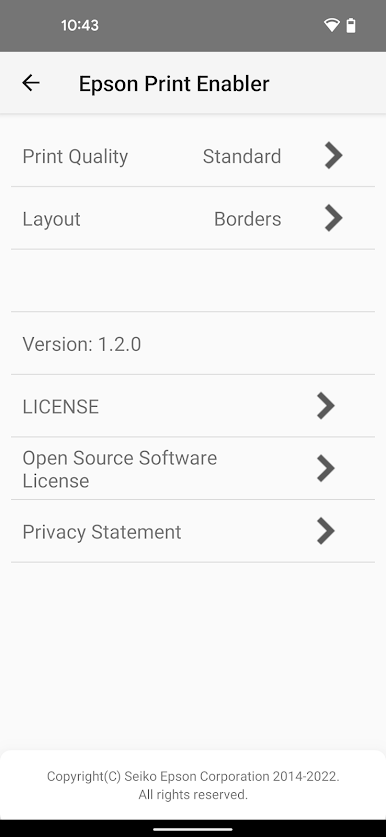
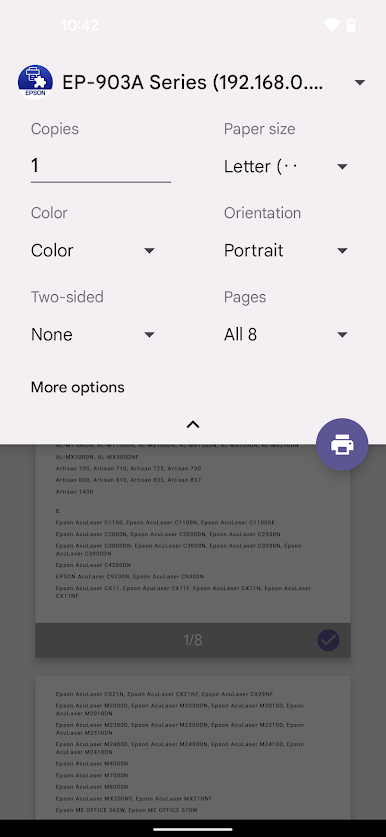
People like using it on PC with BlueStacks, too, just because it adds a bit more comfort and they can handle print jobs from a bigger screen. Changing settings like color, how many copies, paper size, print quality, double-sided or not – all of that is included, so there’s plenty of control if someone wants it. It’s handy with the essentials: Photos, Gmail, Chrome, Google Drive, and a bunch of other apps that do printing. There’s not a lot of unnecessary steps, and it mostly works in the background, so it keeps things simple. It’s especially good for anyone with an Epson printer at home or in a small office, wanting printing to just work from their Android stuff without any hassle.
Eager to take your app experience to the next level? Start right away by downloading BlueStacks on your PC or Mac.
PC에서 Epson Print Enabler 플레이해보세요.
-
BlueStacks 다운로드하고 설치
-
Google Play 스토어에 로그인 하기(나중에 진행가능)
-
오른쪽 상단 코너에 Epson Print Enabler 검색
-
검색 결과 중 Epson Print Enabler 선택하여 설치
-
구글 로그인 진행(만약 2단계를 지나갔을 경우) 후 Epson Print Enabler 설치
-
메인 홈화면에서 Epson Print Enabler 선택하여 실행

