


Manille +
العب على الكمبيوتر الشخصي مع BlueStacks - نظام أندرويد للألعاب ، موثوق به من قبل أكثر من 500 مليون لاعب.

Play Manille + on PC
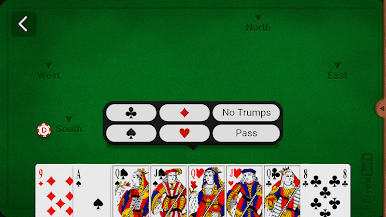
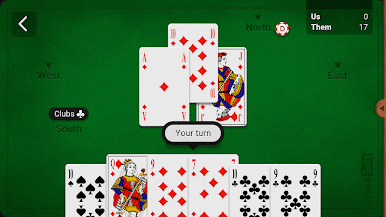
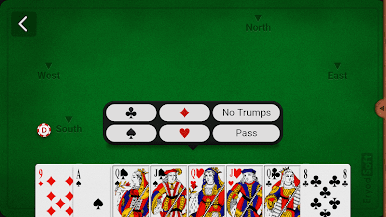
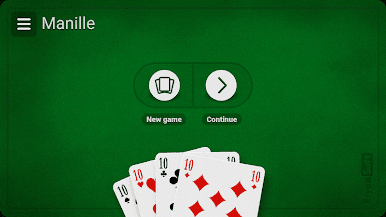
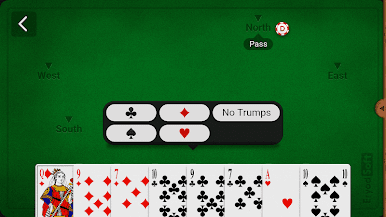
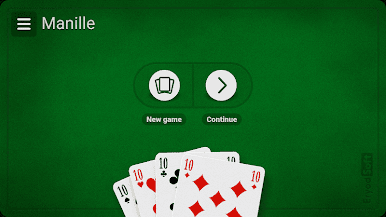
Play to the popular Manille card game, against opponents simulated by an high-level artificial intelligence.
All official rules and several variants are handled :
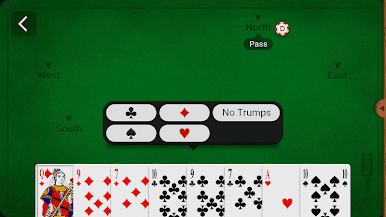
- Manille Muette.
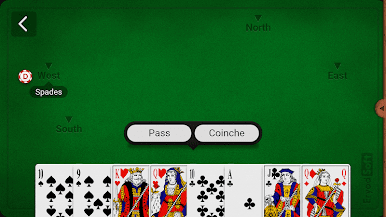
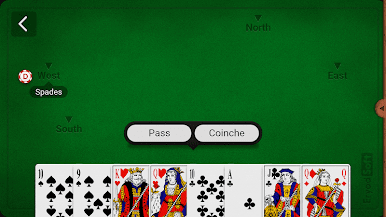
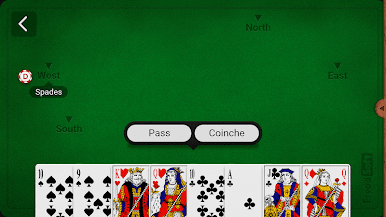
- Manille Coinchée.
*** HD GRAPHICS ***
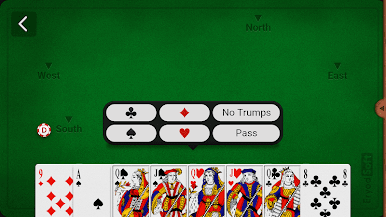
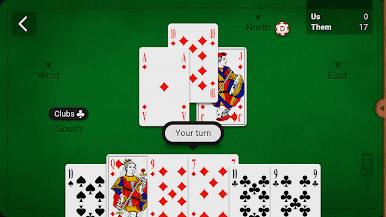
Easy to use, the game is very fast and responsive, with card animation for a more realistic gameplay, and hd graphics.
Two visual themes available.
*** AN HIGH-LEVEL ARTIFICIAL INTELLIGENCE ***
Your opponents and teammates are simulated by an high-level artificial intelligence, that knows the common strategies used in manille card game. Therefore the game is very realistic, close to game with real players, and the challenge is high.
Four AI levels are available, from beginner to expert, which allows you to adapt the game to your level of play.
*** A CUSTOMIZABLE APPLICATION ***
- Many options to customize the rules.
- Change the player's name.
- Change the speed of the game.
- Play automatically.
- Direction on play.
- And many more...
*** AN APPLICATION THAT WILL MAKE YOU BECOME BETTER ***
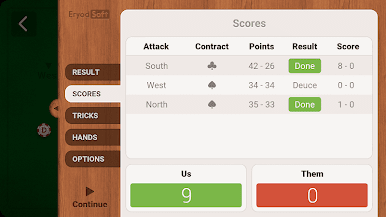
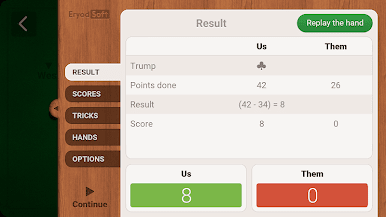
A section with statistics is included in the application, allowing you to monitor the evolution of your performances.
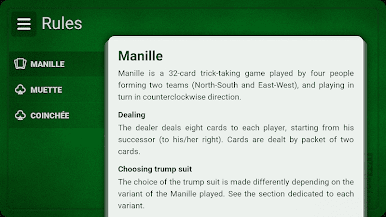
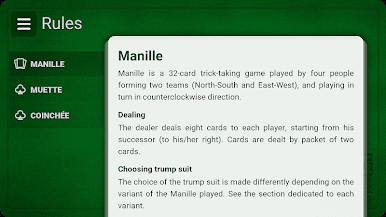
For beginners, rules of Manille are also included inside the application.
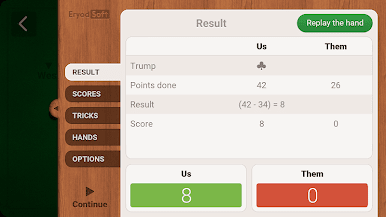
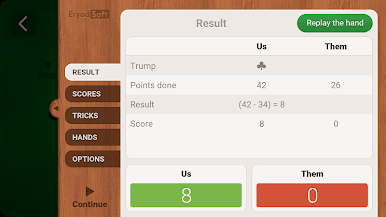
Finally, you can at the end of the round see all the tricks, and replay the round if you want, to train and try new strategies.
For any question regarding the application : support.manille@eryodsoft.com
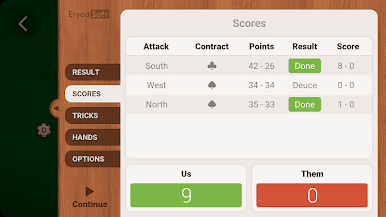
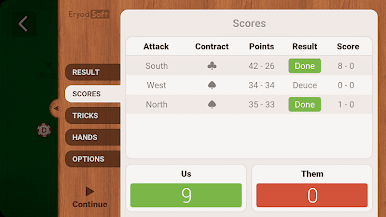
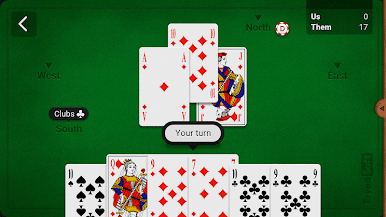
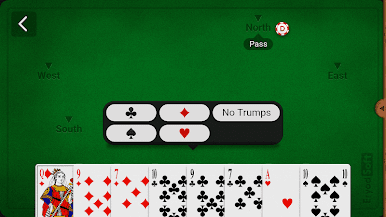
العب Manille + على جهاز الكمبيوتر. من السهل البدء.
-
قم بتنزيل BlueStacks وتثبيته على جهاز الكمبيوتر الخاص بك
-
أكمل تسجيل الدخول إلى Google للوصول إلى متجر Play ، أو قم بذلك لاحقًا
-
ابحث عن Manille + في شريط البحث أعلى الزاوية اليمنى
-
انقر لتثبيت Manille + من نتائج البحث
-
أكمل تسجيل الدخول إلى Google (إذا تخطيت الخطوة 2) لتثبيت Manille +
-
انقر على أيقونة Manille + على الشاشة الرئيسية لبدء اللعب

