


ESET Smart TV Security
生產力 | ESET
在電腦上使用BlueStacks –受到5億以上的遊戲玩家所信任的Android遊戲平台。

Play ESET Smart TV Security on PC
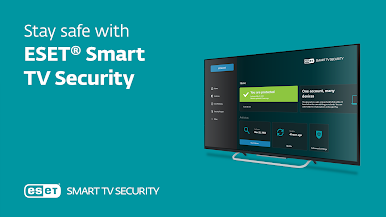
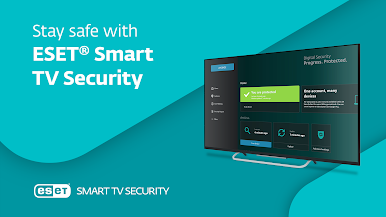
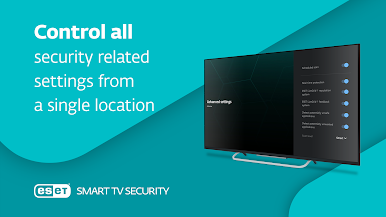
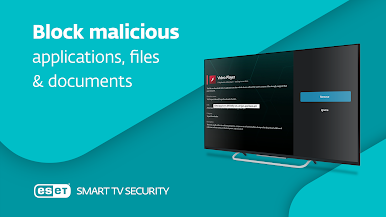
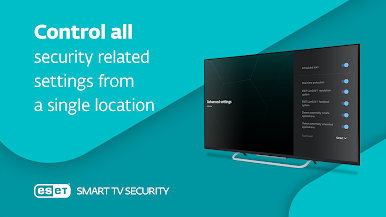
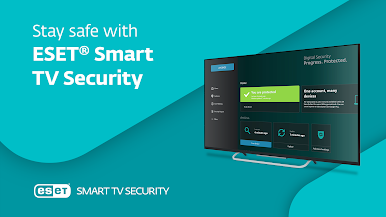
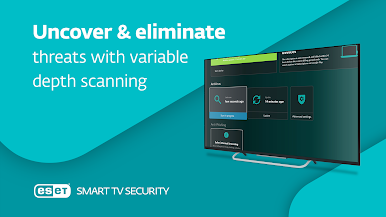
ESET Smart TV Security is a fast and powerful antivirus and antimalware application protecting your smart television and other devices running on Android TV Operation System.
Join over 110 million ESET users around the world and take advantage of PREMIUM features including an intuitive and easy-to-use interface, Scheduled Scan and Anti-Phishing.
After download, you will automatically get 30 days for FREE to try out all the cool PREMIUM features and to experience what having a fearless Android experience means. Afterwards, you can decide to continue with PREMIUM’s enhanced features, or keep the basic FREE version.
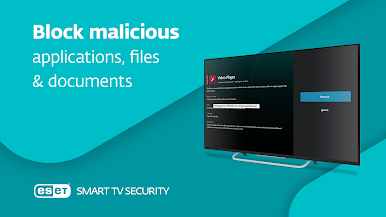
Enjoy safer technology without thinking about ransomware, phishing or other malware while watching TV, downloading files or simply browsing the web.
TAKE ADVANTAGE OF THESE FREE FEATURES
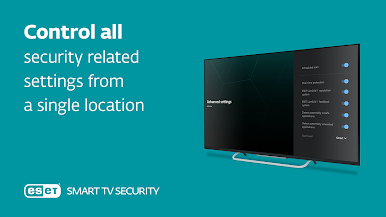
✓ Easy setup with the simple step-by-step wizard.
✓ Automatic updates of detection module to protect against most recent threats.
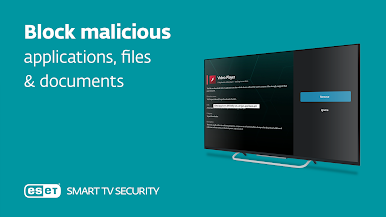
✓ Automatic scanning of newly installed apps.
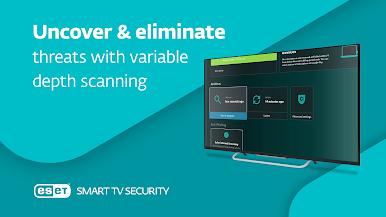
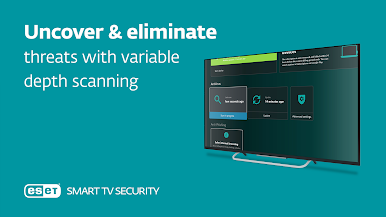
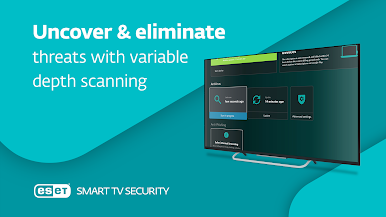
✓ See something suspicious? Run the manual scan for malware anytime you want.
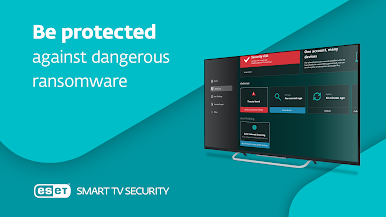
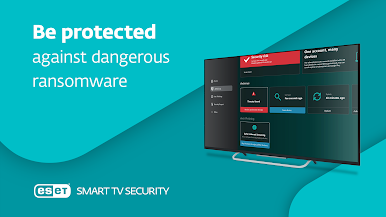
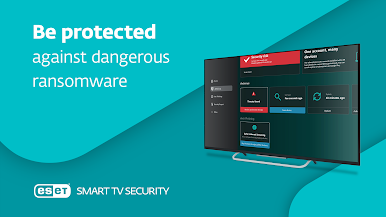
✓ Afraid of ransomware? Our Ransomware Shield can protect you even after activation of malware’s lock-screen.
✓ Using USB drive to show content on TV? USB On-The-Go Scan will keep you safe.
SUBSCRIBE NOW TO GET THESE PREMIUM FEATURES
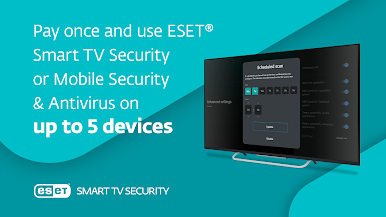
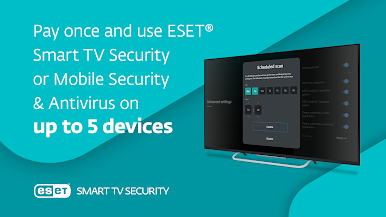
✪ Pay once, use it on up to 5 devices (smartphones or tablets with Mobile Security & Antivirus) connected to the same Google Account.
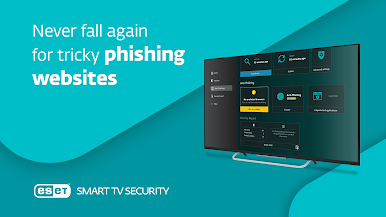
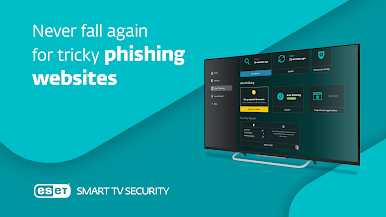
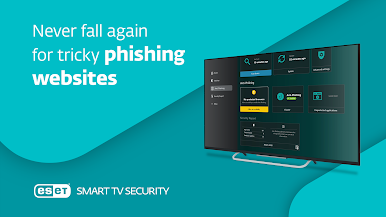
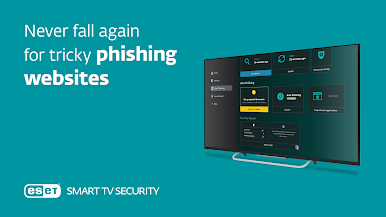
✪ Afraid the website you are visiting is malicious? No worries, our Anti-phishing protection will cover your back.
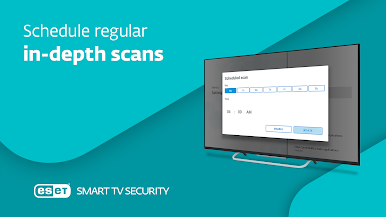
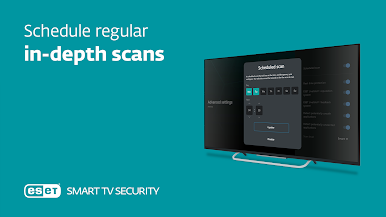
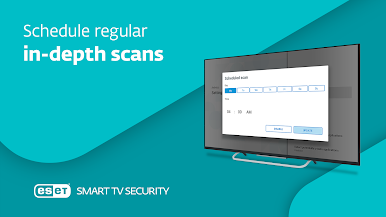
✪ Want to further improve your security? Choose from many different scanning scenarios and schedule them for any weekday & time.
PERMISSIONS
✓ This app uses Accessibility services. App uses the permission to Anonymously protect you against phishing web sites.
FEEDBACK
After you install ESET Smart TV Security you will become part of our community, enabling you to send in your feedback. If you have any suggestions, questions or just want to say hello, please send an e-mail to play@eset.com.
This app uses Accessibility services API to collect data about visited websites and to send alerts when malicious websites are detected.
Join over 110 million ESET users around the world and take advantage of PREMIUM features including an intuitive and easy-to-use interface, Scheduled Scan and Anti-Phishing.
After download, you will automatically get 30 days for FREE to try out all the cool PREMIUM features and to experience what having a fearless Android experience means. Afterwards, you can decide to continue with PREMIUM’s enhanced features, or keep the basic FREE version.
Enjoy safer technology without thinking about ransomware, phishing or other malware while watching TV, downloading files or simply browsing the web.
TAKE ADVANTAGE OF THESE FREE FEATURES
✓ Easy setup with the simple step-by-step wizard.
✓ Automatic updates of detection module to protect against most recent threats.
✓ Automatic scanning of newly installed apps.
✓ See something suspicious? Run the manual scan for malware anytime you want.
✓ Afraid of ransomware? Our Ransomware Shield can protect you even after activation of malware’s lock-screen.
✓ Using USB drive to show content on TV? USB On-The-Go Scan will keep you safe.
SUBSCRIBE NOW TO GET THESE PREMIUM FEATURES
✪ Pay once, use it on up to 5 devices (smartphones or tablets with Mobile Security & Antivirus) connected to the same Google Account.
✪ Afraid the website you are visiting is malicious? No worries, our Anti-phishing protection will cover your back.
✪ Want to further improve your security? Choose from many different scanning scenarios and schedule them for any weekday & time.
PERMISSIONS
✓ This app uses Accessibility services. App uses the permission to Anonymously protect you against phishing web sites.
FEEDBACK
After you install ESET Smart TV Security you will become part of our community, enabling you to send in your feedback. If you have any suggestions, questions or just want to say hello, please send an e-mail to play@eset.com.
This app uses Accessibility services API to collect data about visited websites and to send alerts when malicious websites are detected.






在電腦上遊玩ESET Smart TV Security . 輕易上手.
-
在您的電腦上下載並安裝BlueStacks
-
完成Google登入後即可訪問Play商店,或等你需要訪問Play商店十再登入
-
在右上角的搜索欄中尋找 ESET Smart TV Security
-
點擊以從搜索結果中安裝 ESET Smart TV Security
-
完成Google登入(如果您跳過了步驟2),以安裝 ESET Smart TV Security
-
在首頁畫面中點擊 ESET Smart TV Security 圖標來啟動遊戲

