


Rugo - Icon Pack
العب على الكمبيوتر الشخصي مع BlueStacks - نظام أندرويد للألعاب ، موثوق به من قبل أكثر من 500 مليون لاعب.

Play Rugo - Icon Pack on PC
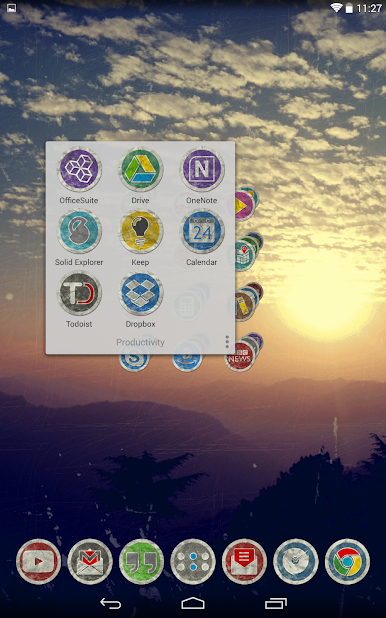
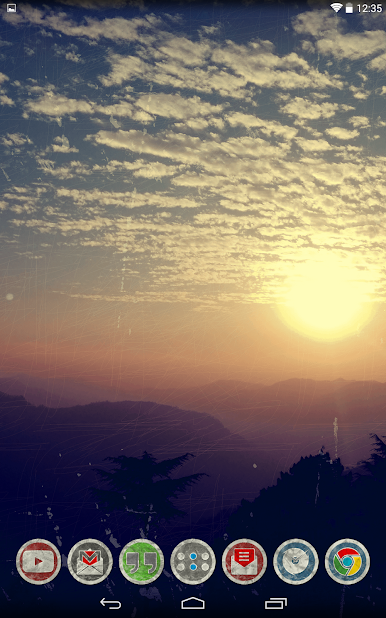
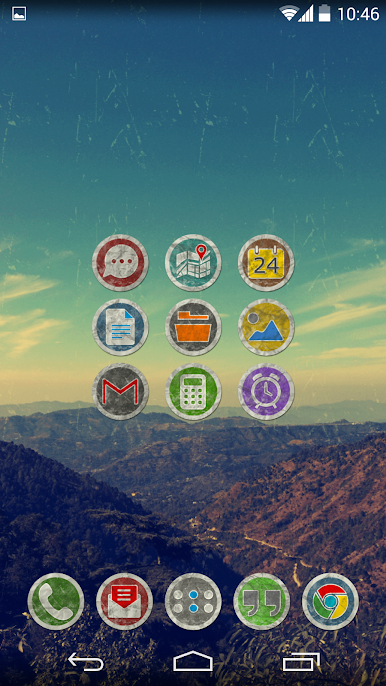
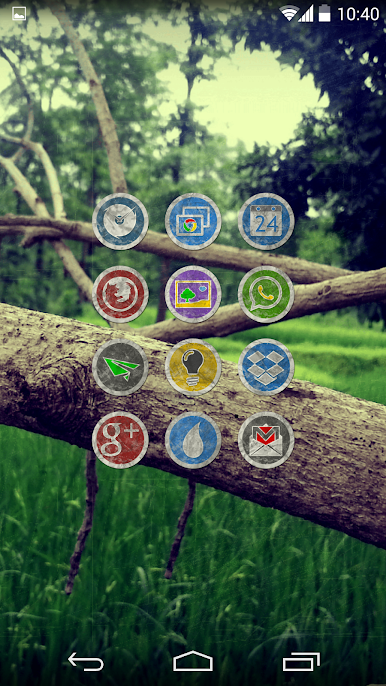
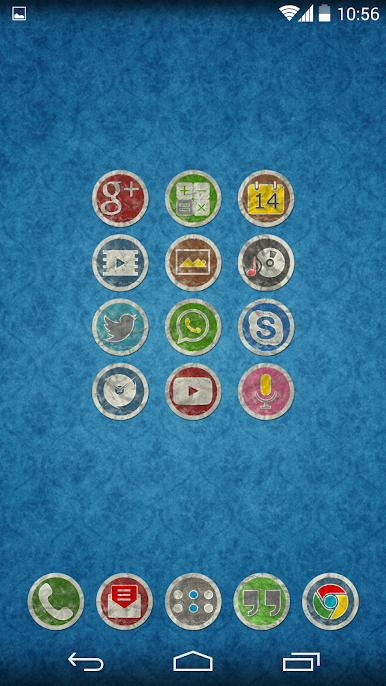
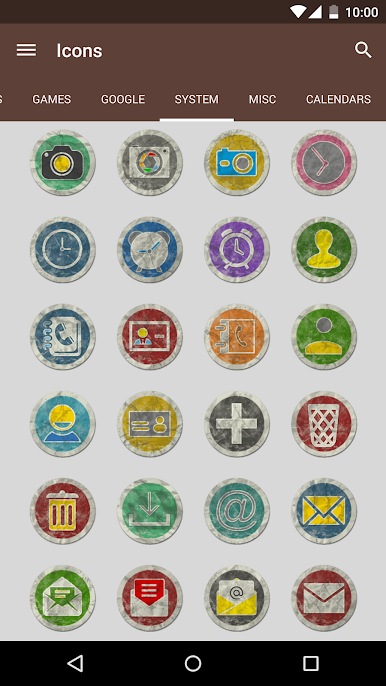
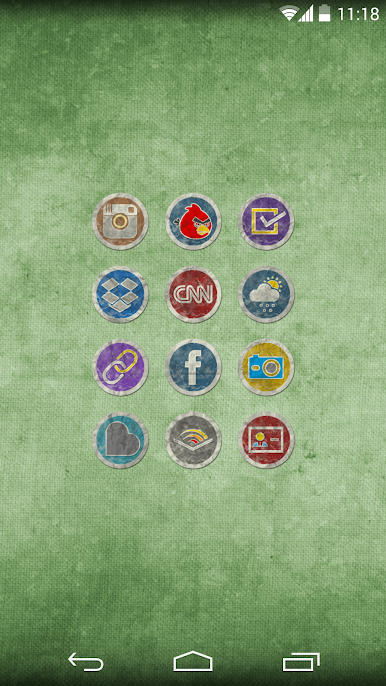
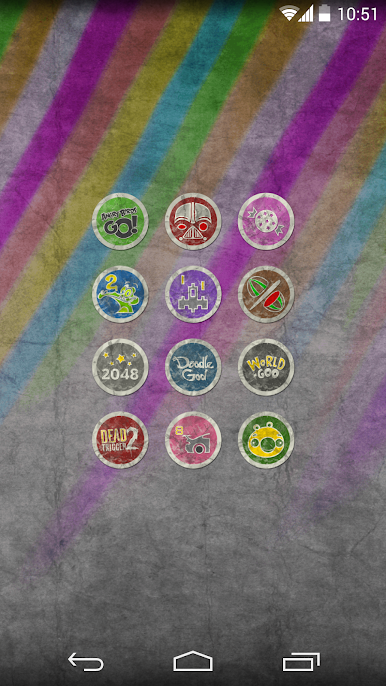
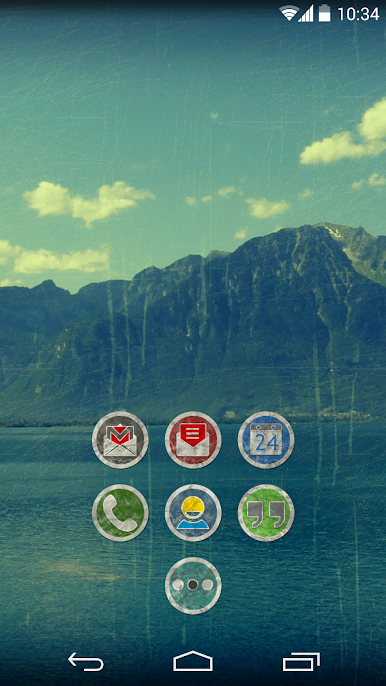
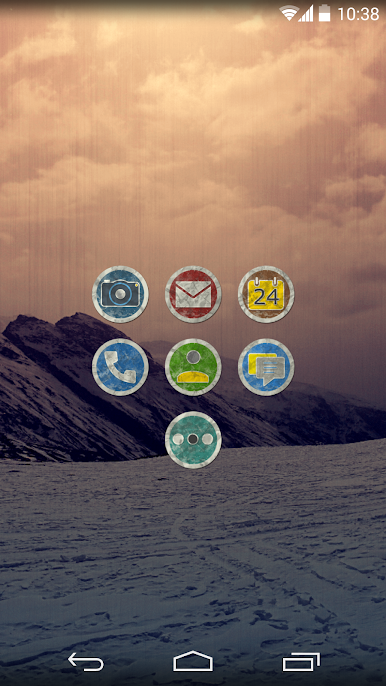
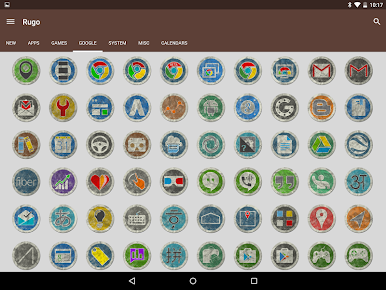
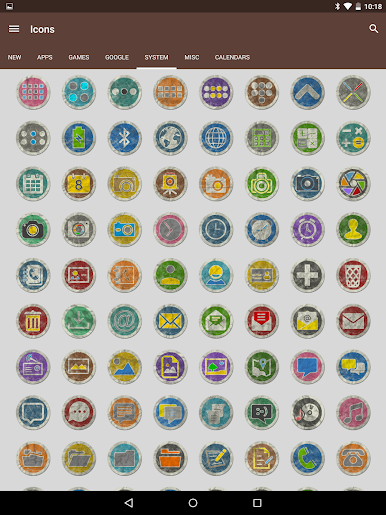
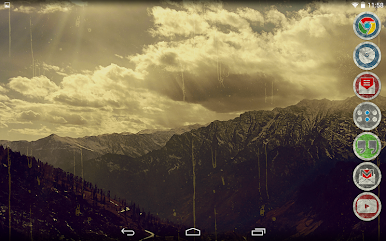
The Rugo icons are extremely detailed at 192x192 resolution having a crumple paper and dirt effect all over it. A dark shadow gives an popup look to the overall icon back. Since each icon is different the details like icon colors, dust and crumples have been manually added to ensure that the grunge effect does not compromise the visibility and readability of the icons.
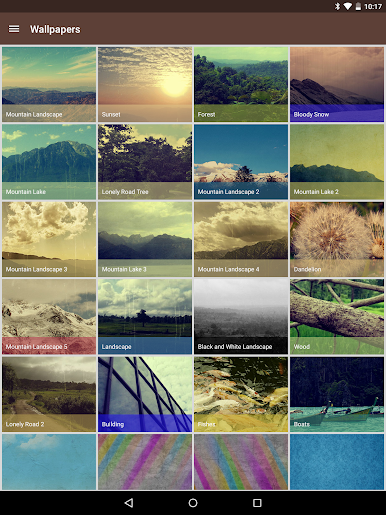
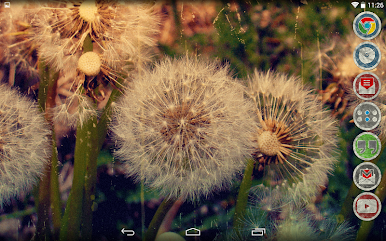
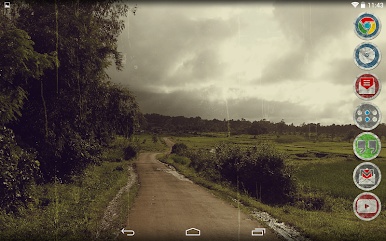
All the wallpapers contained in this icon pack are made from scratch and are specifically designed to go with these Grungy style icons. The nature wallpapers are photographed by myself.
---------------------
Full Features:
• 3500+ HD Rugo Icons.
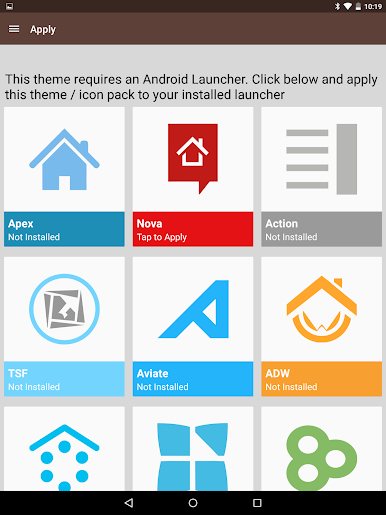
• Dashboard application for easy launcher apply actions
• Cloud based 63 Wallpapers to match the icons. All walls are around 2-18mb in size. Please be patient while it downloads and applies.
---------------------
Compatible Launchers
• Confirmed Compatibility (Tested on): Nova, Apex, ADW, OnePlus, Niagara, Posidon, Action, Go, Smart, Solo, Holo, Lucid, Evie
• May / May not support other launchers not tested on.
---------------------
Important Links
Twitter Support: https://twitter.com/gseth83
Discord Community: https://discord.gg/xzmrs6K
F.A.Q: http://gseth.com/faq
العب Rugo - Icon Pack على جهاز الكمبيوتر. من السهل البدء.
-
قم بتنزيل BlueStacks وتثبيته على جهاز الكمبيوتر الخاص بك
-
أكمل تسجيل الدخول إلى Google للوصول إلى متجر Play ، أو قم بذلك لاحقًا
-
ابحث عن Rugo - Icon Pack في شريط البحث أعلى الزاوية اليمنى
-
انقر لتثبيت Rugo - Icon Pack من نتائج البحث
-
أكمل تسجيل الدخول إلى Google (إذا تخطيت الخطوة 2) لتثبيت Rugo - Icon Pack
-
انقر على أيقونة Rugo - Icon Pack على الشاشة الرئيسية لبدء اللعب

