

NetSpot WiFi Heat Map Analyzer
5억명 이상의 게이머가 신뢰하는 안드로이드 게임 플랫폼 BlueStacks으로 PC에서 플레이하세요.

Run NetSpot WiFi Heat Map Analyzer on PC or Mac
Get freedom from your phone’s obvious limitations. Use NetSpot WiFi Heat Map Analyzer, made by Etwok, Inc., a Tools app on your PC or Mac with BlueStacks, and level up your experience.
About the App
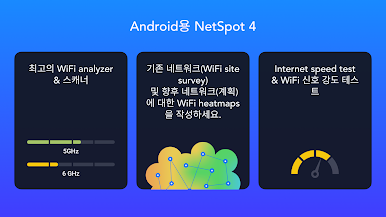
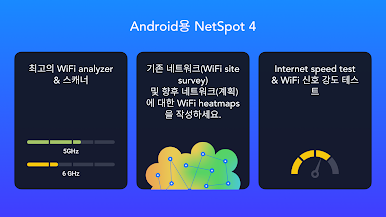
Ever wondered why your WiFi signal isn’t as strong in the living room as it is in the kitchen? NetSpot WiFi Heat Map Analyzer makes it simple to get answers about your wireless network. Whether you’re a curious user wanting to check your internet speed or a pro aiming to plan a flawless WiFi setup, this app has you covered. Using just your phone or tablet, you can visualize your wireless coverage and pinpoint those tricky dead zones.
App Features
-
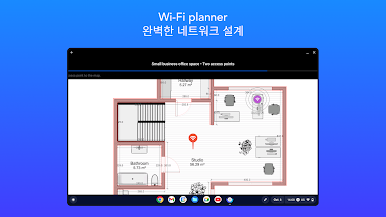
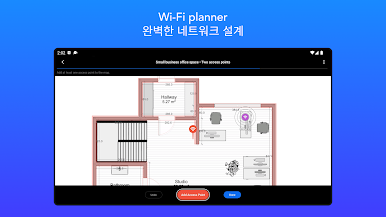
Predictive WiFi Planning
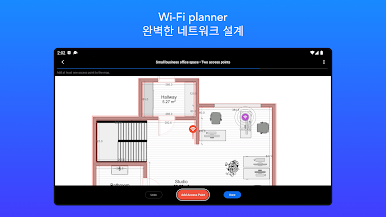
Thinking of upgrading your home network or setting up WiFi in a new space? Drop in your own floor plan image, outline walls and materials, and see simulated WiFi coverage before you even set up your routers or access points. -
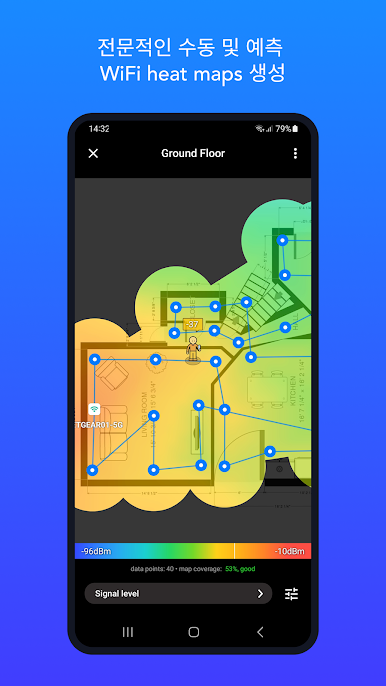
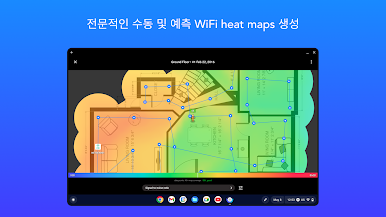
Interactive Heatmaps
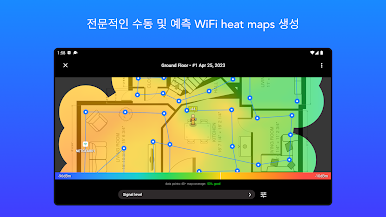
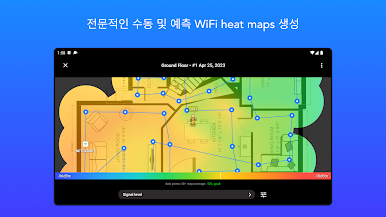
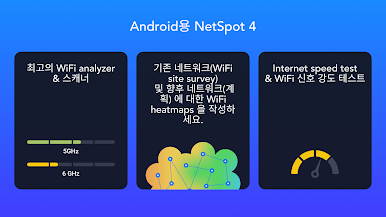
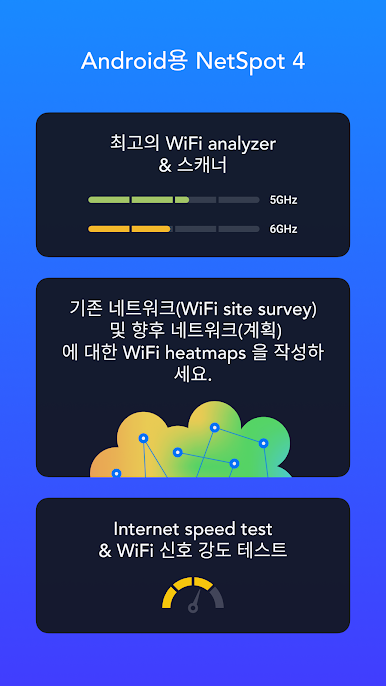
See how your WiFi actually spreads room to room. Walk around with your device and map real-time signal strength, interference, and weak spots across any area — a blank space, a quick photo, or an uploaded map works just fine. -
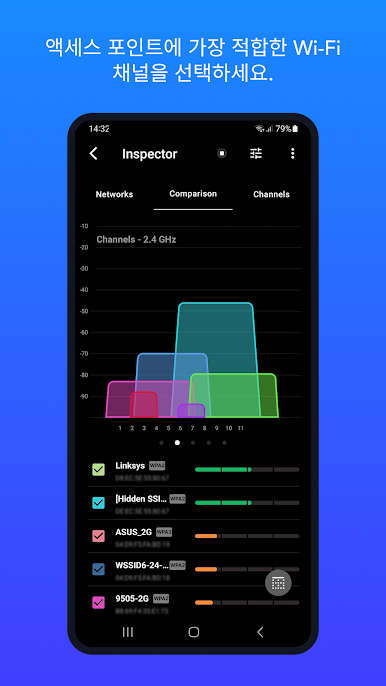
Flexible Network Analysis
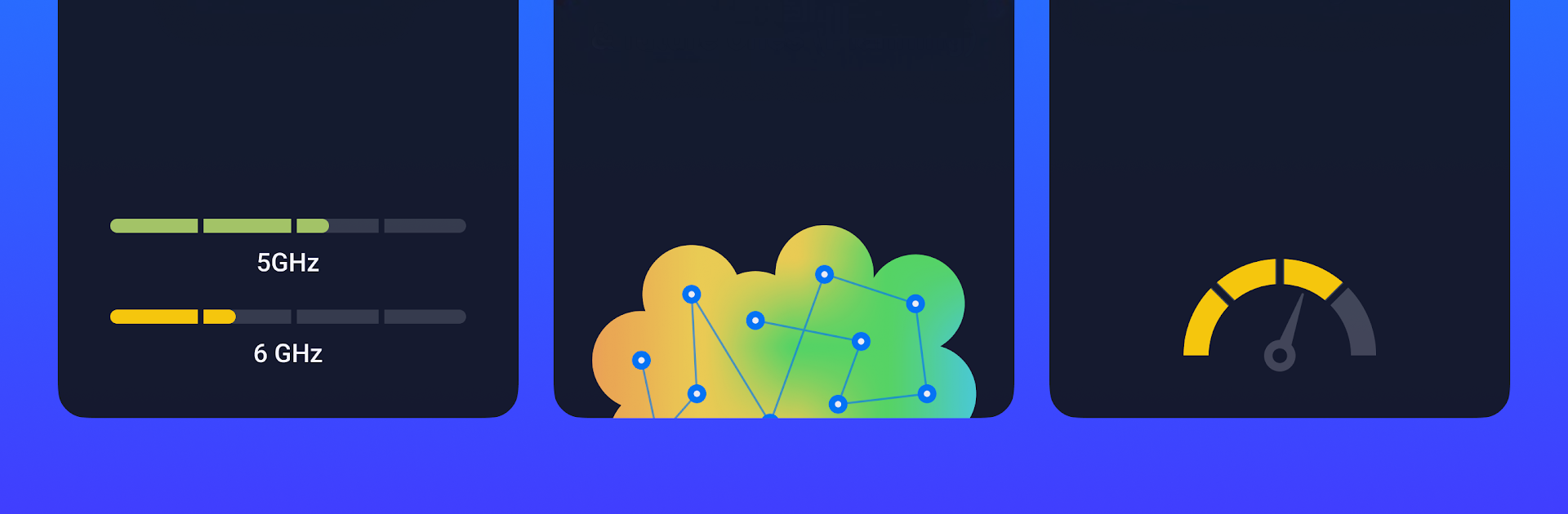
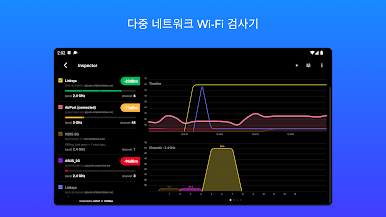
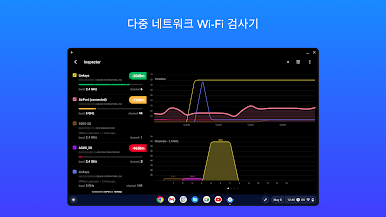
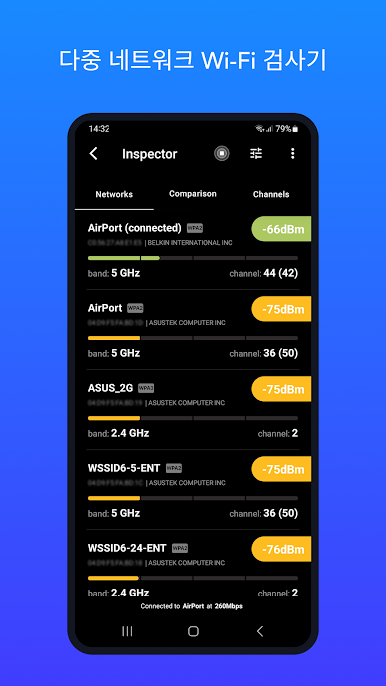
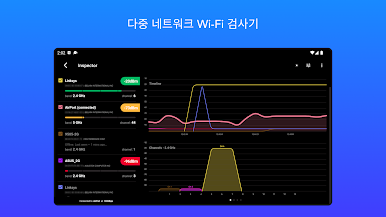
NetSpot WiFi Heat Map Analyzer picks up details on every nearby network. Find out which channels are congested, what frequencies your devices are using, and get an at-a-glance view of security and signal quality. -
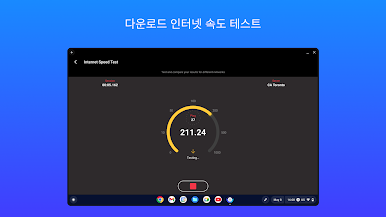
Speed Testing and Metrics
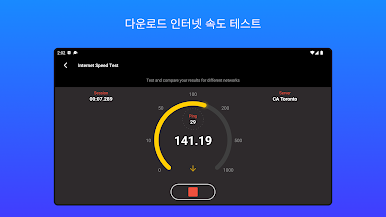
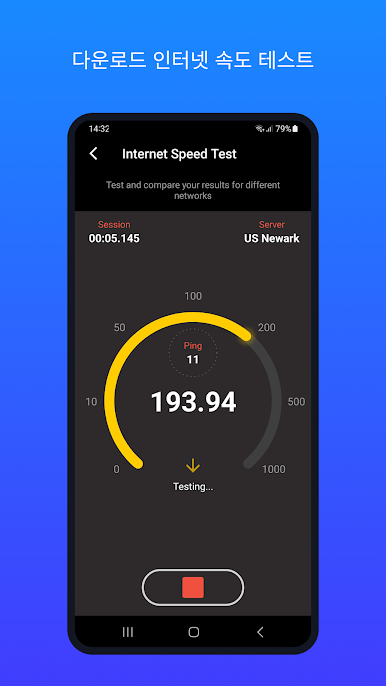
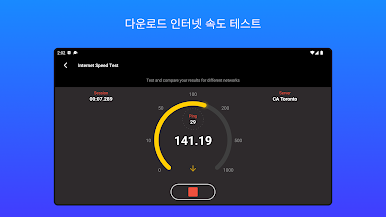
Want to know if you’re getting what you pay for? Run reliable internet speed tests with just a tap. You’ll also get live WiFi metrics like signal-to-noise ratio, making troubleshooting a lot easier. -
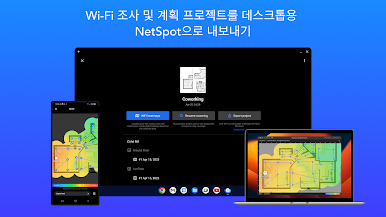
Export and Sync Projects
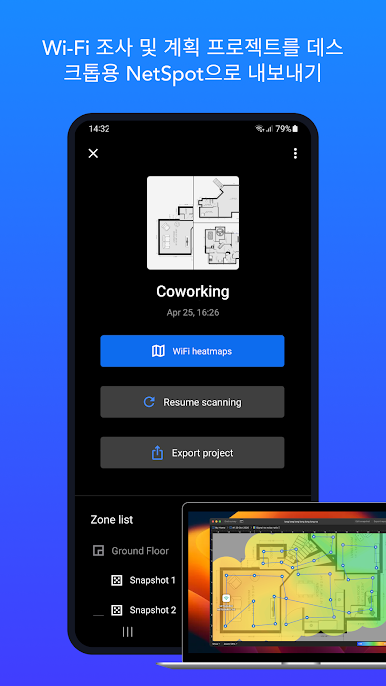
If you need to dig even deeper, you can export your WiFi surveys and planning work to NetSpot’s desktop versions and continue on Mac or Windows. Multitasking or working cross-device? No problem. -
Track Multiple Zones
Organizing a large space or several floors? Add zones and pile on as many data points as you like for a full, detailed coverage map that’s actually useful. -
Simple Upgrade for More Tools
The free version handles essential tests and WiFi inspection, while NetSpot Plus unlocks features like channel analysis, advanced heatmaps, and customizable reports — grab ’em with an easy in-app purchase.
Trying NetSpot WiFi Heat Map Analyzer on BlueStacks makes mapping out big areas way easier, especially if you want to manage large networks or just prefer a bigger screen. No special skills needed — just a little curiosity about your network.
Big screen. Bigger performance. Use BlueStacks on your PC or Mac to run your favorite apps.







PC에서 NetSpot WiFi Heat Map Analyzer 플레이해보세요.
-
BlueStacks 다운로드하고 설치
-
Google Play 스토어에 로그인 하기(나중에 진행가능)
-
오른쪽 상단 코너에 NetSpot WiFi Heat Map Analyzer 검색
-
검색 결과 중 NetSpot WiFi Heat Map Analyzer 선택하여 설치
-
구글 로그인 진행(만약 2단계를 지나갔을 경우) 후 NetSpot WiFi Heat Map Analyzer 설치
-
메인 홈화면에서 NetSpot WiFi Heat Map Analyzer 선택하여 실행

