


QuickHR
業務 | Enable Business Pte Ltd
在電腦上使用BlueStacks –受到5億以上的遊戲玩家所信任的Android遊戲平台。

Play QuickHR on PC
The QuickHR app provides secure mobile access to all your QuickHR features on-the-go.
As an employee, our simple interface allows you to:
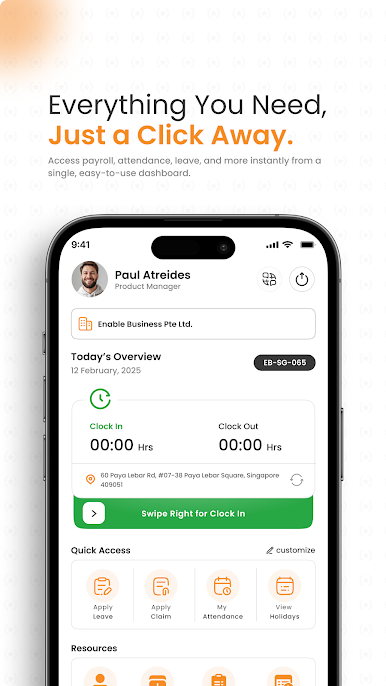
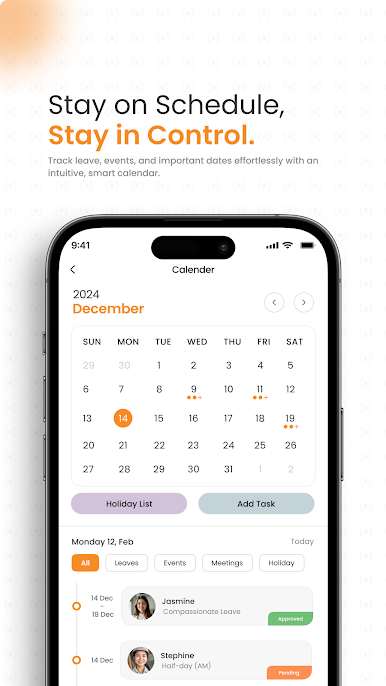
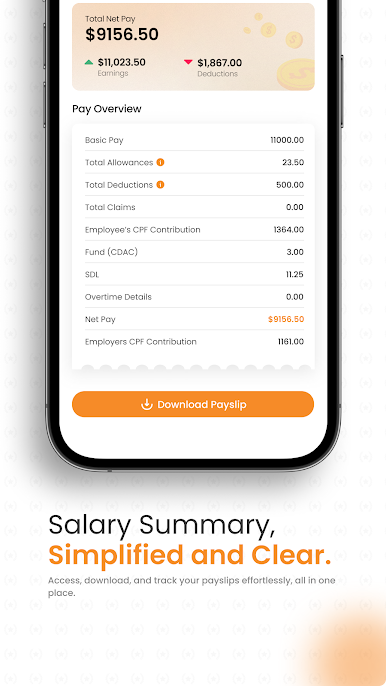
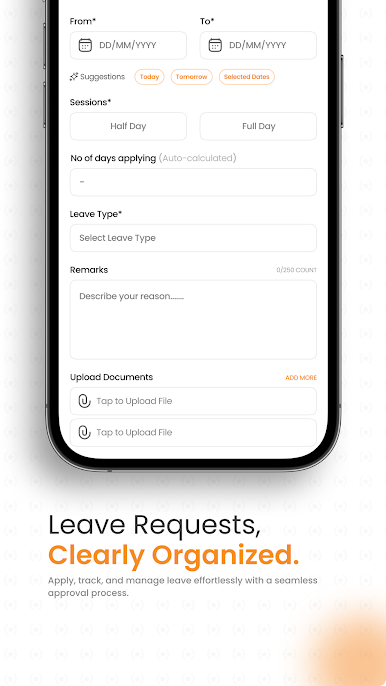
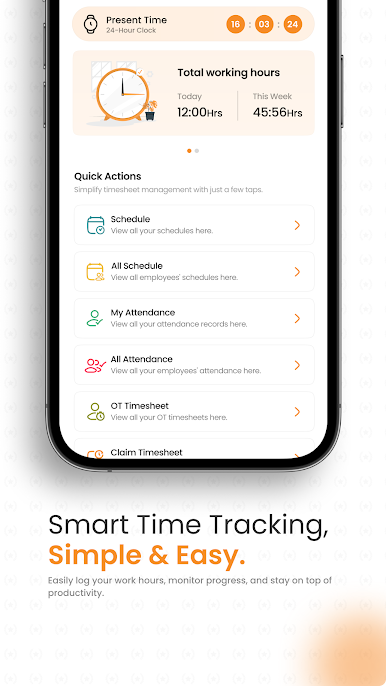
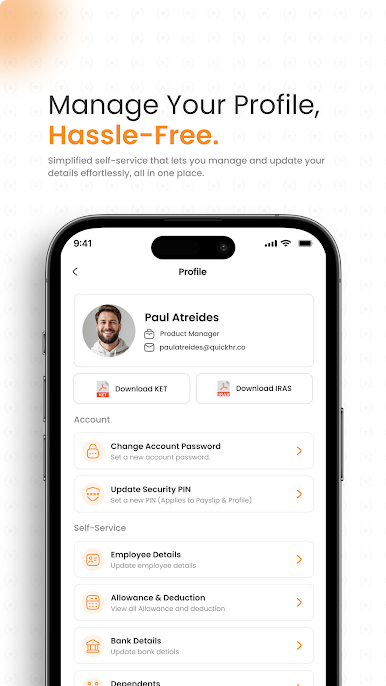
- Review your payslips and employment particulars, view or request for leaves, check in and out for work, access your schedule and submit expenses quickly.
- Get push notifications alerts and reminders for change of scheduling, important updates and approvals. Immediately address pending tasks right from the app.
As a manager, you can take action wherever you are:
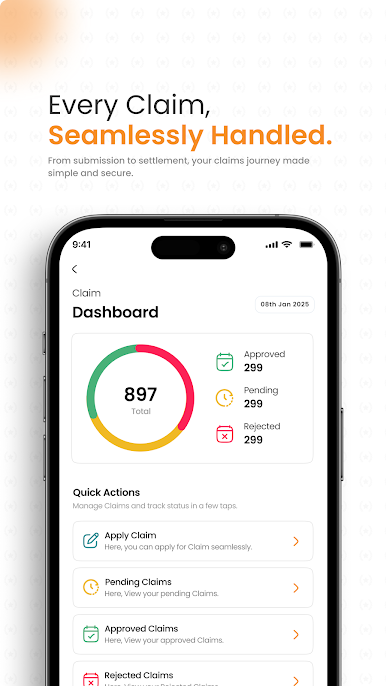
- Approve your employees' leave and expense requests easily.
- View your team or individual schedules and address operational-matters relevant to your role, such as checking in and out on behalf of employees.
- Stay connected to your business by gaining quick insight into what's important through interactive reports and dashboards.
And if your mobile device is ever lost or stolen, you can be confident that your data will be kept safe and secure through data privacy measures on Amazon Web Services.
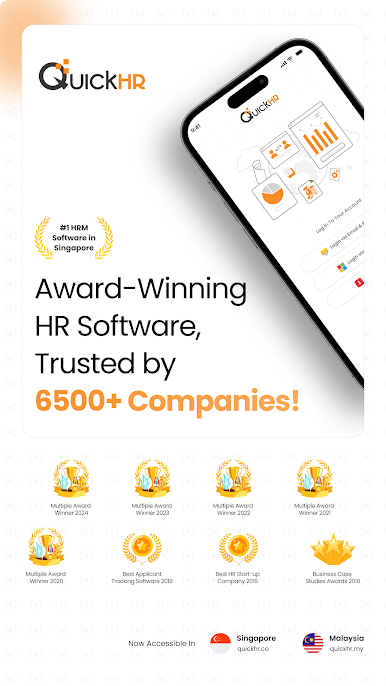
QuickHR is PDPA and GDPR compliant, and certified under ISO 27001:2013 and SS 584:2015 MTCS.
Note: Your organization must authorise access to the QuickHR mobile app.
You will only have access to mobile features your organization has enabled, based on your role (not all mobile features may be available to you).
As an employee, our simple interface allows you to:
- Review your payslips and employment particulars, view or request for leaves, check in and out for work, access your schedule and submit expenses quickly.
- Get push notifications alerts and reminders for change of scheduling, important updates and approvals. Immediately address pending tasks right from the app.
As a manager, you can take action wherever you are:
- Approve your employees' leave and expense requests easily.
- View your team or individual schedules and address operational-matters relevant to your role, such as checking in and out on behalf of employees.
- Stay connected to your business by gaining quick insight into what's important through interactive reports and dashboards.
And if your mobile device is ever lost or stolen, you can be confident that your data will be kept safe and secure through data privacy measures on Amazon Web Services.
QuickHR is PDPA and GDPR compliant, and certified under ISO 27001:2013 and SS 584:2015 MTCS.
Note: Your organization must authorise access to the QuickHR mobile app.
You will only have access to mobile features your organization has enabled, based on your role (not all mobile features may be available to you).
在電腦上遊玩QuickHR . 輕易上手.
-
在您的電腦上下載並安裝BlueStacks
-
完成Google登入後即可訪問Play商店,或等你需要訪問Play商店十再登入
-
在右上角的搜索欄中尋找 QuickHR
-
點擊以從搜索結果中安裝 QuickHR
-
完成Google登入(如果您跳過了步驟2),以安裝 QuickHR
-
在首頁畫面中點擊 QuickHR 圖標來啟動遊戲

