


Ghost Radio: EVP Spirit Box
5억명 이상의 게이머가 신뢰하는 안드로이드 게임 플랫폼 BlueStacks으로 PC에서 플레이하세요.

Run Ghost Radio: EVP Spirit Box on PC or Mac
Get freedom from your phone’s obvious limitations. Use Ghost Radio: EVP Spirit Box, made by Exelerus Apps, a Entertainment app on your PC or Mac with BlueStacks, and level up your experience.
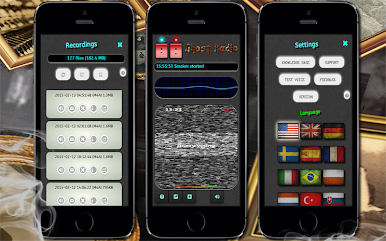
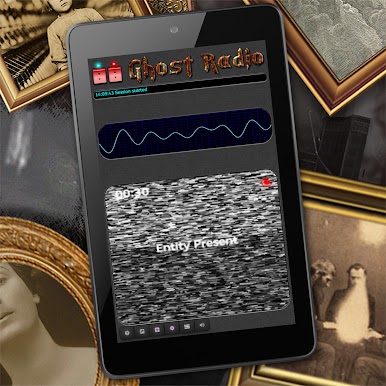
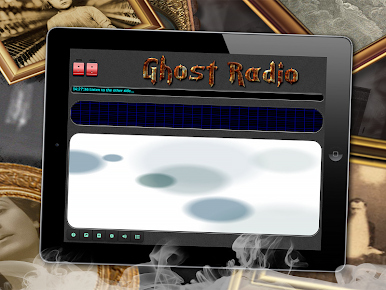
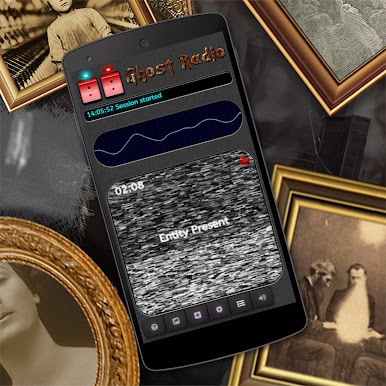
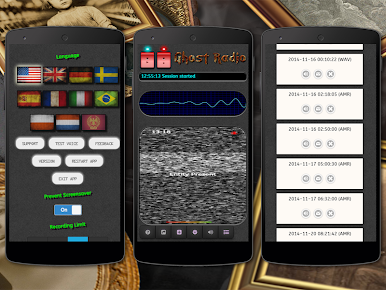
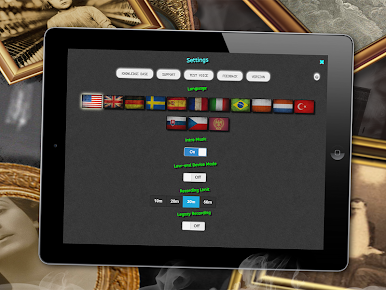
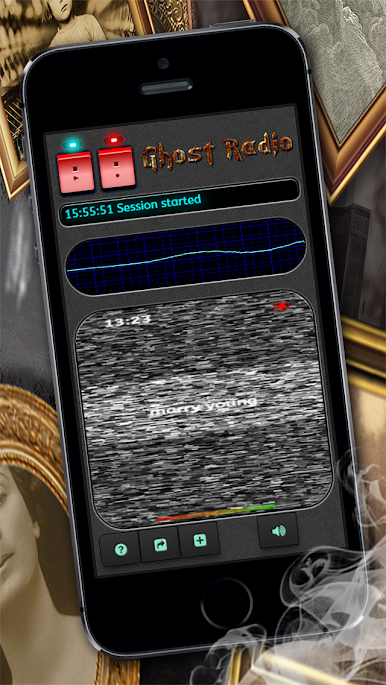
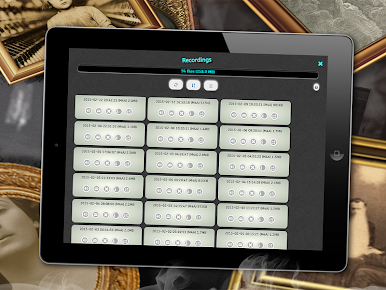
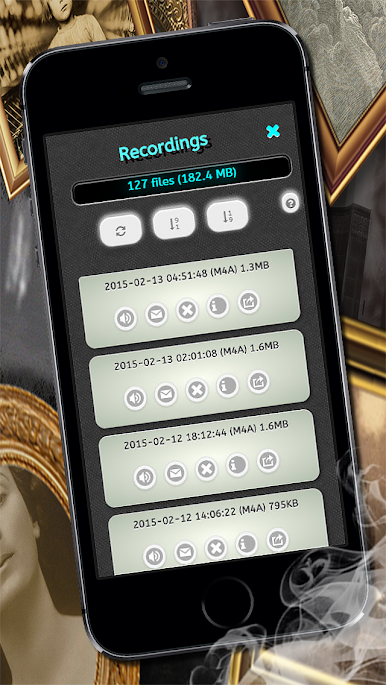
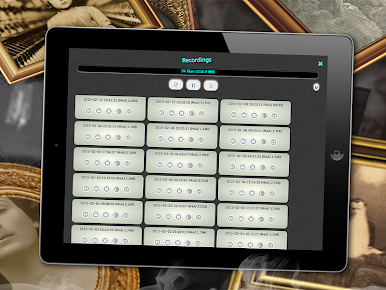
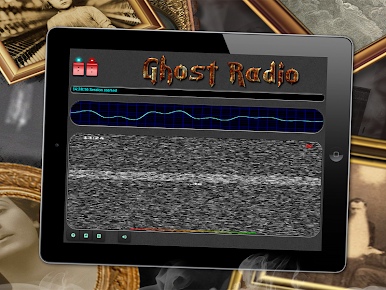
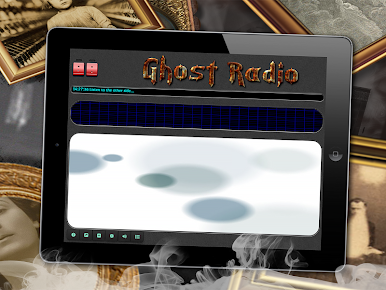
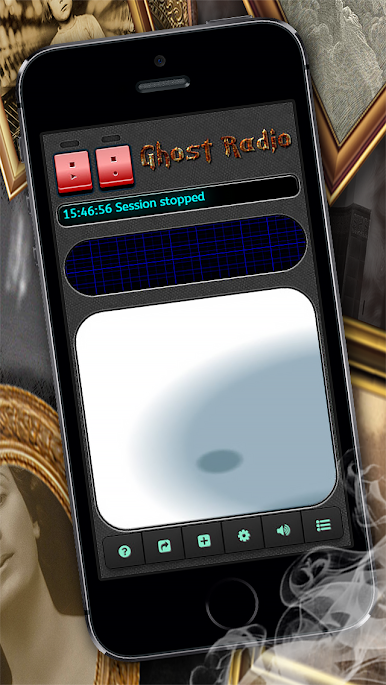
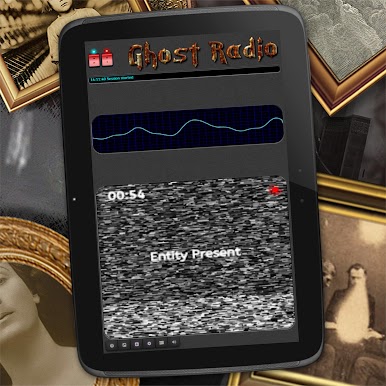
Ghost Radio: EVP Spirit Box feels like a little paranormal lab on a screen. Fire it up and it starts spitting static, chopped audio, and the occasional detected word, trying to mimic those classic spirit box sessions. It is framed as entertainment, not proof of anything, which actually helps set expectations. People who enjoy weird audio puzzles or late night creepy fun will get what it is going for. The real-time engine mixes noise with sensor data to surface words, and there are several modes to tweak, so a person can keep it basic or go down the rabbit hole. The built-in recorder is neat too, with an auto mode that only captures when something unusual pops up, and the session log will transcribe detections so they can be scrolled later.
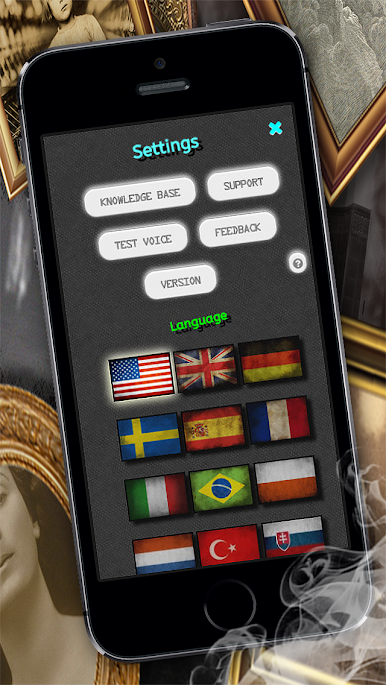
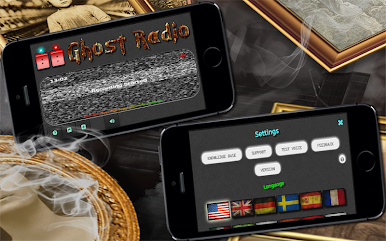
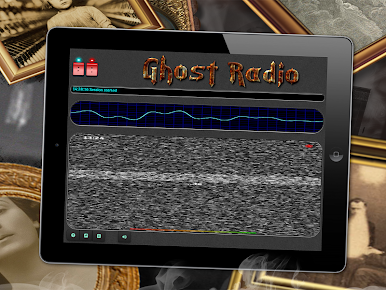
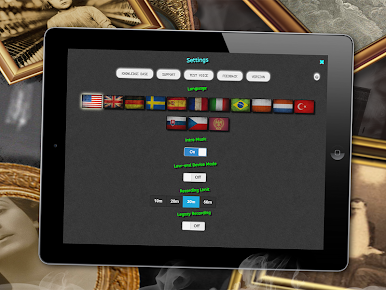
There is more going on than expected: a live EMF readout that uses the device magnetometer, a motion scanner, and a full set of visual tools like an oscilloscope, spectrometer, and a voicegram that looks great in motion. Custom alerts can trigger sounds, vibration, or even the flashlight when anomalies hit. Themes, multiple UI layouts, and lots of languages make it feel adjustable to different moods. For anyone running it on a PC with BlueStacks, the bigger display makes the scopes and logs way easier to watch, and sharing or exporting recordings is straightforward. Just note that features depending on phone sensors, like EMF and motion, may not behave the same on a desktop, but the audio simulation and visualizers still carry the experience. Results are all over the place and patience helps, which kind of fits the spooky experiment vibe anyway.
Big screen. Bigger performance. Use BlueStacks on your PC or Mac to run your favorite apps.

PC에서 Ghost Radio: EVP Spirit Box 플레이해보세요.
-
BlueStacks 다운로드하고 설치
-
Google Play 스토어에 로그인 하기(나중에 진행가능)
-
오른쪽 상단 코너에 Ghost Radio: EVP Spirit Box 검색
-
검색 결과 중 Ghost Radio: EVP Spirit Box 선택하여 설치
-
구글 로그인 진행(만약 2단계를 지나갔을 경우) 후 Ghost Radio: EVP Spirit Box 설치
-
메인 홈화면에서 Ghost Radio: EVP Spirit Box 선택하여 실행

