


Garden Mania 3
Jogue no PC com BlueStacks - A Plataforma de Jogos Android, confiada por mais de 500 milhões de jogadores.

Página modificada em: Jul 10, 2025
Play Garden Mania 3 on PC or Mac
Step into the World of Garden Mania 3, a thrilling Casual game from the house of Ezjoy. Play this Android game on BlueStacks App Player and experience immersive gaming on PC or Mac.
About the Game
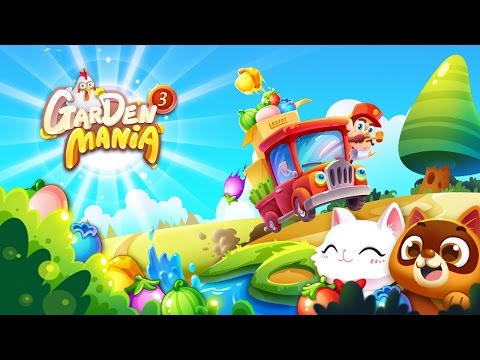
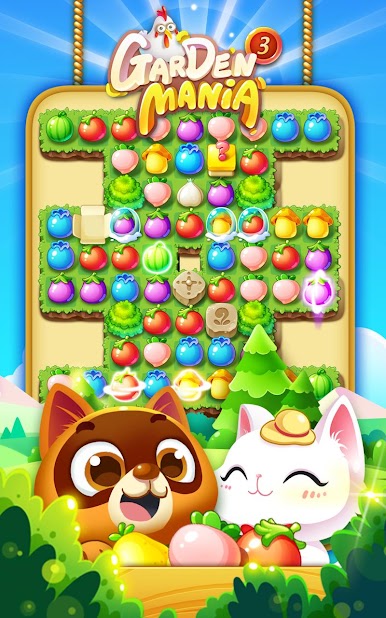
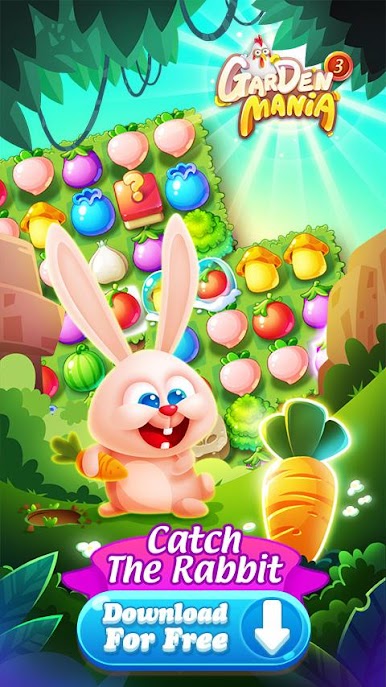
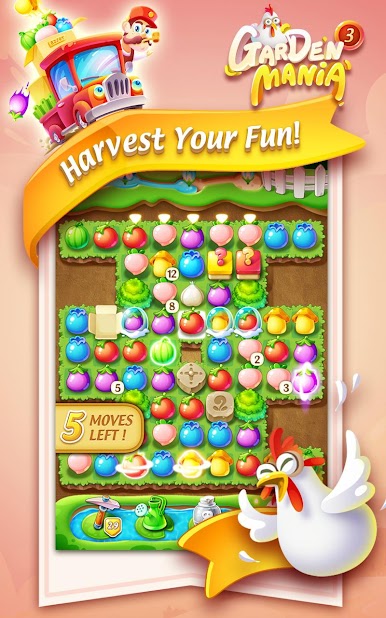
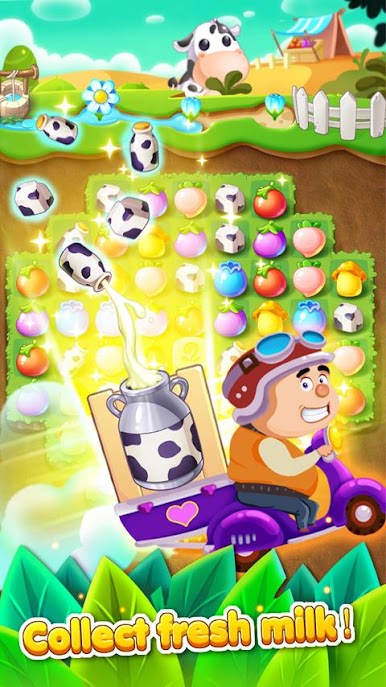
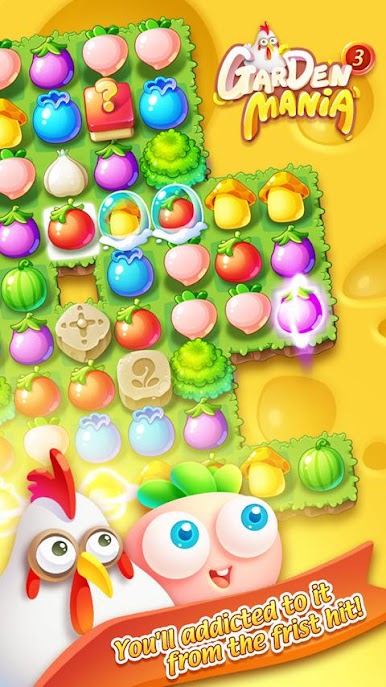
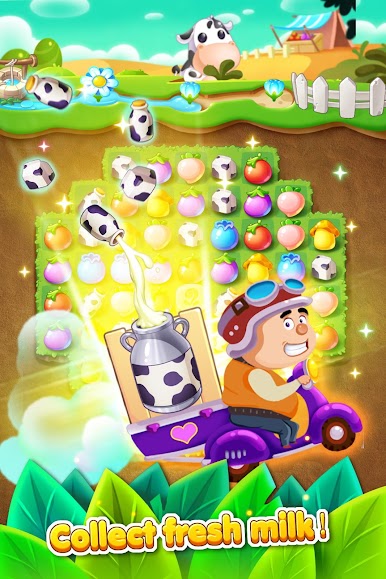
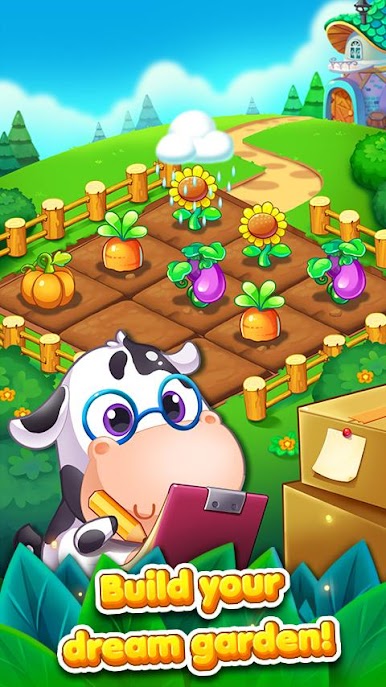
Garden Mania 3 is a Casual match-3 from Ezjoy that blends cozy gardening with satisfying puzzle play. You’re not just swapping tiles—you’re growing crops, selling your harvest, and raising adorable pets that jump in when you need a hand. It’s bright, friendly, and easy to pick up, whether you’re sneaking in a quick level on your phone or playing on a bigger screen with BlueStacks.
Game Features
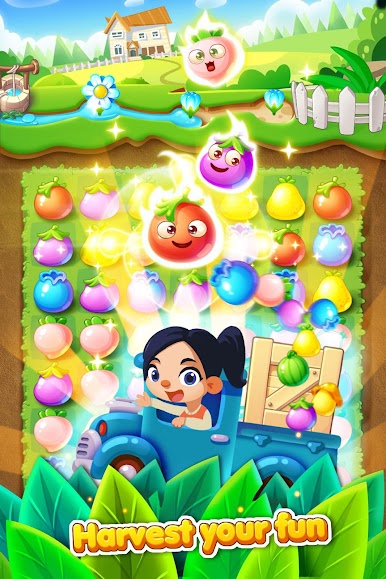
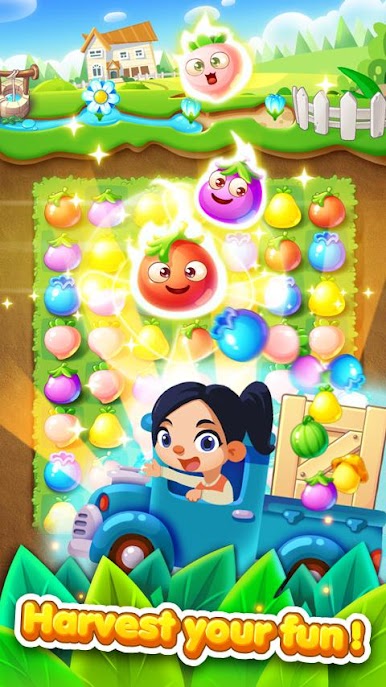
- Garden-powered match-3: Swap juicy fruits and veggies to hit level goals, then use your harvest to keep your little farm humming.
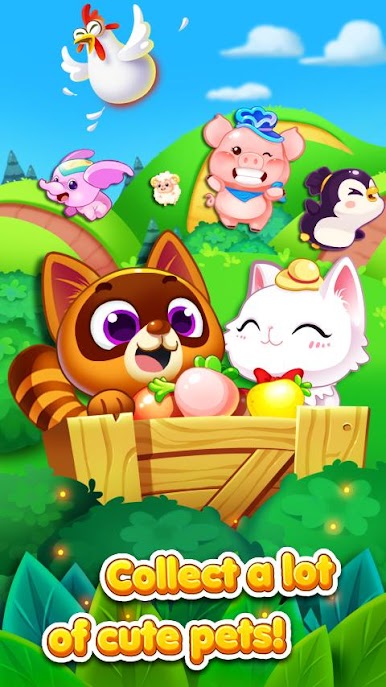
- Pets that lend a paw: Raise cute companions that guard your yard and trigger handy skills when things get tight.
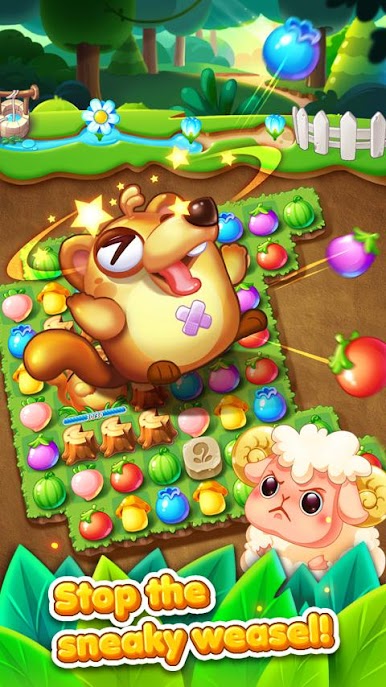
- Varied challenges: Beyond basic matching, tackle different objectives and clever twists so stages never feel the same.
- Handy power-ups: Craft smart combos and unleash unique boosters designed to break through those stubborn boards.
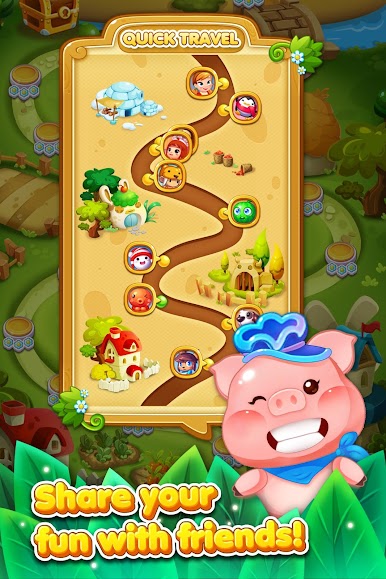
- A cheerful story: Meet friendly characters and watch the map come to life with colorful art and playful animations.
- Lots to play: Hundreds of handcrafted levels, with fresh stages and modes added over time.
- Cloud-safe progress: Your data is stored on the server, so a reinstall won’t wipe out your garden.
- Easy to start, tough to master: Simple swipes, but earning three stars means planning moves and squeezing every match.
- Friendly competition: Compare scores with friends and show who runs the sharpest garden.
- Free to play: Jump in at no cost, with optional purchases for extra items if you want them.
Slay your opponents with your epic moves. Play it your way on BlueStacks and dominate the battlefield.
Jogue Garden Mania 3 no PC. É fácil começar.
-
Baixe e instale o BlueStacks no seu PC
-
Conclua o login do Google para acessar a Play Store ou faça isso mais tarde
-
Procure por Garden Mania 3 na barra de pesquisa no canto superior direito
-
Clique para instalar Garden Mania 3 a partir dos resultados da pesquisa
-
Conclua o login do Google (caso você pulou a etapa 2) para instalar o Garden Mania 3
-
Clique no ícone do Garden Mania 3 na tela inicial para começar a jogar

