台灣收音機 台灣電台 台灣廣播

台灣收音機 台灣電台 台灣廣播

音樂與音訊 | EZLife Studio

在電腦上使用BlueStacks –受到5億以上的遊戲玩家所信任的Android遊戲平台。

網頁修改於: Jun 19, 2025

Run 台灣收音機 台灣電台 台灣廣播 on PC or Mac

Get freedom from your phone’s obvious limitations. Use 台灣收音機 台灣電台 台灣廣播, made by EZLife Studio, a Music & Audio app on your PC or Mac with BlueStacks, and level up your experience.

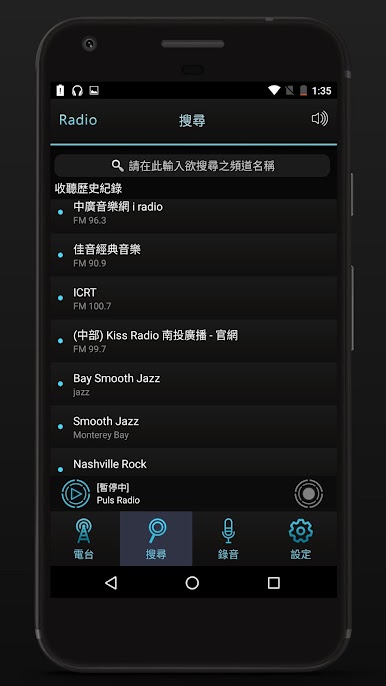
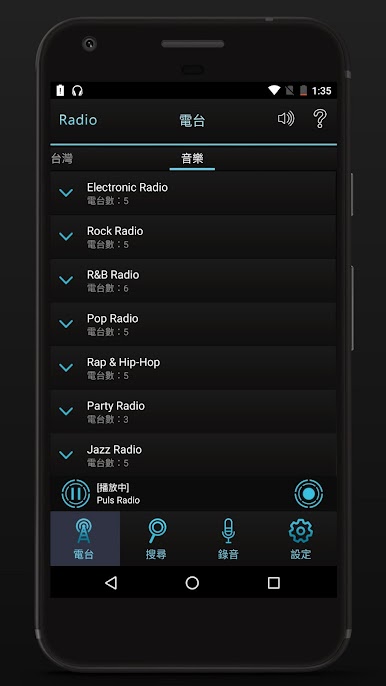
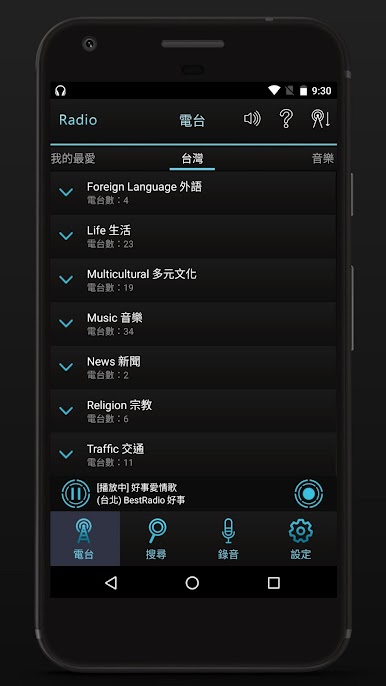
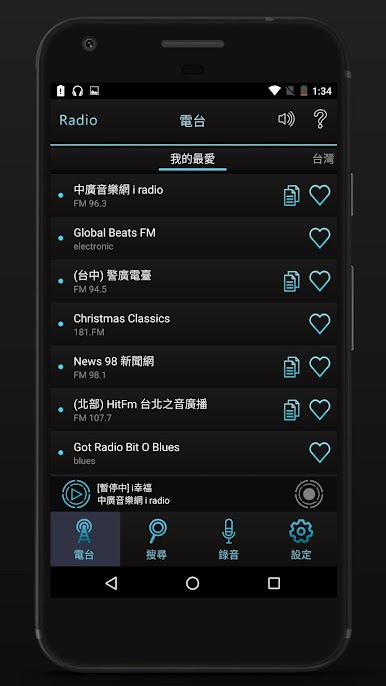
This is a straight-up Taiwan radio app that keeps things simple. It opens fast, the layout is clean, and the dark theme is easy on the eyes during late hours. Stations are laid out clearly so a user just taps and it starts playing, no clutter, no maze of menus. It feels more like a desk radio than an app, which is nice. On a PC with BlueStacks, it works like a background companion while someone works or studies, just sits there playing with no fuss.

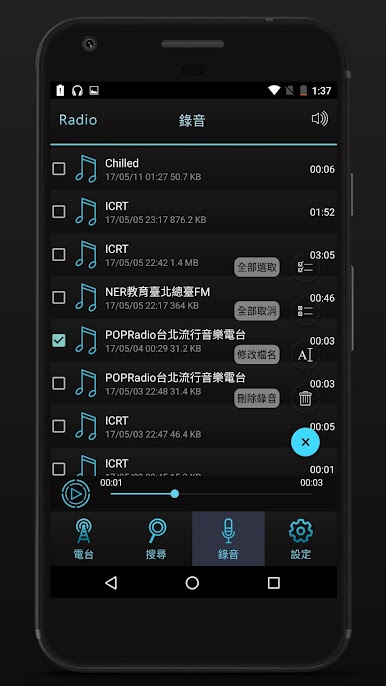
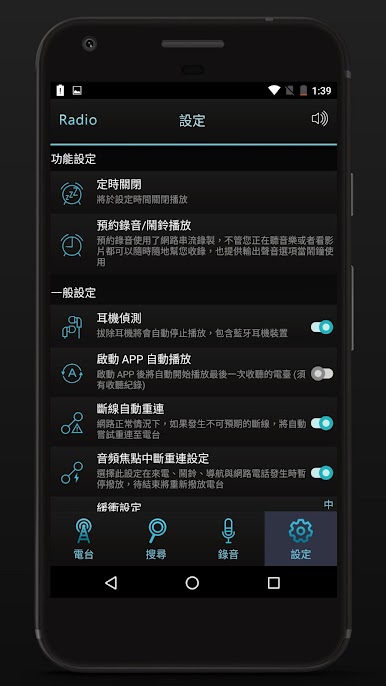
What stands out is the little quality-of-life stuff. There is a record option, so a user can schedule a show and save it, then replay that good moment later. There is also a sleep timer for anyone who listens at night and wants it to switch off by itself. If a phone call comes in on mobile, it pauses by itself and resumes after, and it shows simple status notifications so nothing feels confusing. Favorites are easy to manage, and there is a bit of smart monitoring under the hood that tries to keep the stream from dropping, or get it back quickly when it does. It is great for flipping between news, talk, and music from Taiwan without fiddling. Nothing flashy, just reliable radio that does what people want, and stays out of the way.

Ready to experience 台灣收音機 台灣電台 台灣廣播 on a bigger screen, in all its glory? Download BlueStacks now.

在電腦上遊玩台灣收音機 台灣電台 台灣廣播 . 輕易上手.

  • 在您的電腦上下載並安裝BlueStacks

  • 完成Google登入後即可訪問Play商店,或等你需要訪問Play商店十再登入

  • 在右上角的搜索欄中尋找 台灣收音機 台灣電台 台灣廣播

  • 點擊以從搜索結果中安裝 台灣收音機 台灣電台 台灣廣播

  • 完成Google登入(如果您跳過了步驟2),以安裝 台灣收音機 台灣電台 台灣廣播

  • 在首頁畫面中點擊 台灣收音機 台灣電台 台灣廣播 圖標來啟動遊戲

觀看影片