

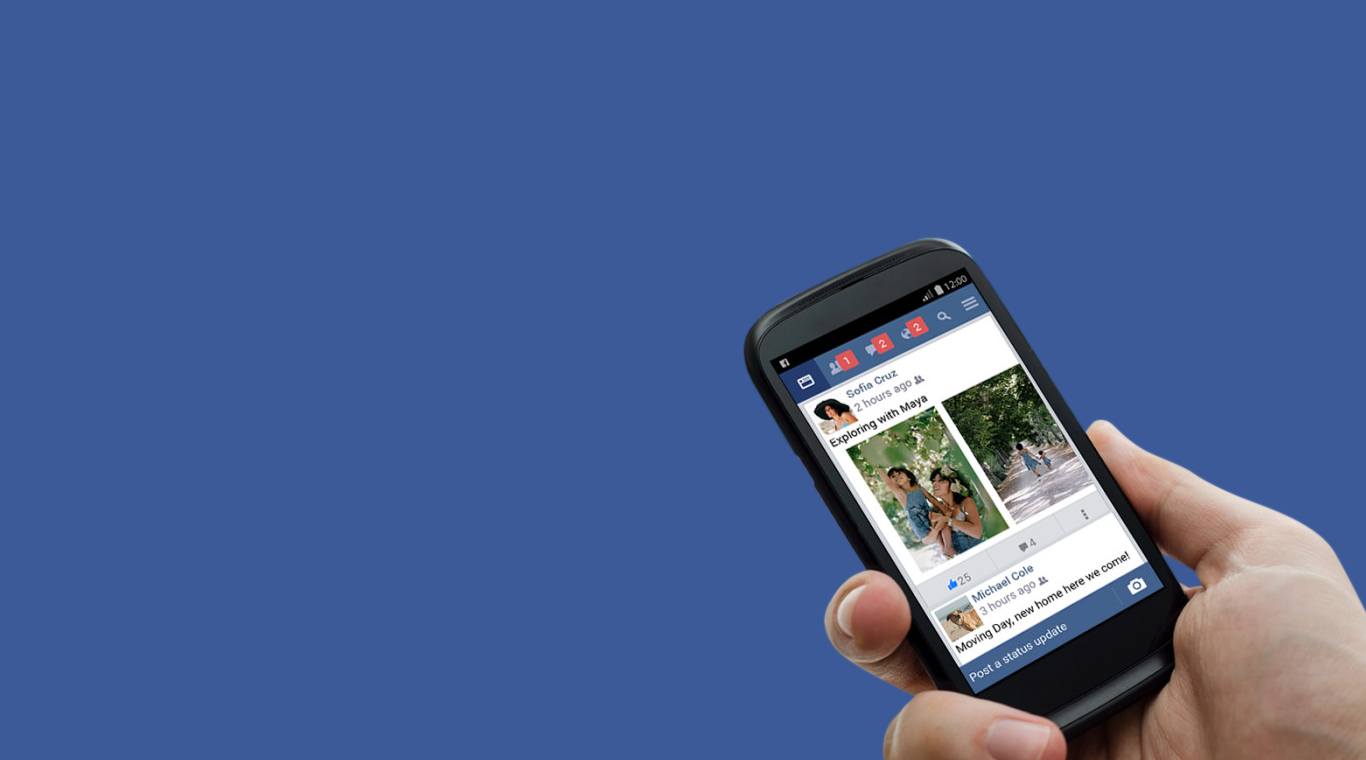
Facebook Lite
العب على الكمبيوتر الشخصي مع BlueStacks - نظام أندرويد للألعاب ، موثوق به من قبل أكثر من 500 مليون لاعب.

شغّل Facebook Lite على الكمبيوتر العادي أو جهاز ماك
Facebook Lite هو تطبيق اجتماعي تم تطويره بواسطة Meta Platforms, Inc .. مشغل تطبيقات BlueStacks هو أفضل منصة لتشغيل تطبيق Android هذا على جهاز الكمبيوتر أو جهاز Mac للحصول على تجربة ألعاب غامرة.
مع Facebook Lite ، أصبح التواصل مع الأصدقاء أسرع وأسهل من أي وقت مضى. يمكن استخدام Facebook Lite كتطبيق أصدقاء لمساعدتك على البقاء على اتصال مع دائرتك عبر الإنترنت.
يشغل تطبيق Facebook Lite مساحة أقل على هاتفك ولا يزال يتيح لك الوصول إلى Facebook حتى عندما تحصل على 2G فقط. إن المشاركة في مخطط زمني ، وإعجاب الصور ، والعثور على الأصدقاء ، وتعديل ملفك الشخصي ومجموعاتك ليست سوى عدد قليل من العناصر الأساسية على Facebook التي يمكن القيام بها من التطبيق. تتكون التفاصيل من:
تتمثل الوظيفة الأساسية لتطبيق Facebook في مساعدتك في الحفاظ على الاتصالات مع أصدقائك ومجتمعاتك ، ولكن لها أيضًا استخدامات إضافية. إنها أداة مفيدة لتتبع الصور التي التقطتها ومشاركتها مع الأصدقاء والعائلة.
لديك استقلالية كاملة على الصور وإعدادات الخصوصية التي تشاركها من كاميرا Android. من الممكن تقييد الوصول إلى ألبوم معين أو الصور الفردية داخل هذا الألبوم.
حمل Facebook Lite على جهاز الكمبيوتر باستخدام BlueStacks وافتح Facebook ولكن بدون أوقات التحميل الطويلة.


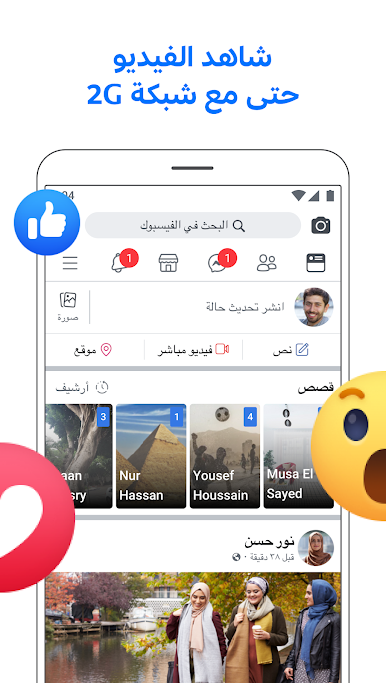

العب Facebook Lite على جهاز الكمبيوتر. من السهل البدء.
-
قم بتنزيل BlueStacks وتثبيته على جهاز الكمبيوتر الخاص بك
-
أكمل تسجيل الدخول إلى Google للوصول إلى متجر Play ، أو قم بذلك لاحقًا
-
ابحث عن Facebook Lite في شريط البحث أعلى الزاوية اليمنى
-
انقر لتثبيت Facebook Lite من نتائج البحث
-
أكمل تسجيل الدخول إلى Google (إذا تخطيت الخطوة 2) لتثبيت Facebook Lite
-
انقر على أيقونة Facebook Lite على الشاشة الرئيسية لبدء اللعب

