


The Sydney Morning Herald
العب على الكمبيوتر الشخصي مع BlueStacks - نظام أندرويد للألعاب ، موثوق به من قبل أكثر من 500 مليون لاعب.

Run The Sydney Morning Herald on PC or Mac
Multitask effortlessly on your PC or Mac as you try out The Sydney Morning Herald, a News & Magazines app by Fairfax Media on BlueStacks.
About the App
The Sydney Morning Herald app brings news right to your fingertips, complete with breaking alerts so you’re always in the loop. Whether you want to catch up on local happenings or see what’s unfolding across Australia and the world, this app lets you shape your own news experience. Clean layout, quick updates—everything’s designed to help you stay well informed, wherever you are.
App Features
-
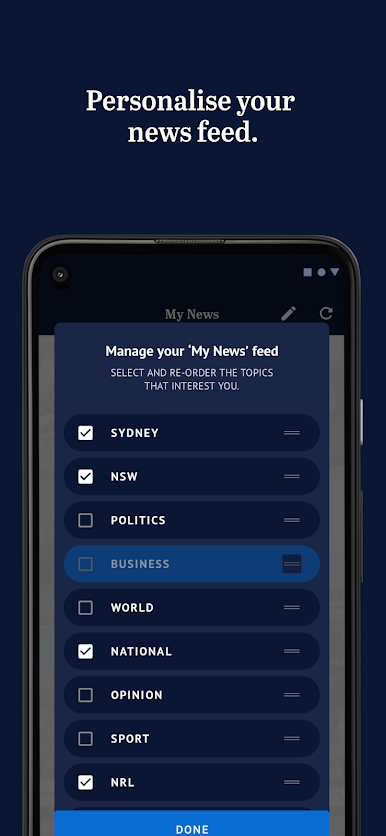
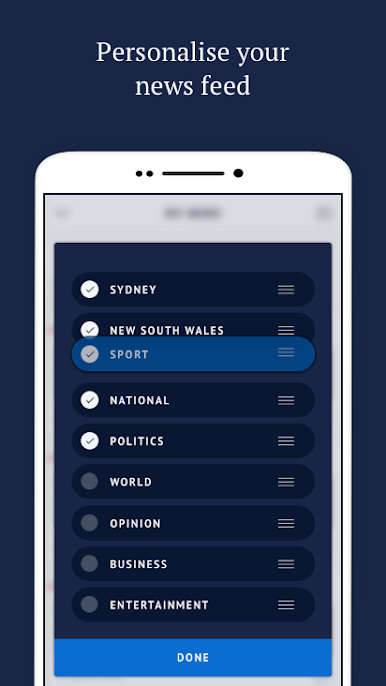
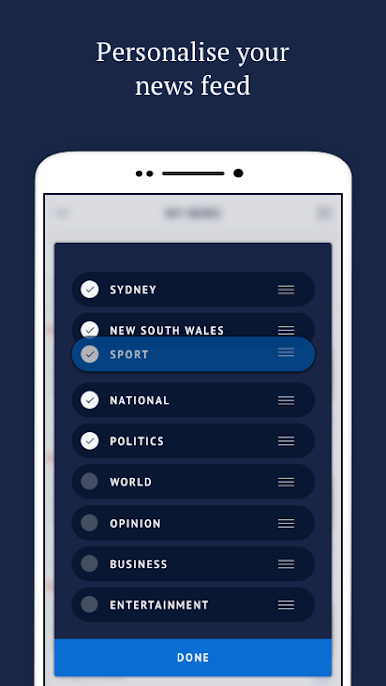
Customizable News Feed
Organize your news just the way you like it. Pick your favorite topics and set the order, so your feed truly feels like yours. -
Breaking News Alerts
Never miss a big headline with push notifications for the latest stories as they happen. -
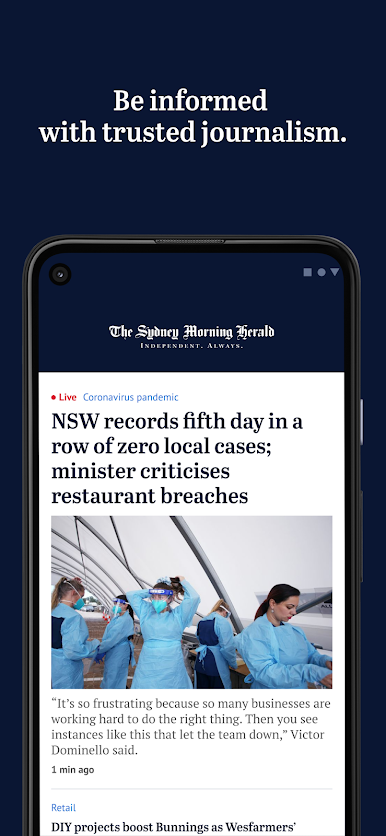
Easy Access to Top Stories
Find the day’s most important stories front and center—no extra fuss, just straight to the news that’s making waves. -
Subscription Options
Check out the app for free, and if you want more, unlock full access to every article and feature with flexible subscription options, either right from the Play Store or directly through The Sydney Morning Herald. -
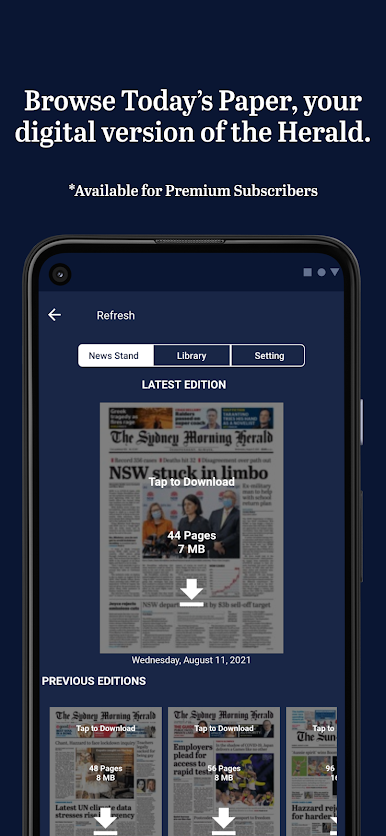
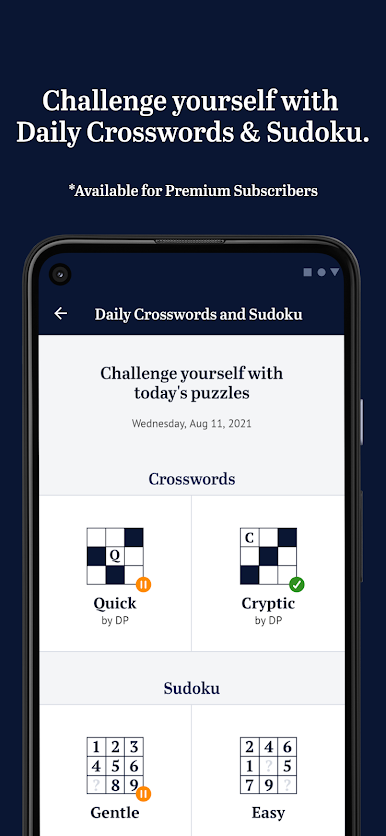
Extra Perks for Premium Users
Upgrade to Premium Digital for extras like the daily crossword and a digital copy of Today’s Paper—perfect if you don’t want to miss a thing. -
Market Research Participation
The app includes Nielsen measurement, so you’ll be quietly helping to shape the future of media research—pretty neat.
If you’re running The Sydney Morning Herald on BlueStacks, you can catch up on the news just as easily from your desktop.
Switch to BlueStacks and make the most of your apps on your PC or Mac.


العب The Sydney Morning Herald على جهاز الكمبيوتر. من السهل البدء.
-
قم بتنزيل BlueStacks وتثبيته على جهاز الكمبيوتر الخاص بك
-
أكمل تسجيل الدخول إلى Google للوصول إلى متجر Play ، أو قم بذلك لاحقًا
-
ابحث عن The Sydney Morning Herald في شريط البحث أعلى الزاوية اليمنى
-
انقر لتثبيت The Sydney Morning Herald من نتائج البحث
-
أكمل تسجيل الدخول إلى Google (إذا تخطيت الخطوة 2) لتثبيت The Sydney Morning Herald
-
انقر على أيقونة The Sydney Morning Herald على الشاشة الرئيسية لبدء اللعب

