


Geometryx: Geometry Calculator
在電腦上使用BlueStacks –受到5億以上的遊戲玩家所信任的Android遊戲平台。

Run Geometryx: Geometry - Calculator on PC or Mac
What’s better than using Geometryx: Geometry – Calculator by famobix? Well, try it on a big screen, on your PC or Mac, with BlueStacks to see the difference.
About the App
If you’ve ever found yourself tangled up in tricky geometry problems, Geometryx: Geometry – Calculator from famobix is one of those tools you wish you’d found sooner. This app makes all those confusing shapes, angles, and formulas way more manageable—whether you’re working through homework, prepping for an exam, or double-checking some calculations on the job. You’ll get a straightforward, no-nonsense way to work out almost any measurement or formula that pops up in geometry.
App Features
-
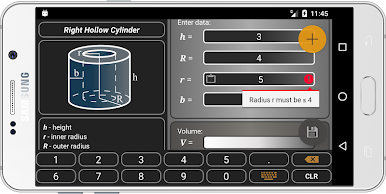
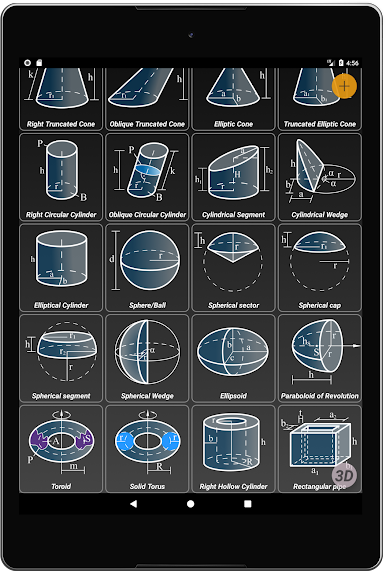
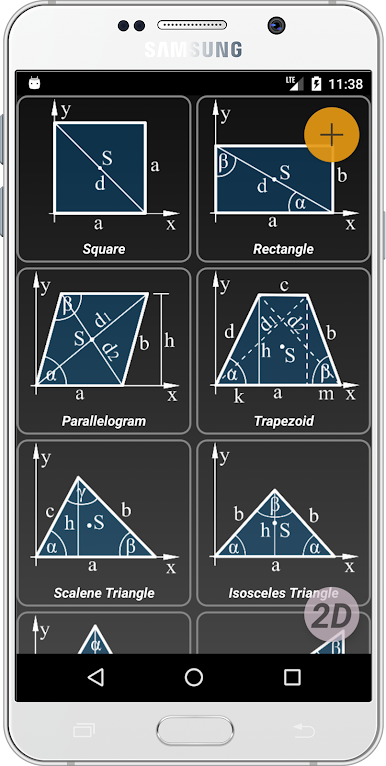
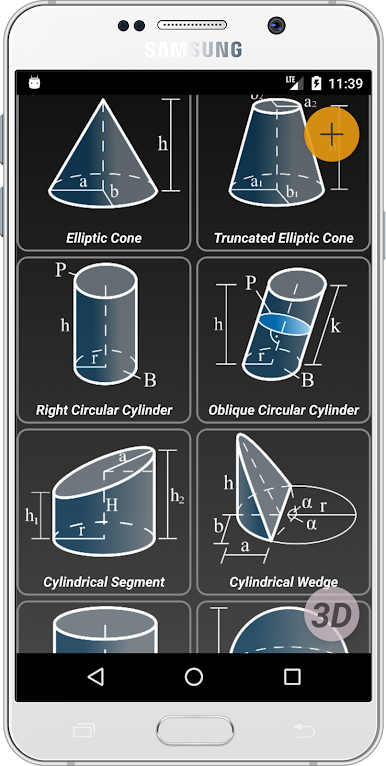
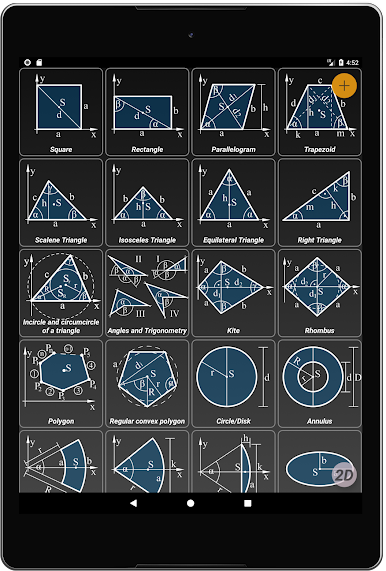
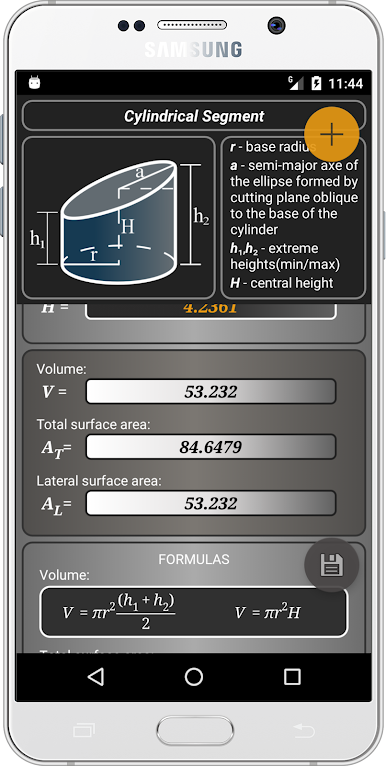
Handles 2D & 3D Shapes: Whether it’s a classic square, a wild torus, or anything in between, Geometryx: Geometry – Calculator covers a huge list of figures—both flat shapes and three-dimensional ones.
-
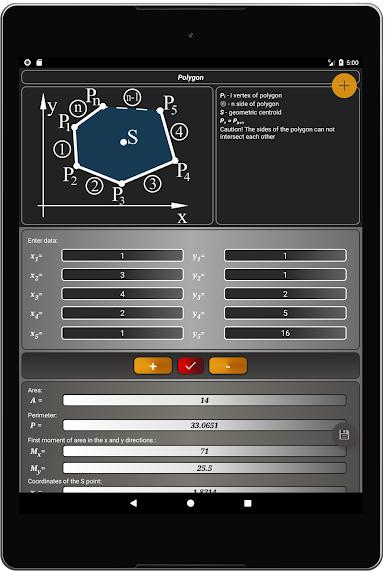
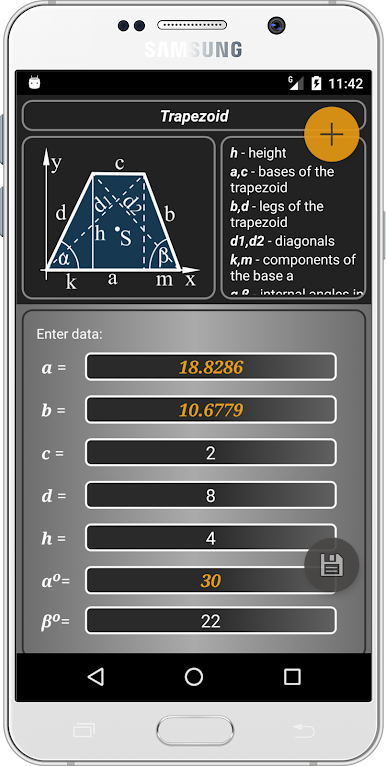
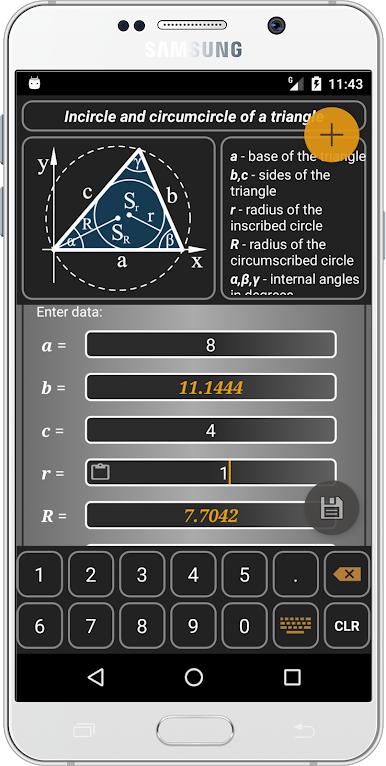
Fast Calculations: Need area, perimeter, volume, or maybe the length of a diagonal? Just pick your shape, plug in your numbers, and get instant answers without struggling through long math.
-
Built-In Geometry Formulas: Not sure which formula to use, or how to set up a problem? The app’s packed with ready-to-use equations for tons of scenarios—perfect when you’re stuck or double-checking your work.
-
Works for Every Level: It’s handy for just about anyone dealing with geometry—students, teachers, engineers, or anyone who needs quick math help. It takes the guesswork out, so you can focus on the results.
-
Extra Math Tools: You’ll get some handy helpers, like trigonometric functions, the Pythagorean theorem, and even Thales’ theorem, for those times when the basic stuff just isn’t enough.
-
Breakdown by Shape: Skim through an easy menu of all supported figures—triangles, polygons, ellipses, cylinders, spheres, cones, pyramids, you name it. Just tap the one you need.
-
Centroid & Angle Calculators: Go deeper by finding centroids, angles (acute, obtuse, reflex—you get the idea), radii, line segments, and other tricky details.
-
Perfect for PC with BlueStacks: If you need a bigger view (or just want easier typing), you can also use Geometryx: Geometry – Calculator on your computer via BlueStacks. Handy when you’re tackling a big set of problems or want everything on a full-sized screen.
BlueStacks gives you the much-needed freedom to experience your favorite apps on a bigger screen. Get it now.
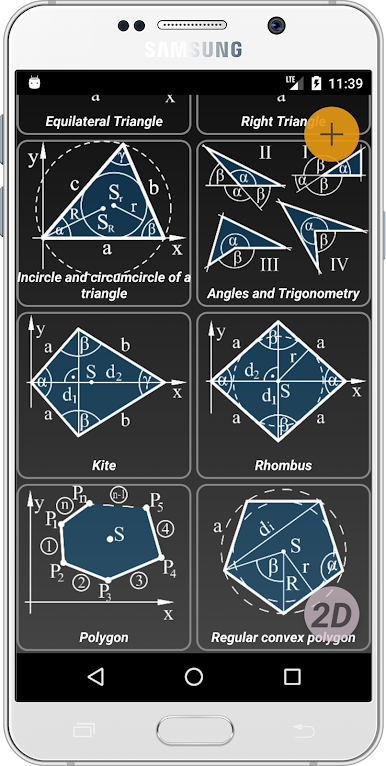
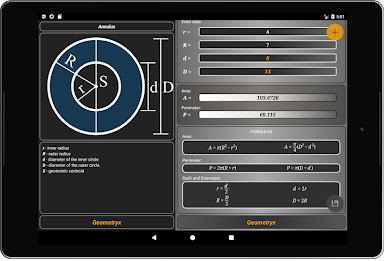
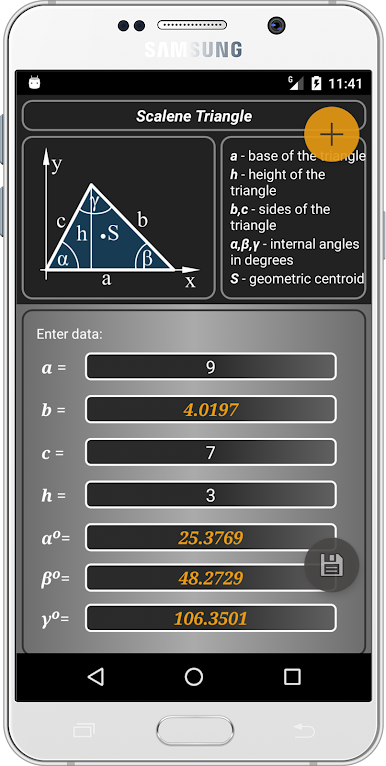
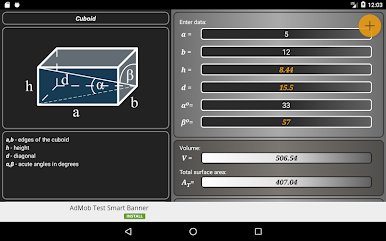
在電腦上遊玩Geometryx: Geometry Calculator . 輕易上手.
-
在您的電腦上下載並安裝BlueStacks
-
完成Google登入後即可訪問Play商店,或等你需要訪問Play商店十再登入
-
在右上角的搜索欄中尋找 Geometryx: Geometry Calculator
-
點擊以從搜索結果中安裝 Geometryx: Geometry Calculator
-
完成Google登入(如果您跳過了步驟2),以安裝 Geometryx: Geometry Calculator
-
在首頁畫面中點擊 Geometryx: Geometry Calculator 圖標來啟動遊戲

