


Taskito To-Do Lista de Tarefas
Jogue no PC com BlueStacks - A Plataforma de Jogos Android, confiada por mais de 500 milhões de jogadores.

Página modificada em: Dec 4, 2025
Play Taskito: To-Do List & Planner on PC
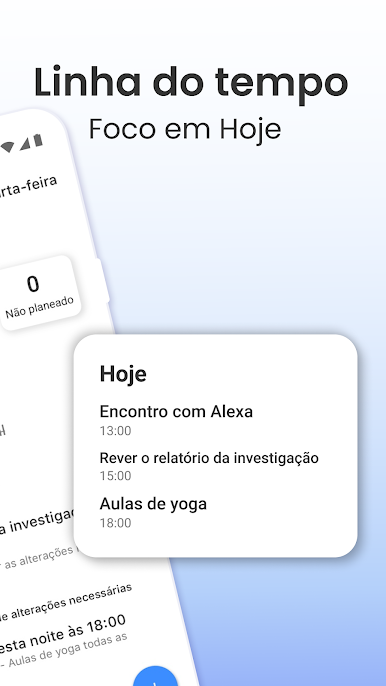
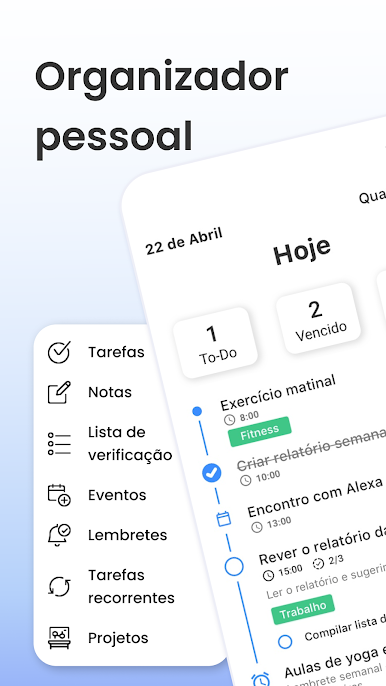
Transform your productivity with Taskito’s intuitive timeline view. See your day explode with clarity by combining tasks, events, reminders, notes, and habits into one seamless planner.
- All-in-one timeline view brings to-dos, calendar events, reminders, notes & habits into focus
- Calendar integration for seamless event import, time-blocking, and daily schedule overview
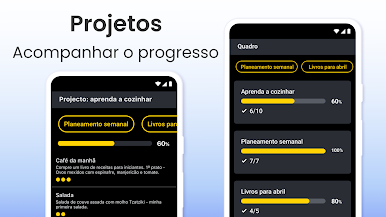
- Project board (Kanban-style) to flesh out long-term goals and drag tasks into your timeline when ready
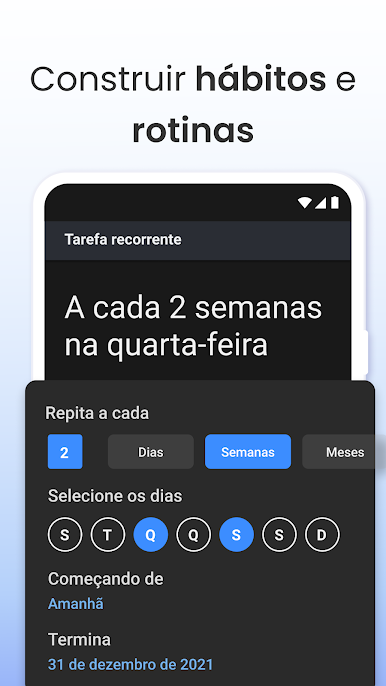
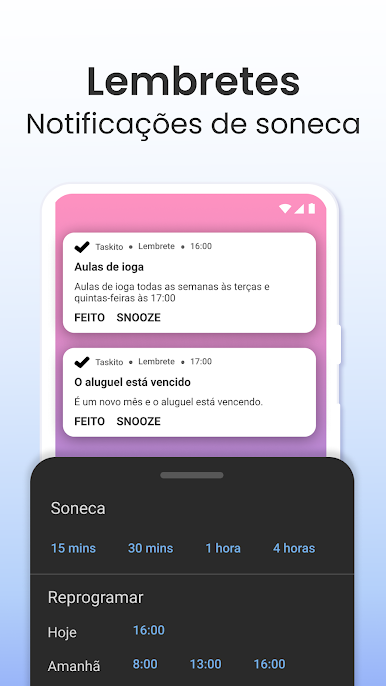
- Recurring tasks & habit tracking, with multi-reminder support to keep routines on track
- Powerful, customizable widgets to glance at your agenda without opening the app
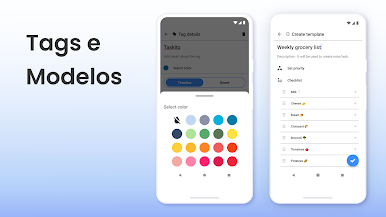
- Templates, tags, bulk actions: reuse grocery or workout lists, categorize with colors, manage tasks en masse
- No Ads & sync across devices keep your focus where it belongs
Perfect for:
- Students managing assignments and schedules
- Professionals planning meetings, projects, and time-blocks
- Anyone bullet-journaling digitally or building daily routines
Why Taskito?
Streamlined, beautiful design. Unmatched flexibility with tags, templates, widgets. A planner that adapts to you—not the other way around.
Download Taskito now and start turning plans into productivity.
• • •
If you have feedback or suggestions, feel free to send us an email: hey.taskito@gmail.com
Website: https://taskito.io/
Help Center: https://taskito.io/help
Blog: https://taskito.io/blog


Jogue Taskito To-Do Lista de Tarefas no PC. É fácil começar.
-
Baixe e instale o BlueStacks no seu PC
-
Conclua o login do Google para acessar a Play Store ou faça isso mais tarde
-
Procure por Taskito To-Do Lista de Tarefas na barra de pesquisa no canto superior direito
-
Clique para instalar Taskito To-Do Lista de Tarefas a partir dos resultados da pesquisa
-
Conclua o login do Google (caso você pulou a etapa 2) para instalar o Taskito To-Do Lista de Tarefas
-
Clique no ícone do Taskito To-Do Lista de Tarefas na tela inicial para começar a jogar

