


IBM MaaS360 Mail
العب على الكمبيوتر الشخصي مع BlueStacks - نظام أندرويد للألعاب ، موثوق به من قبل أكثر من 500 مليون لاعب.

Play IBM MaaS360 Mail on PC
Features Include:
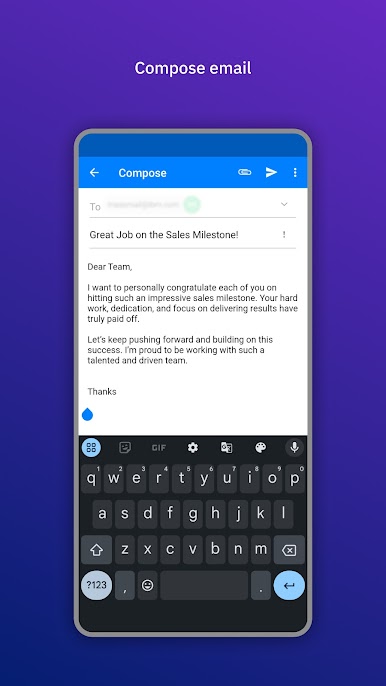
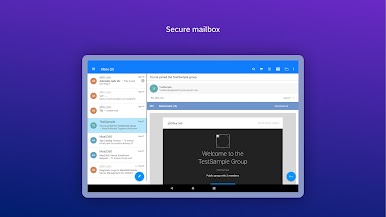
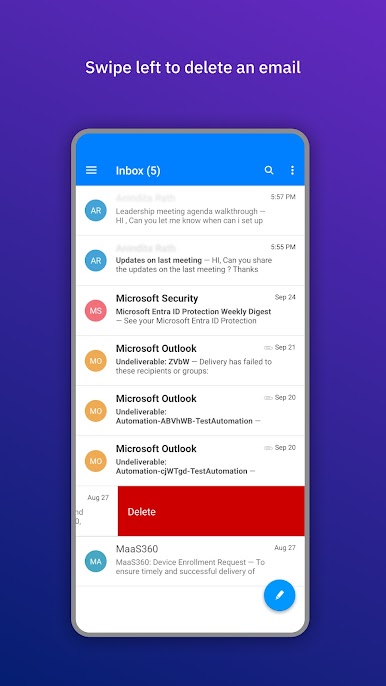
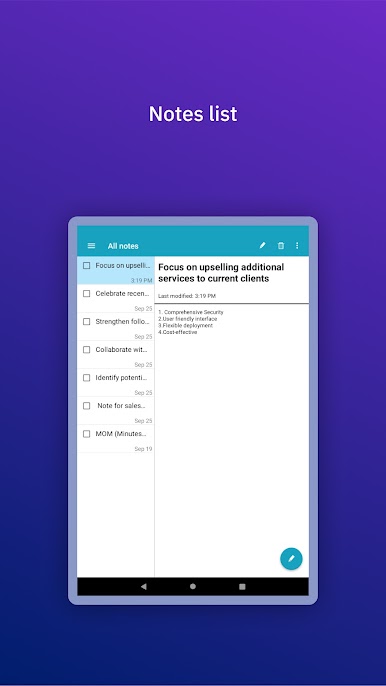
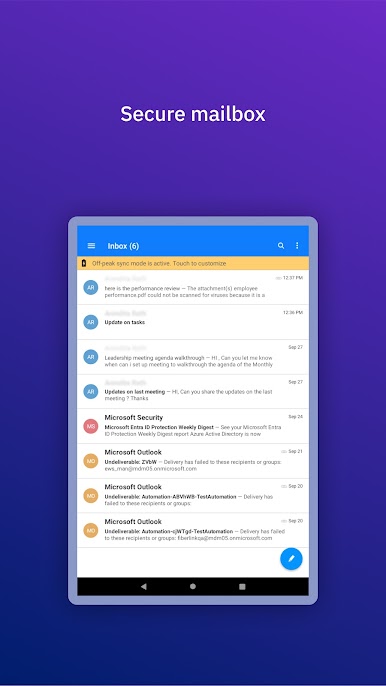
> Quickly read and respond to your corporate mail messages
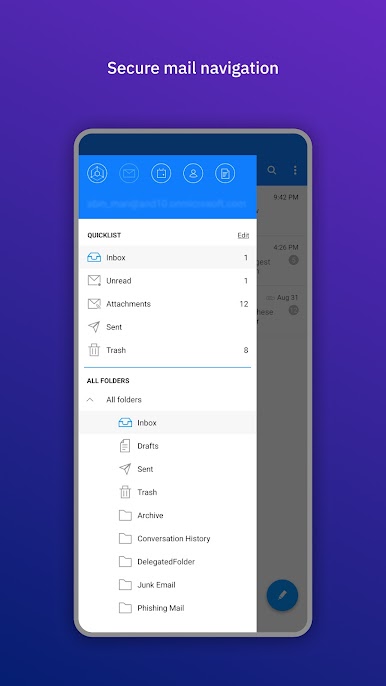
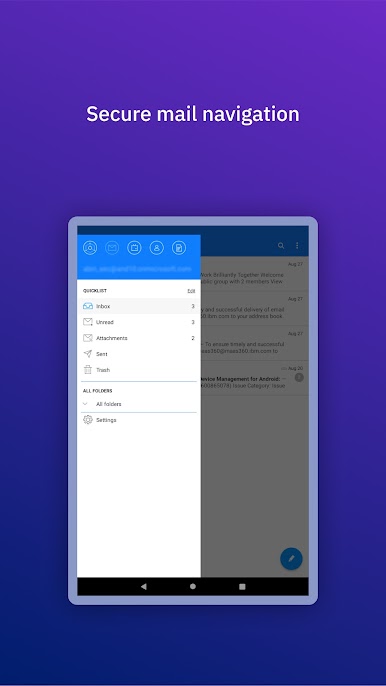
> Configure Smart Folders to categorize specific types of messages, like unread
> Set up your Out of Office settings on your mobile device
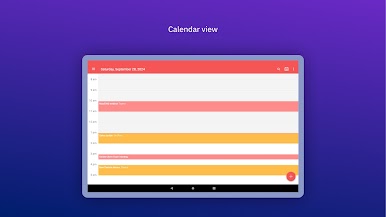
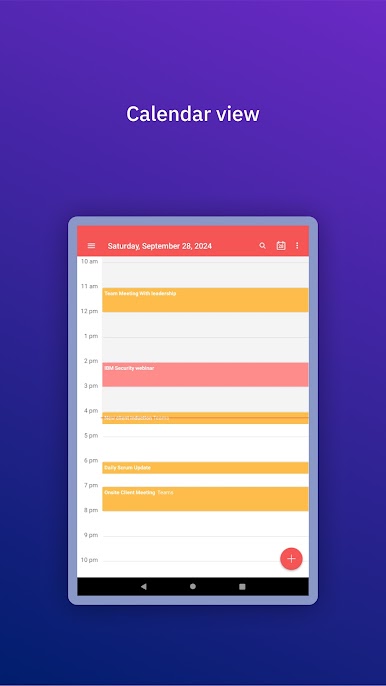
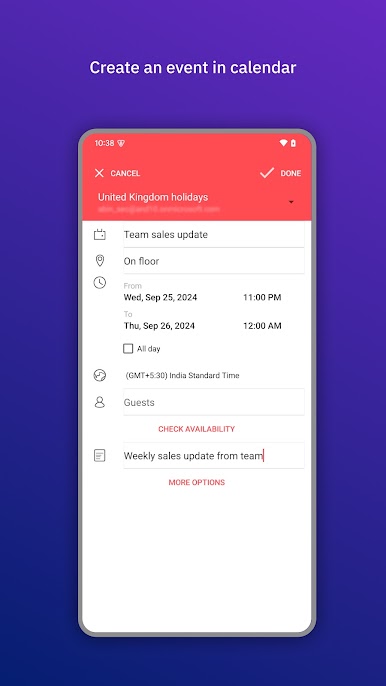
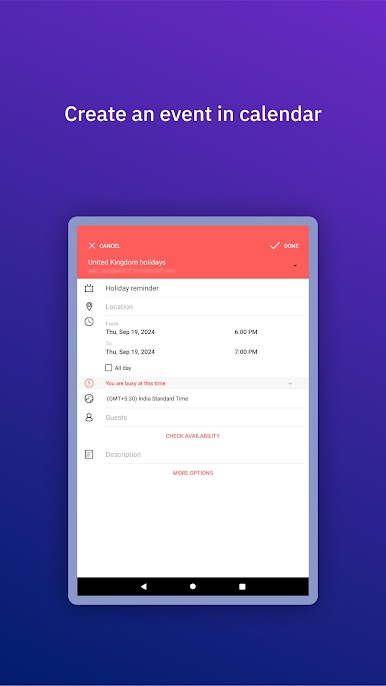
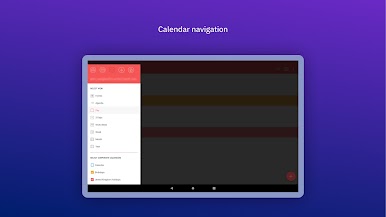
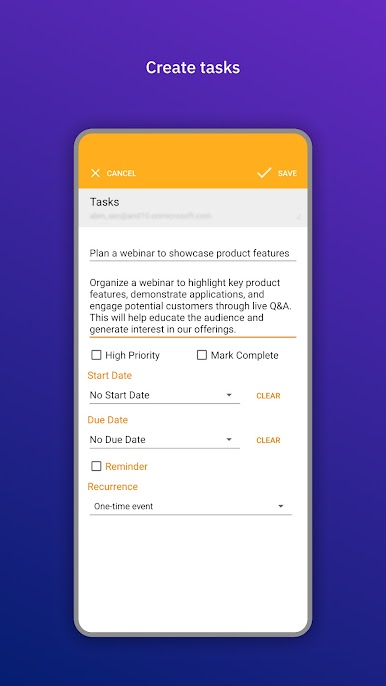
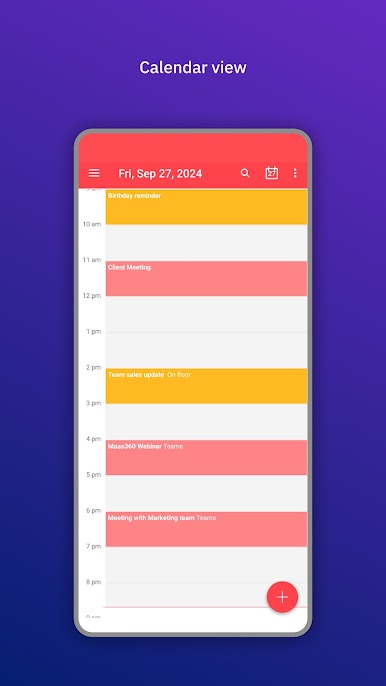
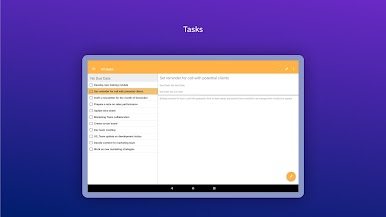
> Manage your day by viewing, editing, and creating meetings
> A scheduling tool to help see when your coworkers are available while on the go
> Forward meeting invitations to add new attendees
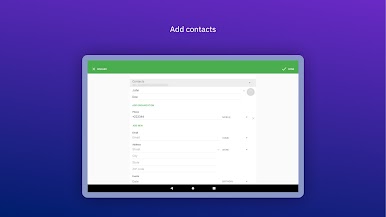
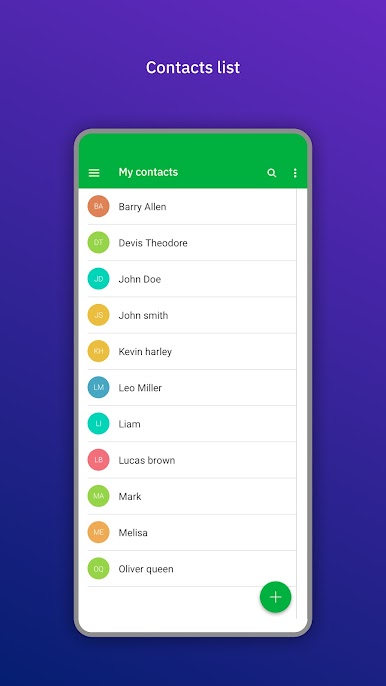
> Browse your personal and corporate address books to make phone calls and send messages
Note: This application requires an account with IBM MaaS360. If your company uses IBM MaaS360, please contact your help desk.

العب IBM MaaS360 Mail على جهاز الكمبيوتر. من السهل البدء.
-
قم بتنزيل BlueStacks وتثبيته على جهاز الكمبيوتر الخاص بك
-
أكمل تسجيل الدخول إلى Google للوصول إلى متجر Play ، أو قم بذلك لاحقًا
-
ابحث عن IBM MaaS360 Mail في شريط البحث أعلى الزاوية اليمنى
-
انقر لتثبيت IBM MaaS360 Mail من نتائج البحث
-
أكمل تسجيل الدخول إلى Google (إذا تخطيت الخطوة 2) لتثبيت IBM MaaS360 Mail
-
انقر على أيقونة IBM MaaS360 Mail على الشاشة الرئيسية لبدء اللعب

