


Findmyshift
通訊 | Findmyshift BV
在電腦上使用BlueStacks –受到5億以上的遊戲玩家所信任的Android遊戲平台。

Play Findmyshift on PC
Findmyshift's companion app for Android requires that you have been added to a schedule by your manager, or have already registered an account on the website.
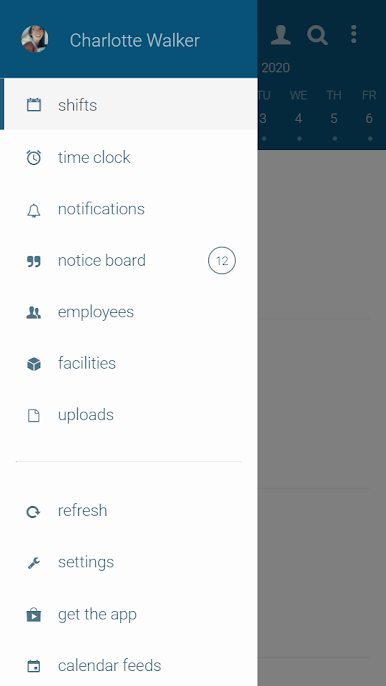
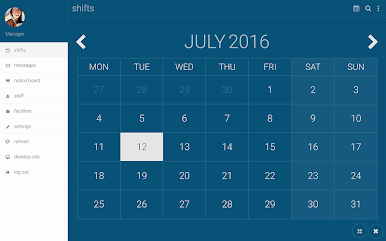
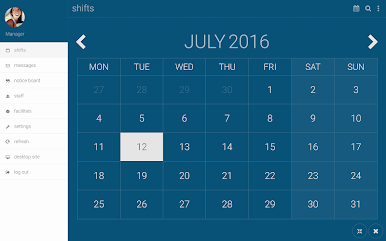
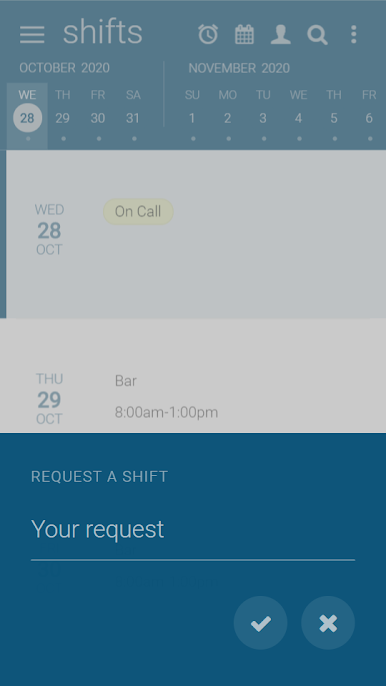
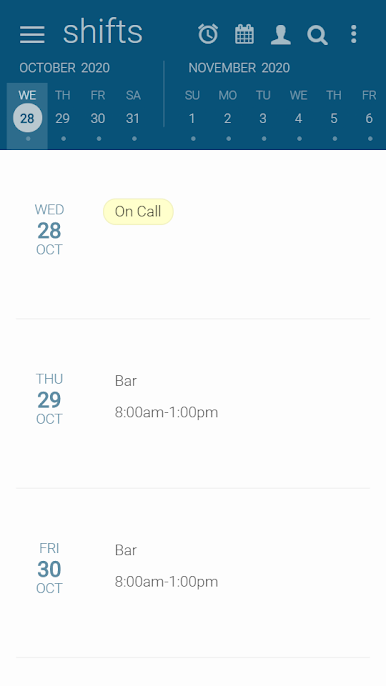
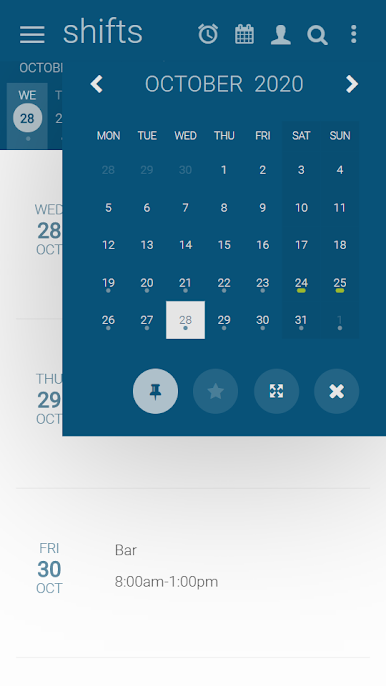
Designed to help employees and their managers check and update their shifts on the go, Findmyshift's Android app enables employees to check when they're working, request new shifts, cancel shifts with comments, receive push notifications and communicate with their colleagues.
Employees can:
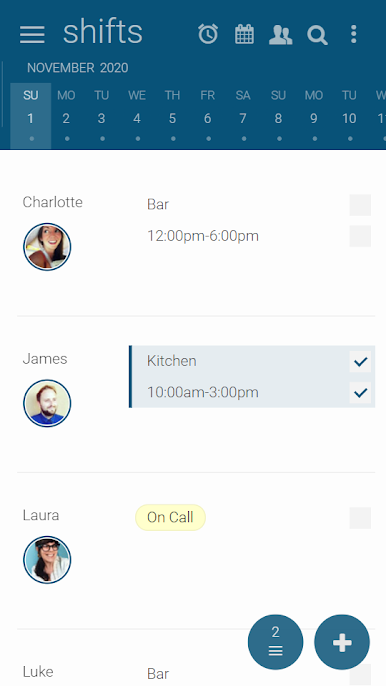
- Check their shifts (past and future)
- Request shifts, cancel or swap shifts
- Request time-off
- Cancel time-off requests
- Add a profile picture
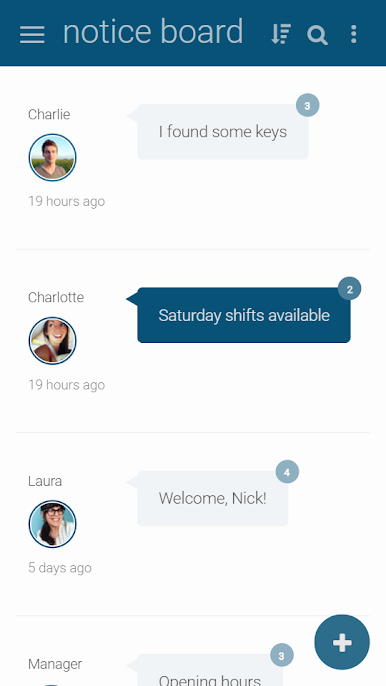
- Check their noticeboard
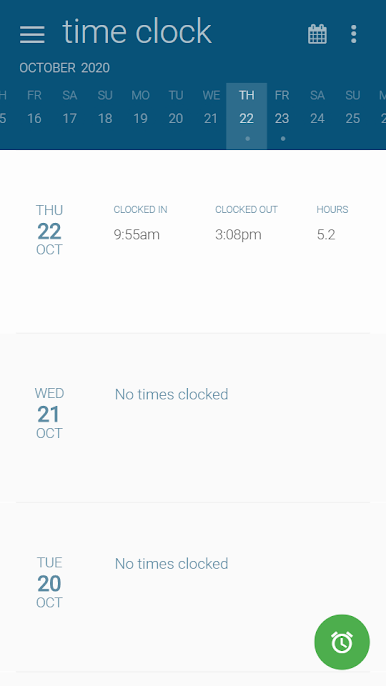
- Clock-in and out of shifts
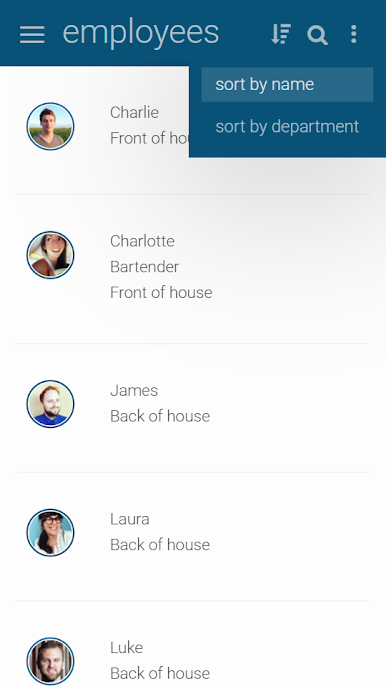
- View employee contact details
- View and download uploaded documents
- Review their clock ins and clock outs
Managers can:
- Approve or reject shift requests
- Add and edit time-off requests
- Approve or deny time-off requests
- Track employee locations and photographs as they clock-in/clock-out
- Add and moderate messages on the noticeboard
- Upload documents
Designed to help employees and their managers check and update their shifts on the go, Findmyshift's Android app enables employees to check when they're working, request new shifts, cancel shifts with comments, receive push notifications and communicate with their colleagues.
Employees can:
- Check their shifts (past and future)
- Request shifts, cancel or swap shifts
- Request time-off
- Cancel time-off requests
- Add a profile picture
- Check their noticeboard
- Clock-in and out of shifts
- View employee contact details
- View and download uploaded documents
- Review their clock ins and clock outs
Managers can:
- Approve or reject shift requests
- Add and edit time-off requests
- Approve or deny time-off requests
- Track employee locations and photographs as they clock-in/clock-out
- Add and moderate messages on the noticeboard
- Upload documents
在電腦上遊玩Findmyshift . 輕易上手.
-
在您的電腦上下載並安裝BlueStacks
-
完成Google登入後即可訪問Play商店,或等你需要訪問Play商店十再登入
-
在右上角的搜索欄中尋找 Findmyshift
-
點擊以從搜索結果中安裝 Findmyshift
-
完成Google登入(如果您跳過了步驟2),以安裝 Findmyshift
-
在首頁畫面中點擊 Findmyshift 圖標來啟動遊戲

