

زوايا - لعبة ستحرك زوايا عقلك
العب على الكمبيوتر الشخصي مع BlueStacks - نظام أندرويد للألعاب ، موثوق به من قبل أكثر من 500 مليون لاعب.

Play زوايا - لعبة ستحرك زوايا عقلك on PC or Mac
زوايا – لعبة ستحرك زوايا عقلك brings the Word genre to life, and throws up exciting challenges for gamers. Developed by العاب فنجان Finjan Games, this Android game is best experienced on BlueStacks, the World’s #1 app player for PC and Mac users.
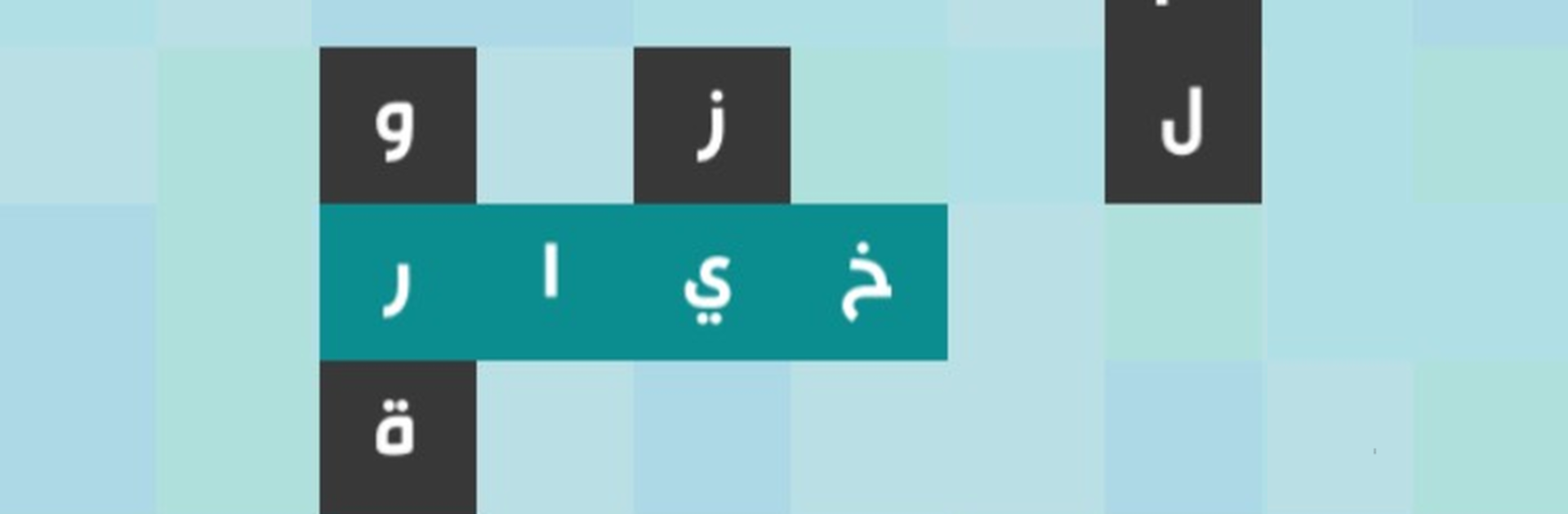
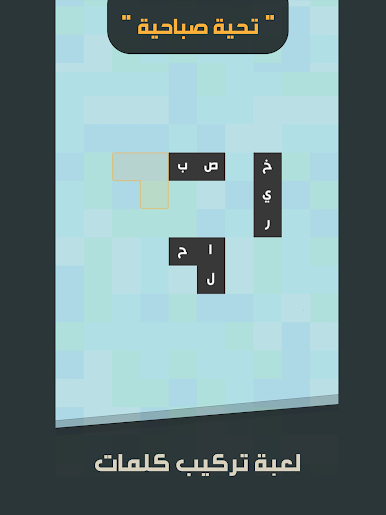
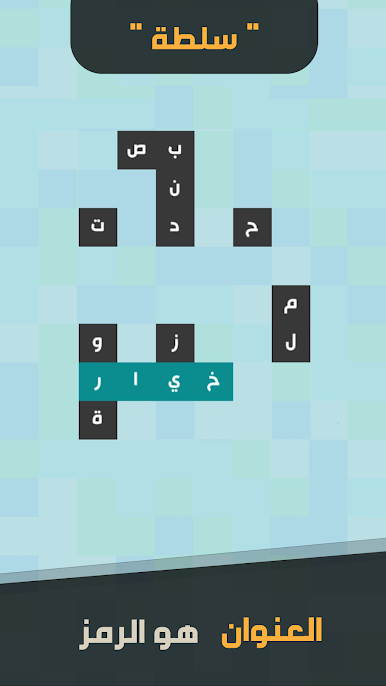
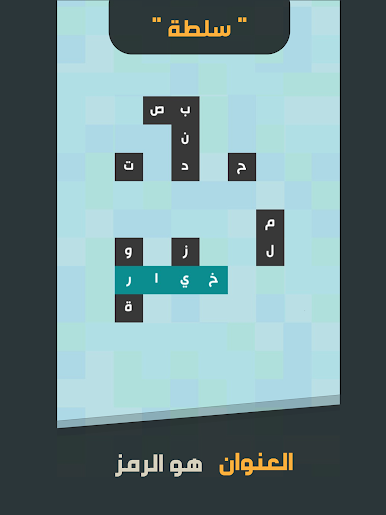
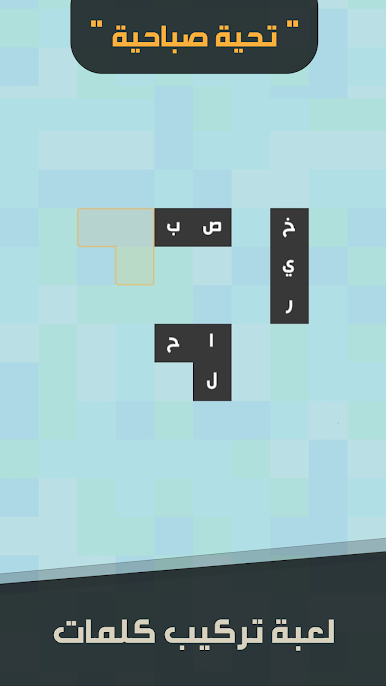
Zawaya is an Arabic word puzzle that feels like a mix of crosswords and fitting little letter tiles together. Each stage has a title that hints at a theme, and the game throws a bunch of letter pieces on the board. Players slide those pieces around to build related words, and the trick is noticing how the words connect. When that link clicks, a hidden answer pops into place, the secret angle that ties the whole set together. It nudges the brain in a good way, asking for attention to detail, a bit of general knowledge, and a calm kind of patience rather than fast reactions.
What stands out is how clean the idea is. No clutter, just a neat layout, clear Arabic words, and puzzles that start simple then get just tangled enough to make the final snap-in feel earned. Themes jump between everyday stuff and trivia, so it teaches a little without turning into homework. On PC with BlueStacks it plays smoother than on a phone, since dragging pieces with a mouse is precise and the bigger screen makes the small fragments easier to read. It is the kind of game players open for a quick mental stretch, then end up doing three or four boards because that last missing word keeps nagging the back of the head. If someone enjoys word connections and that quiet ah-ha moment, this hits the spot.
Ready to top the leaderboard? We bet you do. Let precise controls and sharp visuals optimized on BlueStacks lead you to victory.
العب زوايا - لعبة ستحرك زوايا عقلك على جهاز الكمبيوتر. من السهل البدء.
-
قم بتنزيل BlueStacks وتثبيته على جهاز الكمبيوتر الخاص بك
-
أكمل تسجيل الدخول إلى Google للوصول إلى متجر Play ، أو قم بذلك لاحقًا
-
ابحث عن زوايا - لعبة ستحرك زوايا عقلك في شريط البحث أعلى الزاوية اليمنى
-
انقر لتثبيت زوايا - لعبة ستحرك زوايا عقلك من نتائج البحث
-
أكمل تسجيل الدخول إلى Google (إذا تخطيت الخطوة 2) لتثبيت زوايا - لعبة ستحرك زوايا عقلك
-
انقر على أيقونة زوايا - لعبة ستحرك زوايا عقلك على الشاشة الرئيسية لبدء اللعب

