


첫화면 할일 - 일정관리 메모 다이어리 메모장
5억명 이상의 게이머가 신뢰하는 안드로이드 게임 플랫폼 BlueStacks으로 PC에서 플레이하세요.

Run 첫화면 할일 - 일정관리, 메모, 캘린더, 디데이 on PC or Mac
What’s better than using 첫화면 할일 – 일정관리, 메모, 캘린더, 디데이 by FirstScreenTeam? Well, try it on a big screen, on your PC or Mac, with BlueStacks to see the difference.
About the App
첫화면 할일 – 일정관리, 메모, 캘린더, 디데이 is like having your whole daily game plan right on your lock screen. No more juggling different apps for to-dos, memos, and calendars—everything’s waiting for you the second you unlock your phone. Want to remember an event, jot down a thought, or double-check what’s coming up this week? It’s literally front and center, ready when you are.
App Features
-
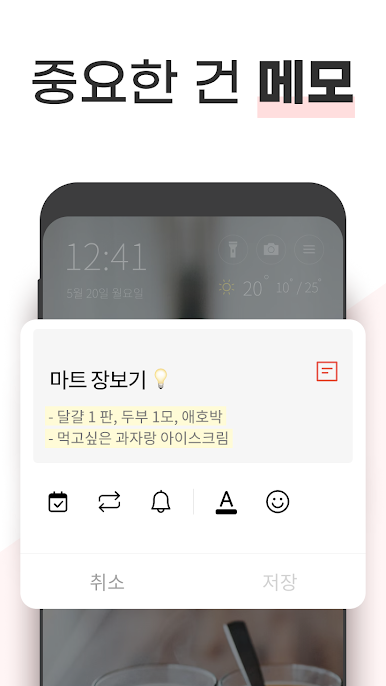
Quick To-Do Updates
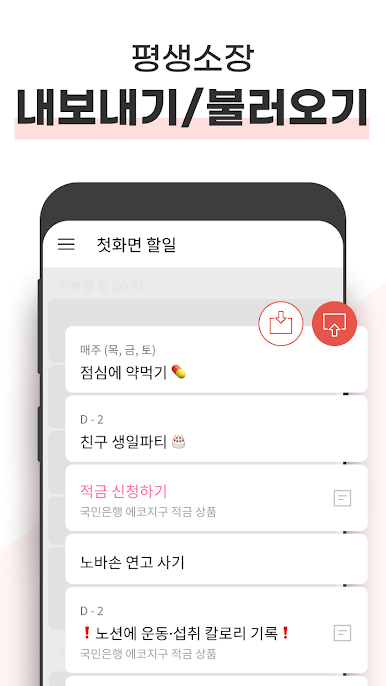
Add, edit, finish, or delete your tasks in seconds. Wrote out your list but your plans changed? No problem—just tap to make it right. -
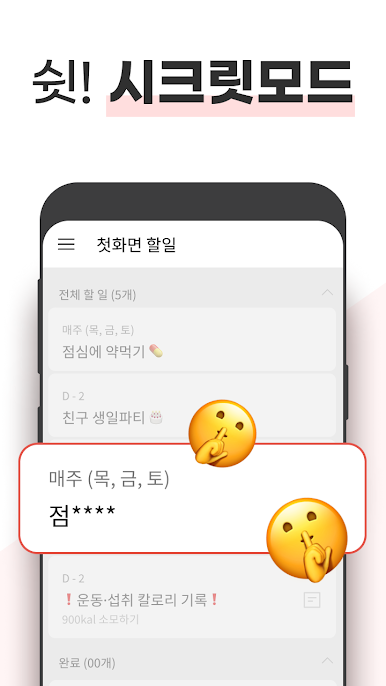
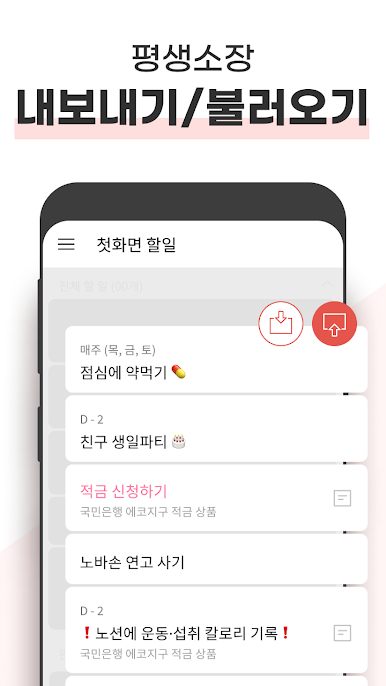
See Everything At a Glance
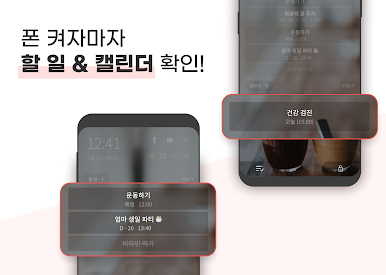
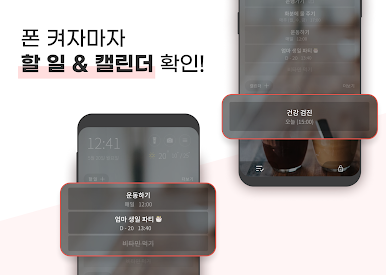
Your day’s to-dos, calendar events, memos, birthdays, holidays, and even upcoming deadlines—get the big picture the moment you open your screen. -
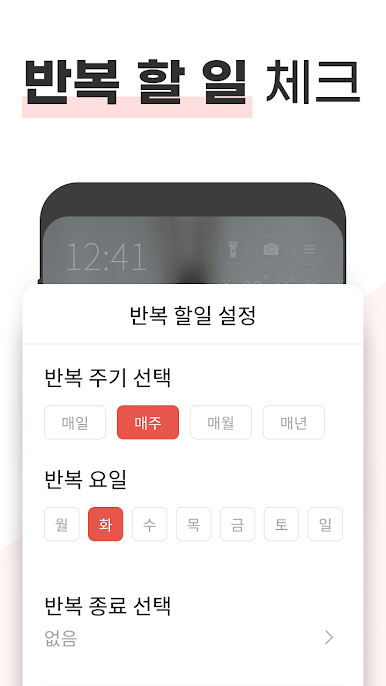
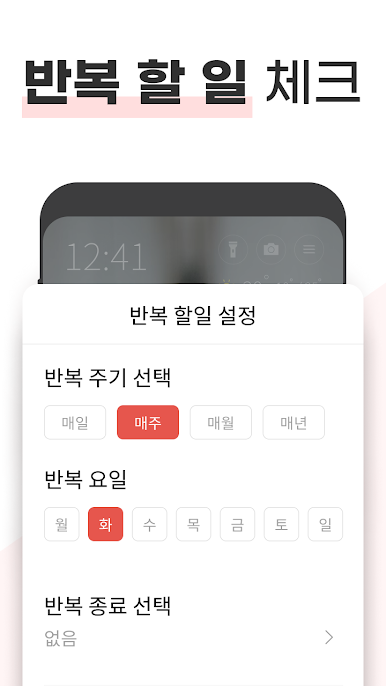
Repeating Tasks
Got chores or plans that come back every week or month? Set them just once and watch the app handle the rest—never miss a cycle. -
Color-Coded Priorities
Take one look and instantly spot the tasks that matter most. Use colors to highlight important items so nothing slips past you. -
Two-Week Preview
Curious about what’s coming up? Browse up to two weeks of to-dos and events without scrolling through endless screens or swiping around. -
Smart Calendar Sync
Your calendar is automatically updated with your tasks and events, so all your important dates stay perfectly in sync. -
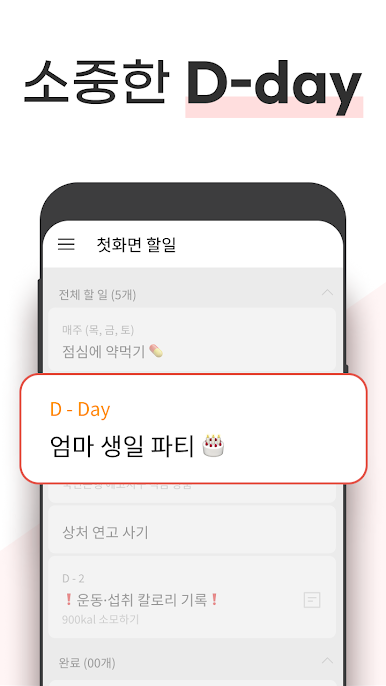
Handy D-Day Tracker
Count down to important events like tests, anniversaries, or big meetings, all with the simple D-day function. -
First-Screen Shortcuts
Turn on your flashlight or snap a quick photo directly from the main screen—super convenient for those “need it right now” moments. -
Real-Time Extras
Check the weather and fine dust updates as soon as you wake your phone. Plus, catch up on news headlines without hunting for another app. -
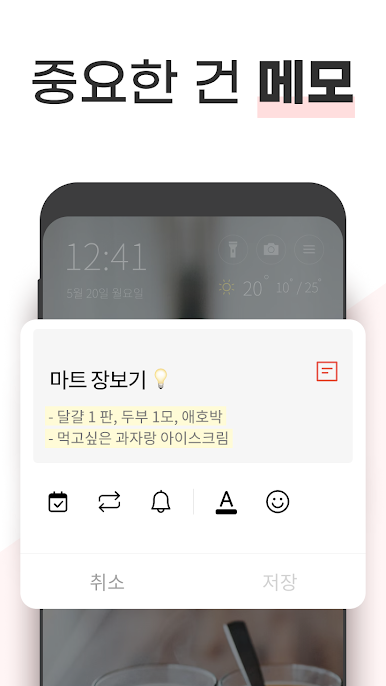
Faster Access with Notification Bar
Peek at tasks and notes from your notification bar, so you don’t always need to open the app itself. -
Smooth Compatibility
Want to manage your lists and schedules while multitasking on your laptop? The app works smoothly with BlueStacks, making desktop organization a breeze.
FirstScreenTeam’s app packs a lot into one spot so you can stay organized—without going in circles.
Eager to take your app experience to the next level? Start right away by downloading BlueStacks on your PC or Mac.



PC에서 첫화면 할일 - 일정관리 메모 다이어리 메모장 플레이해보세요.
-
BlueStacks 다운로드하고 설치
-
Google Play 스토어에 로그인 하기(나중에 진행가능)
-
오른쪽 상단 코너에 첫화면 할일 - 일정관리 메모 다이어리 메모장 검색
-
검색 결과 중 첫화면 할일 - 일정관리 메모 다이어리 메모장 선택하여 설치
-
구글 로그인 진행(만약 2단계를 지나갔을 경우) 후 첫화면 할일 - 일정관리 메모 다이어리 메모장 설치
-
메인 홈화면에서 첫화면 할일 - 일정관리 메모 다이어리 메모장 선택하여 실행

