

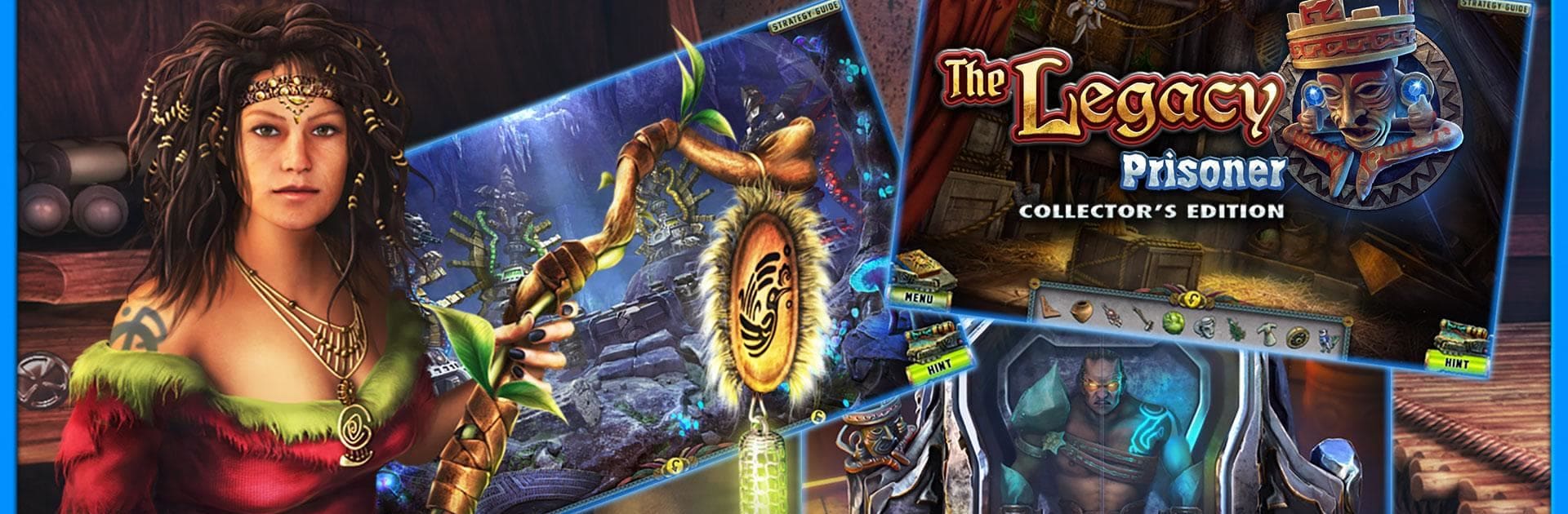
The Legacy 2 CE
Jogue no PC com BlueStacks - A Plataforma de Jogos Android, confiada por mais de 500 milhões de jogadores.

Página modificada em: Aug 2, 2023
Play The Legacy 2 (Full) on PC or Mac
The Legacy 2 (Full) brings the Adventure genre to life, and throws up exciting challenges for gamers. Developed by FIVE-BN GAMES, this Android game is best experienced on BlueStacks, the World’s #1 app player for PC and Mac users.
The Legacy 2 (Full) is one of those hidden object puzzle games where things get pretty wild pretty fast. It starts with a museum worker named Diana who spots something off during her shift and ends up chasing a thief, but that isn’t even the half of it—she gets pulled into this totally different world, like actual fantasy lands with ancient temples and weird magic. The game throws a lot her way, so you’re helping her solve all these little puzzles and mini-games, looking for clues, putting pieces together, almost like an interactive adventure movie with a mystery twist.
What stands out is how varied the gameplay feels. It isn’t just find-this-object—sure, there’s searching for stuff in tricky scenes, but there’s also a bunch of brain teasers and smaller games, more than forty or so. Exploration is a huge part, too, since every new area looks unique and there’s always some corner to search for collectible objects or morphing items. The story actually gives you a reason to care about what happens next, especially with the oddball characters Diana meets along the way. Playing on PC using BlueStacks makes everything a bit smoother, especially with puzzles that need precision, since the mouse is straightforward to use compared to a phone screen. The graphics are surprisingly detailed, and there’s a lot going on visually with all the temples and fantasy ruins. Definitely a good pick for someone who likes a bit of adventure mixed with puzzles and doesn’t mind getting pulled into a pretty strange, ancient world for a while.
Start your journey now. Download the game on BlueStacks, invite your friends, and march on a new adventure.
















Jogue The Legacy 2 CE no PC. É fácil começar.
-
Baixe e instale o BlueStacks no seu PC
-
Conclua o login do Google para acessar a Play Store ou faça isso mais tarde
-
Procure por The Legacy 2 CE na barra de pesquisa no canto superior direito
-
Clique para instalar The Legacy 2 CE a partir dos resultados da pesquisa
-
Conclua o login do Google (caso você pulou a etapa 2) para instalar o The Legacy 2 CE
-
Clique no ícone do The Legacy 2 CE na tela inicial para começar a jogar

