


LED Keyboard: Colorful Backlit
العب على الكمبيوتر الشخصي مع BlueStacks - نظام أندرويد للألعاب ، موثوق به من قبل أكثر من 500 مليون لاعب.

Play LED Keyboard: Colorful Backlit on PC
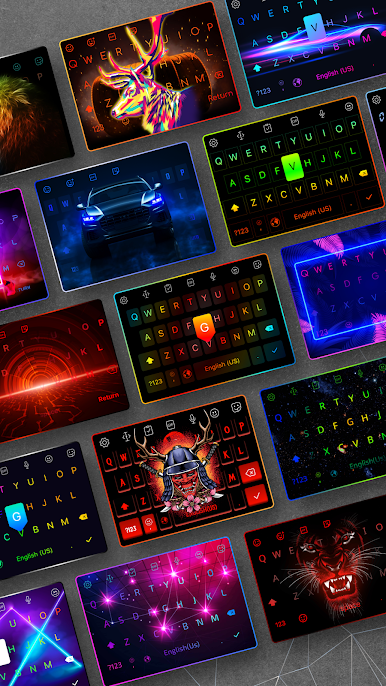
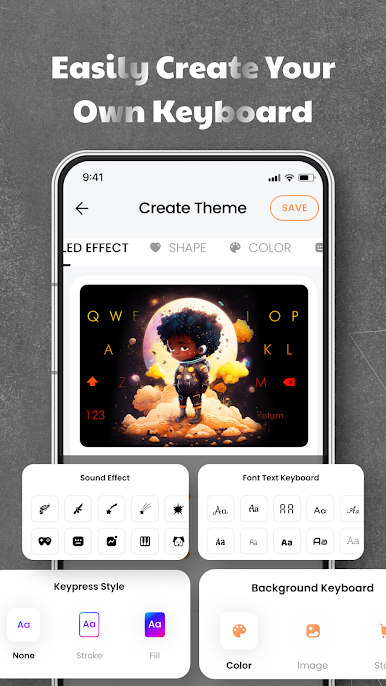
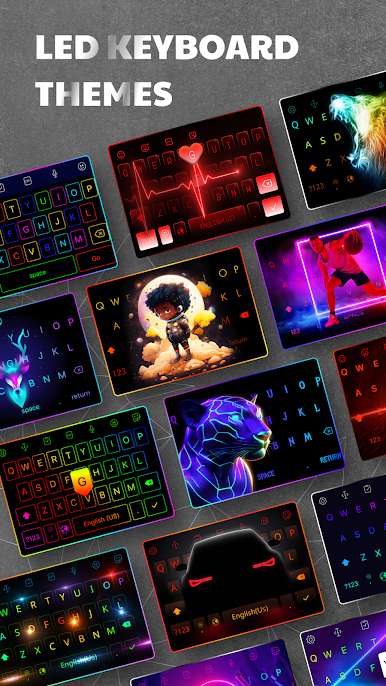
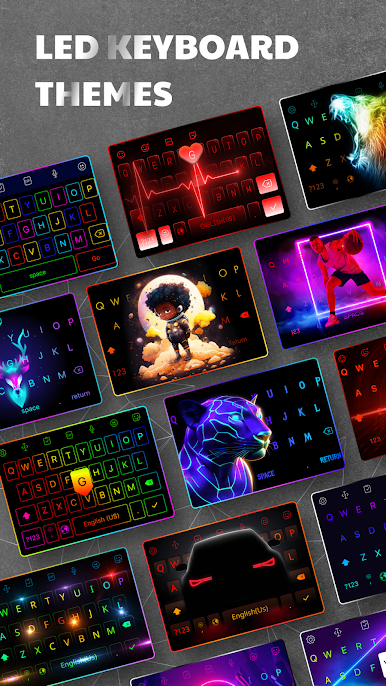
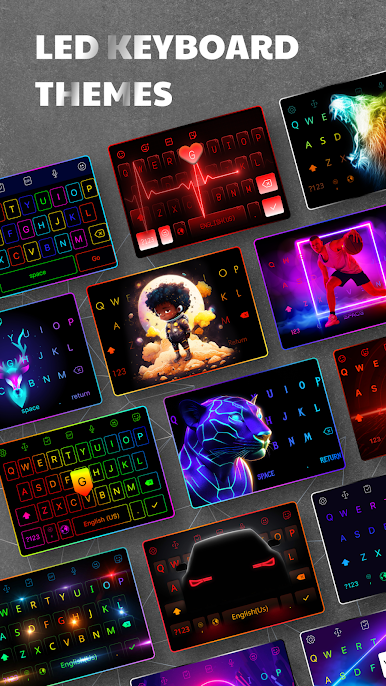
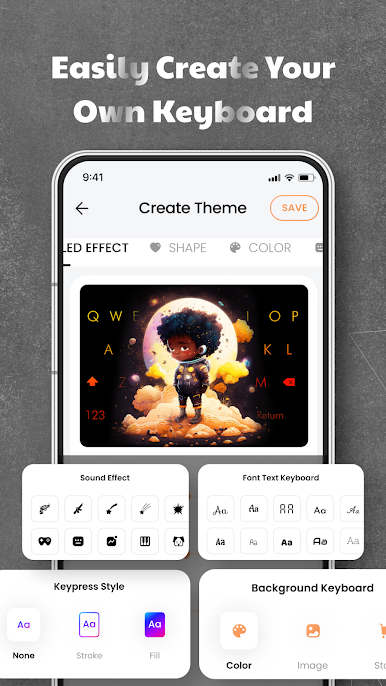
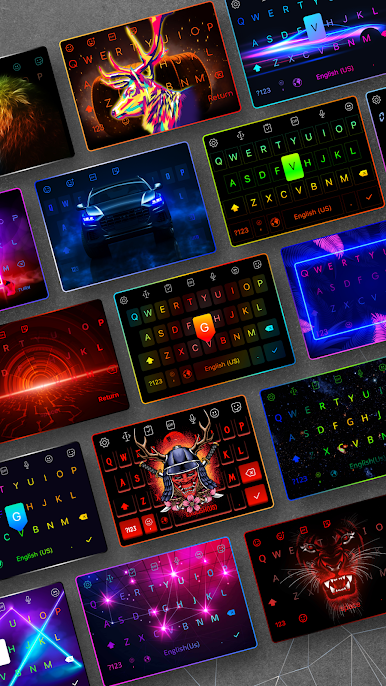
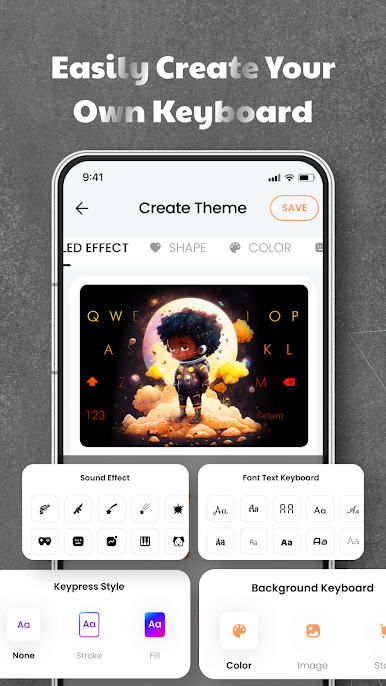
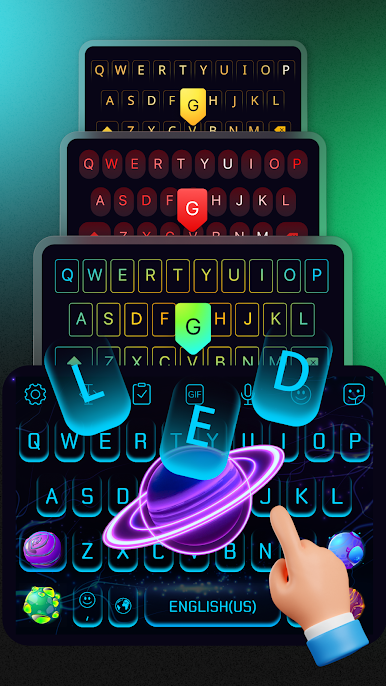
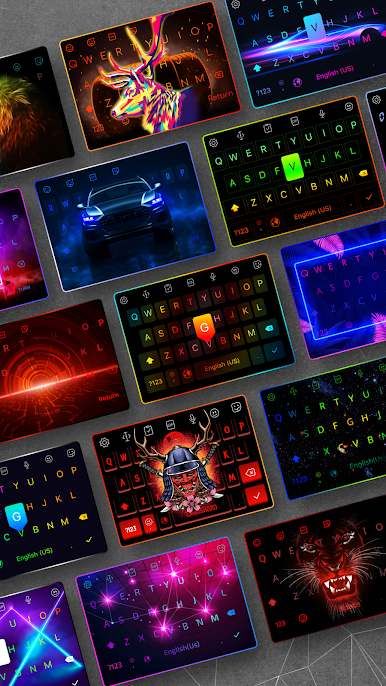
★ Custom Keyboard and LED Effects
Create your own keyboard background with photos or choose from 500+ themes.
RGB, neon, gradient, and live typing animation effects.
Typing sound options: mechanical keyboard, piano, water, and more.
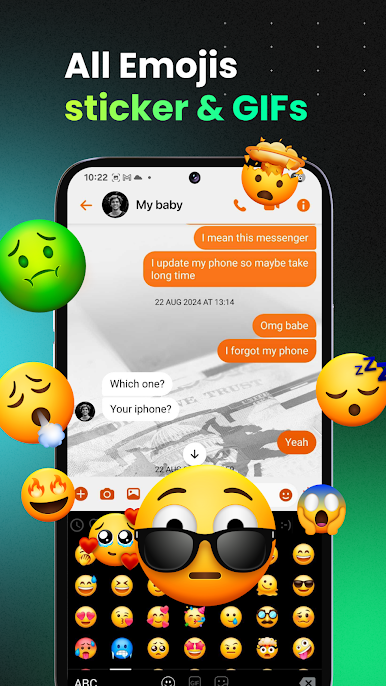
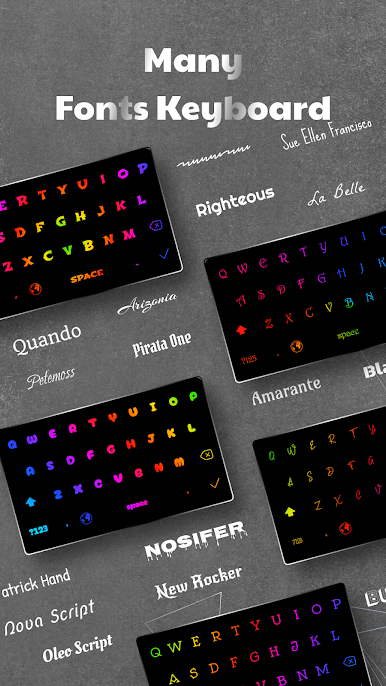
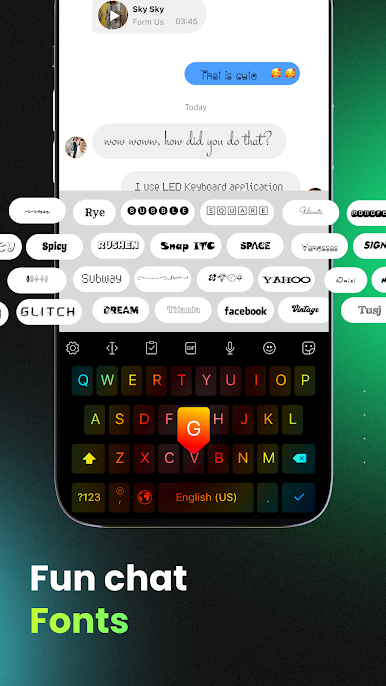
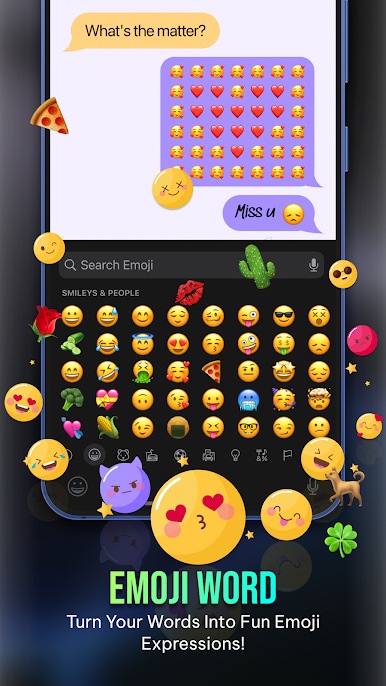
★ Emojis, Stickers, GIFs and Fonts
3000+ emojis, symbols.
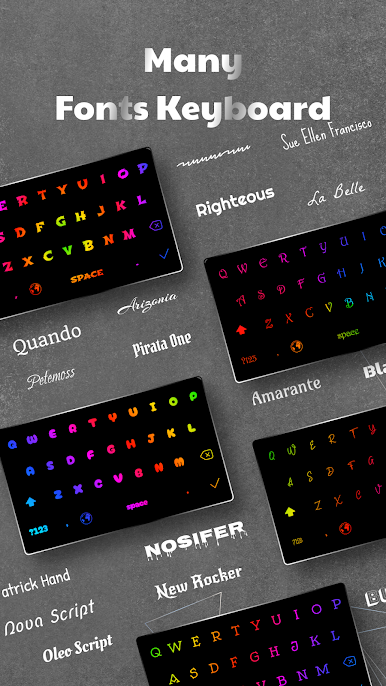
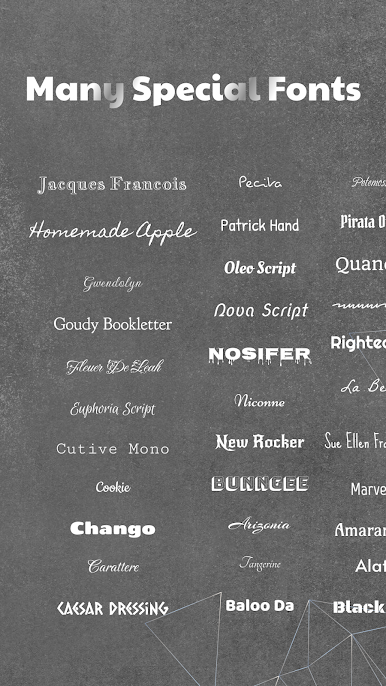
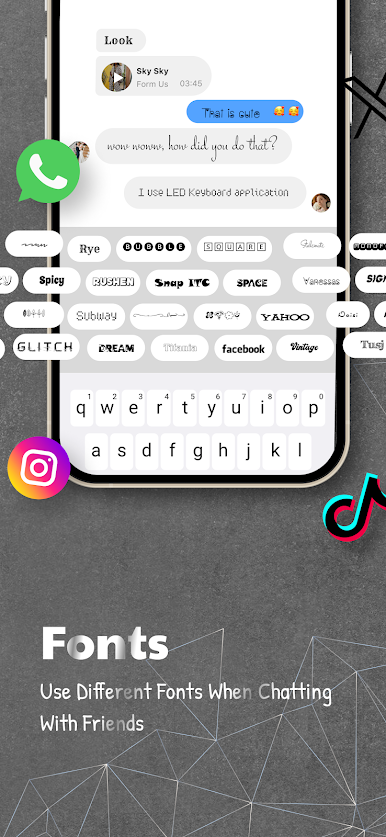
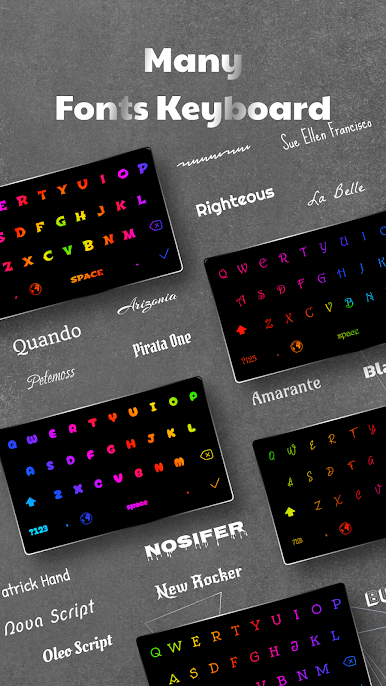
Many Fonts for custom keyboard.
Quick search and share in WhatsApp, Messenger, TikTok.
Stylish fonts for status, bios, and captions.
★ Smart and Fast Typing
Supports QWERTY, AZERTY, and QWERTZ layouts.
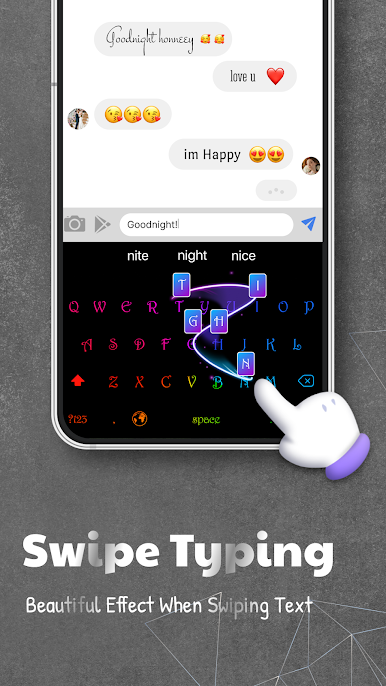
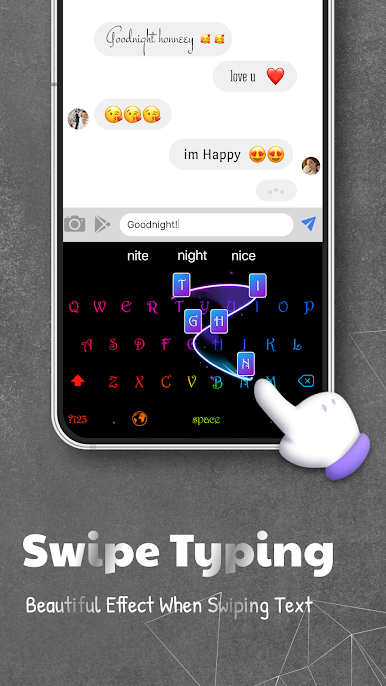
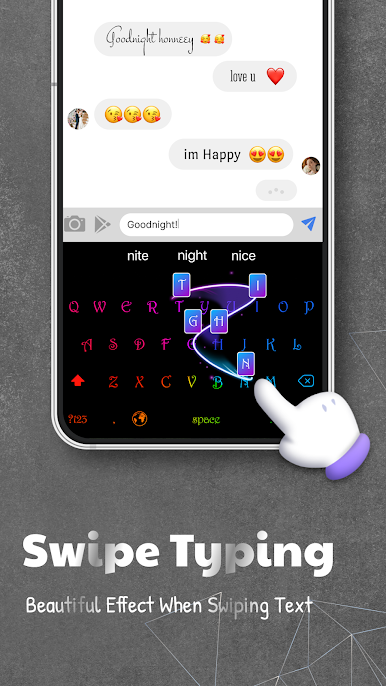
Swipe typing, voice typing, auto-correction, and word suggestions.
Copy, paste, and clipboard features for faster typing.
★ Multi-language Support
Multiple keyboard layouts and dictionaries.
Switch languages easily while typing.
Adjustable keyboard size and position.
★ Privacy and Security
This app does not collect sensitive information such as passwords, card numbers, or personal data.
[Disclaimers]
All content and images belong to their respective owners.
If you find any copyright issues, please contact us for removal.
Contact & Support
Email: ledkeyboard.feedback@gmail.com
TikTok: https://www.tiktok.com/@ledkeyboardios
Instagram: https://www.instagram.com/Facemojikeyboard/
Facebook: https://www.facebook.com/Led-Keyboard-RGB-Keyboard-839146486458313/

العب LED Keyboard: Colorful Backlit على جهاز الكمبيوتر. من السهل البدء.
-
قم بتنزيل BlueStacks وتثبيته على جهاز الكمبيوتر الخاص بك
-
أكمل تسجيل الدخول إلى Google للوصول إلى متجر Play ، أو قم بذلك لاحقًا
-
ابحث عن LED Keyboard: Colorful Backlit في شريط البحث أعلى الزاوية اليمنى
-
انقر لتثبيت LED Keyboard: Colorful Backlit من نتائج البحث
-
أكمل تسجيل الدخول إلى Google (إذا تخطيت الخطوة 2) لتثبيت LED Keyboard: Colorful Backlit
-
انقر على أيقونة LED Keyboard: Colorful Backlit على الشاشة الرئيسية لبدء اللعب

