

Folder Player
在電腦上使用BlueStacks –受到5億以上的遊戲玩家所信任的Android遊戲平台。

Run Folder Player on PC or Mac
What’s better than using Folder Player by Peter Shashkin? Well, try it on a big screen, on your PC or Mac, with BlueStacks to see the difference.
About the App
If you’ve already organized your music collection into folders, Folder Player by Peter Shashkin is built just for you. This handy Music & Audio app makes it simple to browse, play, and enjoy your tunes or audiobooks directly from the folders where you keep them. No more digging through endless tags or complicated playlists—just play what you want, straight from your library.
App Features
-
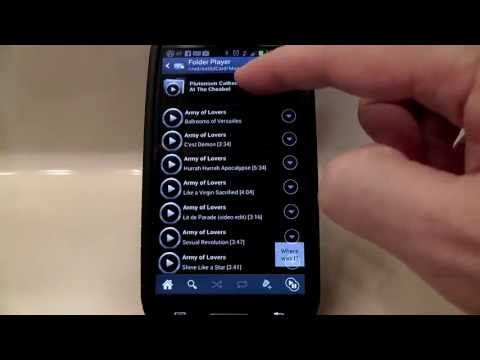
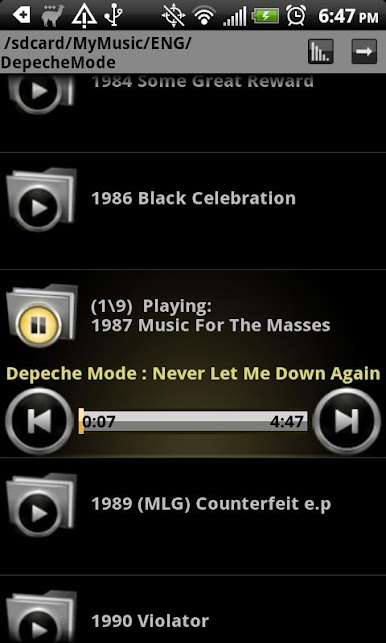
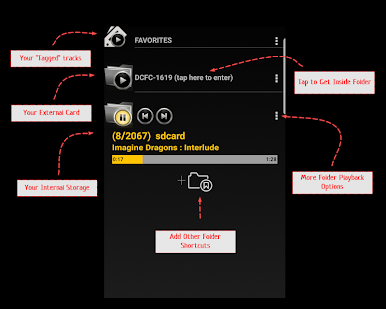
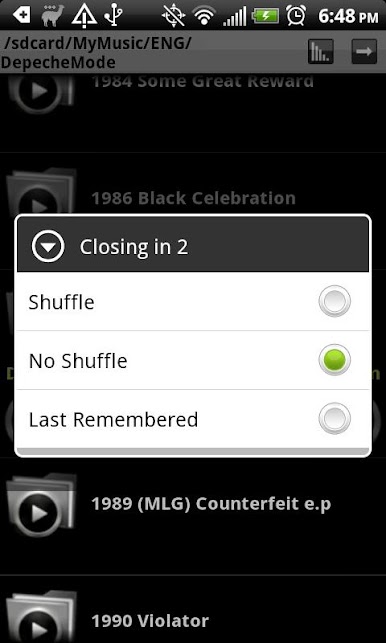
Folder-Based Playback
Browse and play audio by folders, not just single tracks. If your music lives in a well-organized directory, you’ll feel right at home here. -
Minimal Design, No Distractions
Focus on your music with a clean, straightforward interface. No ads, no in-app purchases—just your tunes. -
Bluetooth and Audio Devices
Seamlessly connects with Bluetooth headphones and supports double-tap headset buttons to skip tracks on the go. -
Works with Android Auto
Take your playlists on the road and control playback from your car’s dashboard. -
Smart Interruptions
Music automatically pauses for phone calls or navigation prompts, so you won’t miss anything important. -
Customizable Settings
Tweak playback, shuffle, and other features to match your listening habits. -
Integrated Search
Quickly find tracks or folders—no scrolling forever required. -
Temporary “Play Next” Playlist
Queue up a song without creating a new permanent playlist, perfect for those spontaneous moments. -
Last.fm Scrobbler Support
Connect your account if you’re into scrobbling and tracking your listening habits. -
Built-In Equalizer
Adjust sound just how you like it, whether it’s pumping up those bass lines or balancing out podcasts.
And if you like running Android apps on your PC or Mac, Folder Player works smoothly with BlueStacks too.
Big screen. Bigger performance. Use BlueStacks on your PC or Mac to run your favorite apps.
在電腦上遊玩Folder Player . 輕易上手.
-
在您的電腦上下載並安裝BlueStacks
-
完成Google登入後即可訪問Play商店,或等你需要訪問Play商店十再登入
-
在右上角的搜索欄中尋找 Folder Player
-
點擊以從搜索結果中安裝 Folder Player
-
完成Google登入(如果您跳過了步驟2),以安裝 Folder Player
-
在首頁畫面中點擊 Folder Player 圖標來啟動遊戲

