

FreeConference.com
العب على الكمبيوتر الشخصي مع BlueStacks - نظام أندرويد للألعاب ، موثوق به من قبل أكثر من 500 مليون لاعب.

Run FreeConference.com on PC or Mac
Why limit yourself to your small screen on the phone? Run FreeConference.com, an app by Iotum Global Holdings Inc., best experienced on your PC or Mac with BlueStacks, the world’s #1 Android emulator.
About the App
Meetings shouldn’t be a hassle, right? FreeConference.com makes it simple to bring people together, no matter where they are. Whether you’re planning a big team meeting or catching up with a small group, this app helps you run everything right from your phone, without any tech headaches. If you’ve ever juggled conference calls or tried to organize people across time zones, you’ll probably find this a breeze.
App Features
-
Quick and Easy Conference Calls
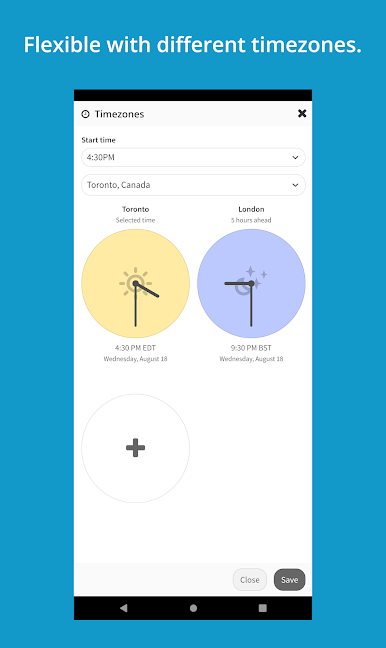
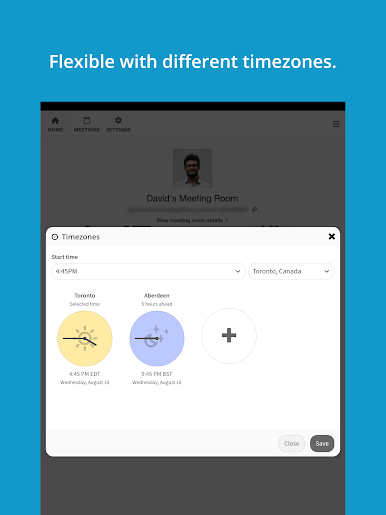
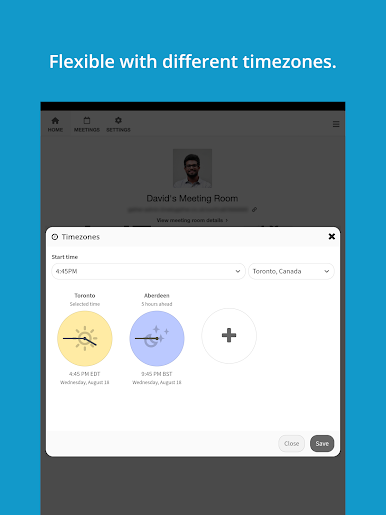
Set up group calls for up to 400 people without breaking a sweat. Weird time zones? Not a problem—there’s a handy feature to manage scheduling across the world, so everyone gets the right invite. -
Flexible Scheduling Options
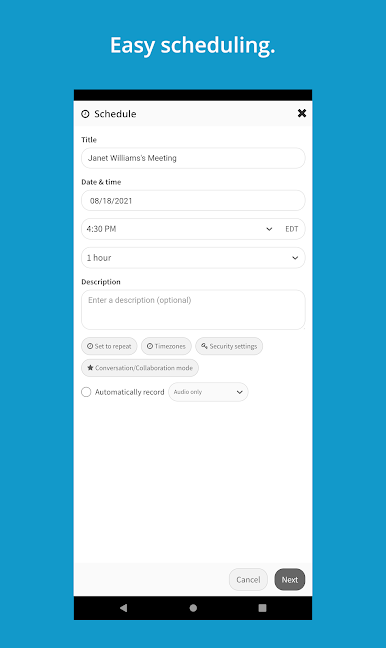
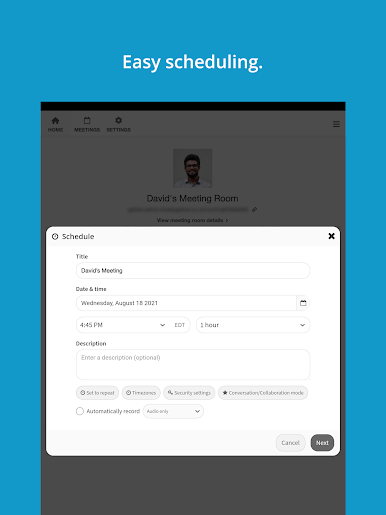
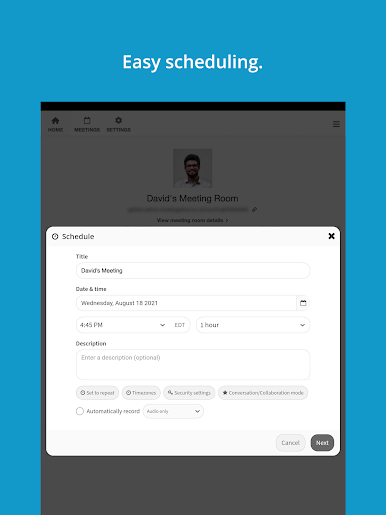
Need to start a call on the fly? You’re covered. Prefer to plan ahead? Schedule meetings down to the minute. For those regular meetings, save time with simple recurring call setup. -
Simple Invites and Contacts
Tap into your address book and send invites with just a click—no clunky typing out addresses. Share your meeting agenda so everyone knows what’s coming up. -
International Access
Friends, teammates, or colleagues spread around the globe? You can include anyone with international dial-in numbers, so nobody gets left out. -
Online Meeting Tools
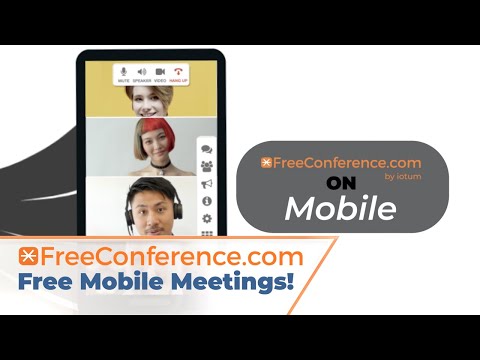
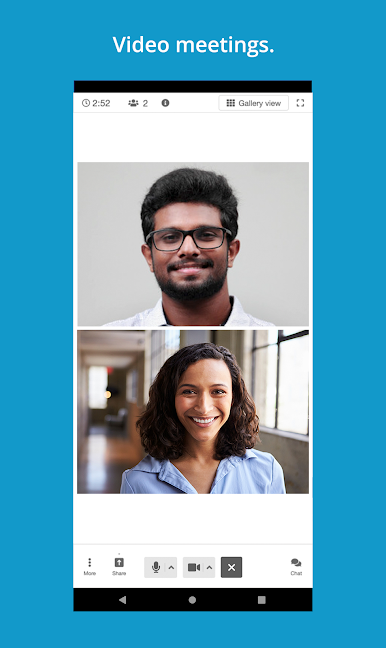
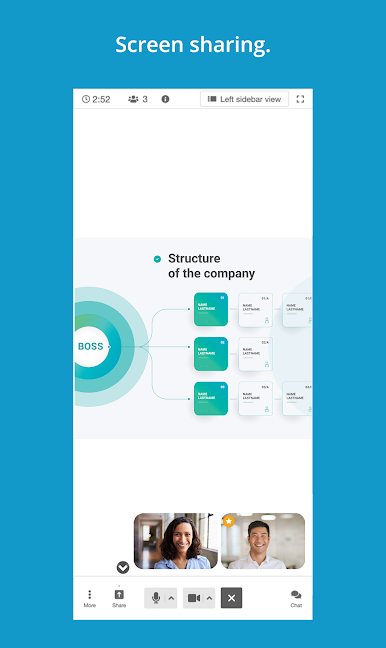
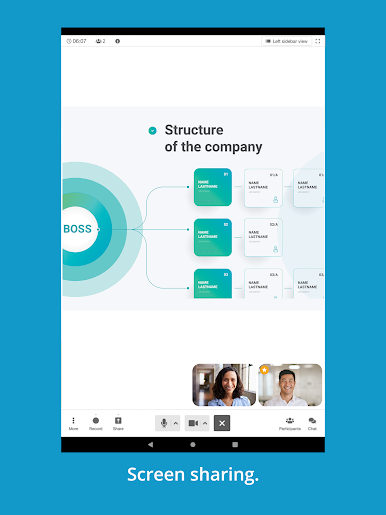
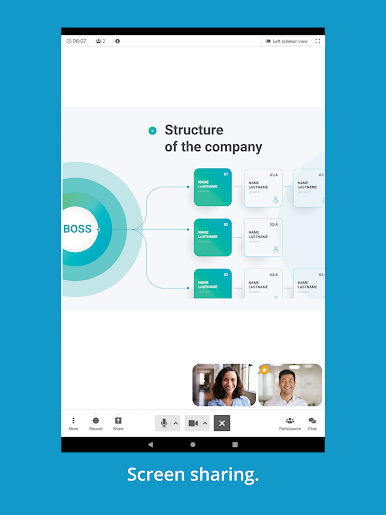
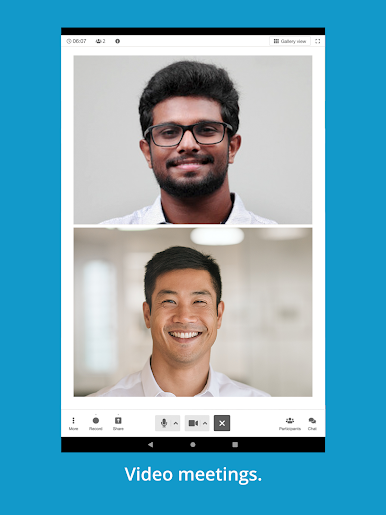
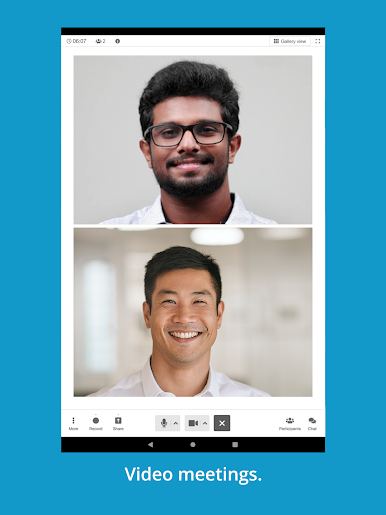
See at a glance who’s joined via webcam and who’s speaking. Share screens or files in real time, check documents, and keep everyone on the same page. -
Chat, Notes & Recording
Chat with participants, take notes, and review everything later—chat history, recordings, you name it. Want to record a meeting? Just tap a button in-app (a small fee applies). -
Account and Call Management
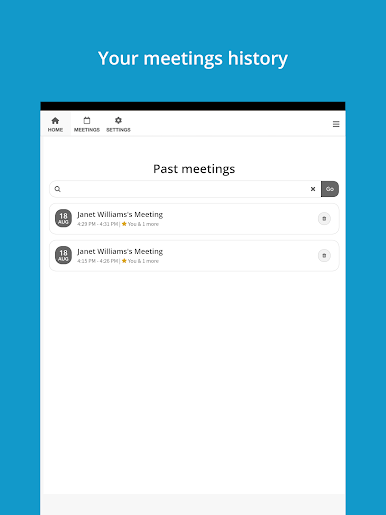
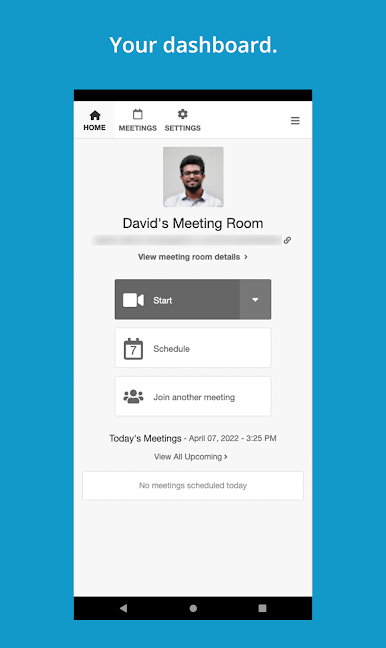
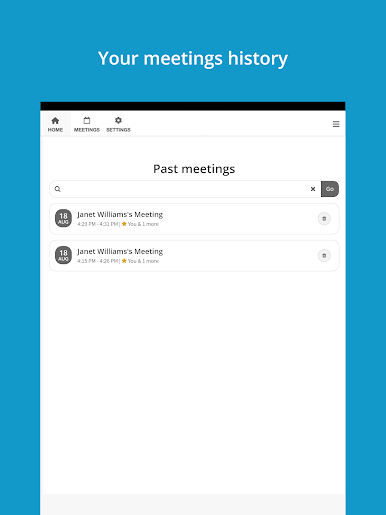
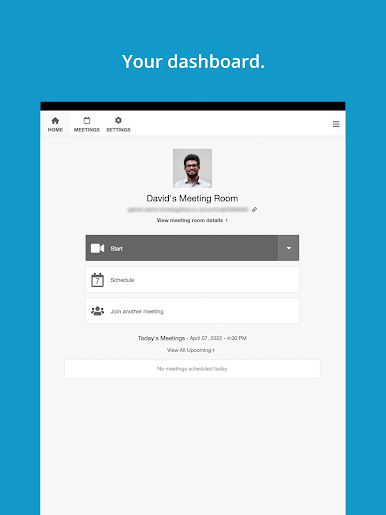
Keep track of calls you’ve made, upcoming meetings, recordings, and all your contacts in one place. Update details or manage your account without any fuss. -
No More Reservation Headaches
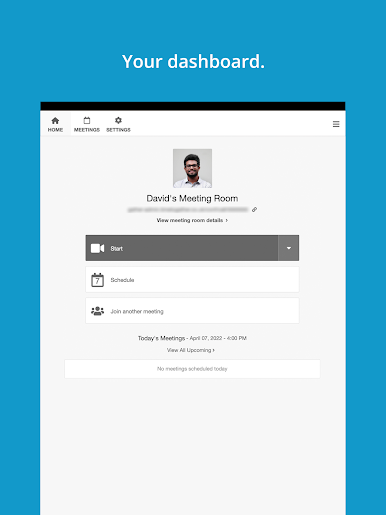
Forget about having to reserve a spot in advance or memorize confusing commands. Just use your personal meeting room, and control calls visually. -
Works Seamlessly
Log in with your FreeConference.com account and everything syncs up—contacts, scheduled meetings, call history. It just works.
Easy to run on your phone, but if you’d rather manage meetings from your computer, BlueStacks gives you some extra flexibility there, too.
All powered by Iotum Global Holdings Inc., FreeConference.com keeps your communication smooth and hassle-free.
Big screen. Bigger performance. Use BlueStacks on your PC or Mac to run your favorite apps.
العب FreeConference.com على جهاز الكمبيوتر. من السهل البدء.
-
قم بتنزيل BlueStacks وتثبيته على جهاز الكمبيوتر الخاص بك
-
أكمل تسجيل الدخول إلى Google للوصول إلى متجر Play ، أو قم بذلك لاحقًا
-
ابحث عن FreeConference.com في شريط البحث أعلى الزاوية اليمنى
-
انقر لتثبيت FreeConference.com من نتائج البحث
-
أكمل تسجيل الدخول إلى Google (إذا تخطيت الخطوة 2) لتثبيت FreeConference.com
-
انقر على أيقونة FreeConference.com على الشاشة الرئيسية لبدء اللعب

