


Free Conference Call
Jogue no PC com BlueStacks - A Plataforma de Jogos Android, confiada por mais de 500 milhões de jogadores.

Página modificada em: Nov 26, 2025
Play Free Conference Call on PC
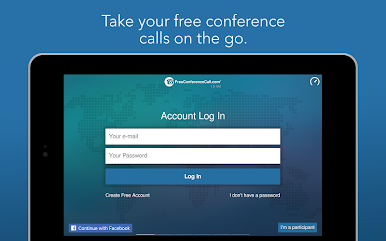
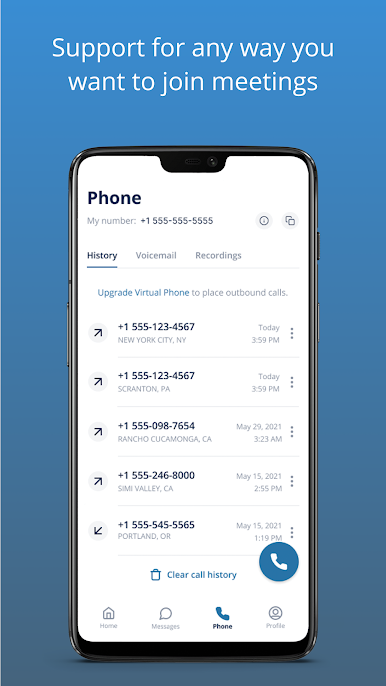
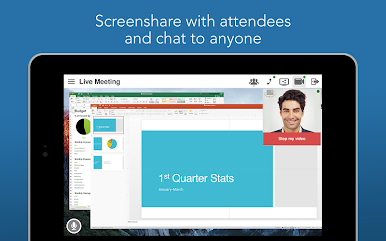
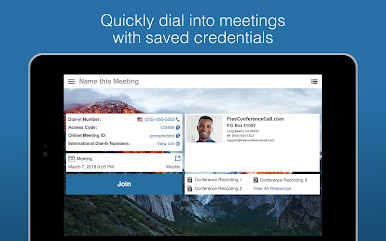
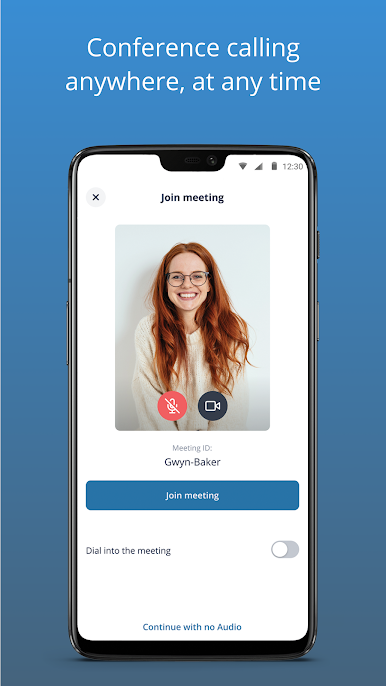
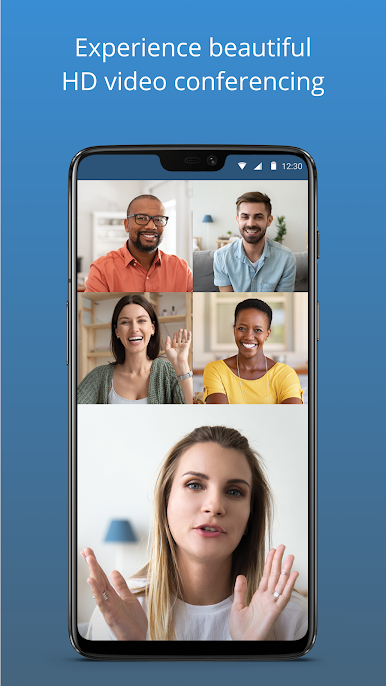
This award-winning audio + video conferencing tool lets you host an unlimited number of meetings with up to 1,000 participants per meeting. You also get screen sharing, international dial-in numbers for 75+ countries, and meeting recording, all for free. All we ask is that if you like the tool you pay us what you think is fair. These contributions help us provide totally free, world-class audio and video conferencing solutions to charities, volunteers, and students all around the world.
Features include:
· Free application download
· Free account activation
· Free HD audio conference calls w/up to 1,000 participants
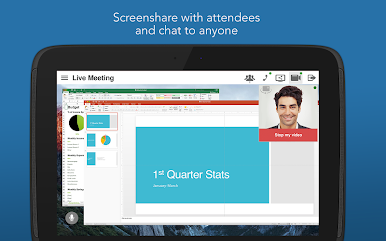
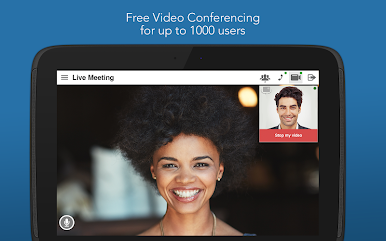
· Free HD video conferencing and screen sharing w/up to 1,000 participants
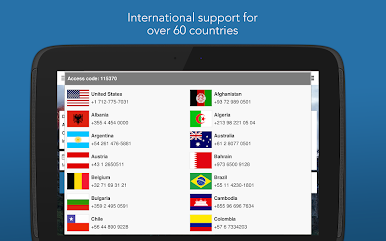
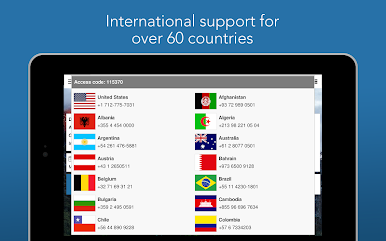
· Free International conferencing with dedicated dial-in numbers in 75 countries...and growing!
· Conference features: web controls, including mute and record, lock, view participants, Q&A and more
· One-touch conference commands to manage calls
· Dial-in by VoIP
· Unlimited account and conference access
· Reservationless calling with availability 24/7
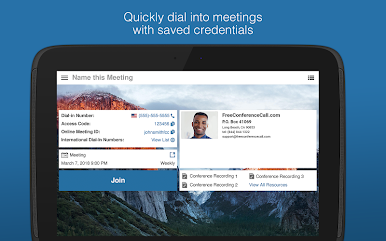
· Save and store existing accounts
· Send meeting invitations
If you have any questions, please contact the FreeConferenceCall.com Customer Care team at (844) 844-1322 or email services@freeconferencecall.com. To learn more about the company, visit www.freeconferencecall.com.


Jogue Free Conference Call no PC. É fácil começar.
-
Baixe e instale o BlueStacks no seu PC
-
Conclua o login do Google para acessar a Play Store ou faça isso mais tarde
-
Procure por Free Conference Call na barra de pesquisa no canto superior direito
-
Clique para instalar Free Conference Call a partir dos resultados da pesquisa
-
Conclua o login do Google (caso você pulou a etapa 2) para instalar o Free Conference Call
-
Clique no ícone do Free Conference Call na tela inicial para começar a jogar

