


WiFi analyzer - What is my IP?
العب على الكمبيوتر الشخصي مع BlueStacks - نظام أندرويد للألعاب ، موثوق به من قبل أكثر من 500 مليون لاعب.

Play WiFi analyzer - What is my IP? on PC
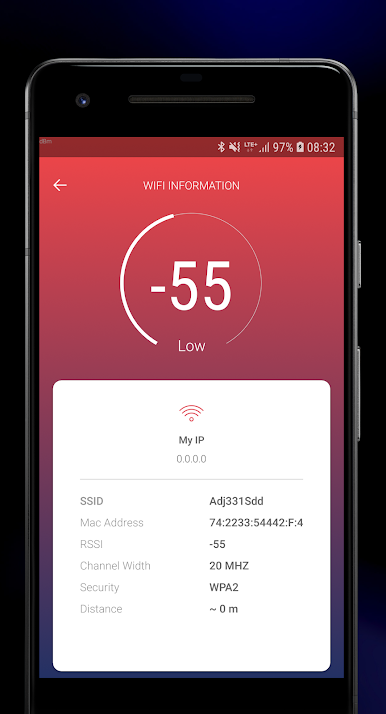
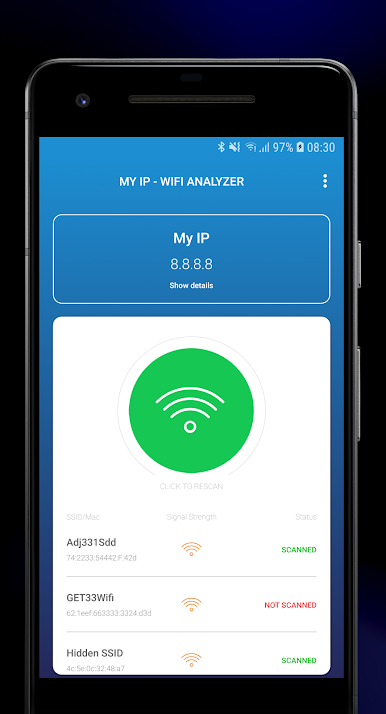
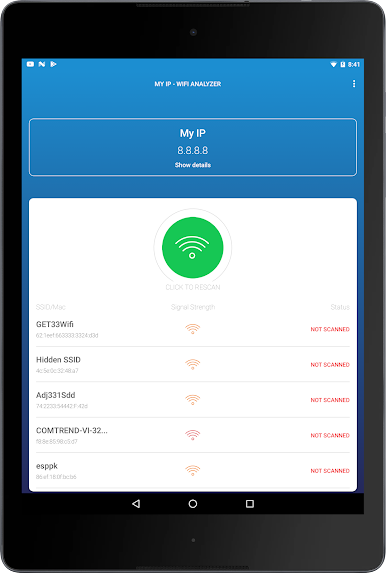
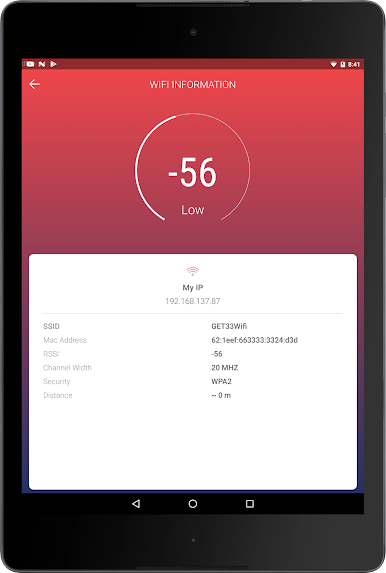
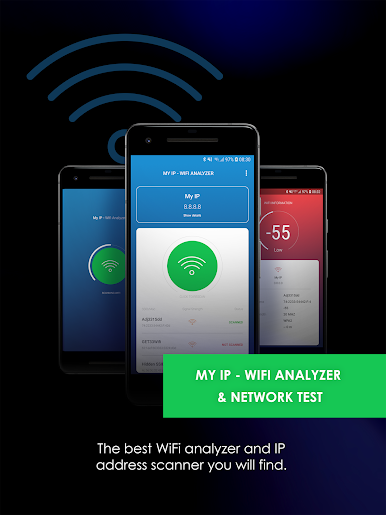
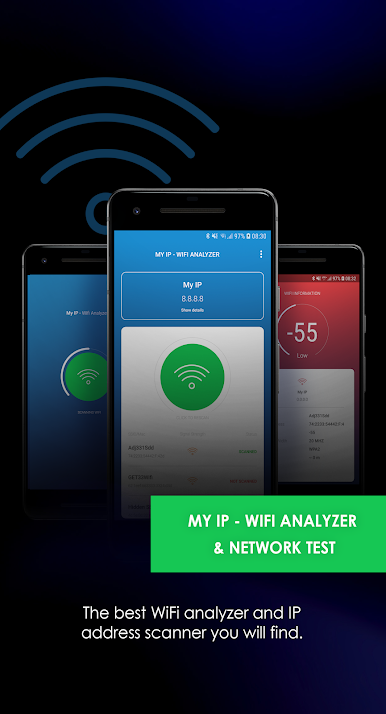
This app tells you everything you need to know about all WiFi networks in the area. It allows you to view more than five parameters including BSSID, SSID, IP, MAC address, Network ID, RSSI and State Security. All of this information is wrapped neatly into this one app, giving you fast, convenient information about the network you are joining.
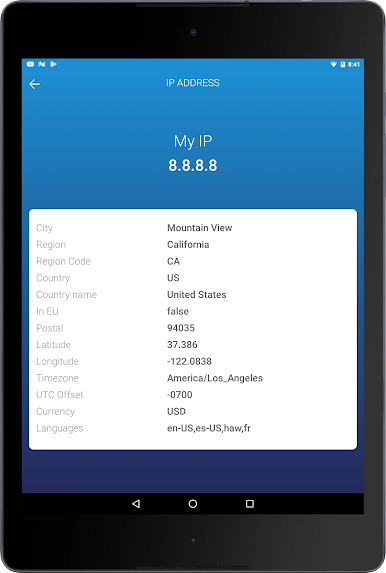
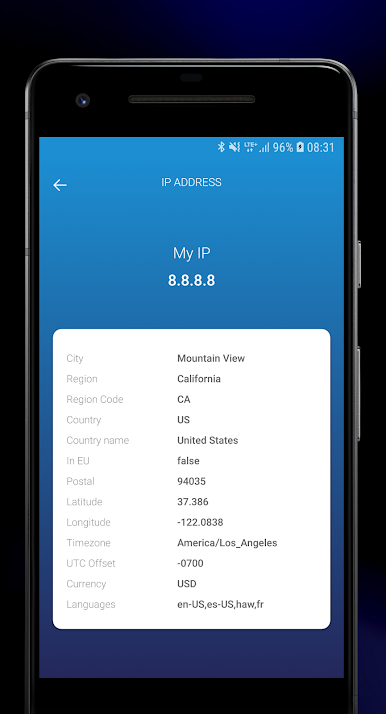
What is my IP address? In our app you are able to get information about latitude, longitude, time zone, country, city and internet provider.
This is NOT an app designed to help you hack into WiFi networks. We understand how essential it is to have a safe internet connection and with regards to ensuring that every network you connect to is safe, this app is second to none.
PP: https://hotandroidappsandtools.com/legal/privacy/wirelesslananalyzer
العب WiFi analyzer - What is my IP? على جهاز الكمبيوتر. من السهل البدء.
-
قم بتنزيل BlueStacks وتثبيته على جهاز الكمبيوتر الخاص بك
-
أكمل تسجيل الدخول إلى Google للوصول إلى متجر Play ، أو قم بذلك لاحقًا
-
ابحث عن WiFi analyzer - What is my IP? في شريط البحث أعلى الزاوية اليمنى
-
انقر لتثبيت WiFi analyzer - What is my IP? من نتائج البحث
-
أكمل تسجيل الدخول إلى Google (إذا تخطيت الخطوة 2) لتثبيت WiFi analyzer - What is my IP?
-
انقر على أيقونة WiFi analyzer - What is my IP? على الشاشة الرئيسية لبدء اللعب

