

學挪威文課程 - 5,000 挪威文句子
在電腦上使用BlueStacks –受到5億以上的遊戲玩家所信任的Android遊戲平台。

Run Learn Norwegian - 5000 Phrases on PC or Mac
What’s better than using Learn Norwegian – 5000 Phrases by FunEasyLearn? Well, try it on a big screen, on your PC or Mac, with BlueStacks to see the difference.
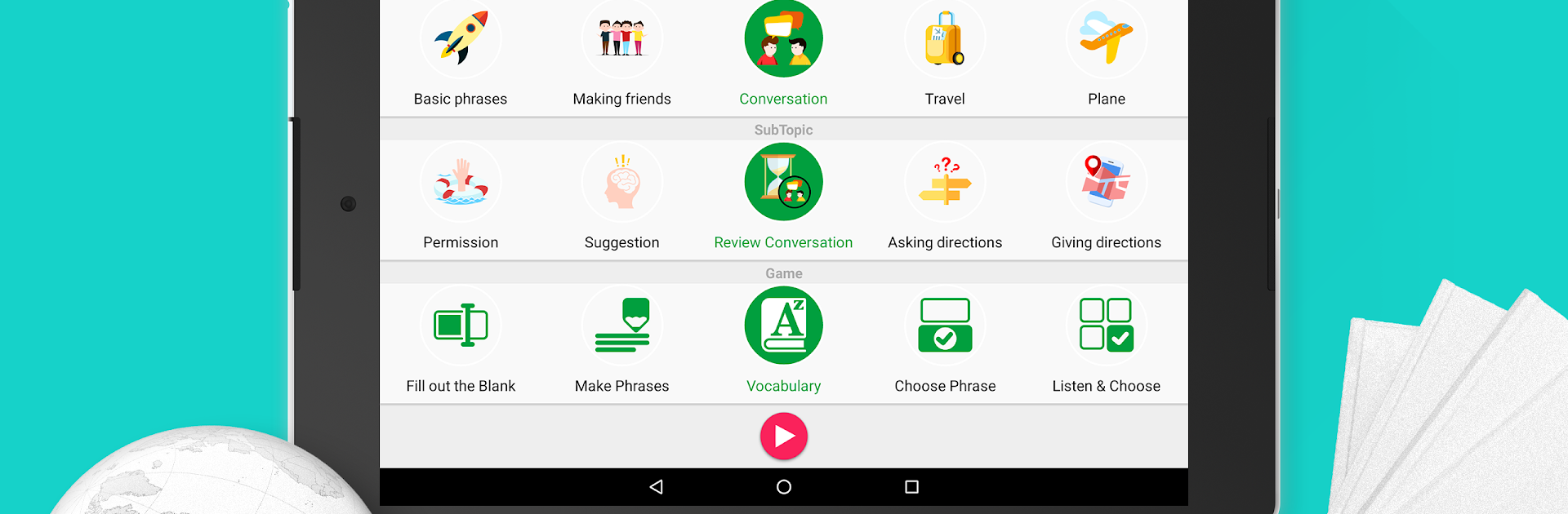
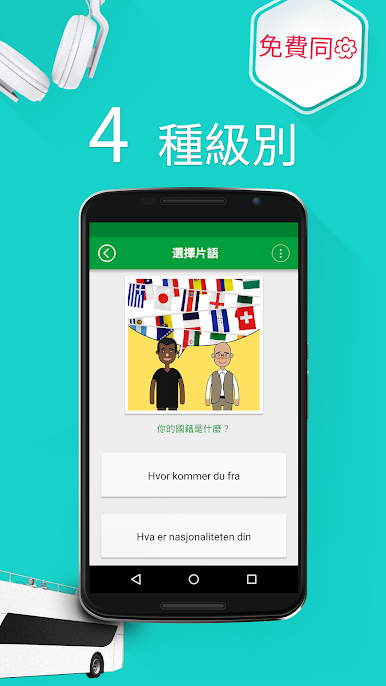
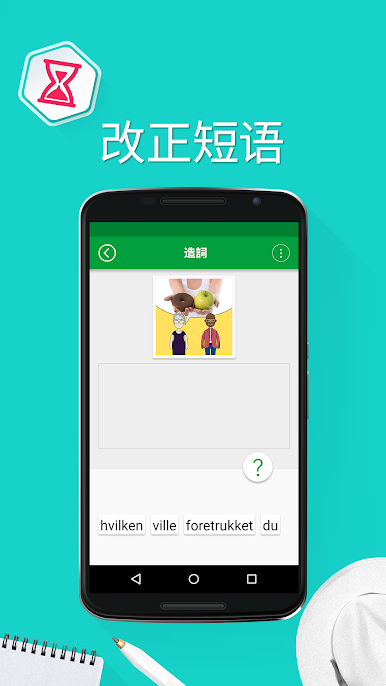
Learn Norwegian – 5000 Phrases feels like a chunky phrasebook that grew a bunch of quick, casual games around it. Instead of dumping grammar rules, it feeds short, everyday lines and lets learners practice them with listening, speaking, and typing rounds. There are thousands of phrases split by situations like travel, food, hotel, small talk, work, that sort of thing, and each one has clear audio plus simple phonetic help, so the sounds make sense. The app runs offline, which is handy, and it has four learning levels, so a total beginner and someone brushing up both have room to move without feeling rushed.
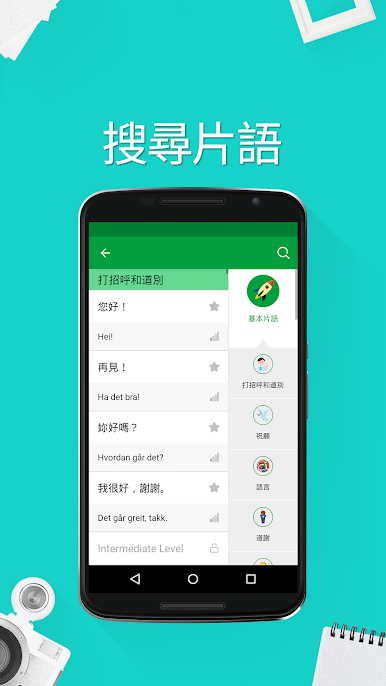
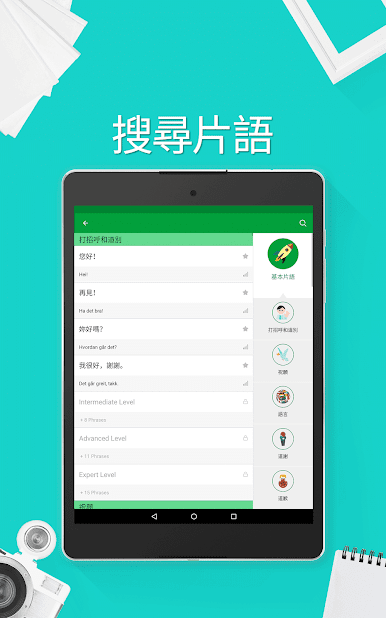
What stands out is the variety. There are multiple mini games that keep repetition from getting dull, a points system that shows progress, and a Random mode that reshuffles topics, subtopics, and game types when the routine gets stale. Searching and bookmarking is quick, so favorite lines do not get lost. The interface can switch across many languages, which makes the explanations easier for people who are not reading in English.
On PC through BlueStacks, it works like a light study tool open on a big screen, so the text and phonetics are easier to read and typing answers with a keyboard feels faster. It is still very phrase-first, more practical chat lines than deep grammer lessons, which is exactly what some learners want before a trip or for day-to-day conversations.
Eager to take your app experience to the next level? Start right away by downloading BlueStacks on your PC or Mac.




















在電腦上遊玩學挪威文課程 - 5,000 挪威文句子 . 輕易上手.
-
在您的電腦上下載並安裝BlueStacks
-
完成Google登入後即可訪問Play商店,或等你需要訪問Play商店十再登入
-
在右上角的搜索欄中尋找 學挪威文課程 - 5,000 挪威文句子
-
點擊以從搜索結果中安裝 學挪威文課程 - 5,000 挪威文句子
-
完成Google登入(如果您跳過了步驟2),以安裝 學挪威文課程 - 5,000 挪威文句子
-
在首頁畫面中點擊 學挪威文課程 - 5,000 挪威文句子 圖標來啟動遊戲

