


Gallery Story
العب على الكمبيوتر الشخصي مع BlueStacks - نظام أندرويد للألعاب ، موثوق به من قبل أكثر من 500 مليون لاعب.

Play Gallery Story on PC or Mac
From the innovators and creators at Mahjong solitaire mahjongg, Gallery Story is another fun addition to the World of Casual games. Go beyond your mobile screen and play it bigger and better on your PC or Mac. An immersive experience awaits you.
About the Game
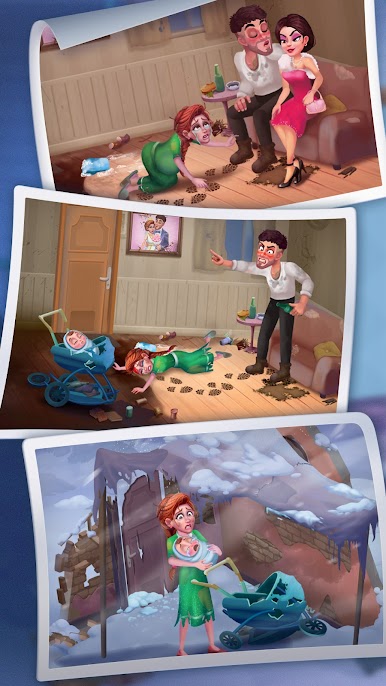
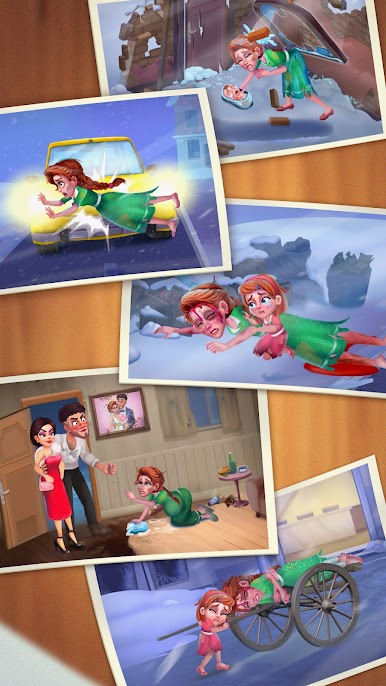
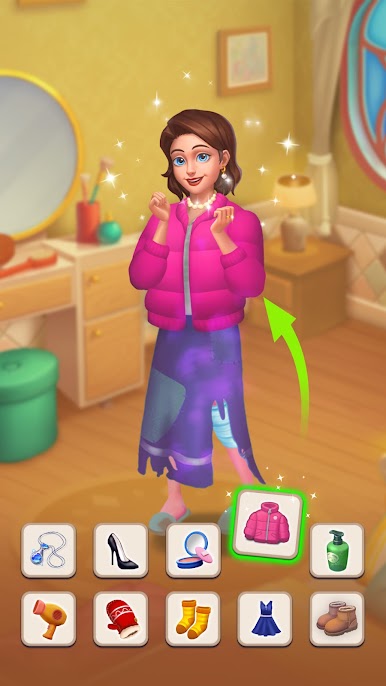
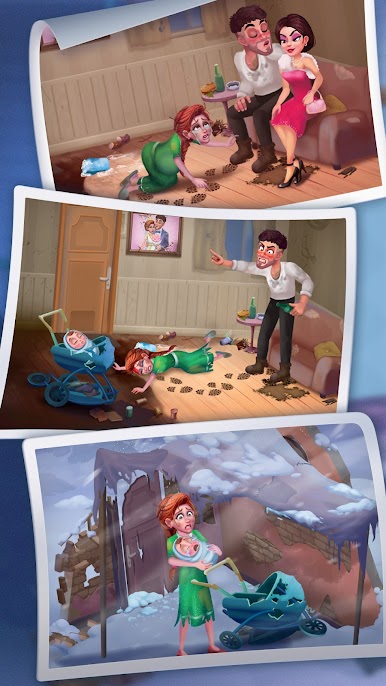
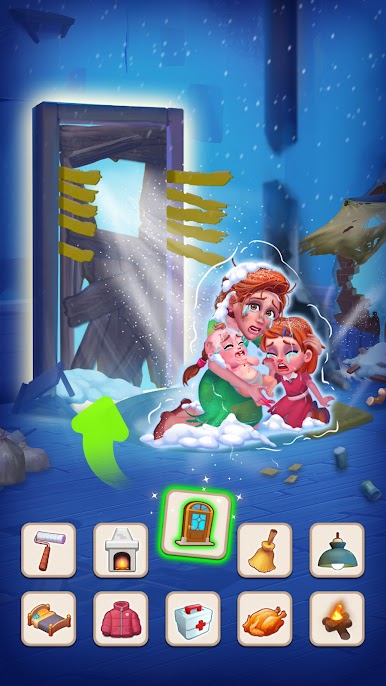
Gallery Story drops you right into the heart of Mary’s world, where a once-glorious art gallery needs some serious TLC. If you’ve ever wanted to get creative and manage a place packed with artistic flair, that’s exactly what you’re in for. From renovating dusty old rooms to hand-picking new pieces of art, there’s always something new to unlock and restore. Whether you’re all about solving puzzles or just love watching a space transform, Gallery Story has a little something for everyone.
Game Features
-
Art Gallery Restoration
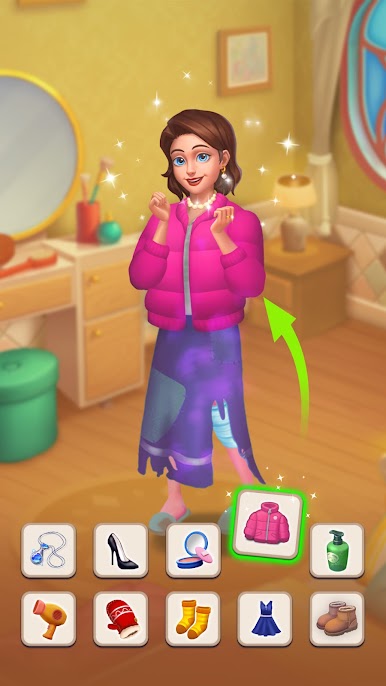
Roll up your sleeves and start fixing up the place by picking out furniture and décor that actually feels like your style. Every gold coin earned lets you tweak the gallery, so the vibe is all yours. -
Host Art Exhibitions
Put your curatorial hat on! Set up exhibitions in your freshly renovated rooms and earn income whenever people drop by. The more stunning your gallery looks, the more visitors (and coins) you’ll see. -
Jigsaw Puzzle Mini-Games
Want new paintings to liven up those walls? You’ll need to play some mini-games to snag jigsaw pieces. Once you’ve gathered enough, it’s all about assembling puzzles—just drag and fit the pieces together until the picture comes to life. -
Furniture Customization
From vintage couches to sleek display stands, pick from a bunch of different styles. Mix and match however you want until the gallery feels like a personal masterpiece. -
Smooth Controls
Sorting through puzzles and redecorating is simple to get the hang of, and playing with BlueStacks on your PC makes everything even smoother. -
Chill Casual Vibes
No rush or pressure—just take your time and enjoy the process of turning the gallery from bland to brilliant, one little update at a time.
Start your journey now. Download the game on BlueStacks, invite your friends, and march on a new adventure.
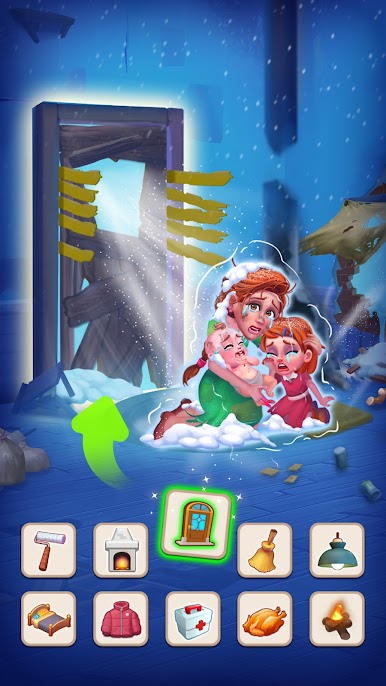
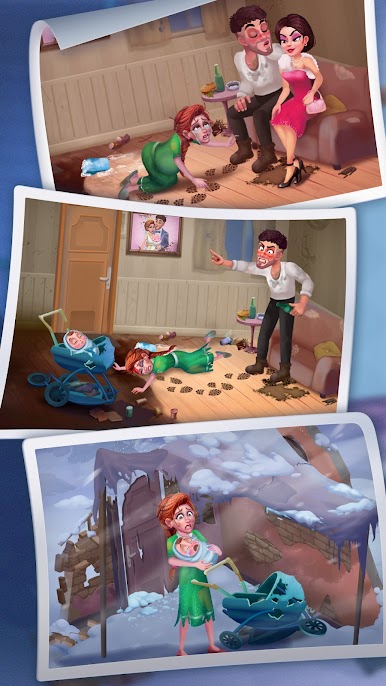
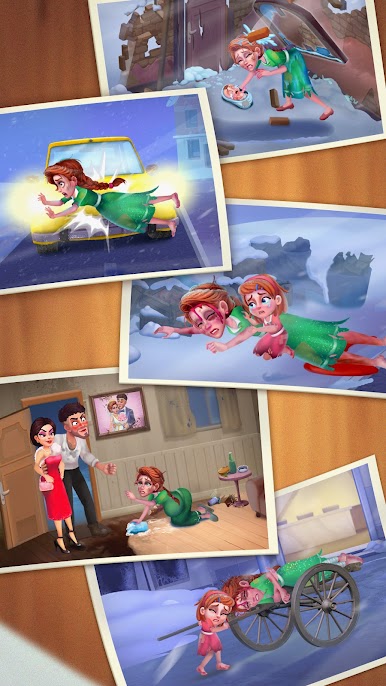
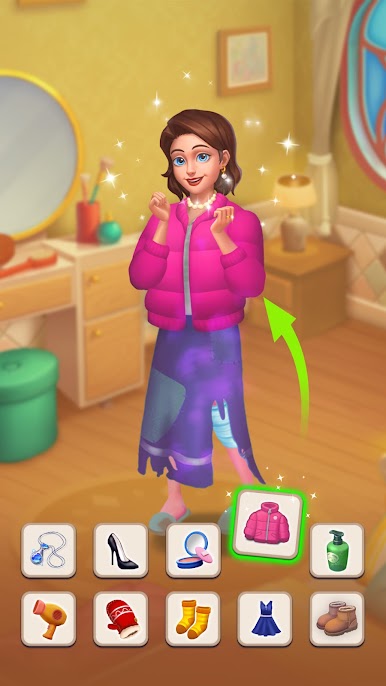
العب Gallery Story على جهاز الكمبيوتر. من السهل البدء.
-
قم بتنزيل BlueStacks وتثبيته على جهاز الكمبيوتر الخاص بك
-
أكمل تسجيل الدخول إلى Google للوصول إلى متجر Play ، أو قم بذلك لاحقًا
-
ابحث عن Gallery Story في شريط البحث أعلى الزاوية اليمنى
-
انقر لتثبيت Gallery Story من نتائج البحث
-
أكمل تسجيل الدخول إلى Google (إذا تخطيت الخطوة 2) لتثبيت Gallery Story
-
انقر على أيقونة Gallery Story على الشاشة الرئيسية لبدء اللعب

