


Black Library Audio
5억명 이상의 게이머가 신뢰하는 안드로이드 게임 플랫폼 BlueStacks으로 PC에서 플레이하세요.

Run Black Library Audio on PC or Mac
Why limit yourself to your small screen on the phone? Run Black Library Audio, an app by Games Workshop, best experienced on your PC or Mac with BlueStacks, the world’s #1 Android emulator.
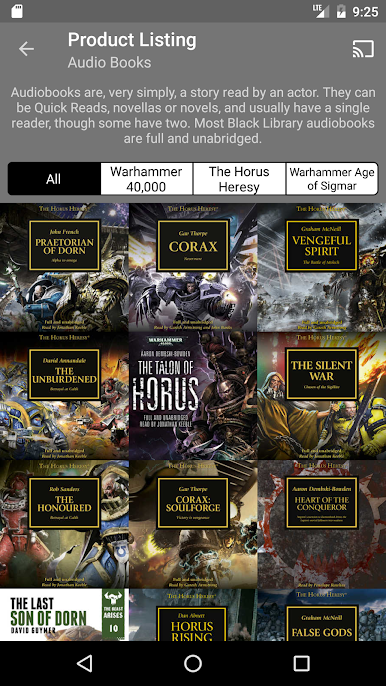
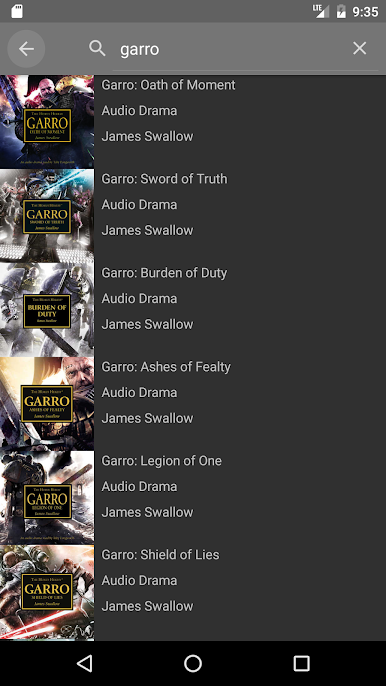
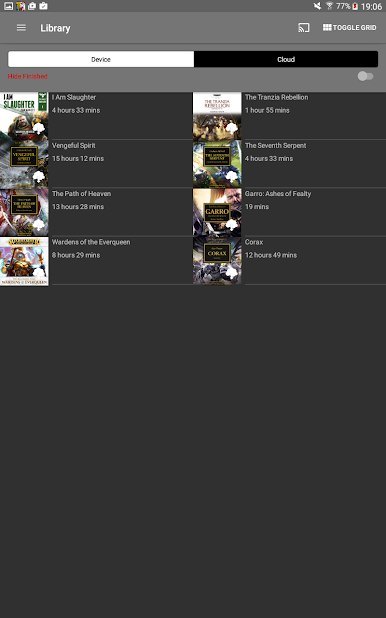
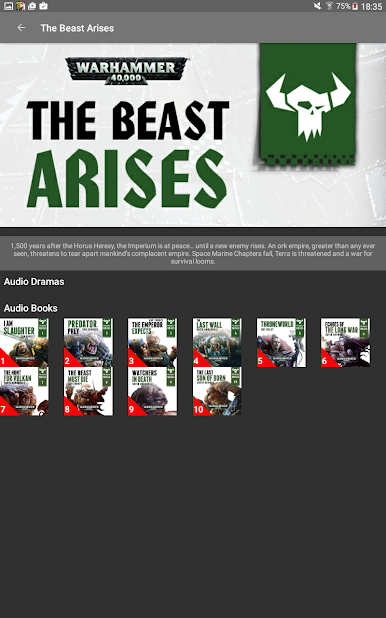
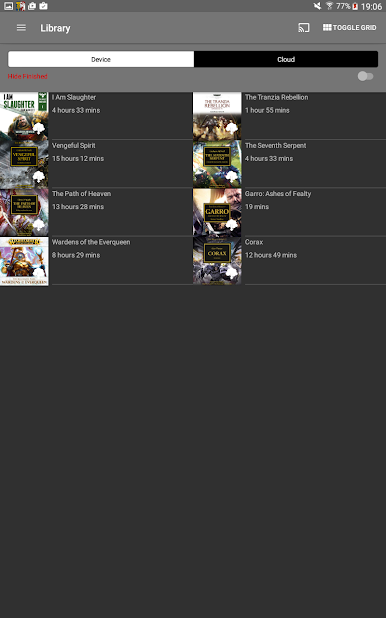
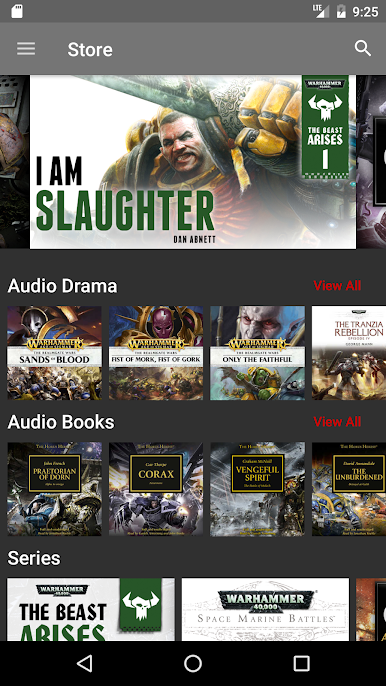
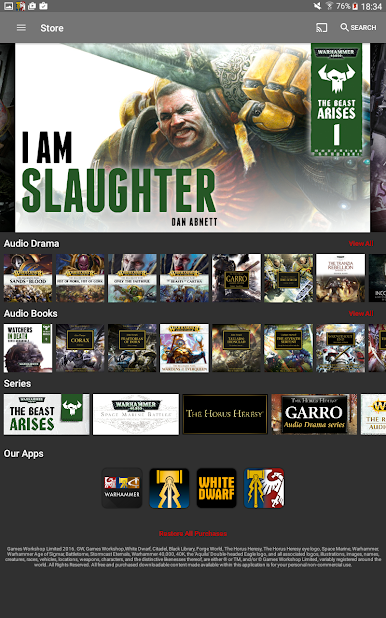
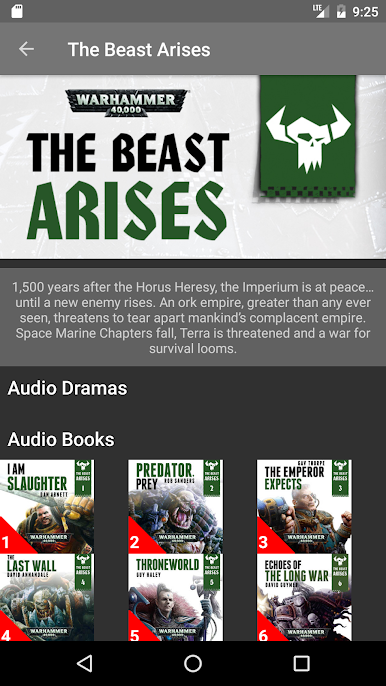
Black Library Audio feels like a tidy hub for Warhammer stories, part store and part player, without a lot of fuss. There is a clean list of more than 175 titles from The Horus Heresy, Warhammer 40,000, and Age of Sigmar. Pick something, buy it in the app, download it, and it pops into the Library where it is easy to find later.
There are two kinds of listening. Audiobooks are straight readings, usually full and unabridged, so the whole novel or novella is there word for word. Audio dramas feel like a mini show, with actors, gunfire and battle cries, plus music, and a narrator tying scenes together so the story stays clear. Those range from very short pieces around 10 minutes to longer ones close to two hours, which is handy for short breaks or a full evening.
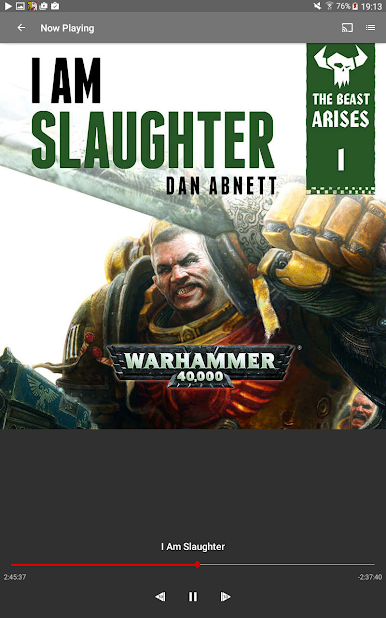
The built in player keeps things simple in a good way. Play, pause, skip, and it remembers what was downloaded. No file wrangling. On a PC with BlueStacks, scrolling the library with a mouse is comfortable and desktop speakers make the big moments hit harder. It is focused squarely on Warhammer audio and uses in app purchases, and purchases stick to the same platform account so the library follows across devices. The whole setup is straightforward and lets the stories do the heavy lifting.
Big screen. Bigger performance. Use BlueStacks on your PC or Mac to run your favorite apps.
PC에서 Black Library Audio 플레이해보세요.
-
BlueStacks 다운로드하고 설치
-
Google Play 스토어에 로그인 하기(나중에 진행가능)
-
오른쪽 상단 코너에 Black Library Audio 검색
-
검색 결과 중 Black Library Audio 선택하여 설치
-
구글 로그인 진행(만약 2단계를 지나갔을 경우) 후 Black Library Audio 설치
-
메인 홈화면에서 Black Library Audio 선택하여 실행

