


Super CodeReader
العب على الكمبيوتر الشخصي مع BlueStacks - نظام أندرويد للألعاب ، موثوق به من قبل أكثر من 500 مليون لاعب.

Play Super CodeReader on PC
ALL COMMON FORMATS
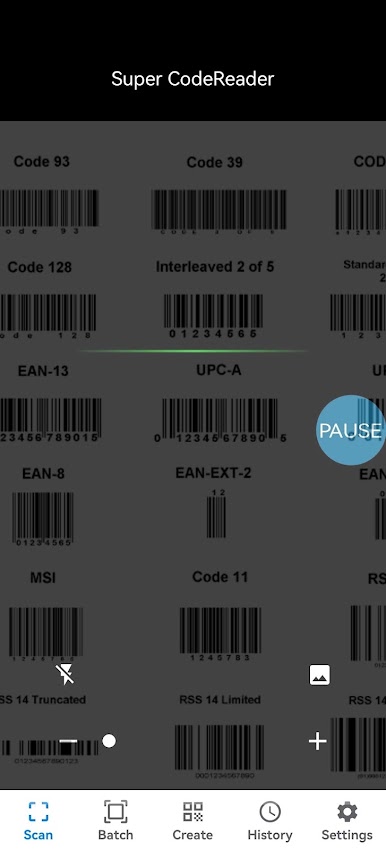
Scan all common barcode formats: QR, Data Matrix, Aztec, UPC, EAN and more.
FLASHLIGHT AND ZOOM
Enable the flashlight to scan in the dark. Use zoom to read barcodes from far distances.
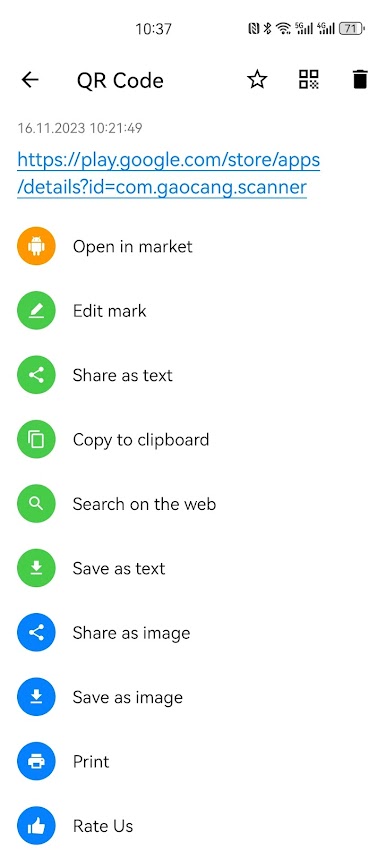
RELEVANT ACTIONS
Open links, connect to WiFi, view geolocations, add calendar events, find product information, etc.
SCAN FROM IMAGES
Scan codes from image files or directly using the camera.
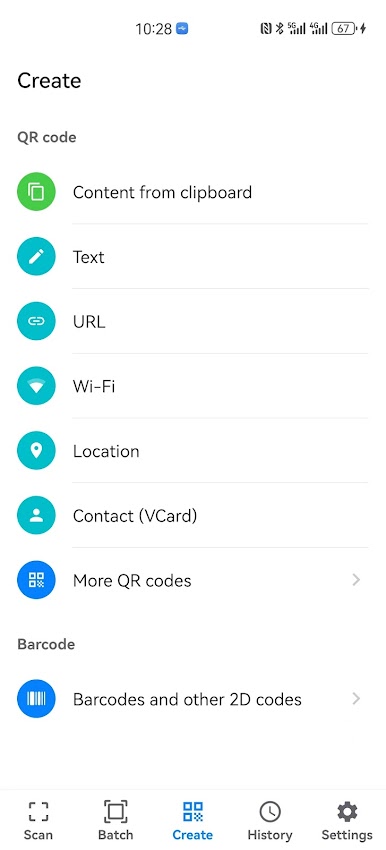
CREATE QR CODES AND BARCODES
Create your own QR codes or barcodes with the built-in generator.
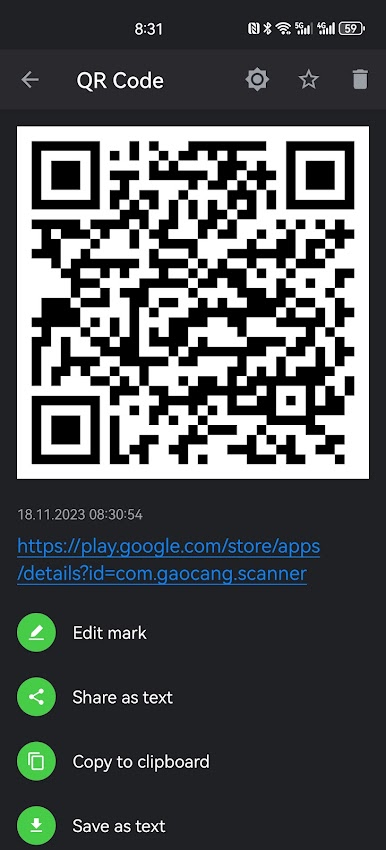
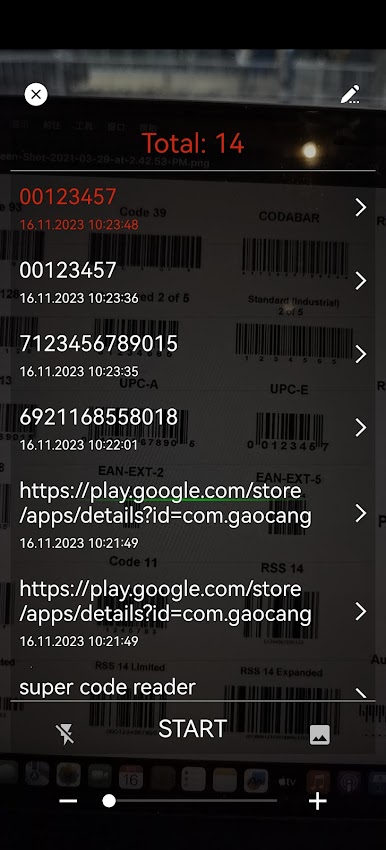
HISTORY
View scanned and created codes in history.
CSV AND JSON EXPORT
Export codes as CSV or JSON files.
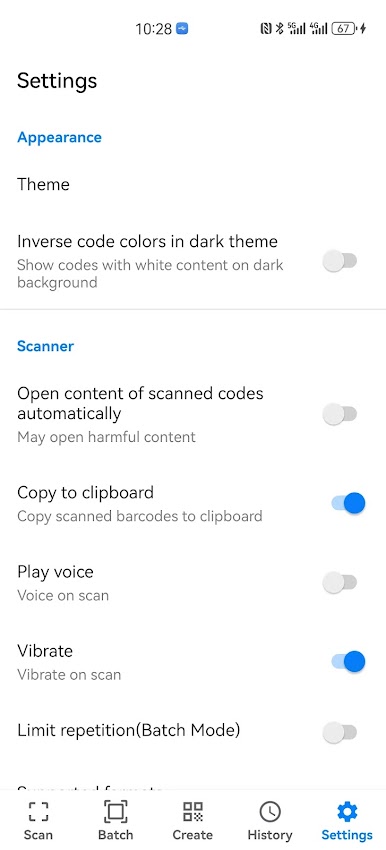
SETTINGS
Customize your app with flexible settings.
Supported QR codes:
• website links (URL)
• WiFi hotspot access information
• geo locations
• contact data (MeCard, vCard)
• calendar events
• phones
• SMS
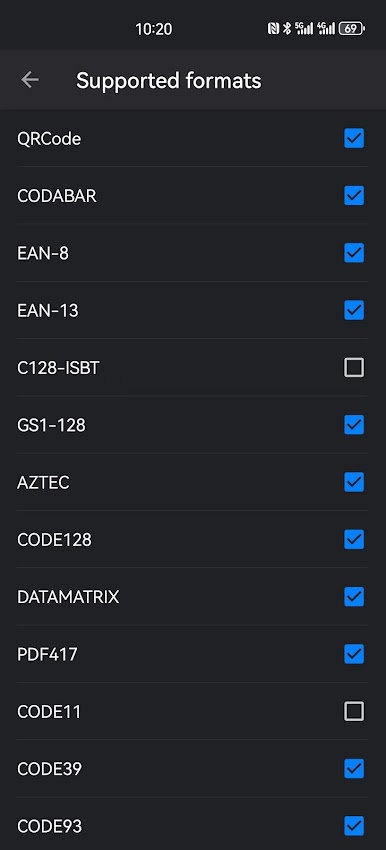
Barcodes and 2D codes:
• Data Matrix
• Aztec
• PDF417
• EAN-13, EAN-8
• UPC-E, UPC-A
• Code 39, Code 93 and Code 128
• Codabar
• Interleaved 2 of 5, ITF
• CODE11, CODE39 and CODE93
• GS1-128, C128-ISBT
• MAXICODE, MICROPDF
• MSI, HK25, S25, HANXIN, RSS-14 and IATA25

العب Super CodeReader على جهاز الكمبيوتر. من السهل البدء.
-
قم بتنزيل BlueStacks وتثبيته على جهاز الكمبيوتر الخاص بك
-
أكمل تسجيل الدخول إلى Google للوصول إلى متجر Play ، أو قم بذلك لاحقًا
-
ابحث عن Super CodeReader في شريط البحث أعلى الزاوية اليمنى
-
انقر لتثبيت Super CodeReader من نتائج البحث
-
أكمل تسجيل الدخول إلى Google (إذا تخطيت الخطوة 2) لتثبيت Super CodeReader
-
انقر على أيقونة Super CodeReader على الشاشة الرئيسية لبدء اللعب

