


Glovius - 3D CAD File Viewer
5억명 이상의 게이머가 신뢰하는 안드로이드 게임 플랫폼 BlueStacks으로 PC에서 플레이하세요.

Run Glovius - 3D CAD File Viewer on PC or Mac
Get freedom from your phone’s obvious limitations. Use Glovius – 3D CAD File Viewer, made by Geometric Americas, a Productivity app on your PC or Mac with BlueStacks, and level up your experience.
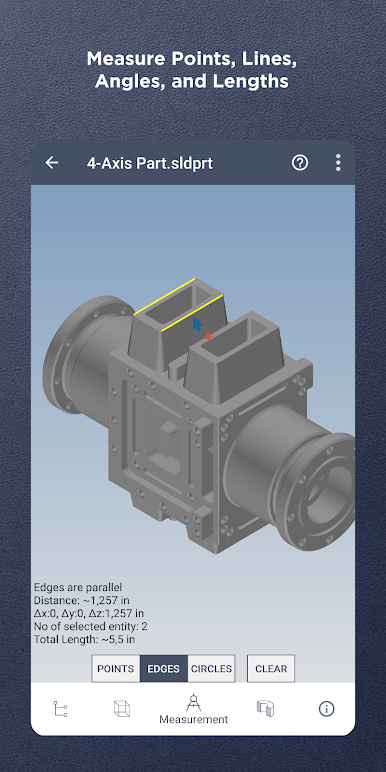
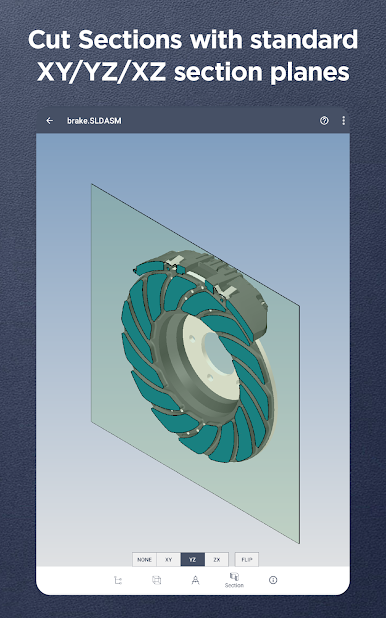
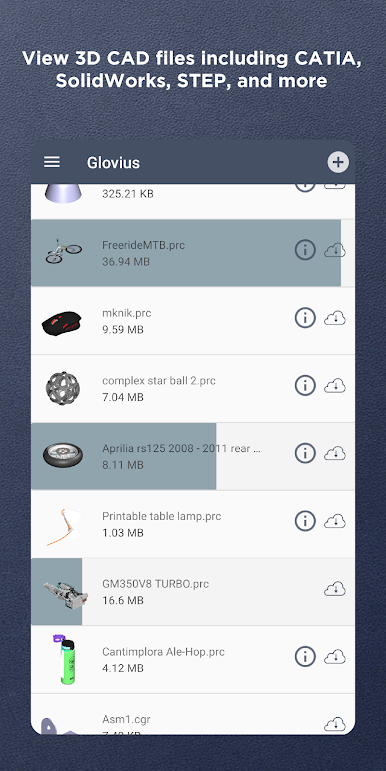
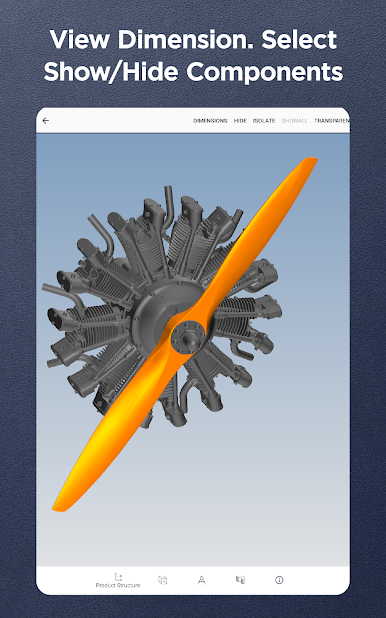
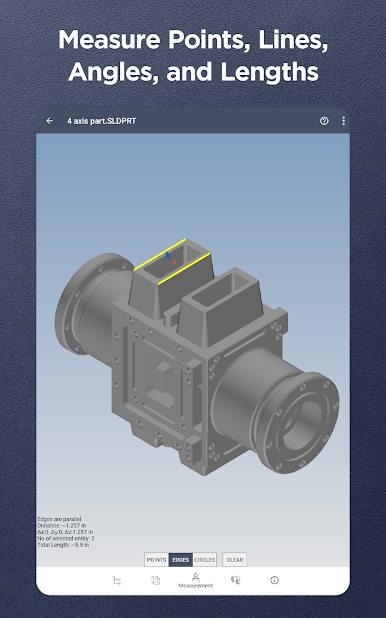
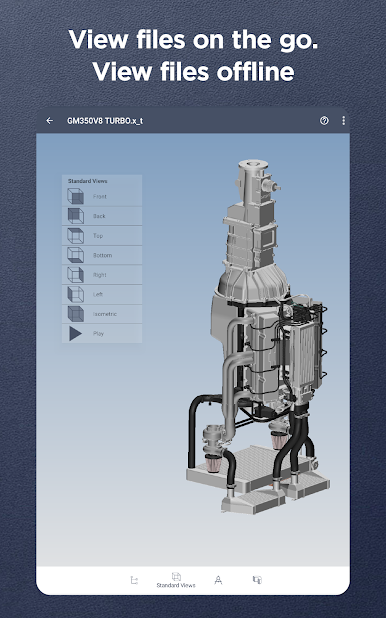
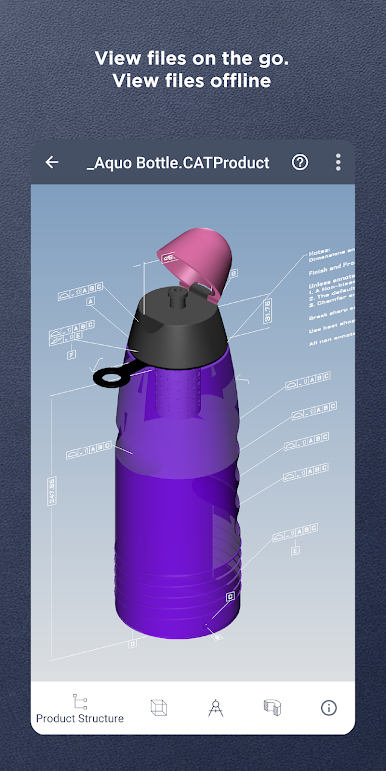
Glovius is basically for anyone who needs to check out 3D CAD models, but doesn’t want to be tied to a desk all day. It lets people open up all sorts of 3D files—stuff from SolidWorks, CATIA, Creo, STEP, STL, NX, and even SketchUp—right from their phone, tablet, or even on a PC with BlueStacks. The cool thing is, it’s quick; even big assemblies pop up in seconds. Everything feels smooth when zooming, rotating, and messing around with different views, whether they’re looking at a simple part or a full assembly. There are tools for measuring stuff, checking dimensions, or cutting sections across different planes for a closer look, so it’s not just a viewer.
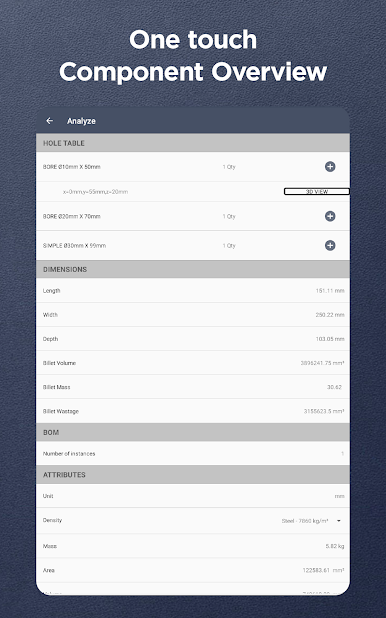
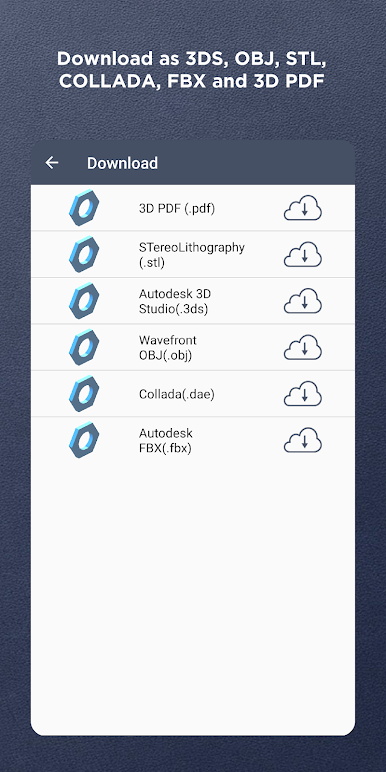
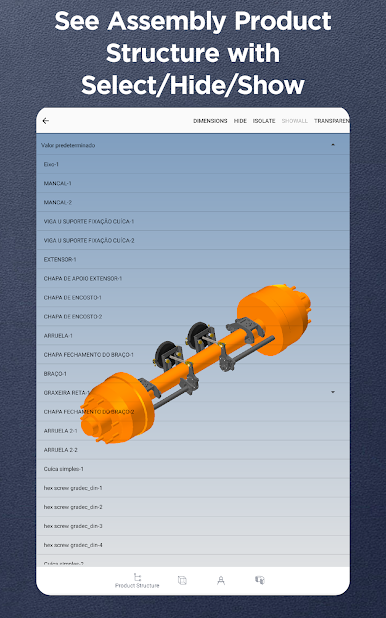
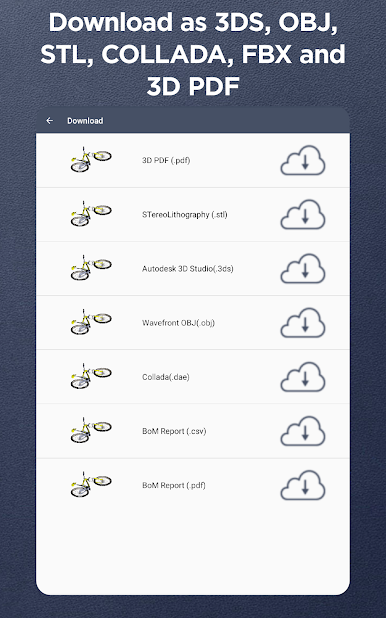
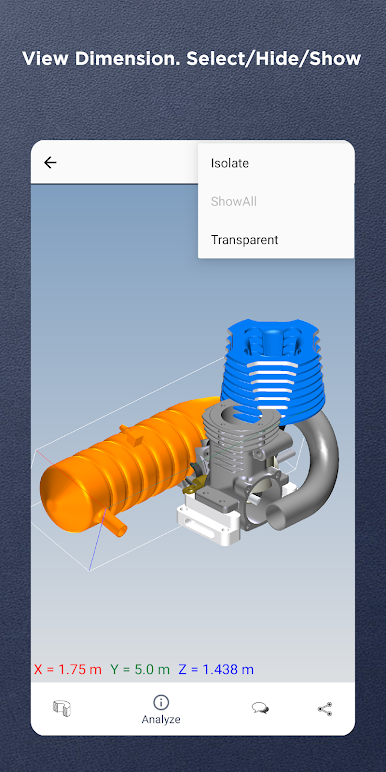
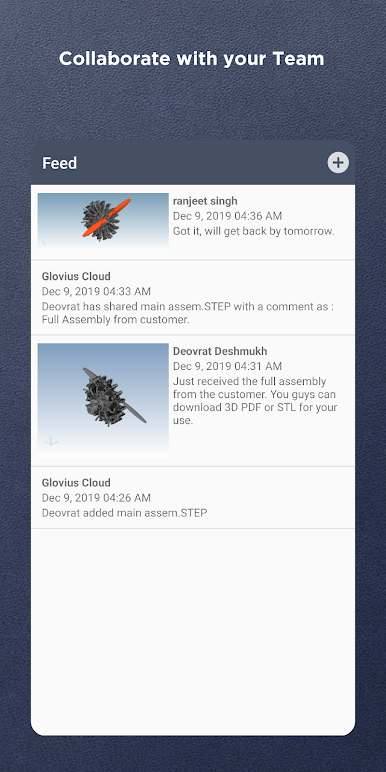
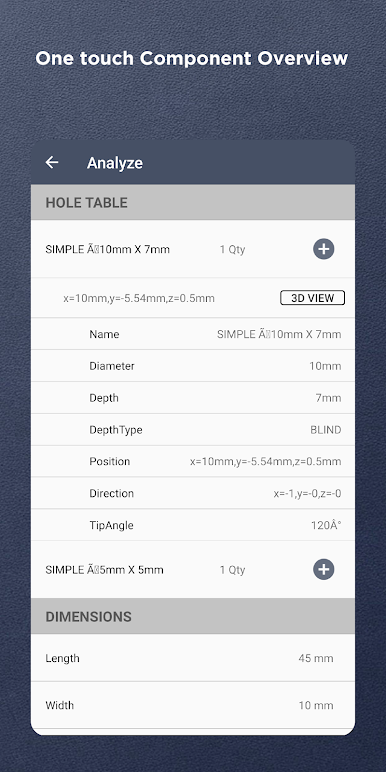
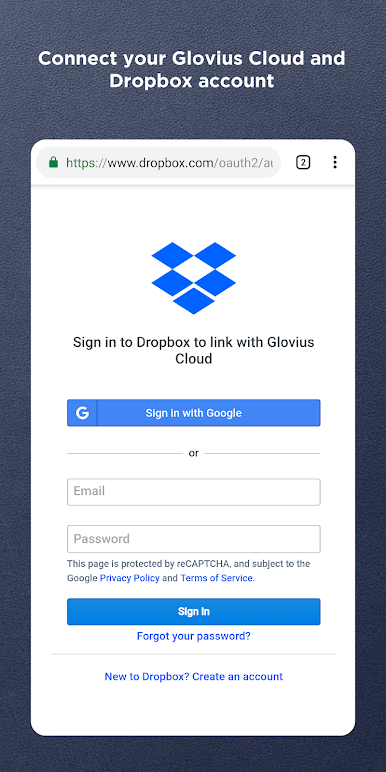
There’s an easy way to see all the details of the model: attributes, structure, and things like PMI and GD&T info. Users can hide or isolate certain parts, make pieces transparent, or go in and check hole details. If someone needs to run reports, the app spits out BOMs, 3D PDFs, and even hole tables. Downloading models in different formats like STL or OBJ is simple if they want to share or print something. Collaboration is built in too—leaving comments, marking up snapshots by drawing on them, and even seeing what teammates did or uploaded. Files are available offline once they’re downloaded, making it handy for working on the move. If anyone uses Glovius on Windows or Cloud, there’s push-to-cloud syncing, so files show up everywhere. So, it’s pretty much about taking a lot of the heavy CAD checking and teamwork stuff and making it pocket-sized—and it’s just as smooth playing with it on a PC through BlueStacks for those who like a bigger screen.
Big screen. Bigger performance. Use BlueStacks on your PC or Mac to run your favorite apps.
PC에서 Glovius - 3D CAD File Viewer 플레이해보세요.
-
BlueStacks 다운로드하고 설치
-
Google Play 스토어에 로그인 하기(나중에 진행가능)
-
오른쪽 상단 코너에 Glovius - 3D CAD File Viewer 검색
-
검색 결과 중 Glovius - 3D CAD File Viewer 선택하여 설치
-
구글 로그인 진행(만약 2단계를 지나갔을 경우) 후 Glovius - 3D CAD File Viewer 설치
-
메인 홈화면에서 Glovius - 3D CAD File Viewer 선택하여 실행

