

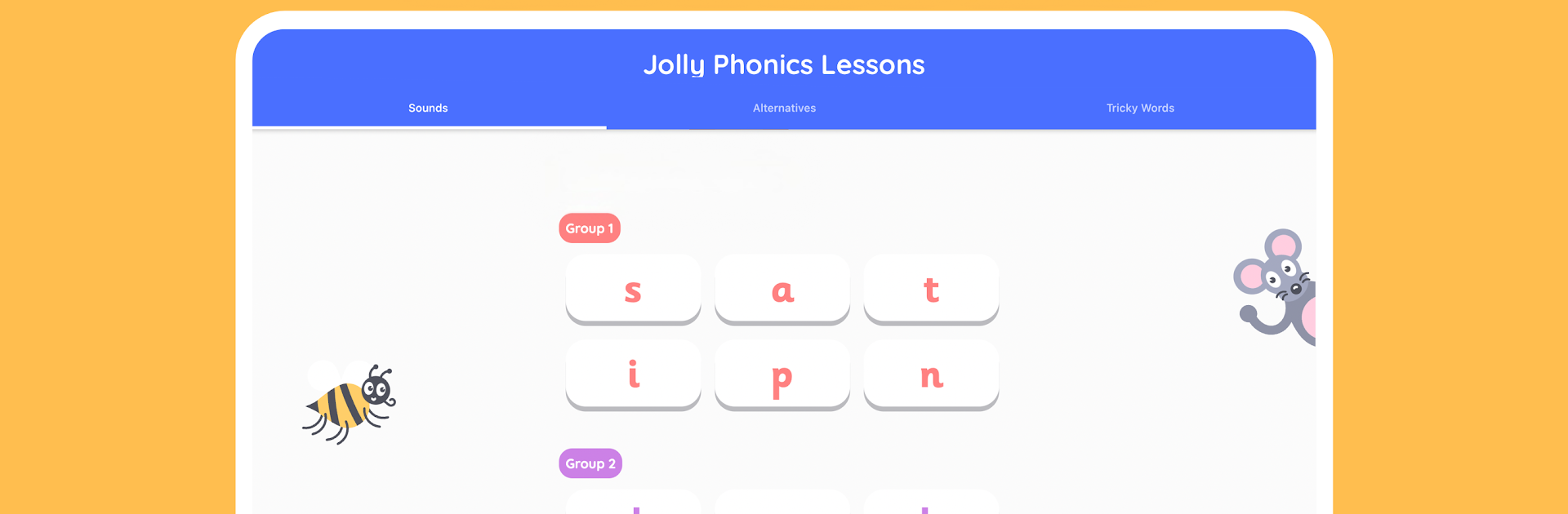
Jolly Phonics Lessons
在電腦上使用BlueStacks –受到5億以上的遊戲玩家所信任的Android遊戲平台。

Run Jolly Phonics Lessons on PC or Mac
Multitask effortlessly on your PC or Mac as you try out Jolly Phonics Lessons, a Education app by Jolly Technologies SL on BlueStacks.
About the App
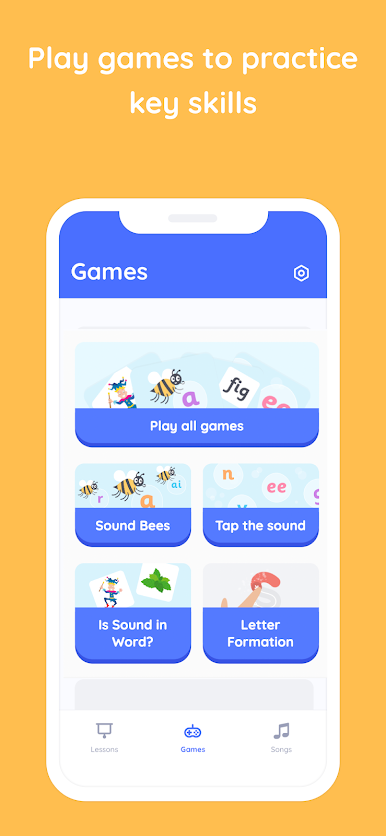
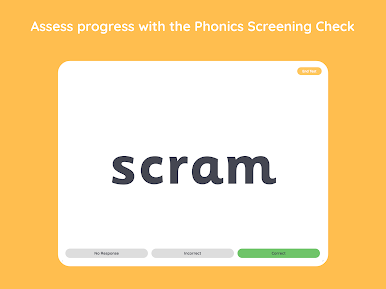
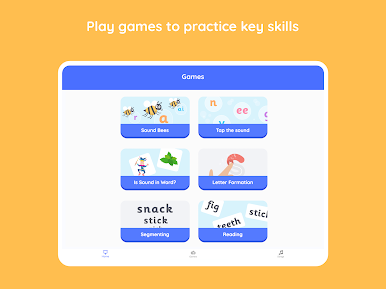
If you’re looking for a fun and practical way to help little learners pick up reading and writing skills, Jolly Phonics Lessons might just be your new favorite teaching companion. Created with teachers in mind, this Education app from Jolly Technologies SL turns phonics lessons into an interactive, hands-on experience, all in one handy place. Whether you’re planning group sessions or need a quick activity for individual students, you’ll find loads of useful tools right at your fingertips—especially when you use it with BlueStacks.
App Features
-
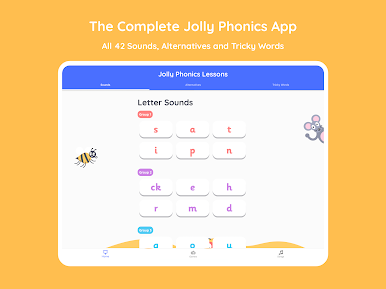
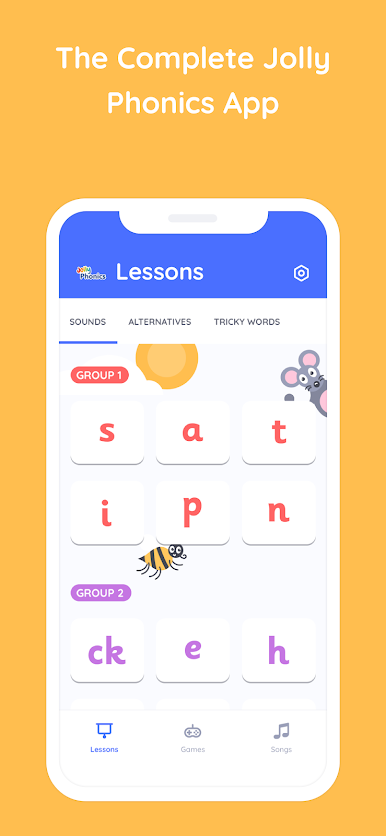
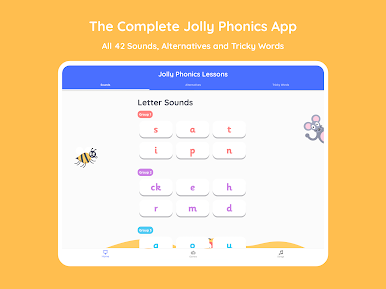
Letter Sounds With Audio
Every single letter sound has clear, easy-to-follow audio—just tap to hear how it should actually sound. Super useful for reinforcing pronunciation, or if you just want kids to hear it one more time without repeating yourself. -
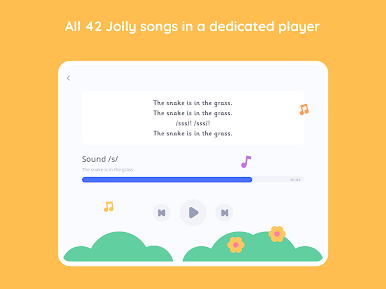
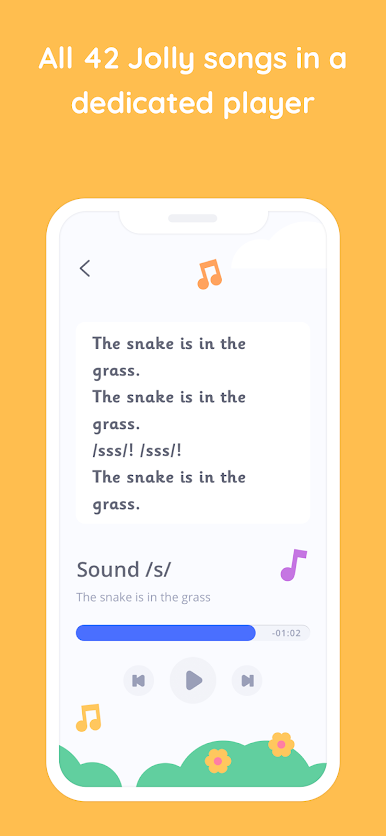
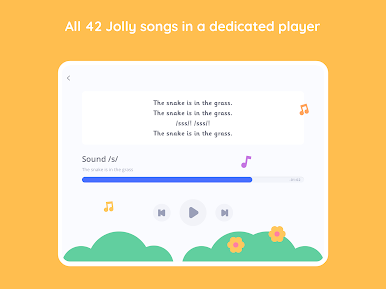
Catchy Jolly Songs
There’s a song for each letter sound, and they’re genuinely catchy. Perfect for group singalongs that help kids remember their phonics without even realizing they’re learning. -
Animated Letter Formation
Watch each letter take shape, stroke-by-stroke, so students know exactly how it’s formed. No guessing, and no confusion about which way the lines go (left, right, up, down). -
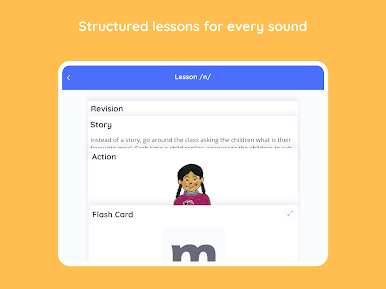
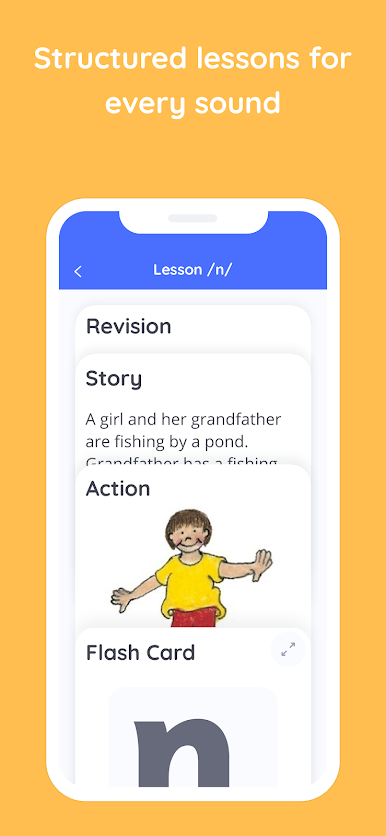
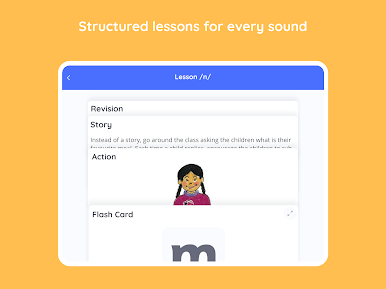
Action Images & Instructions
Every letter gets its own image and a simple action to act out, making lessons more engaging and helping different types of learners connect with new sounds. -
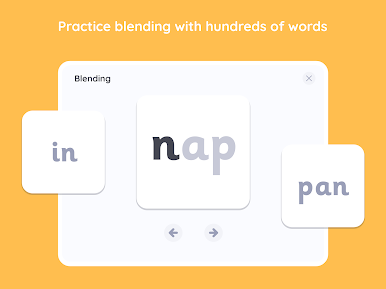
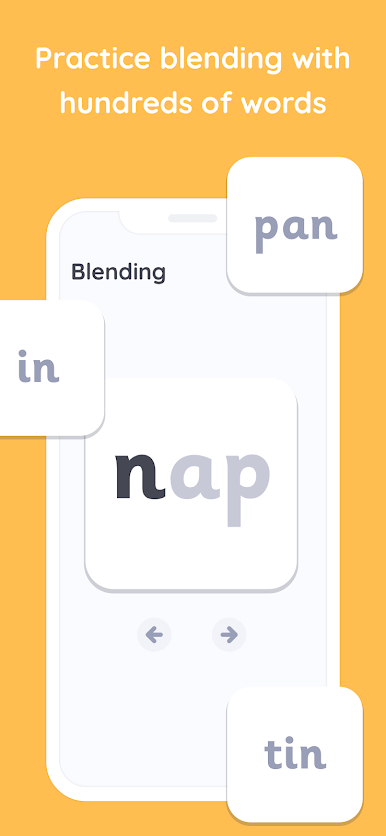
Handy Word Bank & Flash Cards
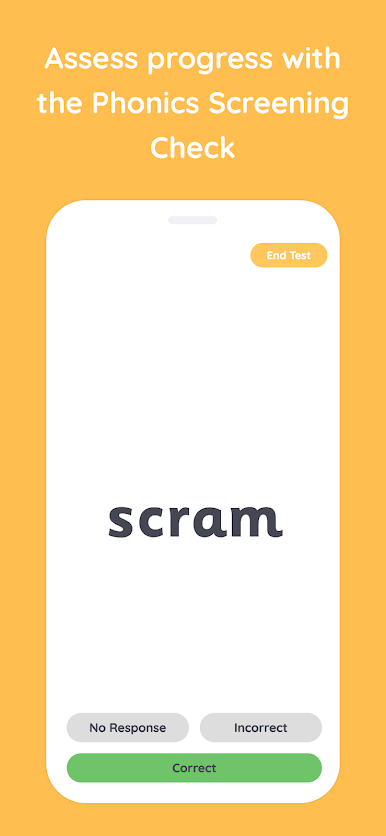
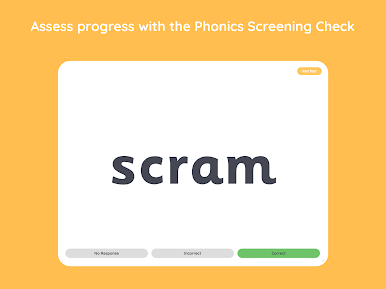
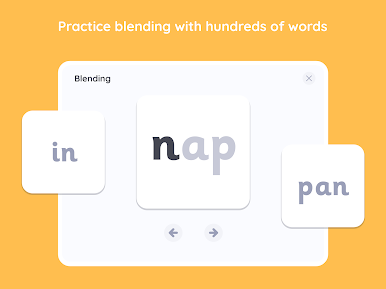
A collection of flash cards and word lists gives you instant resources for practice or quick revision on the spot, minus all the printing and cutting.
Perfect for classrooms, but just as handy when using BlueStacks on a larger screen for group activities or touch-free demonstrations.
Ready to experience Jolly Phonics Lessons on a bigger screen, in all its glory? Download BlueStacks now.

在電腦上遊玩Jolly Phonics Lessons . 輕易上手.
-
在您的電腦上下載並安裝BlueStacks
-
完成Google登入後即可訪問Play商店,或等你需要訪問Play商店十再登入
-
在右上角的搜索欄中尋找 Jolly Phonics Lessons
-
點擊以從搜索結果中安裝 Jolly Phonics Lessons
-
完成Google登入(如果您跳過了步驟2),以安裝 Jolly Phonics Lessons
-
在首頁畫面中點擊 Jolly Phonics Lessons 圖標來啟動遊戲

