


Gotify
在電腦上使用BlueStacks –受到5億以上的遊戲玩家所信任的Android遊戲平台。

Run Gotify on PC or Mac
Let BlueStacks turn your PC, Mac, or laptop into the perfect home for Gotify, a fun Tools app from Gotify.
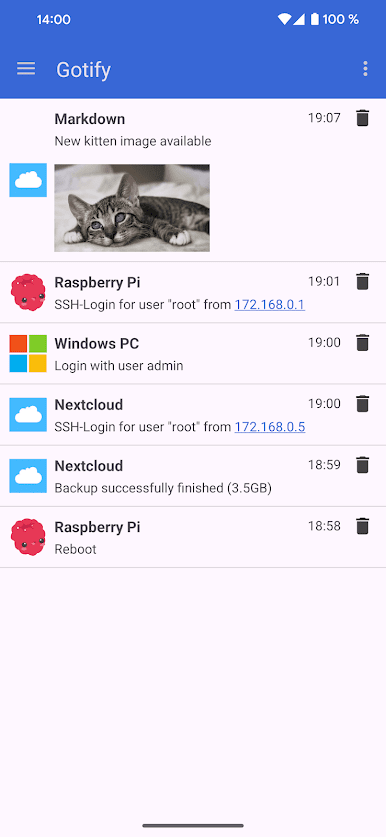
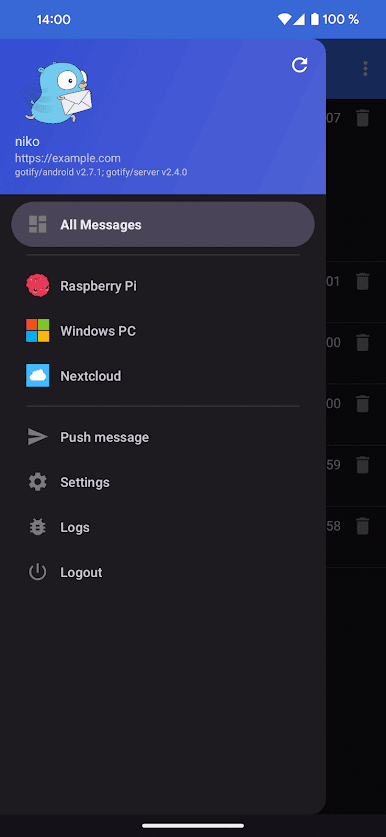
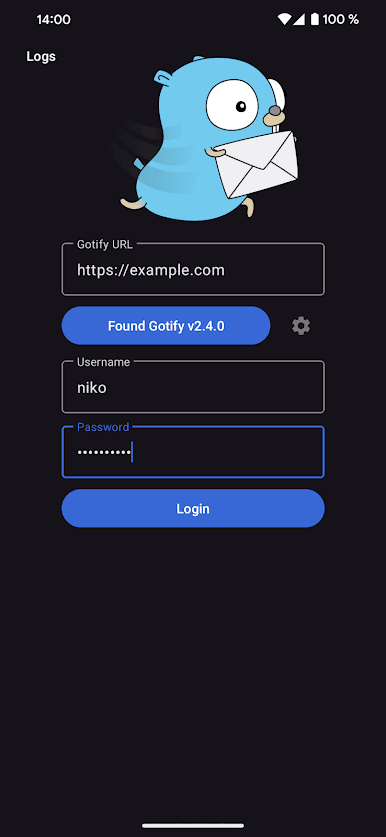
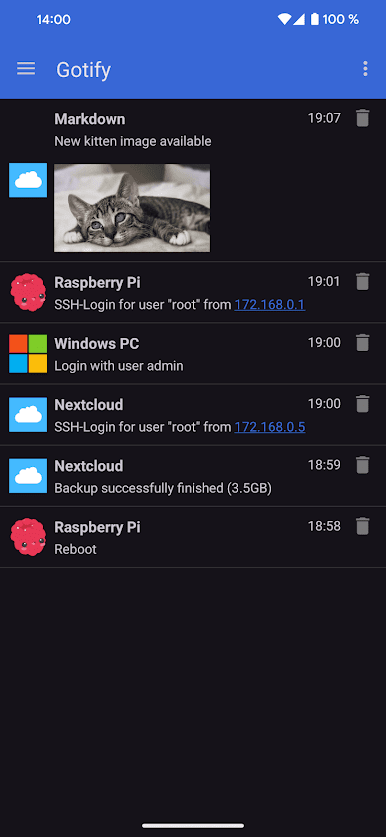
So, Gotify is basically a simple way to get instant push notifications on your devices for stuff happening on your own server. It’s mostly made for anyone wanting to run their own little messaging system, not depend on big cloud stuff. The setup is meant for people who already run something at home or on a server—so, it’s not plug-and-play or a chatting app out of the box. Once it’s running, though, the Gotify app connects straight to your server and brings in notifications in real time. It keeps things clear, not overloaded with extras. Messages pop up as notifications with details, and managing them feels straightforward—no clutter or weird ads anywhere.
Running it on BlueStacks is actually pretty smooth—notifications show up just like they would on a phone, so you get that on your PC. The whole thing feels snappy and efficient: no nonsense, just instant updates whenever your server wants to tell you something. It’s clearly open source, so nothing’s hidden under the hood if anyone likes tweaking. It’s best for folks who have a use for custom push notifications, like monitoring some service or home setup, rather than for everyday messaging. But for that specific group, it does the job without getting in the way.
Ready to experience Gotify on a bigger screen, in all its glory? Download BlueStacks now.
在電腦上遊玩Gotify . 輕易上手.
-
在您的電腦上下載並安裝BlueStacks
-
完成Google登入後即可訪問Play商店,或等你需要訪問Play商店十再登入
-
在右上角的搜索欄中尋找 Gotify
-
點擊以從搜索結果中安裝 Gotify
-
完成Google登入(如果您跳過了步驟2),以安裝 Gotify
-
在首頁畫面中點擊 Gotify 圖標來啟動遊戲

