

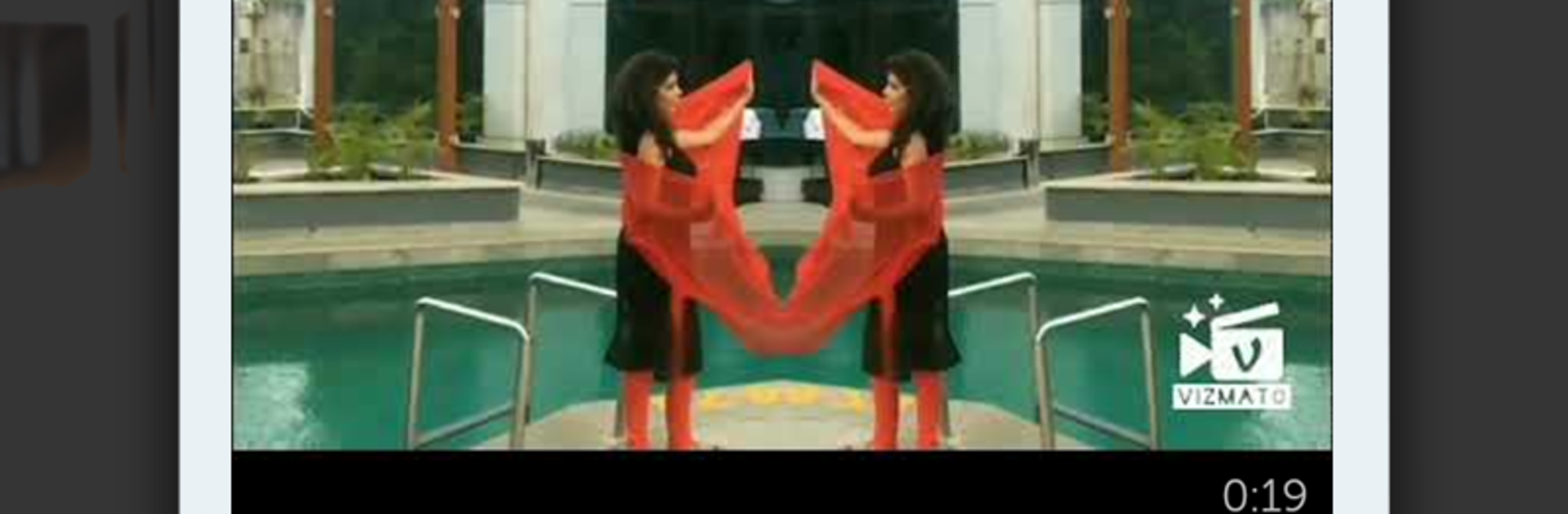
تطبيق Vizmato-محرر ومنشئ فيديو
العب على الكمبيوتر الشخصي مع BlueStacks - نظام أندرويد للألعاب ، موثوق به من قبل أكثر من 500 مليون لاعب.

Run Vizmato – Video Editor & Slideshow maker! on PC or Mac
Let BlueStacks turn your PC, Mac, or laptop into the perfect home for Vizmato – Video Editor & Slideshow maker!, a fun Video Players & Editors app from Global Delight Technologies Pvt. Ltd..
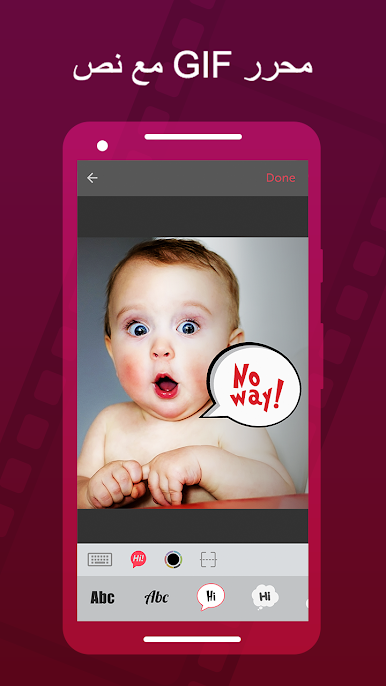
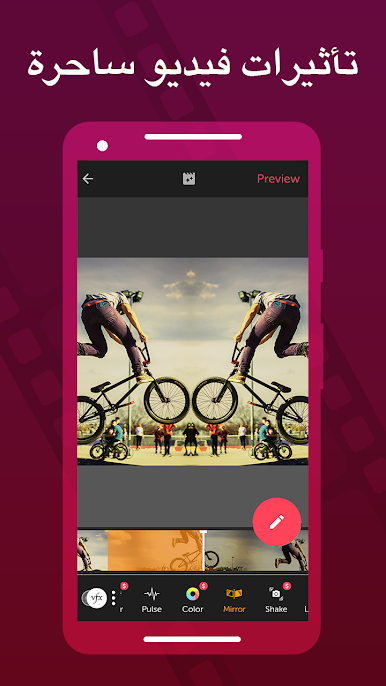
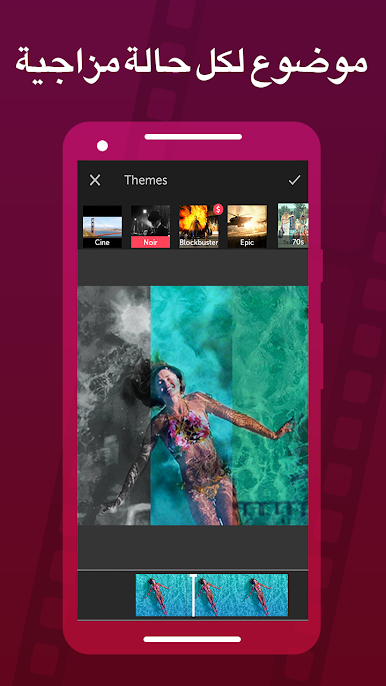
Vizmato feels a lot like one of those apps where you can just play around with your videos and end up making something way more interesting than you started with. Editing is simple—just trimming, clipping, dropping in filters and weird effects, and adding music or text. The filters and themes are fun, too, and there are plenty of options so a video can go from looking plain to totally stylized, whether it’s something dramatic, silly, or kind of mysterious. People tend to like how fast it works; you can throw together a little slideshow from photos in a few seconds, pick a theme, pop in some music, and it’s ready to go.
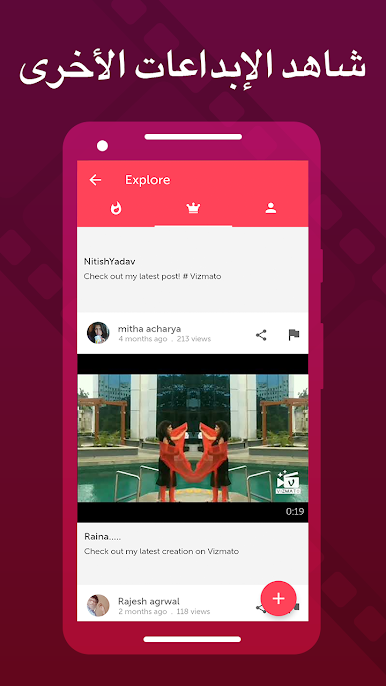
What grabs a lot of attention is all those effects—they’re surprisingly bold, and there’s a good chunk to pick from, even some effects you’d expect in bigger editing programs. Making GIFs or looping videos is easy, plus there’s that live recording feature where you can apply filters and effects as you film (kind of cool if you want to see everything in real time). Even the voice changer is there for when you want to add a weird twist to the audio—think chipmunk or robot, not just basic pitch changes. It helps that it feels comfortable to use on a bigger PC screen with BlueStacks. And since you can share to different socials or check out stuff other people have made, there’s always some new idea right in the app. All in all, it’s the kind of tool that manages to be relaxed but still lets you look creative.
Switch to BlueStacks and make the most of your apps on your PC or Mac.



العب تطبيق Vizmato-محرر ومنشئ فيديو على جهاز الكمبيوتر. من السهل البدء.
-
قم بتنزيل BlueStacks وتثبيته على جهاز الكمبيوتر الخاص بك
-
أكمل تسجيل الدخول إلى Google للوصول إلى متجر Play ، أو قم بذلك لاحقًا
-
ابحث عن تطبيق Vizmato-محرر ومنشئ فيديو في شريط البحث أعلى الزاوية اليمنى
-
انقر لتثبيت تطبيق Vizmato-محرر ومنشئ فيديو من نتائج البحث
-
أكمل تسجيل الدخول إلى Google (إذا تخطيت الخطوة 2) لتثبيت تطبيق Vizmato-محرر ومنشئ فيديو
-
انقر على أيقونة تطبيق Vizmato-محرر ومنشئ فيديو على الشاشة الرئيسية لبدء اللعب

