YouTube Music

YouTube Music

Música & Áudio | Google LLC

Jogue no PC com BlueStacks - A Plataforma de Jogos Android, confiada por mais de 500 milhões de jogadores.

Página modificada em: Dec 15, 2025

Run YouTube Music on PC or Mac

YouTube Music is a Music & Audio app developed by Google LLC. BlueStacks app player is the best platform (emulator) to run this Android app on your PC or Mac for an immersive user experience!

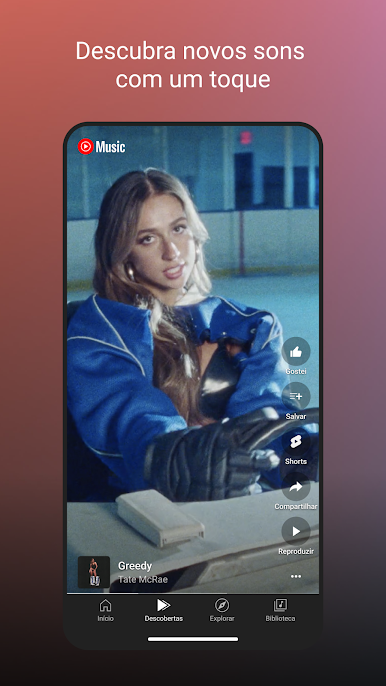
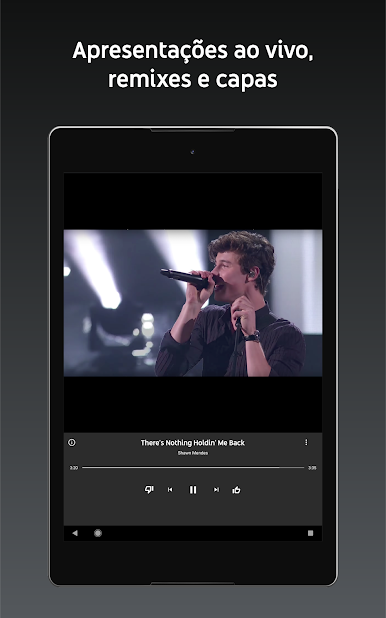
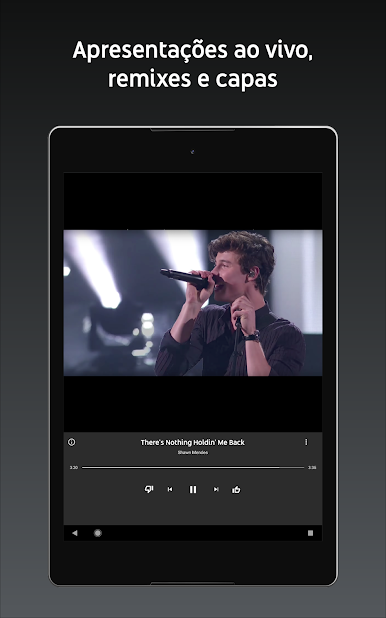
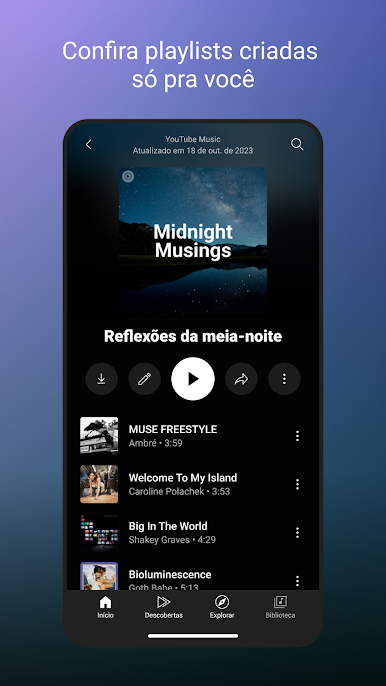
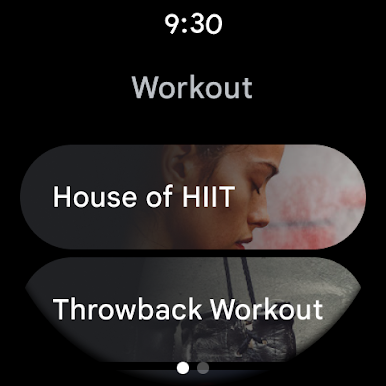
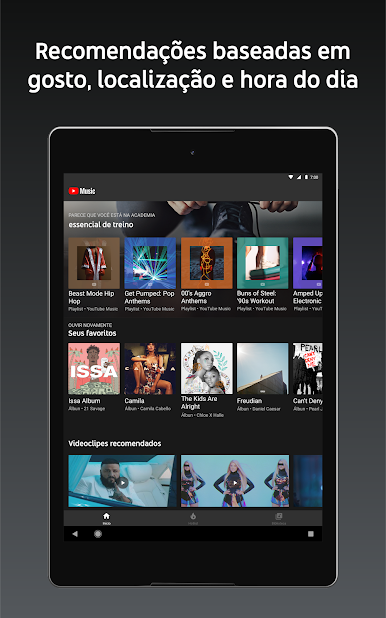
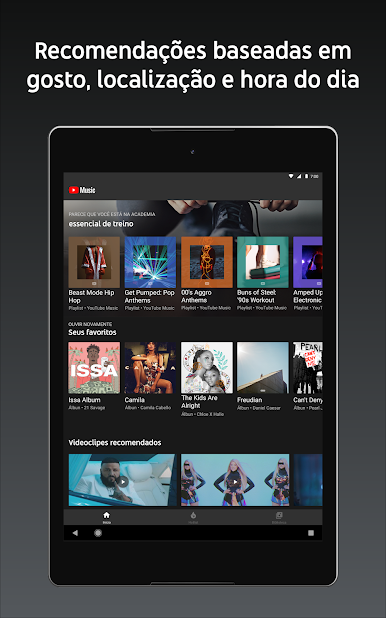
Step into a world of music that covers original songs, live performances, remixes, music content, etc. Enjoy countless curated playlists made for different occasions and moods. So, suppose you want to chill, workout, party, sleep, or you’re sad.  This app has a befitting song for you.

About the App

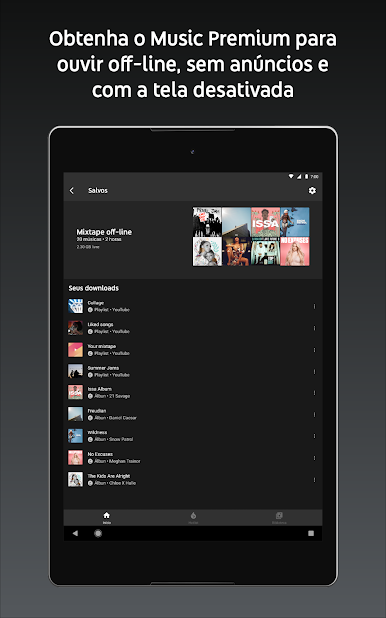
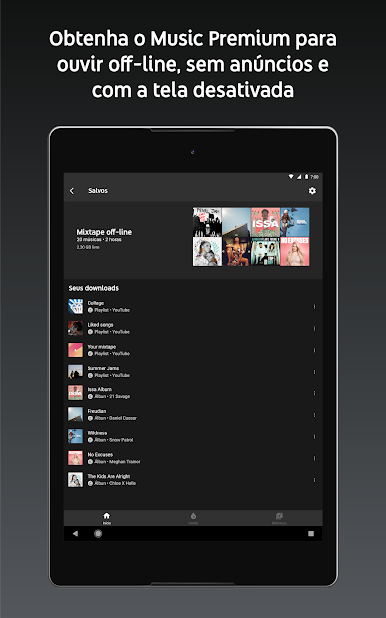
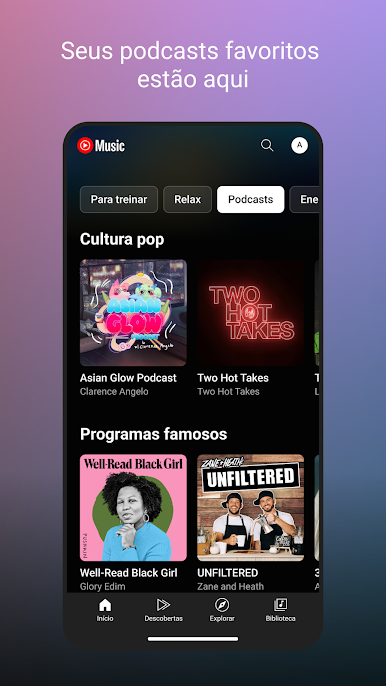
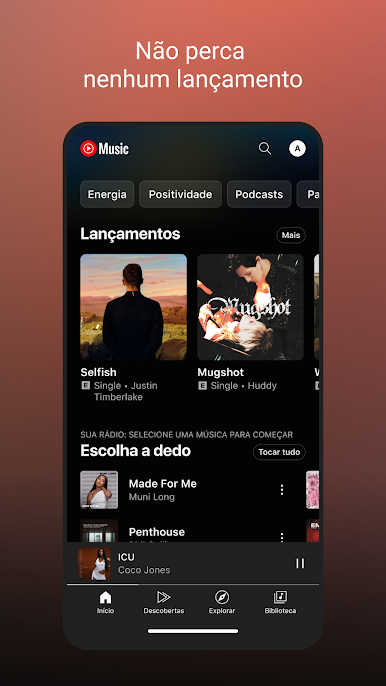
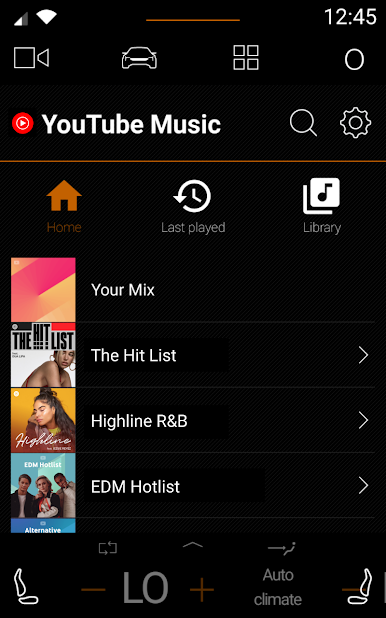
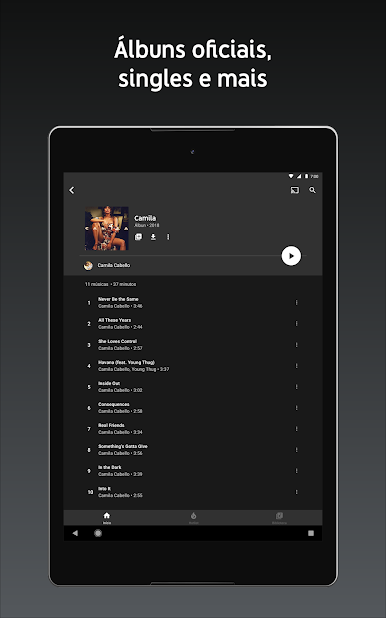
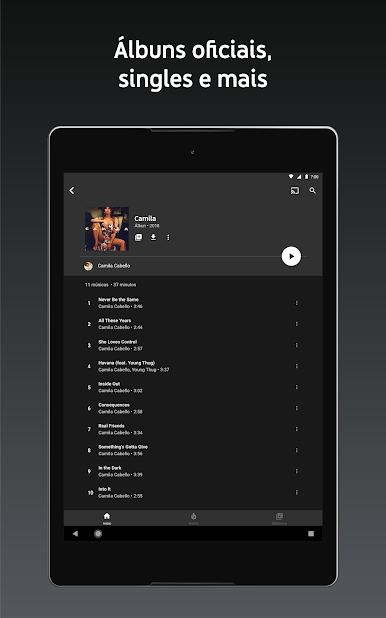
YouTube Music offers an extensive collection of songs from artists around the world. It lets you discover music based on genres like Hip Hop, RnB, Country, Alternative, and several more. The app allows you to create your own library by liking and adding songs, artists, playlists, and albums. 

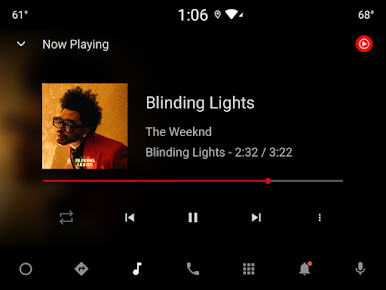
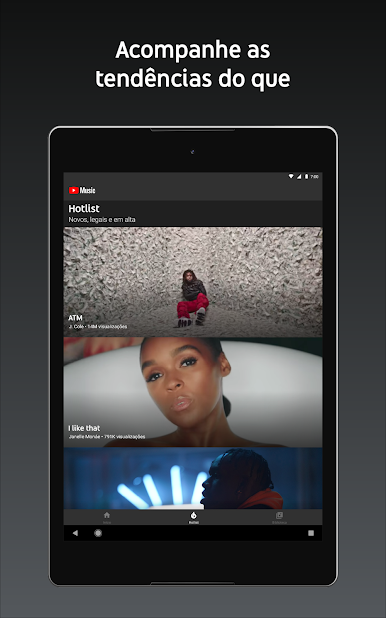
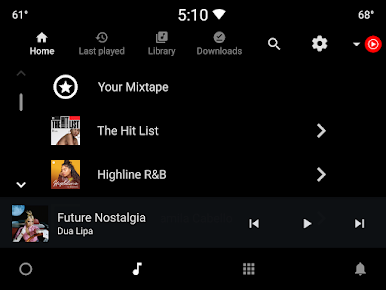
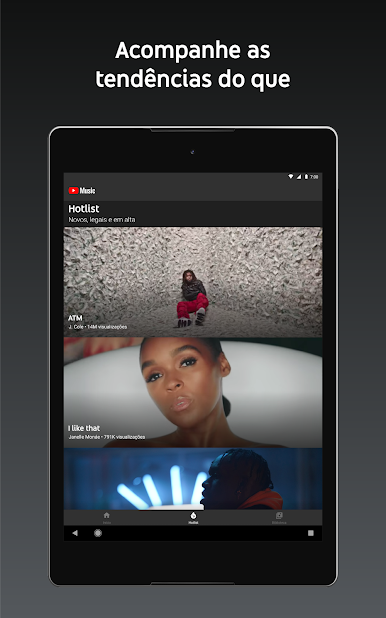
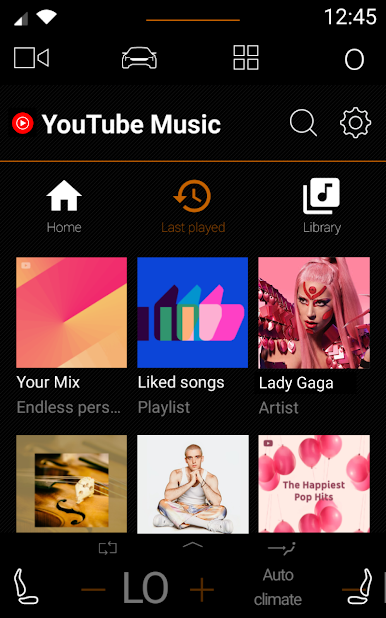
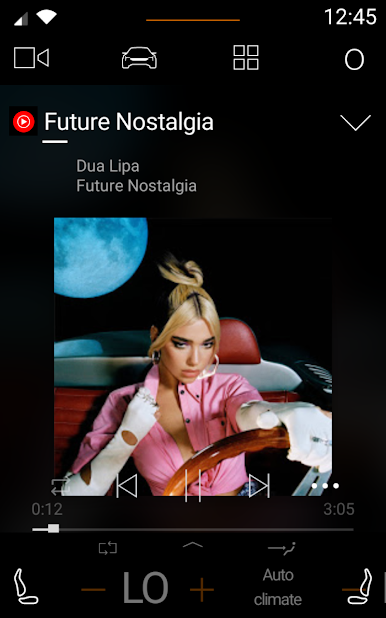
YouTube Music keeps you up to date with the latest trends in music and top charts to help you find new music. You can also curate playlists whenever you like and share them with your loved ones. It is compatible with apps like Google Maps, Google Assistant, Waze, and others to make your listening time more exciting. 

App Features

  • Intuitive user interface 
  • Accurate song lyrics
  • High-quality audio 

How to Get?

Download YouTube Music for free from the Google Play Store using the BlueStacks app player.

Learn how to download and play APK Games on your PC or MAC.

Jogue YouTube Music no PC. É fácil começar.

  • Baixe e instale o BlueStacks no seu PC

  • Conclua o login do Google para acessar a Play Store ou faça isso mais tarde

  • Procure por YouTube Music na barra de pesquisa no canto superior direito

  • Clique para instalar YouTube Music a partir dos resultados da pesquisa

  • Conclua o login do Google (caso você pulou a etapa 2) para instalar o YouTube Music

  • Clique no ícone do YouTube Music na tela inicial para começar a jogar

Assistir o Vídeo