


RO: Idle Poring
Jogue no PC com BlueStacks - A Plataforma de Jogos Android, confiada por mais de 500 milhões de jogadores.

Página modificada em: Dec 08, 2025
Visão Geral
Lançamento Oficial! Mundo Clássico do RO!
Original e Licenciado pela Gravity.
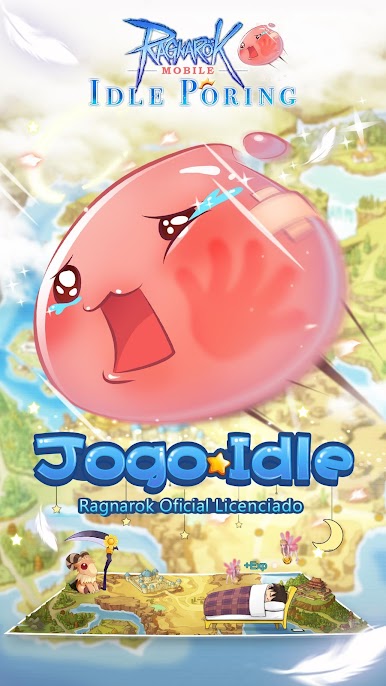
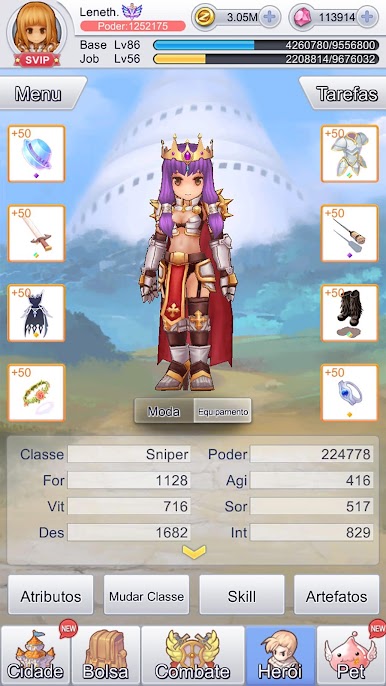
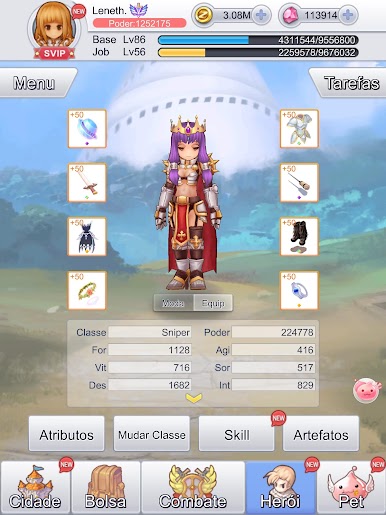
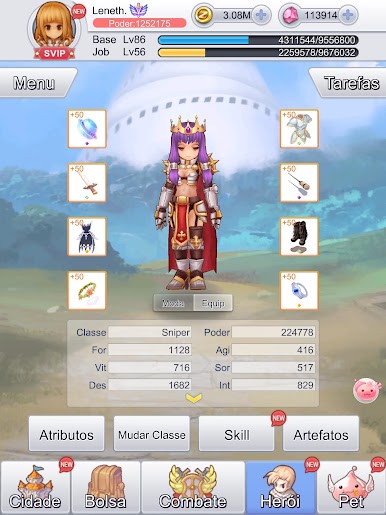
RO: Idle Poring reaviva todos o sentimento nostalgico do Ragnarok Online! Venha viver a experiência dis tradicionais , world design, cards, class and rebirth system! Discover the new and exclusive RO: Idle Poring, Pet Exploration gameplay! Everything you love about Ragnarok with a modern touch! This is RO: Idle Poring!
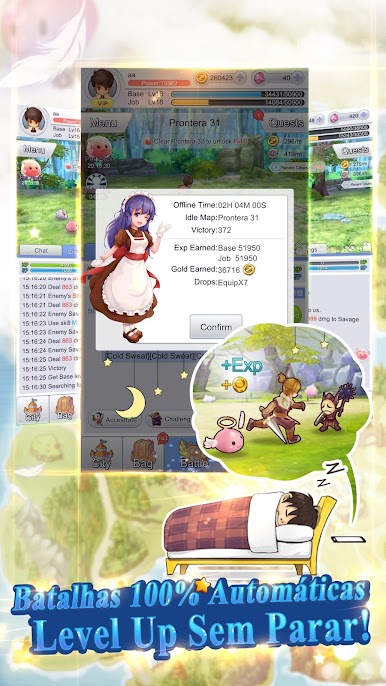
Auto Battle! Level UP 24/7 Non-Stop!
RO: Idle Poring gives you more freedom with the 24/7 Non-Stop Auto Battle System! Even when you are off-line, the battle continues! Play when you want! Play how you want!
Combat Pets! Epic Fights!
Pets will follow you into the Adventure! Take up to 6 pets with you and send over 20 Pets to their own Expeditions! Pets will find Gears and Items in their explorations! Level UP your Pets manually and master the Pet Type mechanics to help your little friends to defeat their enemies and claim various Rewards.
Global Server! Worldwide Launch!
RO: Idle Poring has only one Global Server! Gather with players from all over the world and unveil the mysteries of Rune Midgard! No complications, no server restrictions! Make new friends! Fight new foes! Conquer the Ragnarok World!








Jogue RO: Idle Poring no PC. É fácil começar.
-
Baixe e instale o BlueStacks no seu PC
-
Conclua o login do Google para acessar a Play Store ou faça isso mais tarde
-
Procure por RO: Idle Poring na barra de pesquisa no canto superior direito
-
Clique para instalar RO: Idle Poring a partir dos resultados da pesquisa
-
Conclua o login do Google (caso você pulou a etapa 2) para instalar o RO: Idle Poring
-
Clique no ícone do RO: Idle Poring na tela inicial para começar a jogar

