


Simple Shift - work schedule
在電腦上使用BlueStacks –受到5億以上的遊戲玩家所信任的Android遊戲平台。

Run Simple Shift - work schedule on PC or Mac
Multitask effortlessly on your PC or Mac as you try out Simple Shift – work schedule, a Productivity app by Grigory Ovinkin on BlueStacks.
About the App
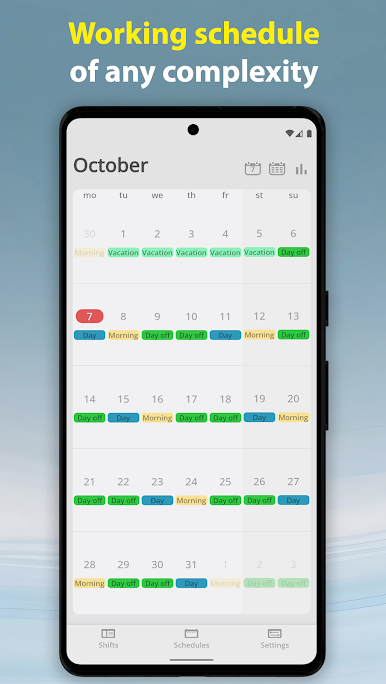
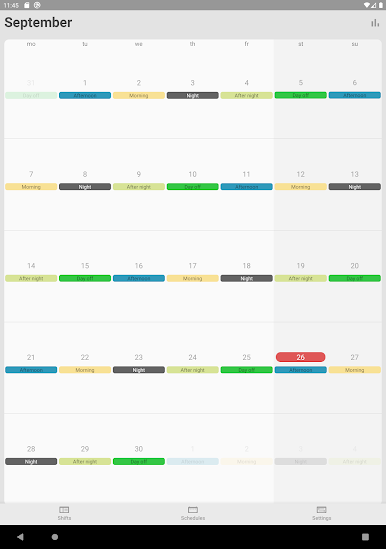
Juggling rotating shifts, on-call days, or an irregular work pattern? Simple Shift – work schedule lays out your calendar so you can see what’s coming without digging through menus. Made by Grigory Ovinkin, this Productivity app keeps your schedule clear, your hours counted, and your earnings on track. Prefer a bigger view? You can also check it on your computer with BlueStacks.
App Features
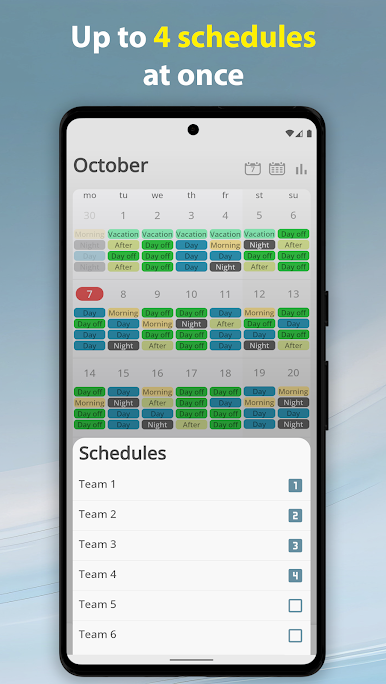
- Clear calendar overview: View up to four different schedules at once, and quickly hide or show each one when you just need the essentials.
- Flexible patterns: Works great for repeating rotations and one-off shifts—no rigid setup, no headache.
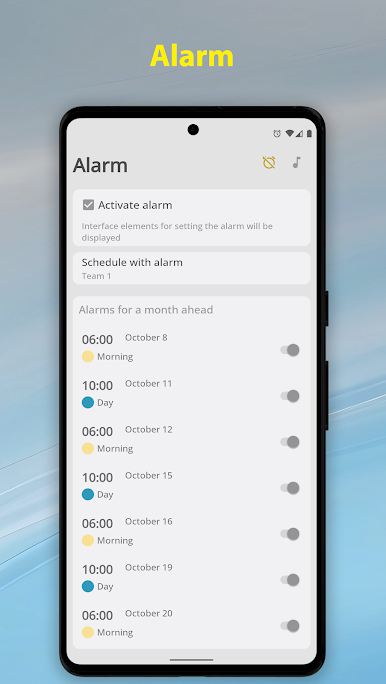
- Shift-based alarms: Set unique alarm times for each shift. It uses your phone’s system alarm sound, so it feels familiar.
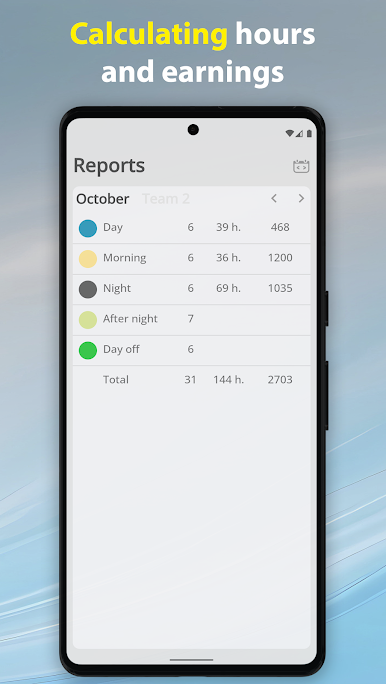
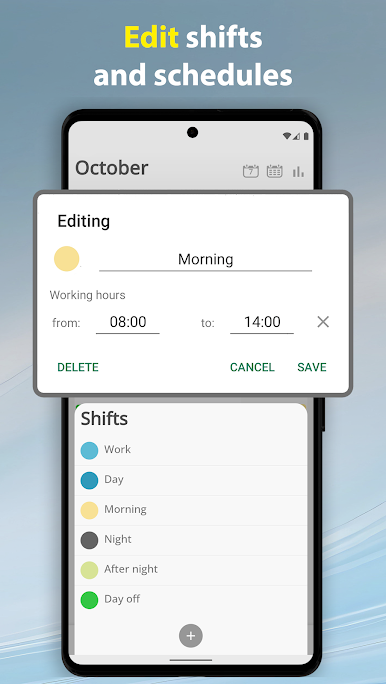
- Hours tracking with reports: Define work hours per shift and get automatic monthly totals in a handy Reports section.
- Earnings calculator (optional): Turn it on in settings to track pay by the hour or per shift, with separate rates for each shift type.
- Vacations and days off: Block out time away per schedule to keep your calendar accurate.
- Events and calendar sync: Add notes and events, or sync with your device’s system calendar to keep everything in one place.
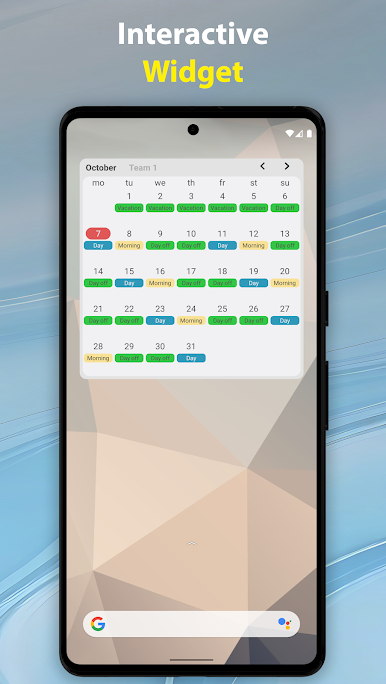
- Interactive home widget: See your upcoming shifts and make quick updates right from the home screen.
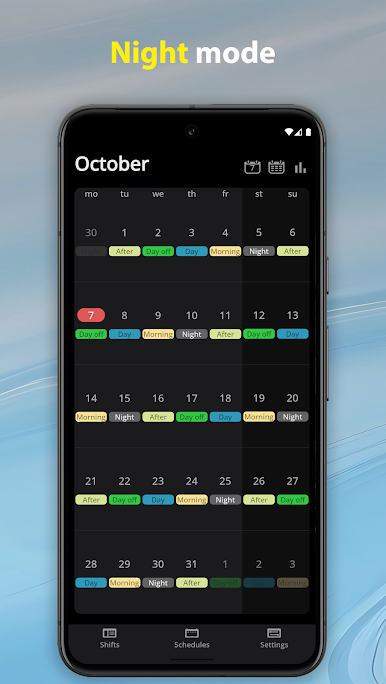
- Night mode: A dark theme that’s comfortable during late nights or early mornings.
- Backup and restore: Save all your data and move it to a new device when you need to.
- No ads: Plan your week without interruptions or clutter.
Switch to BlueStacks and make the most of your apps on your PC or Mac.
在電腦上遊玩Simple Shift - work schedule . 輕易上手.
-
在您的電腦上下載並安裝BlueStacks
-
完成Google登入後即可訪問Play商店,或等你需要訪問Play商店十再登入
-
在右上角的搜索欄中尋找 Simple Shift - work schedule
-
點擊以從搜索結果中安裝 Simple Shift - work schedule
-
完成Google登入(如果您跳過了步驟2),以安裝 Simple Shift - work schedule
-
在首頁畫面中點擊 Simple Shift - work schedule 圖標來啟動遊戲

