

Jogo de Bike Motorizada
Jogue no PC com BlueStacks - A Plataforma de Jogos Android, confiada por mais de 500 milhões de jogadores.

Página modificada em: Mar 17, 2025
Play Moto Driving School on PC or Mac
Explore a whole new adventure with Moto Driving School, a Simulation game created by GT Action Games. Experience great gameplay with BlueStacks, the most popular gaming platform to play Android games on your PC or Mac.
About the Game
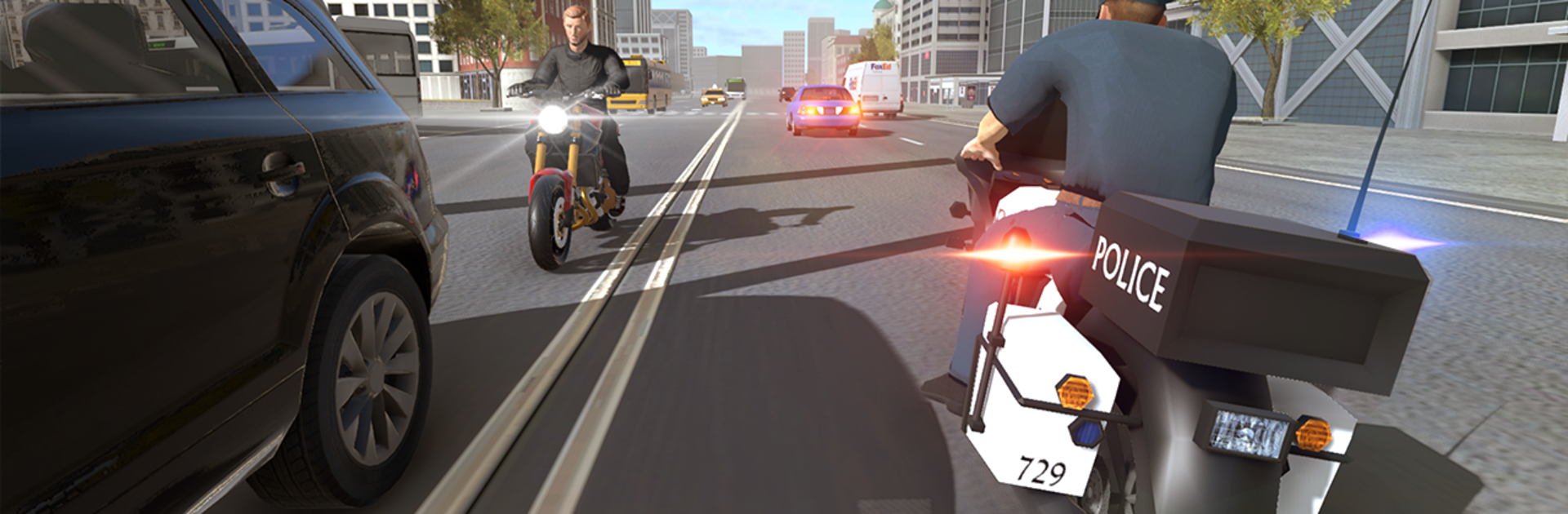
Moto Driving School is all about putting your motorcycle skills to the test. Whether you’re already a fan of two wheels or just want to see what it’s like to cruise and steer through tough tracks, this simulation game from GT Action Games offers a mix of fun, challenge, and that little rush that comes from zipping around corners. Play it on BlueStacks if you want those 3D graphics to really pop on a bigger screen.
Game Features
-
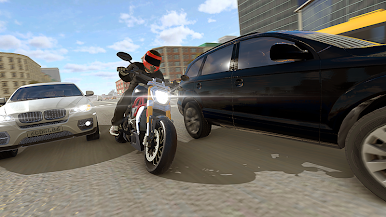
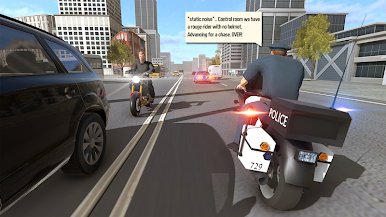
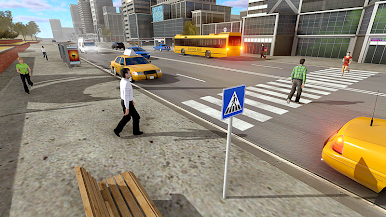
Striking 3D Graphics
The game serves up detailed bikes and environments, making each track feel lively and realistic. Every angle, shadow, and neon reflection is a treat for the eyes – especially if you’re running it via BlueStacks. -
Intuitive Controls
No need for an instruction manual here – guiding your bike feels natural. The controls are smooth, so you can focus more on the road and less on fiddly button combinations. -
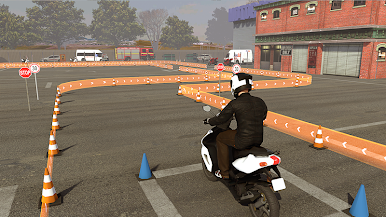
Challenging Tracks
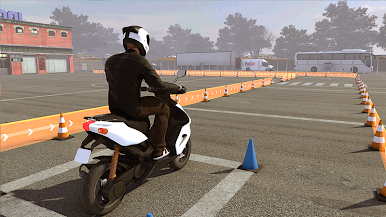
Forget straightforward streets – the tracks are packed with twists, turns, and interesting obstacles. It’s a proper test of your skills, whether you’re weaving through cones or gunning it down a straightaway. -
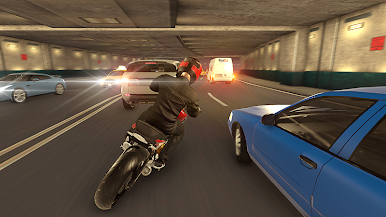
Variety of Super Bikes
You’re not limited to just one ride. Pick from a selection of super bikes and find the one that suits your style—each with its own strengths for tackling those tricky courses. -
Realistic Riding Experience
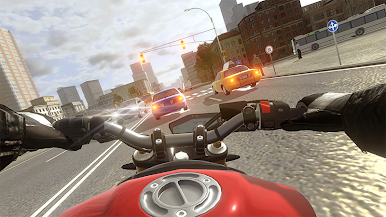
The game aims to mimic the real feeling of being on a motorcycle, right down to how it handles at high speeds or tight corners. Every victory feels earned.
Ready to top the leaderboard? We bet you do. Let precise controls and sharp visuals optimized on BlueStacks lead you to victory.
Jogue Jogo de Bike Motorizada no PC. É fácil começar.
-
Baixe e instale o BlueStacks no seu PC
-
Conclua o login do Google para acessar a Play Store ou faça isso mais tarde
-
Procure por Jogo de Bike Motorizada na barra de pesquisa no canto superior direito
-
Clique para instalar Jogo de Bike Motorizada a partir dos resultados da pesquisa
-
Conclua o login do Google (caso você pulou a etapa 2) para instalar o Jogo de Bike Motorizada
-
Clique no ícone do Jogo de Bike Motorizada na tela inicial para começar a jogar

