


Color Puzzle Game
Jogue no PC com BlueStacks - A Plataforma de Jogos Android, confiada por mais de 500 milhões de jogadores.

Página modificada em: Aug 15, 2024
Jogue Color Puzzle Game para PC
Um dos jogos de quebra-cabeça mais viciantes.
Simples, divertido e adequado para crianças/adultos treinarem o cérebro e manterem a mente afiada!
Como jogar o Jogo de Quebra-cabeça de Cores:
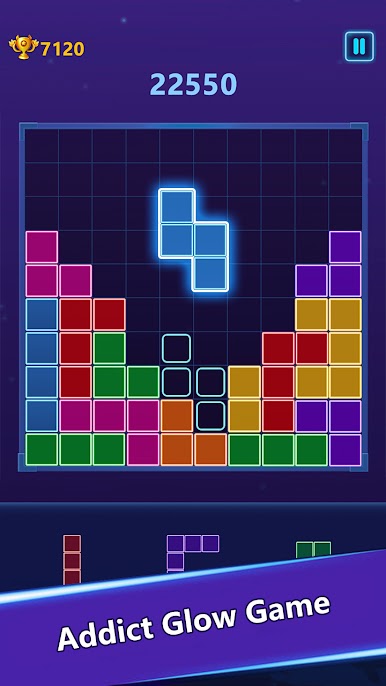
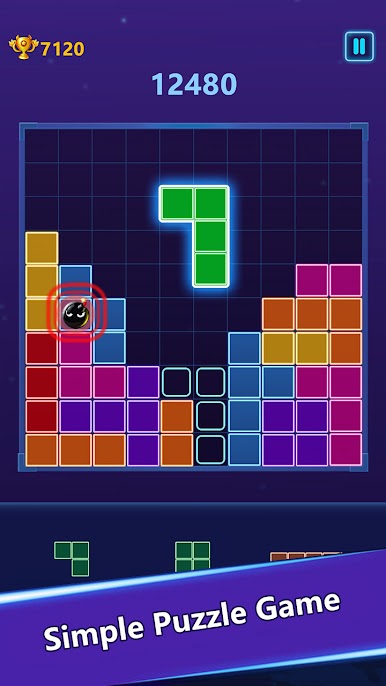
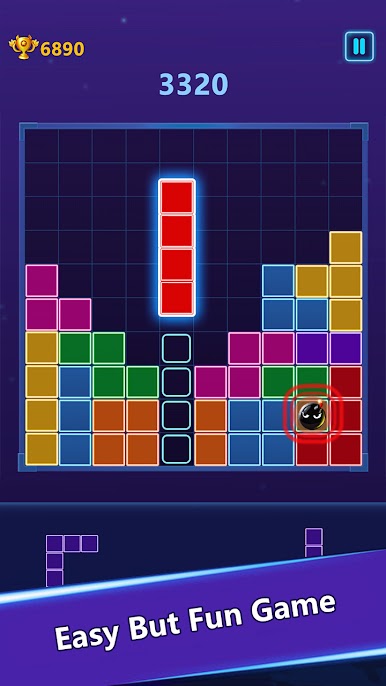
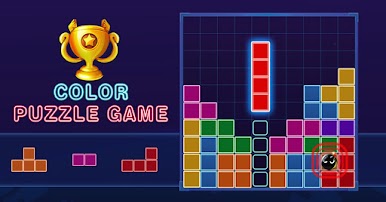
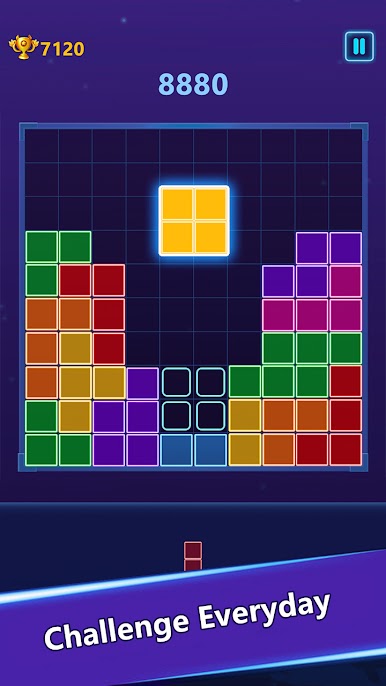
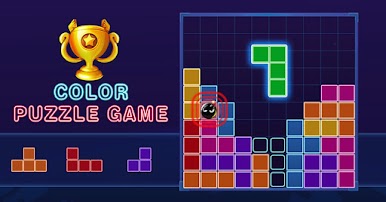
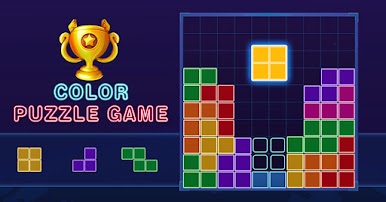
Arraste e solte a peça clássica no tabuleiro e faça linhas horizontal ou verticalmente para removê-las. Este é um jogo de peças simples, mas divertido.
Características do Jogo de Quebra-cabeça de Cores:
1. Fácil de jogar e agradável para todas as idades.
2. Simples e atraente.
3. Jogos de quebra-cabeça de cores grátis.
4. Sem Wi-Fi? Sem problemas!
Dicas para o Jogo de Quebra-cabeça de Cores:
1. Sem limite de tempo.
2. Quanto mais peças você esmagar, maior será sua pontuação.
Jogue e divirta-se com este emocionante jogo de quebra-cabeça de cores!

Jogue Color Puzzle Game no PC. É fácil começar.
-
Baixe e instale o BlueStacks no seu PC
-
Conclua o login do Google para acessar a Play Store ou faça isso mais tarde
-
Procure por Color Puzzle Game na barra de pesquisa no canto superior direito
-
Clique para instalar Color Puzzle Game a partir dos resultados da pesquisa
-
Conclua o login do Google (caso você pulou a etapa 2) para instalar o Color Puzzle Game
-
Clique no ícone do Color Puzzle Game na tela inicial para começar a jogar

